Convert Audio to Text with High Accuracy
Transcribe audio to text easily with our tool. Accurate, fast, and supports multiple languages.
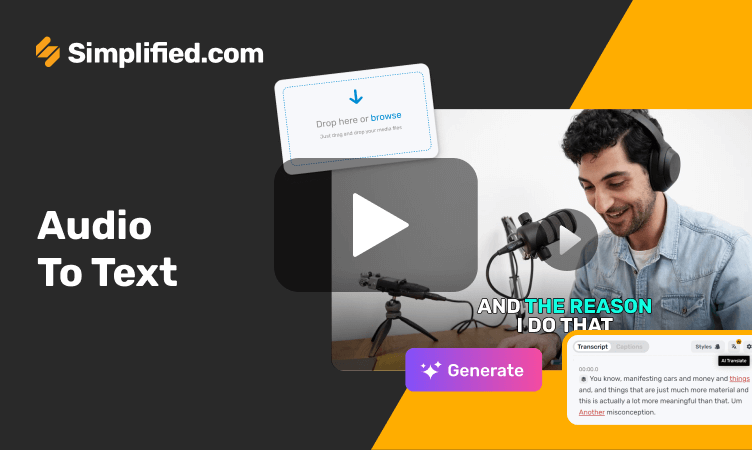
Accurate Audio Transcriptions with AI
Quickly transcribe spoken words into written text with precision using our audio to text converter. If you manage social media, market for a small business, create YouTube content, or edit videos, this tool makes it easy to turn audio into text. Skip the stress of typing out every word yourself and save time. Our audio to text converter simplifies the process, speeding up your video creation and making transcription reliable and swift. It's perfect for anyone who needs quick and dependable transcriptions.
Try it free →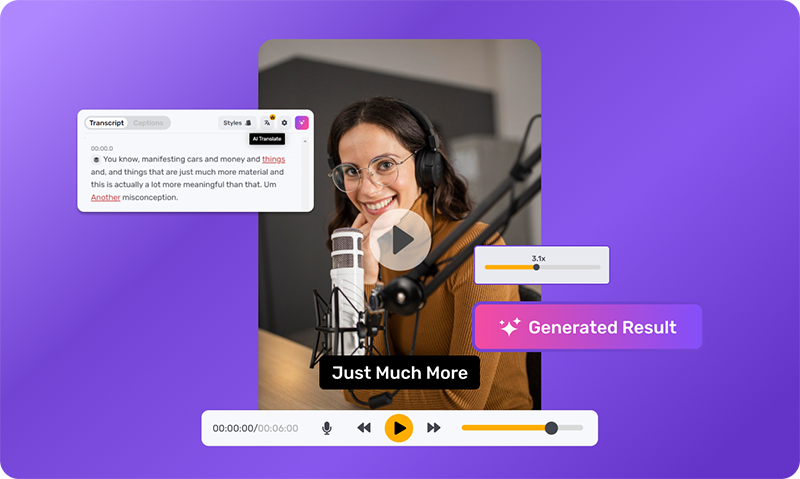
How to Use Audio to Text
Easily convert audio to text online. Here's how to use it:
Open the AI Video App
On the AI Video App, click on 'New Video', choose size (template or custom).
Upload your video
Upload or drag and drop your video to the editor.
Auto-transcribe your video
Auto-transcribe your video from the 'Subtitles' menu on the left hand side.
Start with an audio to text converter and craft engaging text easily.
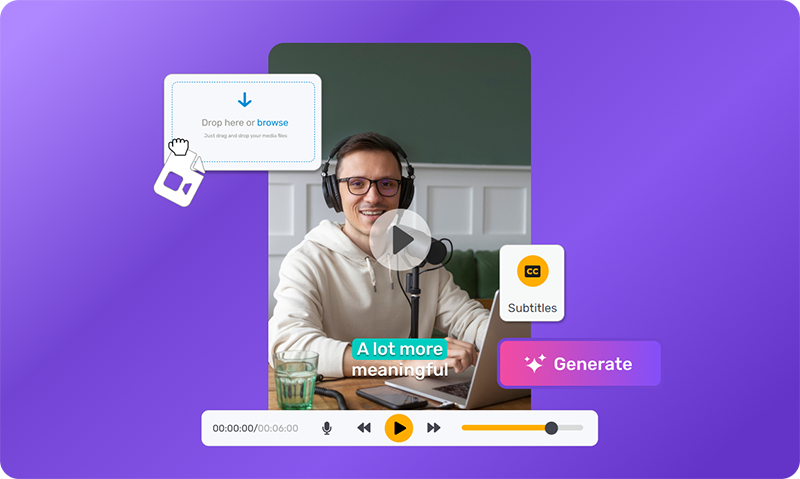
Enhance Search Visibility by Transcribing Your Videos
Boost your content's visibility with our audio to text converter. It's part of our all-in-one video editing software, making it easy for you to transcribe and edit videos. Improve SEO by adding captions that attract more viewers and increase social media interaction. With animated captions, grab your audience's attention. Whether you need to transcribe audio to text for videos, podcasts, or meetings, our tool provides precise results. Take your content to new heights and get noticed more in search results!
Try it free →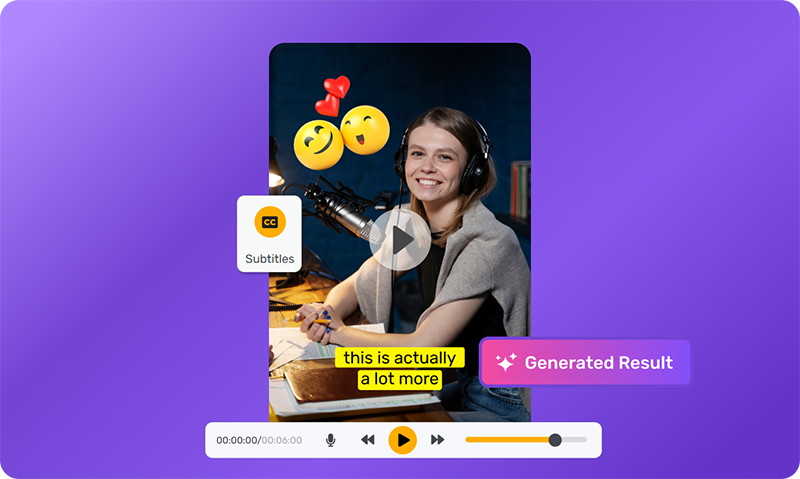
Convert Audio to Text for Global Audience
Turn your audio into text with our easy-to-use tool. Now you can write down what's said in your recordings and make it easy for people everywhere to read. Plus, you can translate your text into more than 20 languages, helping you reach more people. This makes your content friendly for audiences around the world. Our transcription service is both dependable and affordable, helping your brand grow. Start using our audio to text converter today and share your content with everyone.
Try it free →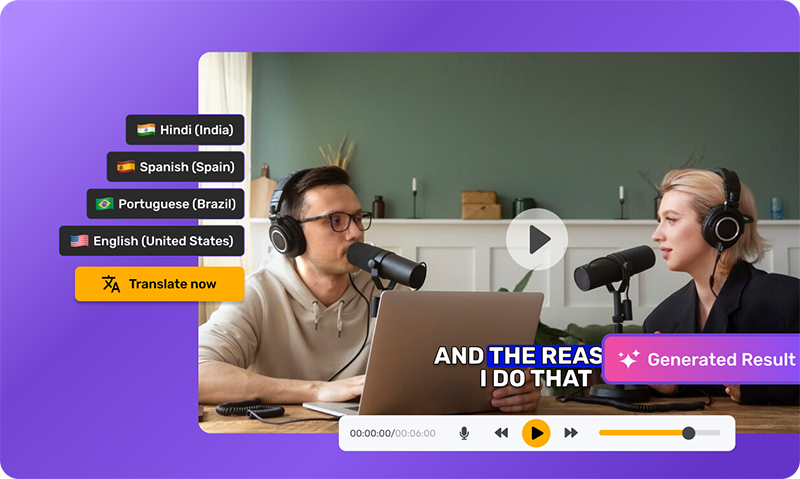
Real-time Transcription & Collaboration Tool
Convert audio to text instantly with our user-friendly tool. See your words appear on screen in no time. Whether you work alone or in a team, our collaboration features make it easy to share and edit transcripts. Use our tool for transcribing interviews, podcasts, and more. It's so simple to use that even beginners feel like pros. Boost your work speed by skipping the manual typing. Check out our smart audio to text converter for your projects.
Try it free →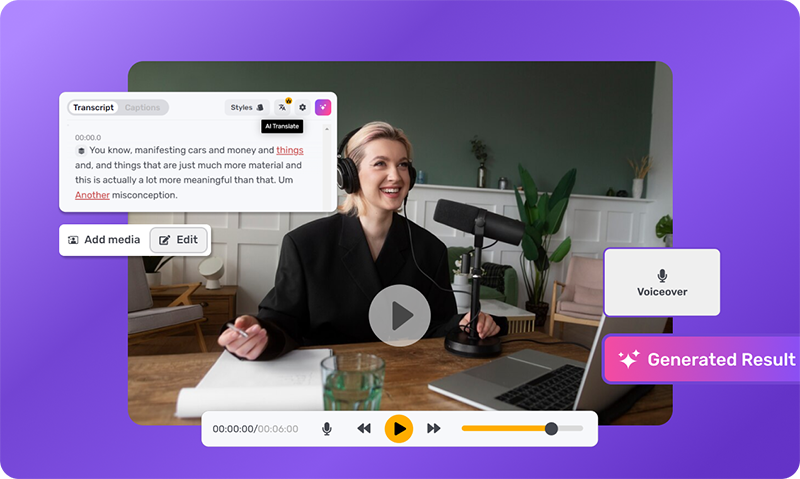
Do More, Create More With Audio to Text

Discover More Video Editing Tools
Audio to Text FAQs
And some things you'd ask us.
How do I convert my audio to text?
Converting audio to text in our Simplified Video Editor is a simple process. Just upload your video, and our advanced tool will handle the rest, smoothly transforming spoken words into accurate text transcripts.
How accurate is audio-to-text transcription service?
Our audio to text transcription service boasts impressive accuracy, thanks to our state-of-the-art AI technology. You can trust our tool to deliver precise transcriptions, ensuring clear communication in your videos.
Can I change the text's color and font of the subtitles?
Yes, you can personalize subtitles in our Video Editor by adjusting the text's color and font to suit your preferences and branding needs, adding a touch of uniqueness to your videos.
Is audio to text suitable for transcribing audio with background noise?
Yes, our audio to text converter is equipped with noise reduction capabilities, ensuring accurate transcription even in environments with background noise. Whether it's street sounds, office chatter, or machinery noise, our converter effectively filters out distractions, delivering clear and precise transcriptions.
How long does it take to transcribe audio into a text file?
The time required to transcribe audio into a text file varies depending on factors like the audio length and complexity. However, our Simplified Video Editor excels in providing swift and reliable transcriptions, ensuring a seamless video editing experience.
Does the tool support multiple languages for audio to text?
Yes, our audio to text converter supports multiple languages. Whether your content is in English, Spanish, French, or any other language, our tool accurately transcribes audio into text, catering to diverse global audiences.
Is it possible to edit the transcribed text after conversion?
Yes, our tool allows you to edit the transcribed text. You can easily make corrections, add punctuation, or refine the text to ensure accuracy. This feature provides flexibility and control over the transcription process.
Can I export the transcribed text into different file formats?
Yes, our tool offers flexibility in exporting transcribed text. You can export the text in various file formats such as TXT, SRT, or VTT, making it compatible with different platforms and applications. This feature enhances usability and accessibility.
Can audio to text transcribe audio from various file formats?
Yes, our audio to text converter supports transcribing audio from a wide range of file formats, including MP3, WAV, AAC, and more. Whether you're working with recordings from smartphones, professional recorders, or other devices, our converter ensures compatibility and seamless transcription.
Do you offer free transcription?
Yes, our audio to text converter offers a free version with essential features. You can extract text from audio files without any cost, making it accessible for personal and professional use. Upgrade options are available for advanced features and enhanced functionality.
What our users are saying about Simplified Audio to Text
It is an amazing tool which enhances your creativity and productivity.

Everything from content creation to AI..
I am a trainee programmer and your site is a great help in my work and completing work assignments. Everything is very well sorted and organized and most importantly there are many examples.

This app is absolutely remarkable! It has very much helped me accomplish a lot of tedious work. It has saved me work time and has brought a huge peace of mind when I need help in a bind. Thank you for existing, Simplified!
I liked Simplified because it helped me generate new and fresh ideas.
Brilliant! As a newcomer to the AI concept I find it astonishing.




Online Audio to Text Converter
Convert audio to text in a few clicks. Your best online free transcription tool.