Video Background Remover: Remove Video Background with One Click
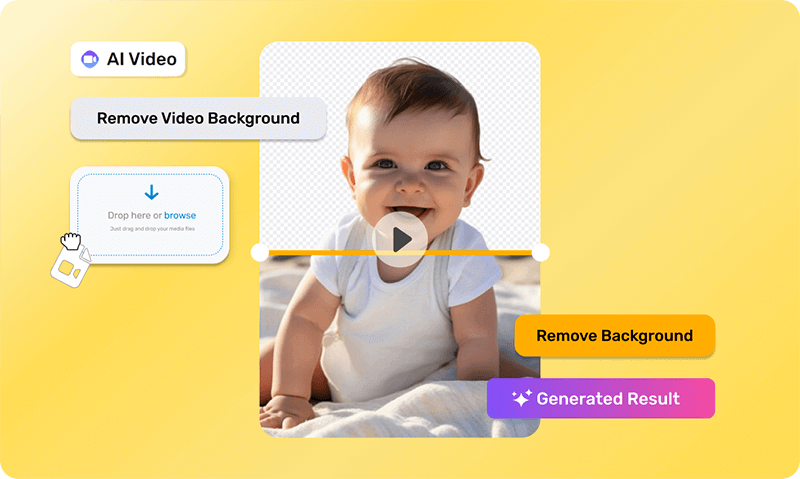
Make video editing easier with our AI video background remover. It quickly removes backgrounds from your videos, leaving them with a clear, transparent background.
Remove Distractions with AI Background Remover
Are distracting backgrounds ruining your videos? Want to create dynamic content that grabs attention? Try our AI video background remover! It's the quickest and simplest way to remove backgrounds from your videos. Perfect for video editors, content creators, social media managers, and small business marketers, this tool makes editing a breeze. Upload your video, choose the area to keep, and let our AI handle the rest. In just seconds, you'll have a high-quality video with a transparent background, ready to wow your audience.
Try now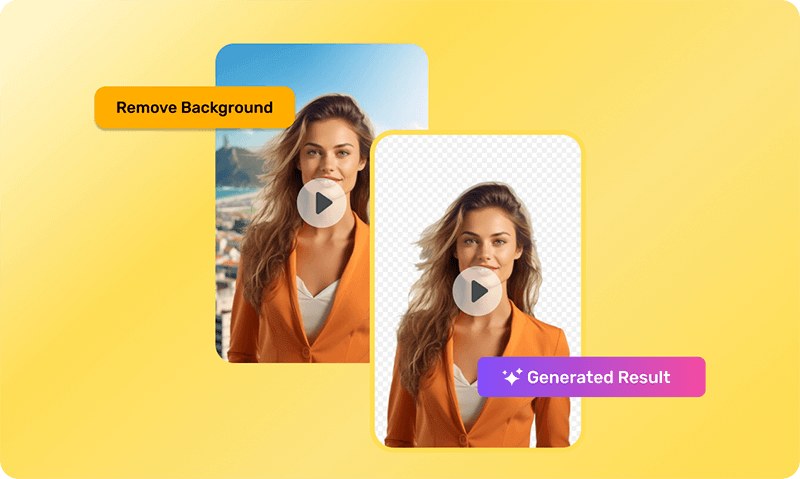
AI-Powered Video Background Remover for Stunning Clarity
Improve your videos by eliminating unwanted backgrounds with our video background remover. No more manual editing or complex masking needed. Our background remover for video keeps the focus on your main subject, enhancing engagement and keeping your audience captivated. Enjoy high-resolution output, real-time preview, and support for multiple video formats. Perfect for all skill levels, our tool makes video editing easy and efficient. Try the tool for your video projects today!
Try now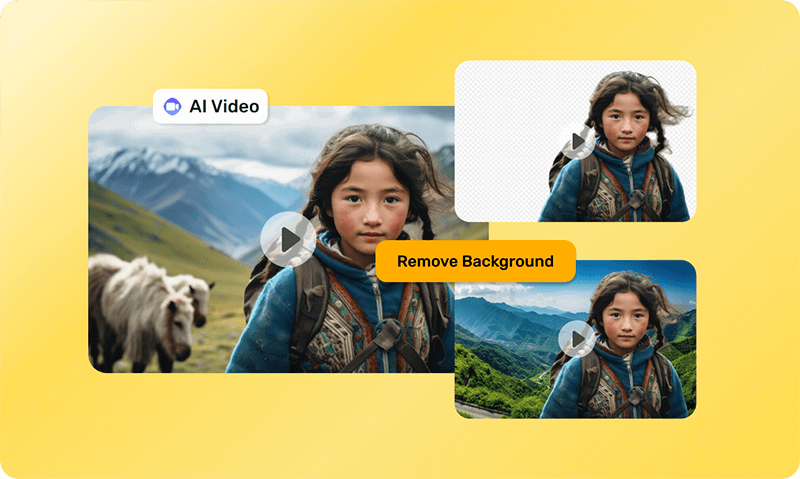
Record Anywhere, Remove Backgrounds Instantly with AI
Producing background-free videos used to be tricky, involving complex techniques like chroma keying and greenscreens. Now, with our AI video background remover, you can record anywhere and remove the background online. Forget about picking pixels, selecting colors, or painting masks. Our tool analyzes your video automatically and delivers a high-quality result quickly. With adjustable sensitivity, fast processing speed, and customizable background options, it's the best background remover for video editing.
Try now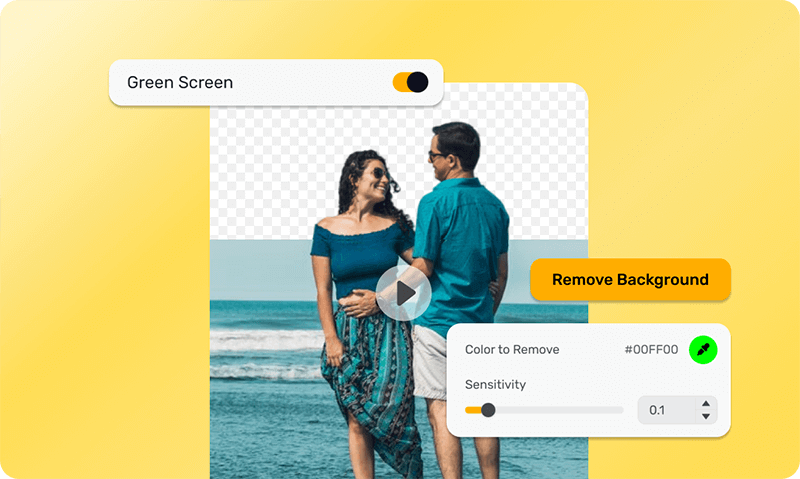
Strengthen Your Brand with Real-Time Editing
Having a consistent brand image helps people recognize and trust your brand. Our video background remover can help you do this easily. It removes backgrounds from videos, matches colors, and displays your products using AI technology. This makes your brand more recognizable and impactful in videos. Our tool offers real-time editing and collaboration, making it perfect for individuals, teams, and businesses of all sizes. You can share your videos directly on social media to grow your brand with clear, professional-looking content.
Try now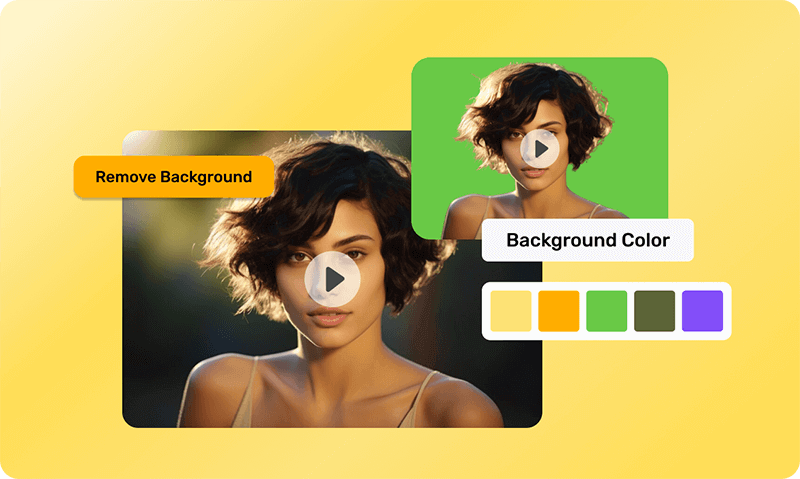
How to Use Video Background Remover
Quickly remove unwanted objects from the background online. Here's how to use it:
Open Quick Tools
On the AI Video App, click on 'Quick Tools' to access the background removal feature.
Upload your video
Select 'Remove Video Background' then upload your video file.
Remove the background
Click on 'Remove Background' and your video will be ready in seconds.
Discover More AI Video Tools
Do More, Create More With Video Background Remover
Video Background Remover FAQs
And some things you'd ask us.
What is a video background remover?
A video background remover is a tool that eliminates the background from videos, leaving a transparent or new background. This makes editing easier and is ideal for professional content creation. It automates the process, saving time and effort compared to traditional methods like chroma keying and greenscreens.
How can I remove the background from my video?
Use an online AI video background remover. Simply upload your video, and the tool will automatically analyze and remove the background for you. This process is quick, requires no special skills, and delivers professional-quality results.
Will using the video background remover affect the quality of my videos?
No, the video background remover maintains high-quality output while removing the background. The tool ensures that your video's resolution and clarity are preserved, so your content remains sharp and professional.
What is the purpose for removing a video's background?
Removing a video's background allows for creative flexibility, professional editing, and seamless integration into various projects. It enables you to place your subject in any setting, enhancing the visual appeal and effectiveness of your videos.
What's the format of the downloaded file?
The downloaded file is typically in MP4 format, ensuring compatibility with most devices and editing software. This common format makes it easy to share, upload, and further edit your video as needed.
Why do people need transparent video backgrounds?
Transparent backgrounds enable easy overlaying of videos onto different backgrounds, enhancing visual appeal and versatility. This is especially useful for marketing, presentations, and creative projects where dynamic backgrounds can make a significant impact.
Can I change the background of an existing video?
Yes, after removing the background, you can replace it with any custom background of your choice. This allows for endless creative possibilities, letting you tailor the video to suit your specific needs and aesthetic preferences.
Can I remove the background from a video on my phone?
Yes, you can remove backgrounds from videos on your phone using various apps that offer this feature. These apps leverage advanced AI technology to provide precise background removal, making editing convenient and accessible on the go. You can achieve professional-quality results without needing a desktop setup.
Is the Simplified Video Background Remover free?
No, you can't try the tool for free. To use the advanced features, we suggest choosing one of our. They are more affordable than others. Check our pricing for more details.
What our users say about Simplified Video Background Remover
Simplified is most impressive and great for subtitle creation and image editing.

Professional Quality and User-Friendly Interface with Exceptional Customer Support
Professional quality and a user-friendly interface with exceptional customer support. Their support responds quickly and helpfully, which is essential for content creators working under pressure.

The video editor saves me so much time. I love the social media planner especially because it's so integrated into the entire Simplified system. You won't find this anywhere else!

Simplified AI is awesome. The AI makes writing a breeze and it is any content creator's companion.

Terrific video maker
The tools are simple to use. The video maker is awesome. This AI program is a must-have for every video maker.

Great application for creating video content and Instagram reels. It is fast, and the AI detection and accuracy are amazing.





Best Online AI Video Background Remover
Instantly create videos with transparent backgrounds.