Quick Video Watermark Remover Online
Remove watermark from video in just a second with our online video watermark remover. It's easy to use and keeps your videos looking clean and professional.
Remove Watermarks & Logos from Video in a Snap
Looking for the easiest way to remove watermarks or logos from your videos? Our video watermark remover is perfect for video editors, small business marketers, and social media managers. This online tool helps you quickly remove watermarks from videos without using complex software. Simply upload your MP4, MOV, or AVI video files, and get clear, high-quality results. Manage your videos easily and ensure they look professional and clean with our user-friendly platform.
Remove Watermarks Now →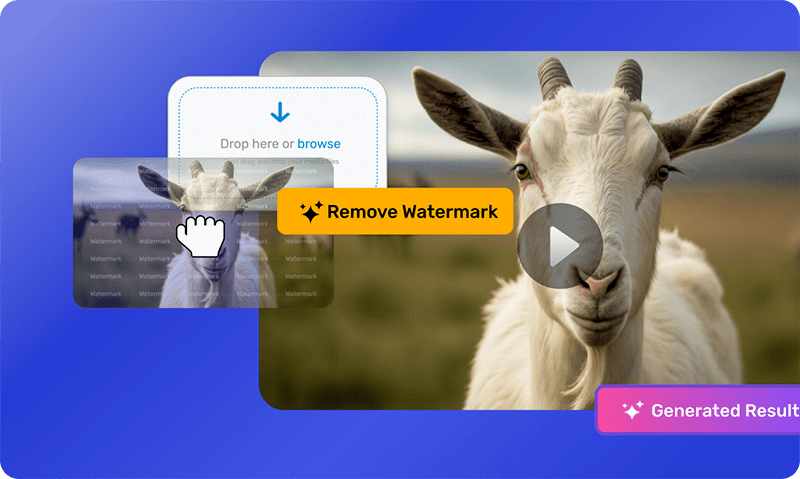
Remove Unwanted Details from Videos Easily
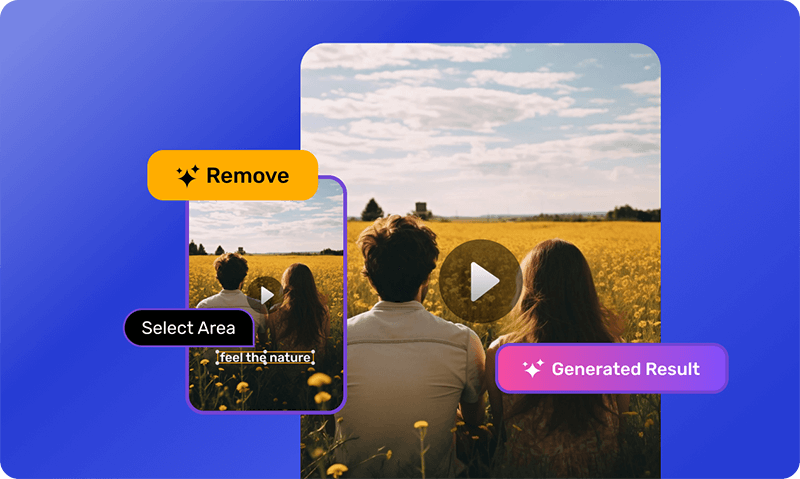
Need to clean up your video? Our video watermark remover lets you take out dates, text, subtitles, and even people or objects with just a few clicks. Choose exactly what you want to remove with our easy watermark selection feature. See how your video looks before finalizing with the preview option, and enjoy high-quality output every time. Whether removing unwanted elements or clearing up your visuals, our tool makes video editing simple and straightforward.
Precise Watermark Remover with Undo Feature
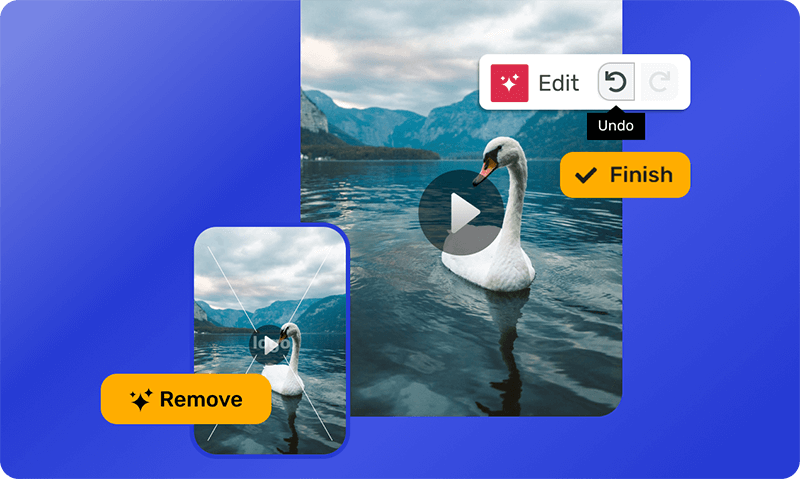
Edit your videos easily with our affordable video watermark remover. Detects watermarks with smart AI technology and lets you pull them out without a hassle. With drag-and-drop, managing big files is simple, so you can concentrate on making your videos better. Made a mistake? No problem. Undo and redo as needed. Plus, we keep your files safe while you work. Try our video watermark remover online!
Team-Friendly Video Watermark Remover for Clean Visuals
Stop watermarks from stealing your video shine! Our watermark remover lets you collaborate with friends or colleagues in real-time, no matter where they are. See your edits instantly with the handy preview option, and ensure the final product looks flawless with high-quality output. The remover keeps your video's original quality intact, so you won't lose any crispness or detail.

How to Use Video Watermark Remover
Easily remove watermarks from video online. Here's how to use it:
Open the AI Video App
On the AI Video App, click on 'New Video', choose size (template or custom).
Upload your video
Upload or drag and drop your video to the editor.
Select and remove
Select and highlight one or multiple unwanted areas to remove watermarks/logos, then click Remove.
Start with a video watermark remover and make clear professional videos.
Discover More Video Editing Tools
Do More, Create More With Video Watermark Remover




Video Watermark Remover FAQs
And some things you'd ask us.
How does a video watermark remover work?
A video watermark remover works by using smart technology to detect and erase unwanted logos, text, or graphics from your videos. It scans the video, identifies the watermark, and blends the surrounding pixels to fill in the space smoothly. This magic happens in just a few clicks. The result? A clean and professional-looking video without any distracting marks.
Can I remove watermarks from any type of videos?
Our video watermark remover works with all kinds of videos. Whether it's a short clip from your phone, a long movie file, or a social media post, Simplified can handle it. The tool supports various video formats and resolutions, making sure you can remove watermarks from almost any video you have. No matter the type.
Can I remove watermarks from transparent or semi-transparent overlays?
Transparent or semi-transparent watermarks? No problem! A video watermark remover can handle those too. The tool is designed to detect and remove these tricky watermarks without leaving traces. It uses advanced technology to ensure your video looks clear and professional, even when dealing with overlays that aren't fully opaque.
What kind of objects can I remove?
With Simplified, you can remove not just watermarks but also other unwanted objects from your videos. Whether it's a logo, text, date stamp, or any distracting graphic, our tool can help you get rid of it. This means you can clean up your videos and make them look exactly how you want. Simplified gives you the power to perfect your content with ease.
Can I remove the watermark from the video without losing quality?
Yes, Simplified Video Editor ensures that you can remove watermarks from videos without compromising the original quality. The tool maintains high resolution and clarity, making your videos look as good as the original content, free from any obstructive marks.
Can I preview the changes before finalizing?
Yes, with our video watermark remover, you can preview the changes before finalizing the edit. This ensures that you are satisfied with the result and that the watermark removal meets your expectations before saving the final version.
Does the video watermark remover support multiple formats?
Yes, our watermark remover video tool supports a wide array of video formats. Whether you're working with MP4, AVI, MOV, or other popular formats, you can easily remove watermarks from any video type you have. You can also use our video converter to make your video supportable for any format.
Can the watermark remover handle large video files?
Yes, the watermark remover video tool can handle large video files. This ensures you can remove watermarks from videos of substantial size without any performance issues, making it suitable for high-resolution and lengthy videos.
Is there support for multi-layer video editing?
Yes, the video watermark remover supports multi-layer video editing. This feature allows you to work on multiple layers within your video, giving you greater flexibility and control over the editing process.
How to remove watermark from video for free?
You can remove watermarks from your videos for free using Simplified video editor. Just upload your video, use the watermark remover tool, and watch the magic happen. Upgrade options are available for advanced features and enhanced functionality. Checkout our pricing.
What our users say about Simplified Video Watermark Remover
I saw that you dont have watermark on your video editor so this is already a 10 out of 10, and all the extra functions and i like the dashbord a lot
This app features are great. I love the way it does the videos and narrative.

What I like the most is its image-to-video setup, I think it's one of the best and it doesn't put a watermark on the videos.
Simplified is a comprehensive marketing tool. It offers a wide range of content creation tools, including a no-code design editor, AI writer, and video maker.
It even lets you add your own watermark to your videos, making them professional and unique.

All-in-One Solution: Simplified combines design, copywriting, video creation, collaboration, and social media publishing in a single app. No more switching tabs!




Clean Up Your Videos with Our Video Watermark Remover
Easily remove watermarks from any video with our video watermark remover.