By
By |
Getting your Trinity Audio player ready...
|
Twenty-five minutes. That’s how long the average creator spends writing a single Instagram caption when you add up brainstorming, drafting, editing, and researching hashtags. Post seven times a week, and you’re burning three hours just on captions, before you even open a design tool.
Meanwhile, 88% of marketers now use AI daily in their workflows, and 83% say generative AI lets them create significantly more content than before. The gap between creators who use AI caption tools and those who don’t is widening fast.
But here’s the catch: not all Instagram caption generators are built the same. Some write captions but can’t schedule them. Some handle hashtags but can’t design the post. And some promise the world for $50/month when a $9 tool does the same job.
This guide compares nine Instagram caption generators, from free options to full-featured platforms, so you can find the tool that matches your workflow, your budget, and your voice. No fluff. Just honest comparisons.
Why AI Caption Generators Actually Matter Now
The math on time savings
Writing one Instagram caption manually takes 15-20 minutes. Add hashtag research (5-10 minutes) and formatting (5 minutes), and you’re at 25-35 minutes per post.
With an AI caption generator: generate a draft in 30 seconds, customize it in 2-3 minutes, add your personal spin in 1-2 minutes. Total: 3-5 minutes per post.
For daily posters, that’s 3-5 hours saved every week. That’s real time back for shooting content, engaging with followers, or running your business.
Instagram doesn’t penalize AI captions
As of early 2026, Instagram’s algorithm does not penalize AI-assisted content. Meta requires creators to label AI-generated content that looks photorealistic and could mislead viewers, but written captions are fair game. Caption quality matters. How you wrote it doesn’t.
The real issue: generic output
The challenge isn’t whether to use AI. It’s making AI output sound like you, not like a robot. Generic captions get about 15% less engagement than posts with personality. The best approach: AI handles the structure and first draft, you add the voice and stories.
Want to test AI captions right now? Try Simplified AI Writer free with Instagram-specific templates.
The 9 Best Instagram Caption Generators for 2026
1. Simplified: Best All-in-One (Captions + Design + Scheduling+ Automation)
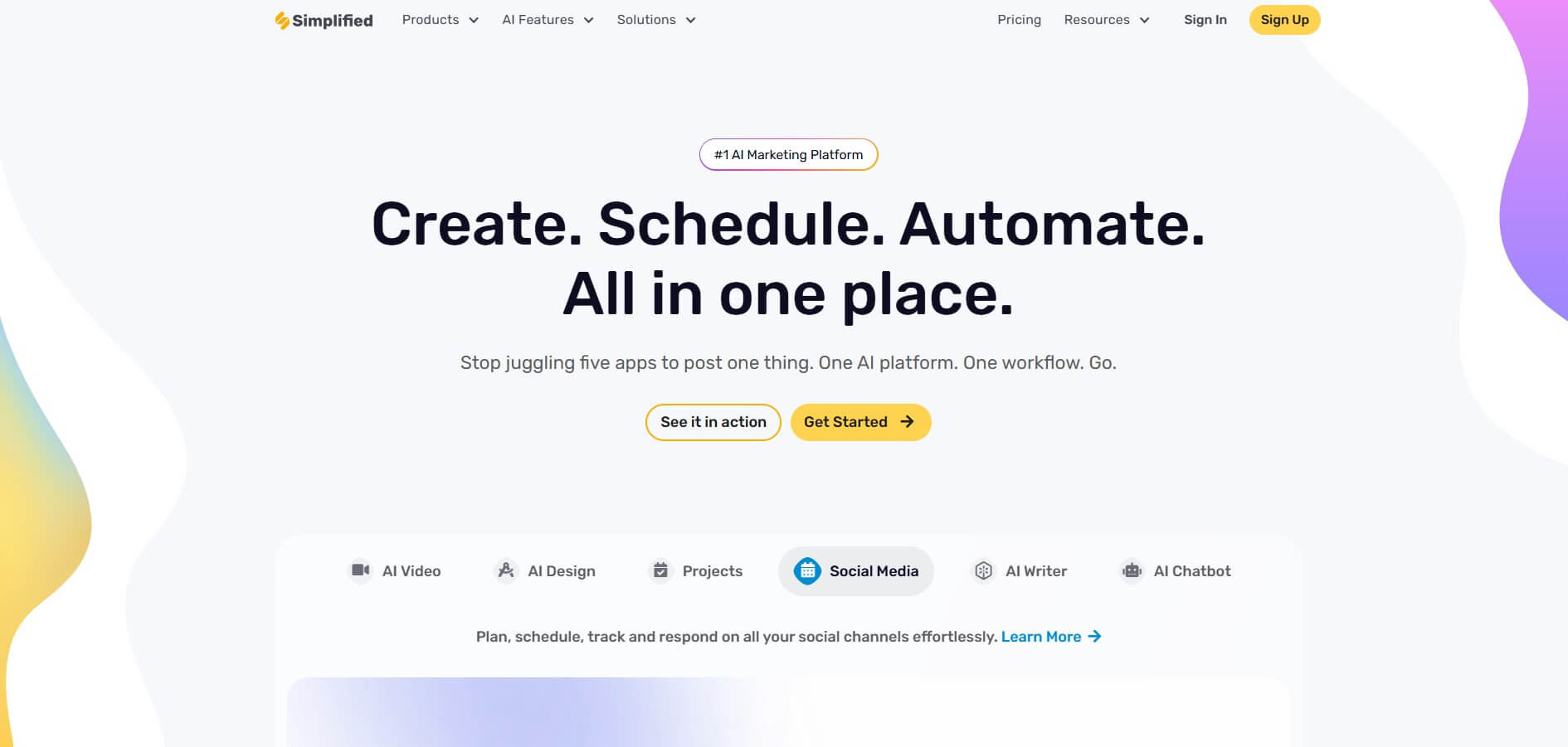
Price: $20/month (annual) | Free tier: 5,000 AI words (Here’s the pricing page for more further details)
Best for: Creators and businesses managing Instagram alongside other platforms
Most caption generators stop at text. Simplified writes your caption, designs the post, generates hashtag suggestions, and schedules everything to publish automatically.
What sets it apart:
- 50+ AI writing templates including Instagram caption, carousel copy, and story text
- AI Hashtag Generator with niche-specific suggestions
- Full graphic design editor for post images, carousels, stories, and Reels covers
- Scheduling for eight platforms: Instagram, TikTok, LinkedIn, Facebook, Twitter, Pinterest, YouTube, Google Business
- Other AI tools such as AI image generator, AI workflows, AI video generator, and many more.
- Brand Kit that keeps your colors, fonts, and voice consistent
Sophie runs a boutique skincare brand in Melbourne. Before switching to an all-in-one platform, her Instagram workflow involved four tools: ChatGPT for captions, Canva for graphics, an app for hashtag research, and Later for scheduling. Each post took 35 minutes. After consolidating into Simplified, she cut that to 12 minutes because everything happened in one window. Over a month, she reclaimed about eight hours, which she reinvested into product development.
The honest trade-off: Simplified doesn’t have a viral post database like Flick or Instagram-specific algorithm optimization like Later. Its strength is breadth, caption writing, design, and scheduling for all platforms at one price. If Instagram is your only channel and you want Instagram-specific analytics, a specialized tool might complement it better.
2. Flick: Best for Instagram-Specific Optimization
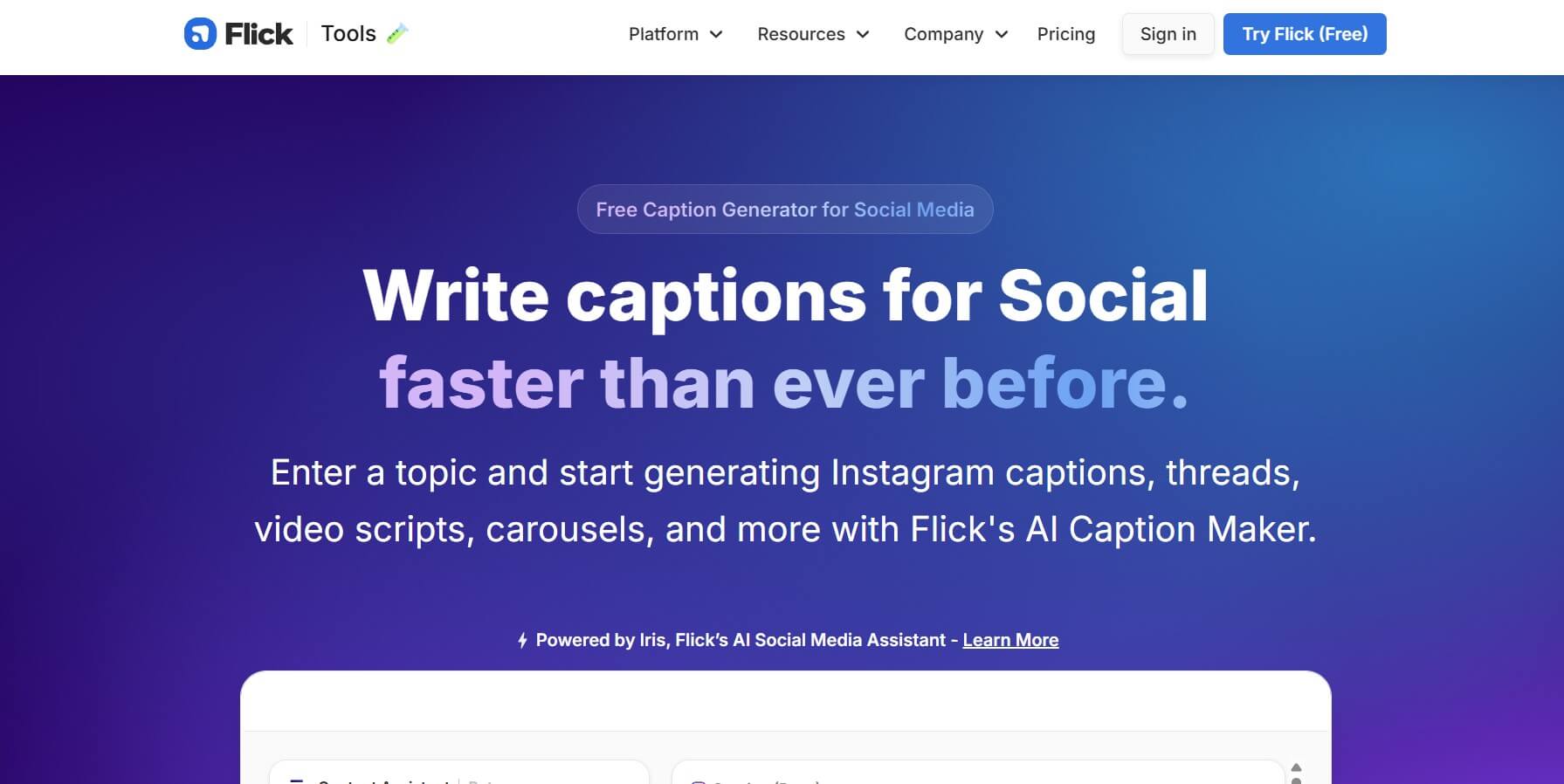
Price: $14-68/month
Best for: Instagram-focused creators and influencers who want algorithm-optimized content
Flick is built exclusively for Instagram. Their caption generator includes tone and length controls, but the real draw is their hashtag intelligence engine with scoring based on reach potential and competition.
Standout features:
- Hashtag suggestions with reach potential scoring
- Competition tracking for your hashtag sets
- Caption generation with tone controls
- Engagement metrics tied to specific hashtag strategies
- Reels captions and carousel descriptions
For creators whose entire business revolves around Instagram growth, Flick’s data-driven approach to hashtags provides a genuine competitive edge. The $14/month starter plan covers basics, but serious users will want the $68/month tier for full analytics.
The gap: Instagram only. No scheduling, no design tools, no multi-platform support. You’ll need additional tools for the rest of your workflow.
3. ChatGPT: Best Free Option
Price: Free (GPT-3.5) | $20/month for GPT-4+
Best for: Budget-conscious creators who are comfortable with prompt engineering
ChatGPT handles caption writing, hashtag suggestions, content calendars, Reels scripts, and carousel copy. With good prompts, the output quality rivals paid tools.
What works: Feed ChatGPT examples of your past captions and say “write in this voice.” The more context you give, the better the output. Custom instructions let you save your brand voice across sessions.
What doesn’t: No scheduling. No design tools. No hashtag scoring. Every session requires manual copy-paste into whatever other tools you use. And without explicit prompting, output tends toward generic motivational-speak that sounds like every other AI-generated Instagram post.
Best for creators who post occasionally and don’t mind the manual workflow. For daily posters, the lack of scheduling and design tools creates friction that adds up.
4. Rytr: Best Budget Dedicated Tool
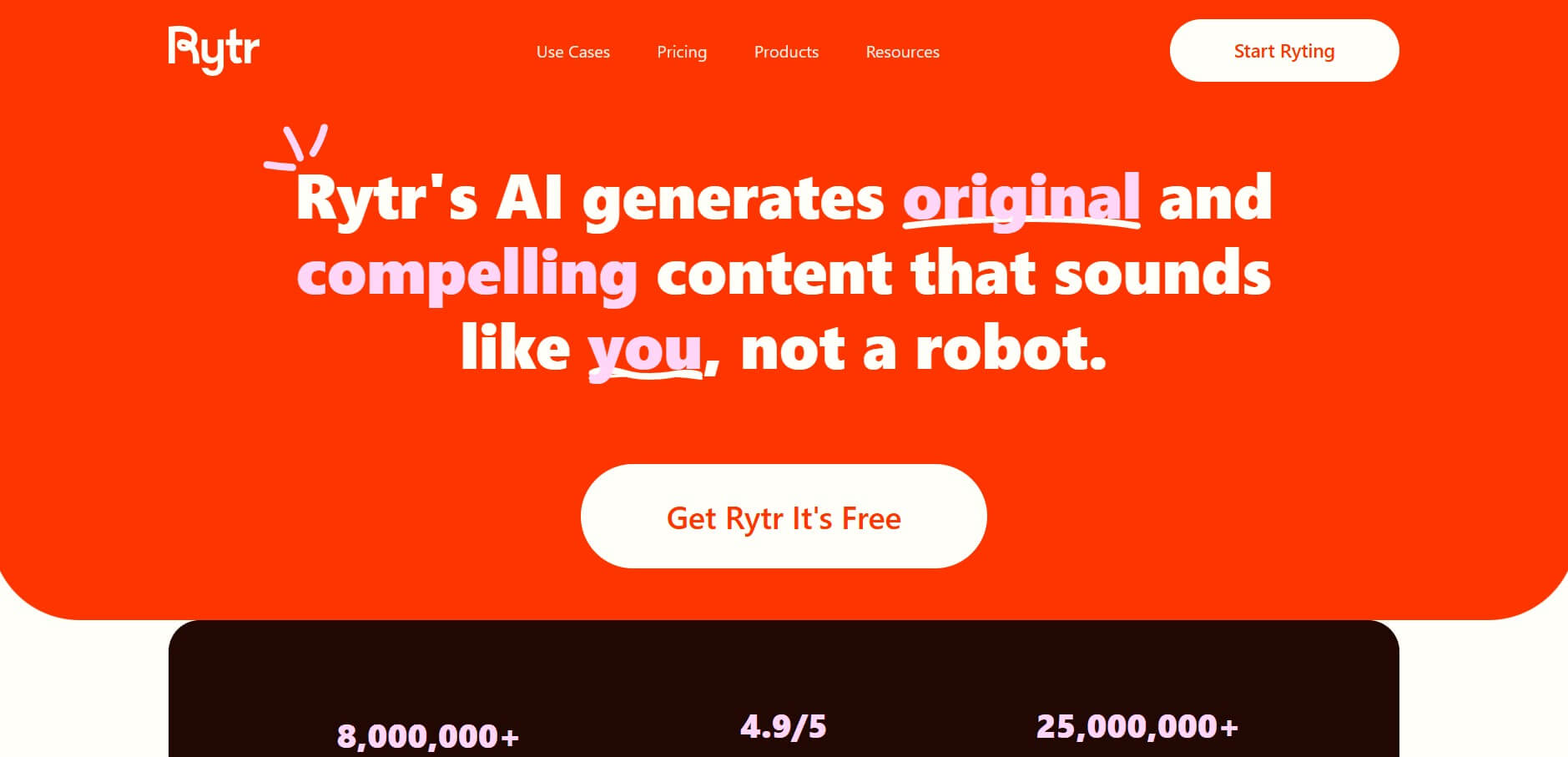
Price: $9/month (unlimited) | Free tier available
Best for: High-volume creators who need affordable unlimited generation
At $9/month for unlimited content generation, Rytr is the most affordable dedicated AI writing tool on this list. It offers 40+ use cases, 20+ tone options, and support for 30+ languages.
The Instagram caption templates are straightforward. Select your tone, enter your topic, and Rytr generates multiple options. The quality is good enough for a first draft, though it lacks the polish of premium tools.
Best for: Budget-conscious creators who produce a lot of content and are comfortable editing AI output. Not ideal if you need scheduling, design, or advanced hashtag features.
5. Later: Best for Visual Planners

Price: $25/month (Starter) | $45/month (Growth)
Best for: Creators who care about feed aesthetics and want visual content planning
Later is a scheduling tool first with AI caption writing built in. The visual grid planner lets you preview how posts will look on your Instagram feed before publishing. AI captions include tone and length controls, plus hashtag suggestions with scoring.
The scheduling and analytics features are solid. Audience activity analysis shows you exactly when your followers are online, and the platform recommends optimal posting times.
The pricing catch: The $25/month Starter plan limits you to one profile and 30 posts per month. For most active creators, you’ll need the $45/month Growth plan.
6. Canva Magic Write: Best for Design-First Creators

Price: Free plan available | Pro: $15/month
Best for: Visual creators who want captions alongside their design workflow
Canva’s Magic Write generates captions directly within the design editor. You’re designing your Instagram post and can generate caption options without switching apps. Brand Kit integration keeps everything on-brand.
The writing quality is basic compared to dedicated AI tools. But the seamless design-to-caption workflow is genuinely convenient. For creators who spend most of their time on visuals and treat captions as secondary, Canva’s approach makes sense.
The limitation: Caption-specific features are thin. No hashtag scoring, no algorithm optimization, no scheduling (unless you pay for higher tiers).
7. Predis.ai: Best for Full Automation
Price: Free tier available | Paid plans up to $49/month
Best for: Time-strapped small businesses that want hands-off content creation
Predis automates the entire post creation process. Enter a topic, and it generates caption text, creates matching visuals, suggests hashtags, and queues the post for scheduling. It’s the closest thing to “push a button and get an Instagram post.”
For solo business owners who want consistent posting without spending time on content creation, this level of automation is valuable. The free tier lets you test the workflow before paying.
The trade-off: Less control over the final product. The AI makes more decisions for you, which means the output can feel less personal without manual adjustments.
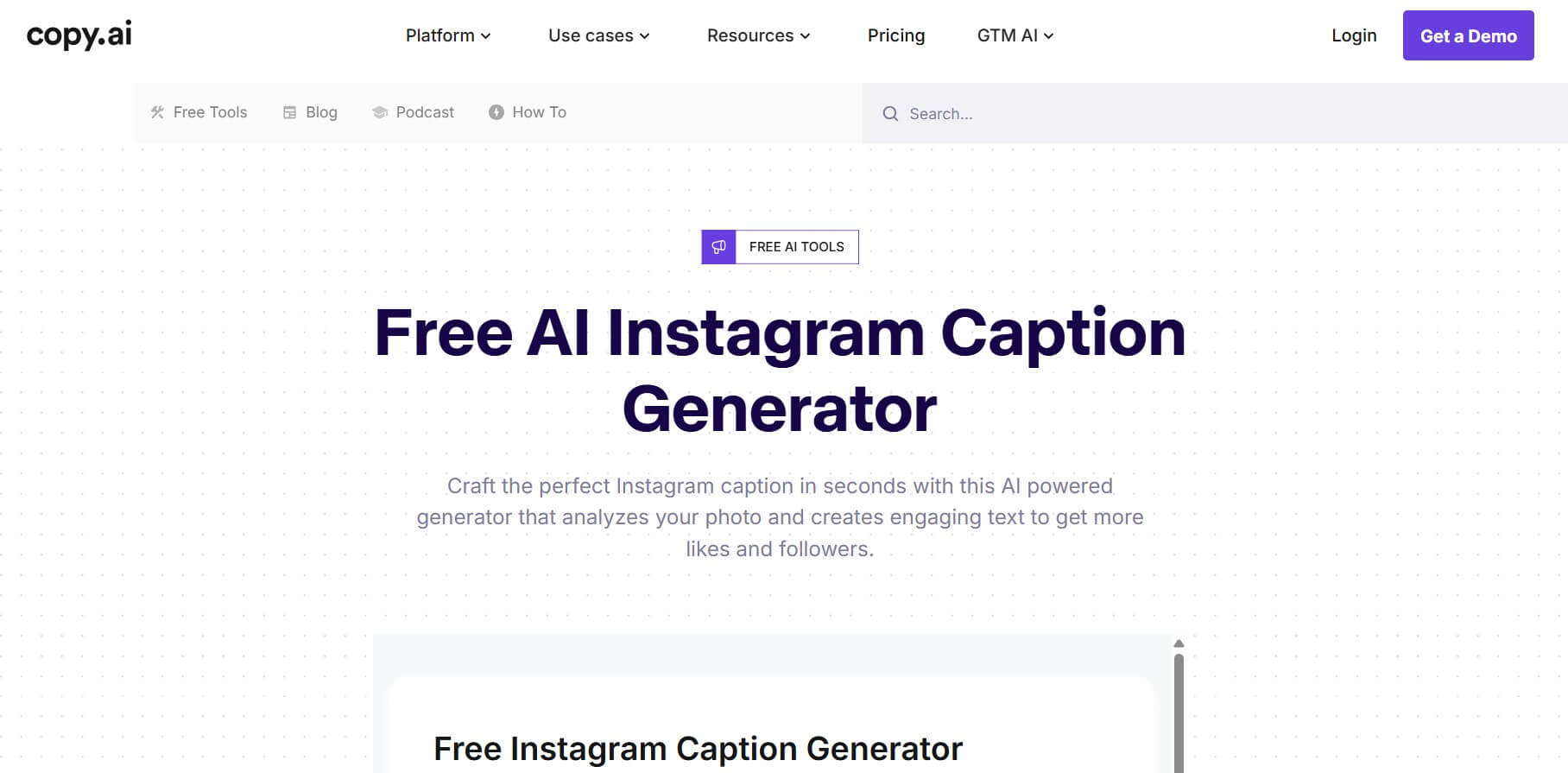
8. Copy. ai: Best for Caption Variations
Price: Free plan available | Paid plans for advanced features
Best for: Creators who want multiple caption options to test
Copy AI’s strength is generating multiple variations in one click. Enter your post context, and you get five to ten different caption angles. It’s excellent for A/B testing different hooks, tones, and CTAs.
No scheduling, no hashtag tools, no design features. But if your bottleneck is specifically “I can’t think of what to write,” Copy. ai solves that quickly.
9. Jasper AI: Best for Enterprise Brand Voice

Price: Starting $39/month
Best for: Marketing teams managing multiple brand accounts
Jasper’s deep brand voice training sets it apart for teams. Feed it 20+ examples of your brand’s writing, and it learns your patterns. The output requires minimal editing because it genuinely sounds like your brand wrote it.
For agencies managing 10+ client accounts, each with a distinct voice, Jasper’s voice-matching is worth the premium. For solo creators? The $39+/month price tag is hard to justify when cheaper tools handle caption writing adequately.
Feature Comparison: All 9 Tools Side by Side
| Feature | Simplified | Flick | ChatGPT | Rytr | Later | Canva | Predis.ai | Copy.ai | Jasper |
|---|---|---|---|---|---|---|---|---|---|
| Price/Month | $20 | $14–68 | Free–$20 | $9 | $25–45 | Free–$15 | Free–$49 | Free+ | $39+ |
| Caption Writing | Yes | Yes | Yes | Yes | Yes | Basic | Yes | Yes | Advanced |
| Hashtag Tools | Yes | Excellent | Basic | Basic | Good | Limited | Yes | No | Limited |
| Scheduling | 8 platforms | No | No | No | Yes | Higher tiers | Yes | No | No |
| Design Tools | Full suite | No | No | No | Limited | Full suite | Yes | No | No |
| Brand Voice | Yes | Basic | Manual | Basic | Basic | Yes | Basic | Basic | Deep |
| Free Tier | Yes | No | Yes | Yes | No | Yes | Yes | Yes | No |
Ready to write captions, design posts, and schedule in one place? Start free with Simplified, no credit card required.
How to Pick the Right Instagram Caption Generator
If Instagram is your only platform:
Flick ($14/month) for hashtag intelligence and algorithm optimization, or Later ($25/month) if you also need scheduling and visual planning. Both are purpose-built for Instagram.
If you manage multiple platforms:
Simplified ($20/month) for captions, design, and scheduling across eight platforms. No point paying for an Instagram-only tool when you also need LinkedIn, TikTok, and others.
If budget is the priority:
Rytr ($9/month) for unlimited caption generation, or ChatGPT (free) if you’re comfortable with prompts. Add a free scheduling tool to complete the workflow.
If you need full automation:
Predis. ai (free-$49/month) generates captions, visuals, and schedules posts with minimal input. Best for business owners who want hands-off posting.
If brand voice matters most:
Jasper ($39+/month) for the deepest brand voice training. Worth it for agencies and enterprises, overkill for individual creators.
Tom manages social media for a real estate agency with three Instagram accounts, each with a different brand personality. He was spending $87/month across Later ($45), Canva Pro ($15), and a separate AI writing tool ($27). After consolidating to one platform at $20/month, he saved $804/year and cut his weekly content prep from six hours to about two.
Tips for Getting Better Instagram Captions from AI
1. Give the AI context. “Write an Instagram caption” produces garbage. “Write a 150-word Instagram caption for a skincare brand targeting women 25-35, promoting a new vitamin C serum, in a casual-friendly tone with a question hook” produces something usable.
2. Feed it your voice. Most tools let you provide writing samples. Spend 10 minutes uploading your best-performing past captions. The AI will mimic your patterns.
3. Always add your own story. AI can’t share your personal experience. The 30 seconds you spend adding “I tried this for two weeks and here’s what happened” transforms a generic caption into an authentic one.
4. Test hooks, not just captions. The first line determines whether people tap “more.” Generate five different hooks for the same post and pick the one that creates the most curiosity.
5. Track what works. If your tool includes analytics (Simplified, Flick, Later, Predis. ai), review which caption styles drive the most engagement monthly. Double down on what resonates.
Frequently Asked Questions
Does Instagram penalize AI-written captions?
No. As of 2026, Instagram’s algorithm doesn’t penalize AI-assisted written content. Meta requires labeling on photorealistic AI-generated images that could mislead viewers, but text captions are not affected.
What’s the best free Instagram caption generator?
ChatGPT for flexibility, or Simplified’s free tier for a complete workflow (captions + design + scheduling for three accounts). Rytr’s free plan is also worth testing for basic caption needs.
Can AI match my brand voice on Instagram?
Yes, with proper setup. Jasper offers the deepest voice training. Simplified and Flick provide brand voice features at lower price points. Even ChatGPT can approximate your voice if you feed it examples through custom instructions.
How much time do AI caption generators actually save?
Most creators report saving 3-5 hours per week when posting daily. The biggest time savings come from tools that combine writing, design, and scheduling, eliminating the app-switching that eats up your time.
Should I use the same tool for captions and scheduling?
If possible, yes. Tools that combine writing and scheduling (Simplified, Later, Predis. ai) eliminate the copy-paste workflow between separate apps. This saves 5-10 minutes per post.
The Bottom Line
Instagram caption generators range from free (ChatGPT) to $68/month (Flick’s top tier). The right choice depends on three things: whether Instagram is your only platform, whether you need design and scheduling too, and how much you’re willing to spend.
For Instagram-only creators: Flick or Later gives you platform-specific optimization.
For multi-platform marketers: Simplified bundles caption writing, graphic design, hashtag generation, and scheduling for eight platforms at $20/month, less than what most people pay for a scheduling tool alone.
And For budget-conscious starters: ChatGPT (free) or Rytr ($9/month) get you writing. Add a free scheduling tool and you have a basic workflow.
The AI writes the first draft. You add the personality. Your audience can’t tell the difference.







![200+ Book Name Ideas for Your Next Masterpiece [2026]](https://siteimages.simplified.com/blog/Awesome-Book-Name-Ideas-01.png?auto=compress&fm=png "200+ Book Name Ideas for Your Next Masterpiece [2026]")