By
By |
Getting your Trinity Audio player ready...
|
Small businesses have a content problem. Not a lack of ideas. A lack of time.
Creating professional marketing content requires design tools, writing tools, video editing tools, and scheduling tools. That’s four subscriptions, four learning curves, and constant context-switching between apps.
The result: most small businesses either spend too much time on content or give up on consistency altogether.
Content creation apps solve this by combining multiple capabilities into one platform. Instead of juggling Canva plus ChatGPT plus Hootsuite plus a video editor, you use one tool that handles everything.
This guide compares 11 content creation apps based on what matters to small businesses: price, ease of use, and how much they actually replace.
What Makes a Content Creation App “All-in-One”?
Before comparing tools, let’s define what we’re looking for.
A true all-in-one content creation app handles:
- Design: Graphics, social posts, presentations, marketing materials
- Writing: Captions, blog posts, ad copy, product descriptions
- Video: Editing, subtitles, repurposing, short-form clips
- Scheduling: Publishing to social platforms, content calendar
- Collaboration: Team workflows, approvals, brand consistency
Most tools specialize in one or two areas. Few cover all five. We’ll rate each tool on its breadth and how well it serves small business needs.
Quick Comparison: All 11 Tools
| Tool | Type | Design | Writing | Video | Social | Starting Price |
|---|---|---|---|---|---|---|
| Simplified | All-in-One | Yes | Yes | Yes | Yes | $20/mo |
| Canva | All-in-One | Yes | Limited | Limited | Limited | Free / $15/mo |
| Adobe Express | All-in-One | Yes | Limited | Yes | Yes | Free / $10/mo |
| Notion AI | Partial | No | Yes | No | No | Free / $20/mo |
| Jasper | Writing | No | Yes | No | No | $59/mo |
| Copy.ai | Writing | No | Yes | No | No | Free / $36/mo |
| VEED | Video | Limited | No | Yes | No | Free / $12/mo |
| Kapwing | Video | Limited | No | Yes | No | Free / $12/mo |
| Lumen5 | Video | Limited | Limited | Yes | No | Free / $29/mo |
| Hootsuite | Social | No | Limited | No | Yes | $99/mo |
| Buffer | Social | No | Limited | No | Yes | Free / $5/mo |
Now let’s break down each tool in detail.
All-in-One Platforms
1. Simplified

Best for: Small teams and agencies needing everything in one place
What it does: Simplified combines AI writing, graphic design, video editing, and social media management into a single platform. You can create a blog post, design the promotional graphics, edit a video clip, and schedule everything to social media without leaving one interface.
Key features:
- AI writing for blogs, captions, ads, product descriptions
- Design editor with thousands of templates and brand kit
- Video creation with text-to-video, subtitles, AI narration
- Social media scheduling with analytics and inbox
- Team collaboration with approvals and roles
Pricing:
- Pro: $20/month (individual)
- Business: Custom pricing for teams
Strengths:
- True all-in-one. Every content type in one platform
- Strong AI throughout every workflow
- Good value compared to buying separate tools
- Agency-friendly with client workspaces
Limitations:
- Premium positioning (not the cheapest option)
- Learning curve to use all features
Who should use it: Small marketing teams, agencies, content creators who need design + writing + video + scheduling in one subscription.
2. Canva
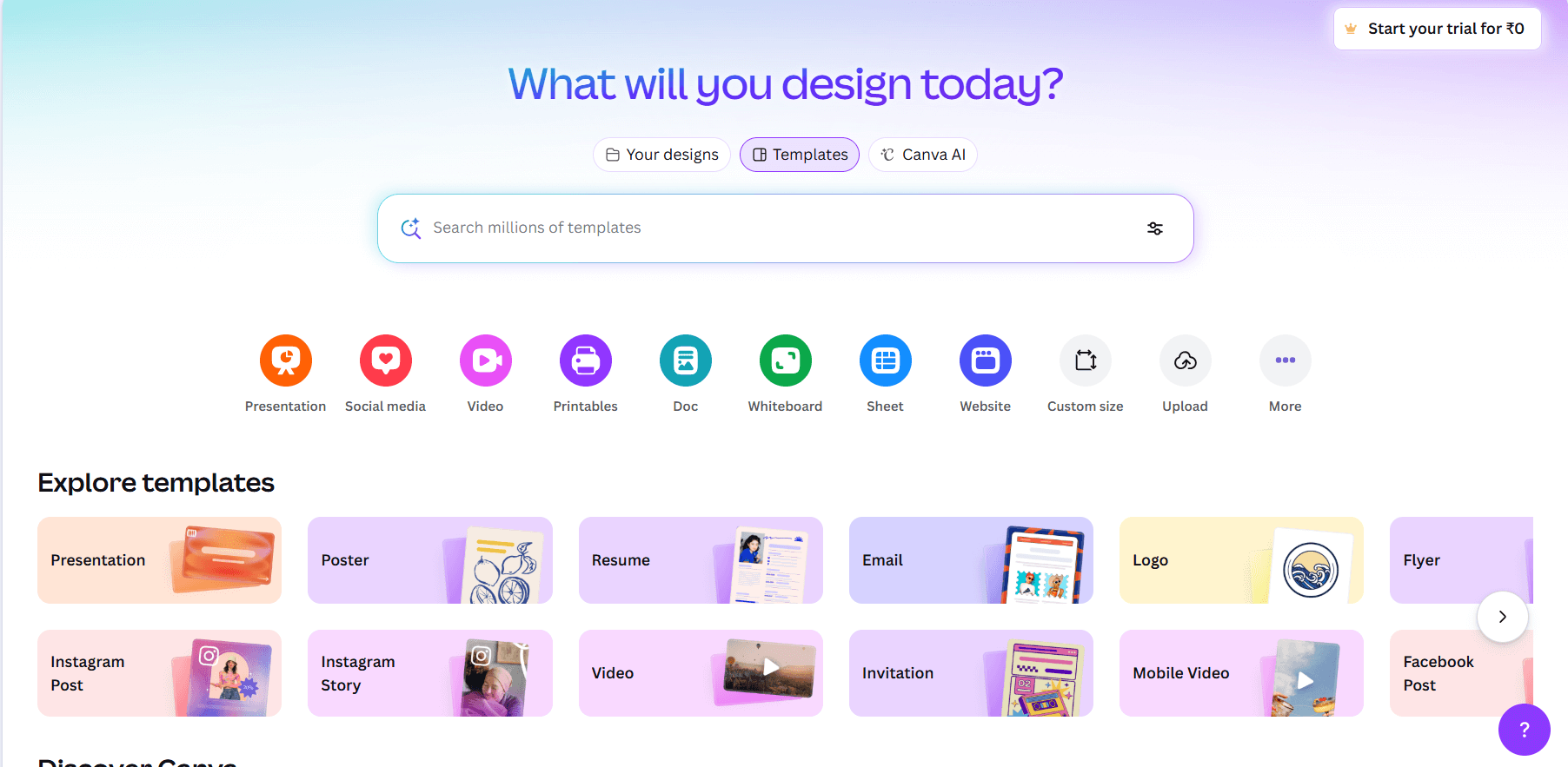
Best for: Design-focused small businesses and solopreneurs
What it does: Canva started as a design tool and has grown into a broader platform. It excels at visual content but has added Magic Write (AI writing) and basic video features.
Key features:
- 5+ million templates for every visual format
- Magic Design for AI-generated templates
- Magic Write for AI copywriting
- Background remover and design tools
- Brand kit management
- Basic video editing
- Limited scheduling (Canva Content Planner)
Pricing:
- Free: Basic templates and features
- Pro: $15/month or $120/year
- Teams: $10/user/month (minimum 3 users)
Strengths:
- Excellent free tier to start
- Best template library in the market
- Intuitive interface for non-designers
- Strong visual design capabilities
Limitations:
- Writing features are limited compared to dedicated tools
- Video editing is basic
- Social scheduling requires separate integration
- Not truly all-in-one
Who should use it: Solopreneurs and small businesses that primarily need design help and can handle writing and scheduling elsewhere.
3. Adobe Express

Best for: Existing Adobe users and design-focused teams
What it does: Adobe Express brings Adobe’s design power to a simpler, web-based interface. It includes AI features, scheduling, and integrates with Creative Cloud.
Key features:
- 30,000+ fonts (Premium)
- 200M+ Adobe Stock assets (Premium)
- AI image generation (250 credits/month)
- Video background removal
- Document scheduling to social
- Real-time collaboration
Pricing:
- Free: Basic features
- Premium: $10/month or $100/year
- Business: Team-focused pricing
Strengths:
- Excellent value at $10/month
- Seamless Creative Cloud integration
- Commercial-safe AI generation
- Good for Adobe ecosystem users
Limitations:
- AI credits can run out
- Smaller template library than Canva
- Writing features are limited
- Less intuitive than Canva for beginners
Who should use it: Small businesses already using Adobe products, or those wanting premium design at a lower price point.
4. Notion AI
Best for: Content planning, organization, and AI-assisted writing
What it does: Notion is a workspace tool that added AI capabilities. It’s excellent for planning content, organizing ideas, and writing, but doesn’t create visual content.
Key features:
- AI writing assistant (GPT-4 and Claude models)
- Content planning and organization
- Database management
- Team collaboration
- Multi-model AI for different tasks
Pricing:
- Free: Limited AI trial
- Plus: $12/user/month (no AI)
- Business: $20/user/month (includes AI)
Strengths:
- Excellent for content planning and organization
- Powerful AI writing when included
- Versatile workspace for teams
- Good collaboration features
Limitations:
- No design or visual content creation
- No video capabilities
- AI only on Business plan ($20/user/month)
- Requires setup to maximize benefits
Who should use it: Teams that need content organization and planning more than visual creation. Pairs well with a design tool.
Specialized: AI Writing Tools
5. Jasper

Best for: Marketing teams focused on written content
What it does: Jasper is a dedicated AI writing tool for marketing copy. It excels at blog posts, ads, social captions, and marketing content but doesn’t touch design or video.
Key features:
- AI document editor
- Jasper chatbot for research and Q&A
- Chrome/Edge browser extension
- Multi-brand voice management
- Campaign collaboration
Pricing:
- Pro: $59/month (annual) or $69/month (monthly)
- Business: Custom pricing
Strengths:
- Powerful AI writing capabilities
- Good for high-volume content needs
- Brand voice customization
- Browser extension for productivity
Limitations:
- Writing only. No design, video, or scheduling
- Higher price point than alternatives
- Overkill for simple caption needs
Who should use it: Marketing teams producing significant written content who already have design and scheduling tools.
6. Copy. ai
Best for: Affordable AI writing with workflow automation
What it does: Copy. ai offers AI writing with a focus on marketing and sales workflows. It’s more affordable than Jasper and includes automation features.
Key features:
- Unlimited content generation (paid plans)
- 15+ marketing and sales workflows
- Workflow Builder for custom automation
- Brand voice management
- Context-aware writing
Pricing:
- Free: 2,000 words in chat + 200 workflow credits
- Pro: $36/month (annual) or $49/month
- Team: $186/month (annual) for teams
Strengths:
- Unlimited generation on paid plans
- More affordable than Jasper
- Workflow automation included
- Good free tier to test
Limitations:
- No design or video capabilities
- Workflow credits can limit automation
- Learning curve for Workflow Builder
Who should use it: Small businesses needing AI writing at a reasonable price who have design handled elsewhere.
Specialized: Video Creation Tools
7. VEED
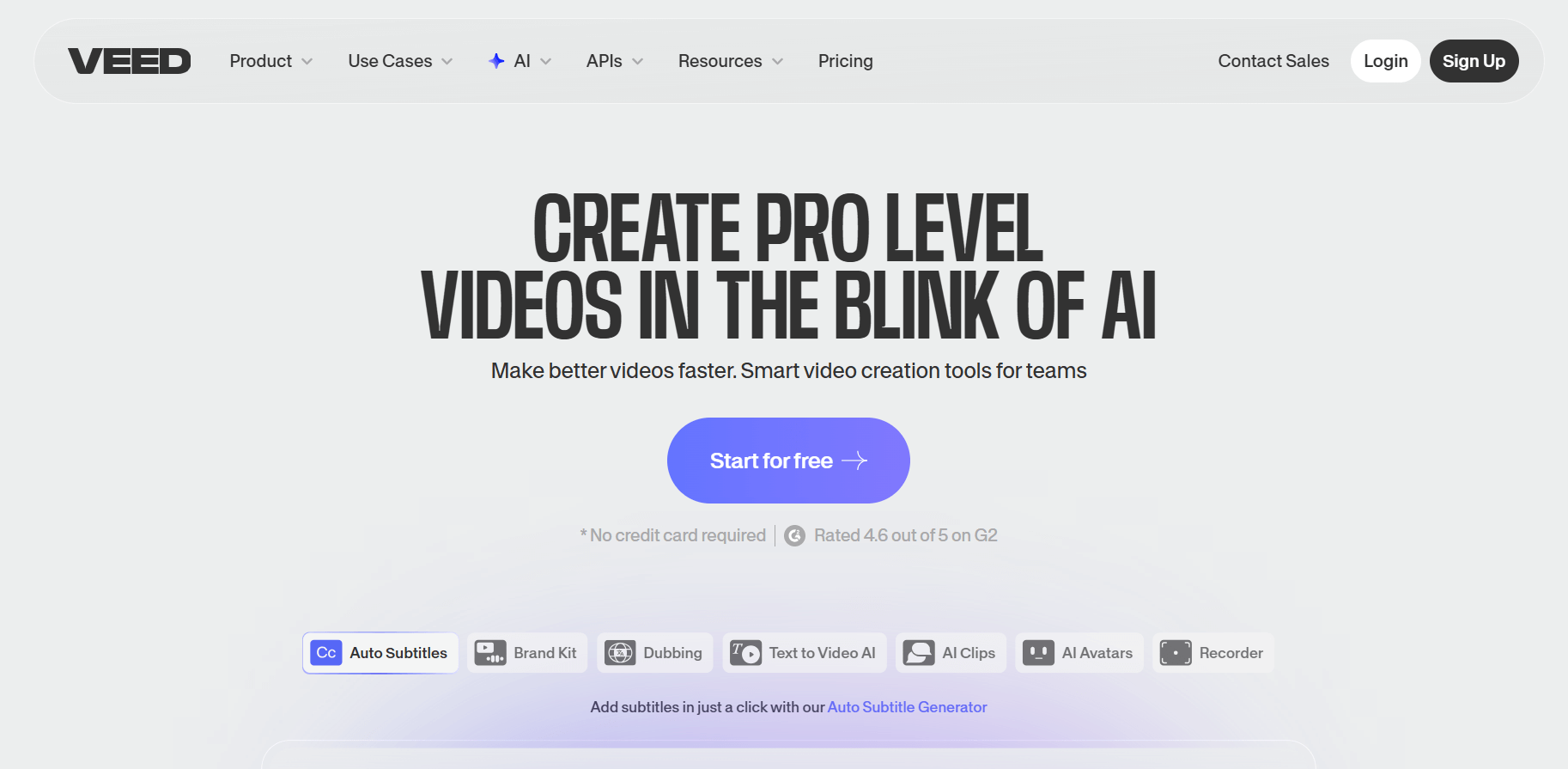
Best for: Affordable video editing for social media
What it does: VEED is a browser-based video editor with AI features. No software download needed. Good for quick social media videos.
Key features:
- Browser-based editing
- Text-to-video generation
- Auto-subtitles and captions
- Background and noise removal
- AI voiceovers and avatars
- Screen and webcam recording
Pricing:
- Free: Basic editing with watermark
- Lite: $12/month (1080p, no watermark)
- Pro: $29/month (AI video, 4K)
Strengths:
- Very affordable ($12/month)
- No software installation
- Good AI editing features
- Easy for beginners
Limitations:
- Video only. No writing or design
- Free plan has watermark
- Less powerful than desktop editors
Who should use it: Small businesses creating social media video content on a budget.
8. Kapwing
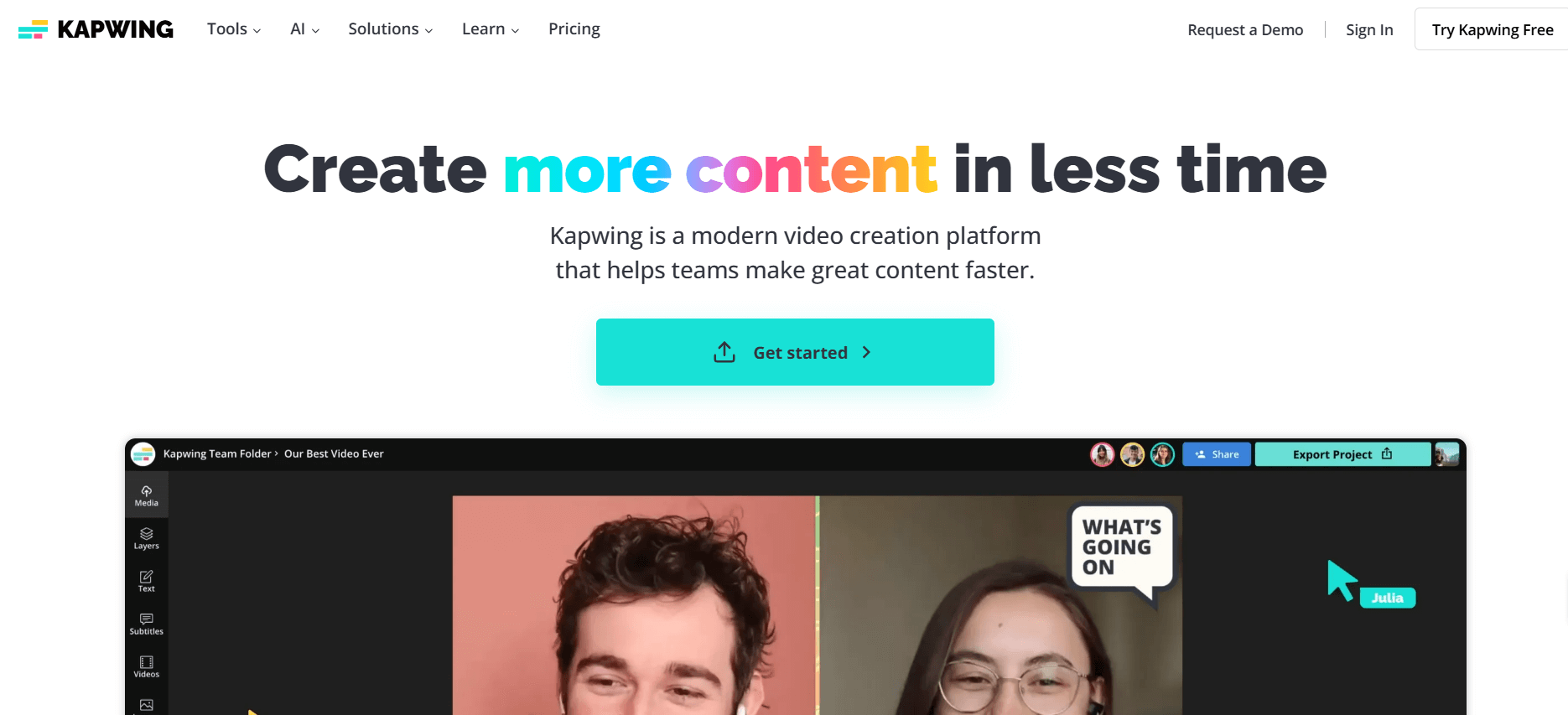
Best for: Team video editing with collaboration
What it does: Kapwing offers AI-powered video editing with strong collaboration features. Good for teams creating and reviewing video content together.
Key features:
- Auto-subtitles and translation
- Smart Cut and background removal
- Voice cloning for text-to-speech
- Lip-sync video generation
- Collaborative workflows
- 4K video quality
Pricing:
- Free: 720p with watermark
- Pro: No watermark, 4K, AI editing
- Business: $50/user/month
Strengths:
- Good free tier for testing
- Strong collaboration features
- Advanced AI (voice cloning, lip-sync)
- Detailed subtitle capabilities
Limitations:
- Video focused only
- Per-user pricing adds up
- Free plan has watermark
Who should use it: Teams collaborating on video content, especially content repurposing.
9. Lumen5

Best for: Turning blog posts into videos
What it does: Lumen5 specializes in transforming text content into videos. Paste in a blog post URL, and it creates a video storyboard automatically.
Key features:
- Text-to-video from articles/URLs
- Natural language processing
- Stock media library (50M-500M+ assets)
- AI voiceovers
- Automated storyboards
- Brand kits and templates
Pricing:
- Community (Free): 5 videos/month with watermark
- Basic: $29/month (removes watermark)
- Starter: $79/month (1080p, premium assets)
- Professional: $199/month (multiple brand kits)
Strengths:
- Excellent for repurposing blog content
- Good stock media library
- AI automation saves time
- Scalable pricing
Limitations:
- Free plan very limited
- Pricing jumps significantly between tiers
- Not for manual video editing
- Watermark on lower tiers
Who should use it: Content marketers who want to turn existing written content into video.
Specialized: Social Media Management
10. Hootsuite
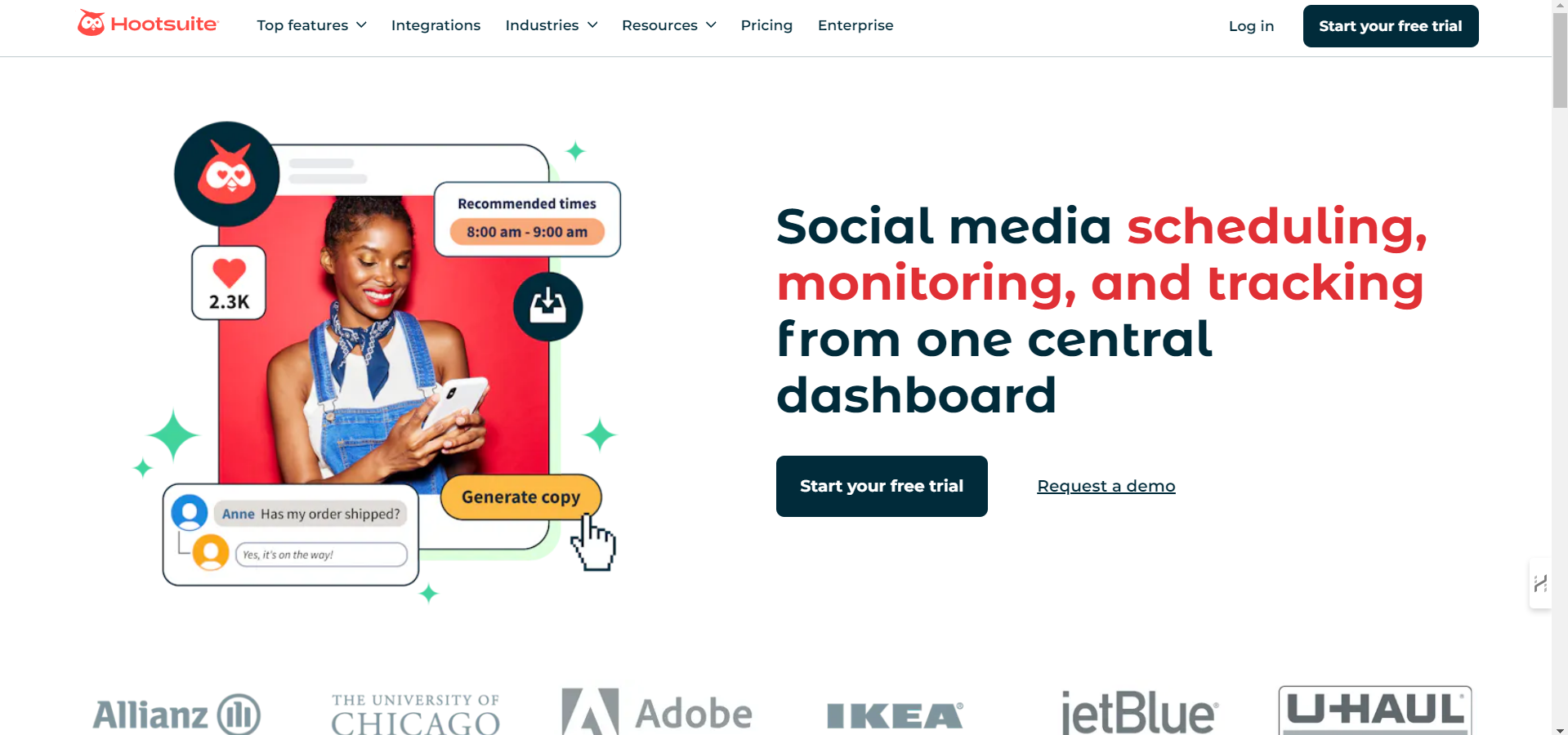
Best for: Larger teams with complex social media needs
What it does: Hootsuite is a dedicated social media management platform. Scheduling, analytics, listening, and inbox management across multiple platforms.
Key features:
- Multi-platform scheduling
- Social inbox for all messages
- Social listening for trends
- Analytics and reporting
- AI caption assistance
- Up to 10 social profiles (Standard)
Pricing:
- Standard: $99/month (5 accounts)
- Advanced: $249/month (unlimited accounts)
Strengths:
- Comprehensive social management
- Good analytics
- Multi-channel tracking
- Strong for larger operations
Limitations:
- Expensive ($99/month minimum)
- No content creation (design, video)
- Overkill for solo creators
- Recently raised prices 40%+
Who should use it: Larger small businesses or agencies with complex multi-channel social media needs and budget to match.
11. Buffer
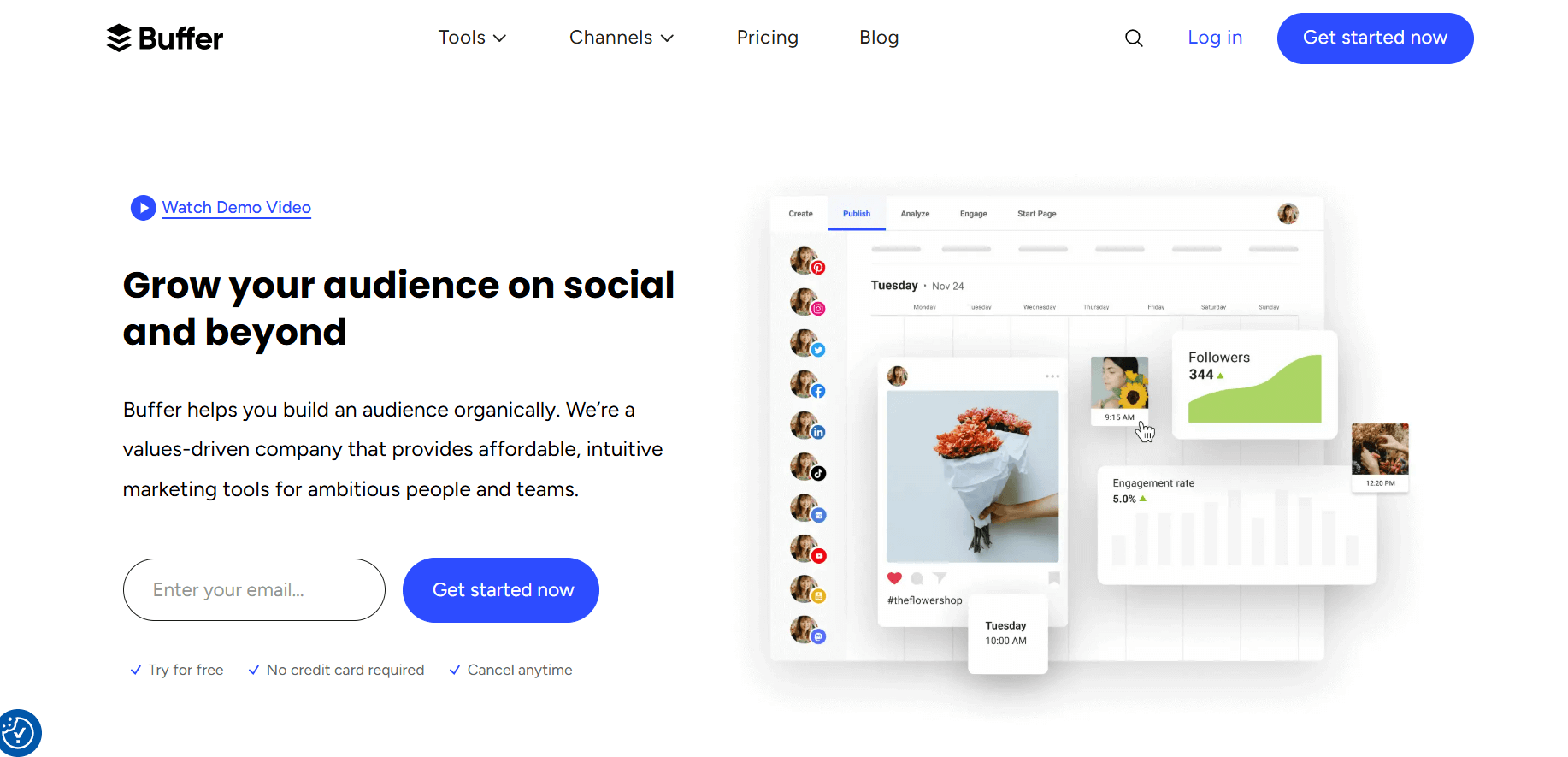
Best for: Simple, affordable social scheduling
What it does: Buffer does one thing well: scheduling social media posts. It’s simple, affordable, and scales with your needs.
Key features:
- Post scheduling across platforms
- AI content assistance
- Analytics and engagement tracking
- Approval workflows (Team plan)
- Clean, simple interface
Pricing:
- Free: 3 channels, 10 posts each
- Essentials: $5/month per channel
- Team: $10/month per channel
Strengths:
- Most affordable option ($5/channel)
- Simple and intuitive
- Scales with your needs
- Good for small teams
Limitations:
- Scheduling only. No design or video
- Limited writing assistance
- Per-channel pricing adds up
Who should use it: Small businesses that need affordable scheduling and have content creation handled elsewhere.
The Subscription Sprawl Problem
Here’s what most small businesses end up paying when they use specialized tools:
| Tool | Monthly Cost |
|---|---|
| Canva Pro (design) | $15 |
| Copy. ai Pro (writing) | $36 |
| VEED Lite (video) | $12 |
| Buffer (3 channels) | $15 |
| Total | $78/month |
That’s four logins, four interfaces, and constant exporting between tools.
An all-in-one platform like Simplified at $20/month replaces all four while keeping everything in one workflow.
Annual savings: $696
The math isn’t just about dollars. It’s about time spent switching between apps, reformatting content for different tools, and maintaining consistency across platforms.
How to Choose the Right Content Creation App
If you need everything in one place:
Choose Simplified if you want design + writing + video + scheduling with strong AI throughout.
Choose Canva if design is your primary need and you can handle writing and scheduling separately.
And Choose Adobe Express if you’re already in the Adobe ecosystem and want excellent value at $10/month.
If you only need specific capabilities:
Writing only: Copy. ai (affordable) or Jasper (powerful)
Video only: VEED (affordable) or Kapwing (collaboration) or Lumen5 (text-to-video)
Scheduling only: Buffer (affordable) or Hootsuite (comprehensive)
If you’re on a tight budget:
Minimum viable stack (~$30/month):
- Canva Free (design)
- Buffer Free (scheduling)
- VEED Lite ($12, video)
Better value ($20/month):
- Simplified Pro (everything)
Key Takeaways
Subscription sprawl is expensive. Four specialized tools easily cost $78+/month. All-in-one platforms can replace them for $20-50/month.
All-in-one saves time, not just money. One interface, one brand kit, one workflow. No exporting between apps.
Not all “all-in-one” claims are equal. Canva is great for design but limited for writing, video, and scheduling. Evaluate what each tool actually does well.
Match the tool to your primary need. If you mostly need design, Canva works. If you need everything, look at true all-in-one platforms.
Start with the problem, not the tool. What’s your biggest content bottleneck? Choose the tool that solves that first.
For small businesses creating content across multiple formats and platforms, consolidating into one platform usually makes more sense than assembling a stack of specialized tools.












![200+ Book Name Ideas for Your Next Masterpiece [2026]](https://siteimages.simplified.com/blog/Awesome-Book-Name-Ideas-01.png?auto=compress&fm=png "200+ Book Name Ideas for Your Next Masterpiece [2026]")