By
By Social media has become a cornerstone of business growth. In 2025, over 90% of companies use social media to reach customers, yet nearly half of marketers say managing multiple accounts and posting consistently is their biggest challenge. For many businesses, juggling content creation, scheduling, analytics, and reporting can be overwhelming—and time-consuming.
As a buyer, you’re likely looking for a solution that not only saves time but also helps you plan, post, and analyze content efficiently. With the right social media management software, you can simplify your workflow, measure performance, and focus on strategies that grow your business.
This guide is written from a buyer’s perspective. It provides a detailed look at the top social media management platforms, highlighting their features, pricing, pros and cons, and which businesses they suit best. By the end, you’ll have the clarity to pick a platform that fits your needs and budget without wasting time on trial and error.
Here is the list we are going to cover:
- Simplified – for All-in-one solution
- Hootsuite – for Comprehensive features
- Buffer – for Simple scheduling
- Sprout Social – for Analytics-focused
- Zoho Social – for Small teams
- Agorapulse – for Measuring business impact
Let’s start with a quick glance at the top social media management platforms to help you compare them at a glance.
Top Social Media Management Platforms at a Glance
Before diving into the details, here’s a quick snapshot of the top social media management platforms to help you compare them at a glance. This table highlights their key strengths, pricing, and who they are best suited for.
| Platform | Best For | Pricing | Key Highlight |
|---|---|---|---|
| Simplified | All-in-one solution | Free + Paid from $15/mo | Manage content, schedule posts, and track analytics in one platform |
| Hootsuite | Comprehensive features | Plans from $22/month | Multi-platform scheduling, team collaboration, and detailed reporting |
| Buffer | Simple scheduling | Free + Paid from $5/month | Easy-to-use posting across multiple networks |
| Sprout Social | Analytics-focused | Plans from $199/month | Social inbox, in-depth analytics, and scheduling |
| Zoho Social | Small teams | Plans from $7/month | Scheduling, monitoring, and performance tracking for small businesses |
| Agorapulse | Measuring business impact | Plans from $79/month | Manage posts, conversations, and performance analytics with ROI focus |
Bonus: How an AI Workflow Can Turn Your Articles into Engaging Social Media Content?
Detailed Overview of Top Social Media Management Platforms
Now that you have a quick overview, let’s take a closer look at each platform, including their key features, pricing, pros and cons, and what each is best for.
Simplified – Best for All-in-one solution for social media management and content creation

Simplified is an all-in-one platform designed to help businesses, marketers, and content creators manage their social media and content creation in one place. It combines scheduling, analytics, and content design tools with AI-powered workflows to make social media management more efficient. The platform is suitable for small to medium-sized businesses, freelancers, and marketing teams who want to create and manage posts, track performance, and collaborate with team members without switching between multiple tools.
Key Features:
- Multi-Platform Scheduling: Publish and Schedule posts across various social media platforms, including Instagram, Facebook, LinkedIn, Twitter, TikTok, and Pinterest.
- AI-Powered Content Creation: Utilize AI tools for generating captions, hashtags, and content ideas, streamlining the content creation process.
- Visual Content Tools: Access a suite of design tools for creating graphics and videos tailored for social media.
- Analytics Dashboard: Monitor post performance and audience engagement through integrated analytics.
- AI Workflows: Implement AI workflows to automate repetitive tasks, such as content scheduling and reporting.
- Team Collaboration: Collaborate with team members on content creation and approval processes within the platform.
Pricing:
- Free Trial: Yes
- Paid Plans: Start at $15/month for advanced features and multiple team seats
For more detailed information and to compare features across plans, you can visit Simplified’s pricing page
Pros:
- Comprehensive suite combining scheduling, analytics, and content creation
- User-friendly interface for beginners
- AI-driven tools make content creation faster
- Free plan available
Cons:
- Occasional performance issues reported during peak usage
- Advanced features may require some learning
Bonus: 270 Unique Snapchat Username Ideas That Stick
Hootsuite – Best for Comprehensive features
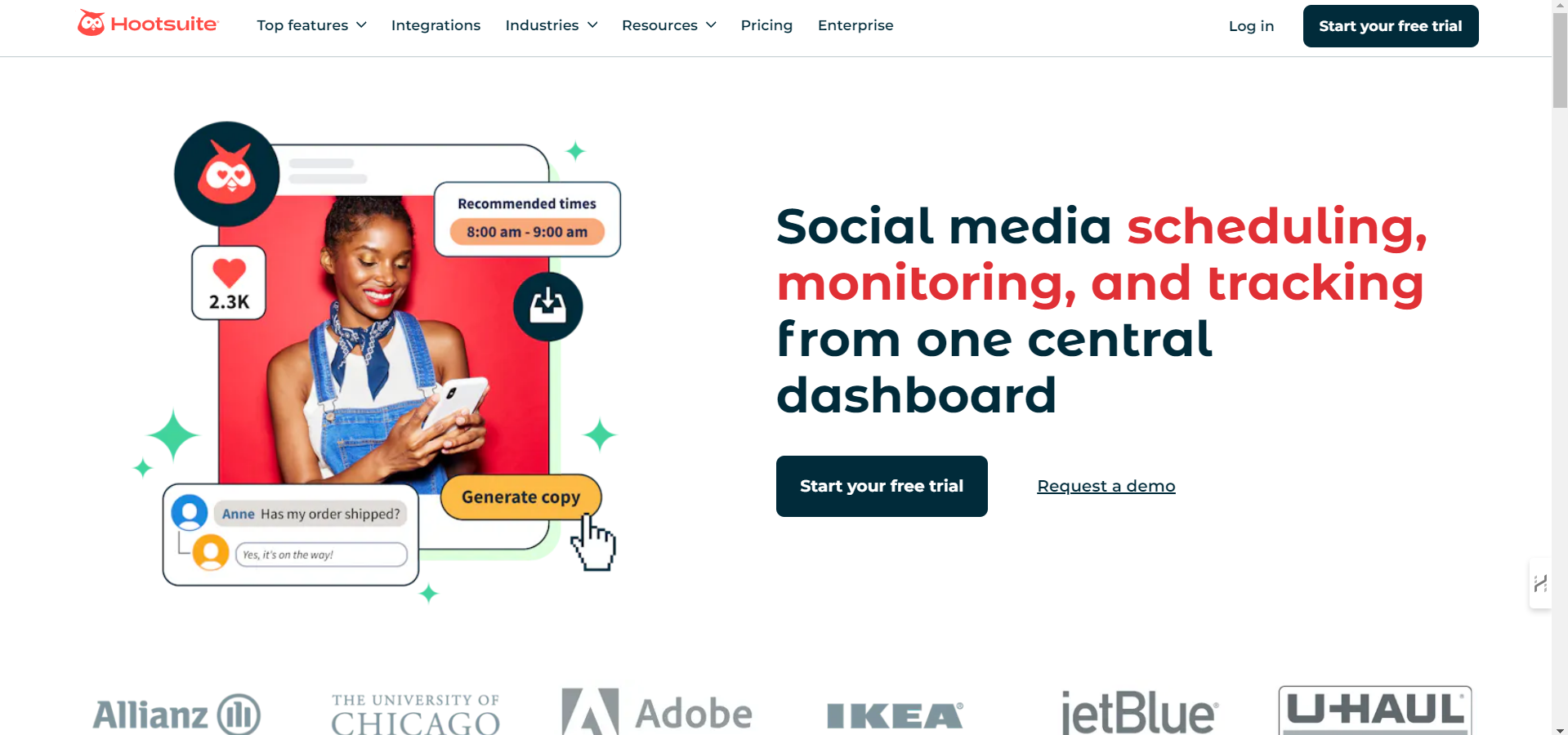
Hootsuite is a longstanding leader in the social media management space, serving over 25 million users globally. Established in 2008, it has evolved into a comprehensive platform that combines scheduling, analytics, social listening, and team collaboration tools. Hootsuite is particularly favored by businesses aiming to streamline their social media operations across multiple platforms from a single dashboard.
Key Features:
- Multi-Platform Scheduling: Schedule and manage posts across various social media networks, including Facebook, Instagram, LinkedIn, Twitter, TikTok, and YouTube.
- Analytics Dashboard: Gain insights into post performance, audience engagement, and competitor activity.
- Social Listening: Monitor brand mentions, industry trends, and competitor activities in real-time.
- Team Collaboration: Assign tasks, approve content, and manage workflows within the platform.
- OwlyGPT AI Assistant: Utilize AI to generate captions, suggest optimal posting times, and analyze trends.
- Integrations: Connect with over 100 third-party applications to enhance functionality.
Pricing:
- Free Trial: Yes
- Paid plan: Starts at $22/month
Pros:
- Comprehensive suite of tools for scheduling, analytics, and engagement.
- Supports a wide range of social media platforms.
- Robust team collaboration features.
- Extensive integration options with third-party applications.
Cons:
- Occasional performance issues during peak usage times.
- Higher pricing may be a consideration for small businesses.
- Some users report a steeper learning curve due to the platform’s extensive features.
Buffer – Best For Simple scheduling across different social networks
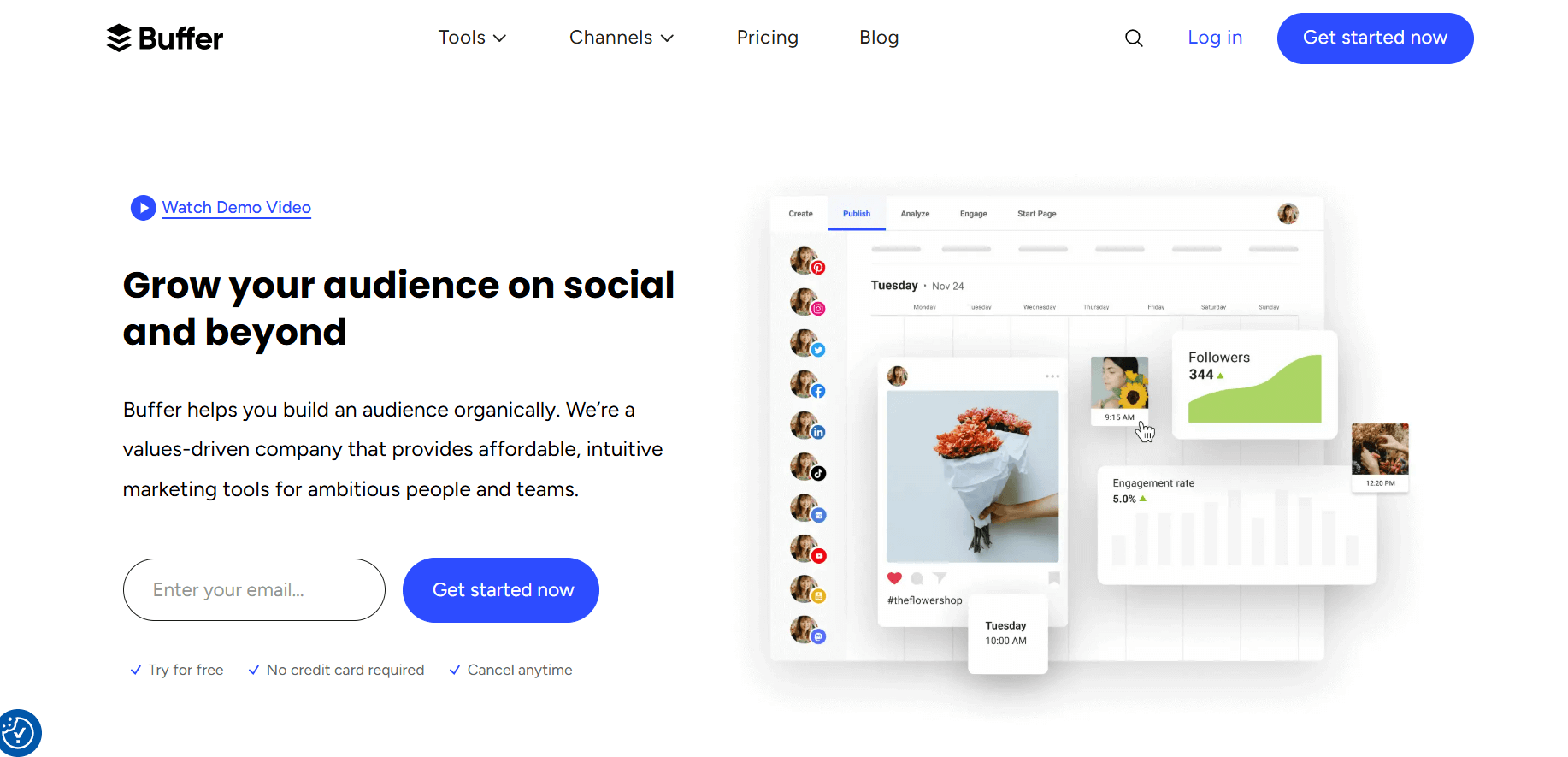
Buffer is a social media management platform known for its simplicity and ease of use. Launched in 2010, Buffer focuses on helping individuals, small businesses, and marketing teams schedule posts, track performance, and manage multiple social media accounts without overwhelming complexity. Its clean interface and straightforward approach make it a favorite for users who want effective scheduling with minimal learning time.
Key Features:
- Multi-Platform Scheduling: Schedule posts across Facebook, Instagram, LinkedIn, Twitter, and Pinterest.
- Queue Management: Easily plan and organize content for future posting.
- Basic Analytics: Track post engagement, clicks, and reach.
- Content Calendar: Visual overview of upcoming posts for planning purposes.
- Browser and Mobile App Support: Manage social media accounts on the go.
Pricing:
- Free Plan: Free trial available and For individuals managing up to 3 social accounts.
- Paid plan: Starts at $5/month
Pros:
- Very user-friendly and easy to set up.
- Simple, uncluttered interface ideal for beginners.
- Affordable plans for small businesses and individuals.
Cons:
- Limited advanced analytics compared to competitors.
- Fewer integrations with third-party apps.
- Not as feature-rich for large teams or enterprises.
Bonus: 600+ Best WhatsApp Bio Ideas to Give Your Profile a Fresh Vibe
Sprout Social – Best For Analytics-focused social media management

Sprout Social is one of the most comprehensive social media management platforms available today. It’s widely used by marketing teams and enterprises for managing social communication, analyzing data, and improving collaboration across departments. The platform combines publishing, analytics, listening, and customer relationship tools into one interface, making it a preferred choice for organizations that need advanced reporting and performance insights.
Key Features:
- Unified Smart Inbox: View and respond to messages, mentions, and comments across all connected platforms in one place.
- Advanced Analytics: Get in-depth reports on engagement, audience growth, and campaign performance.
- Social Listening: Monitor brand mentions, keywords, and trends to understand customer sentiment.
- Post Scheduling and Publishing: Plan, schedule, and publish content across major social platforms.
- CRM Integration: Track and manage customer interactions directly from the dashboard.
- Team Collaboration: Assign tasks, track progress, and manage approvals for teams.
Pricing:
- Free Trial: Yes
- Paid Plan: Starts at $199/month
Pros:
- Robust analytics and reporting features.
- Excellent for large teams and agencies.
- Offers comprehensive social listening tools.
- Clean interface and well-structured dashboard.
Cons:
- High pricing may not fit smaller businesses.
- Limited customization in entry-level plans.
- Some tools require higher-tier plans to access.
Zoho Social – Best For Small teams and businesses
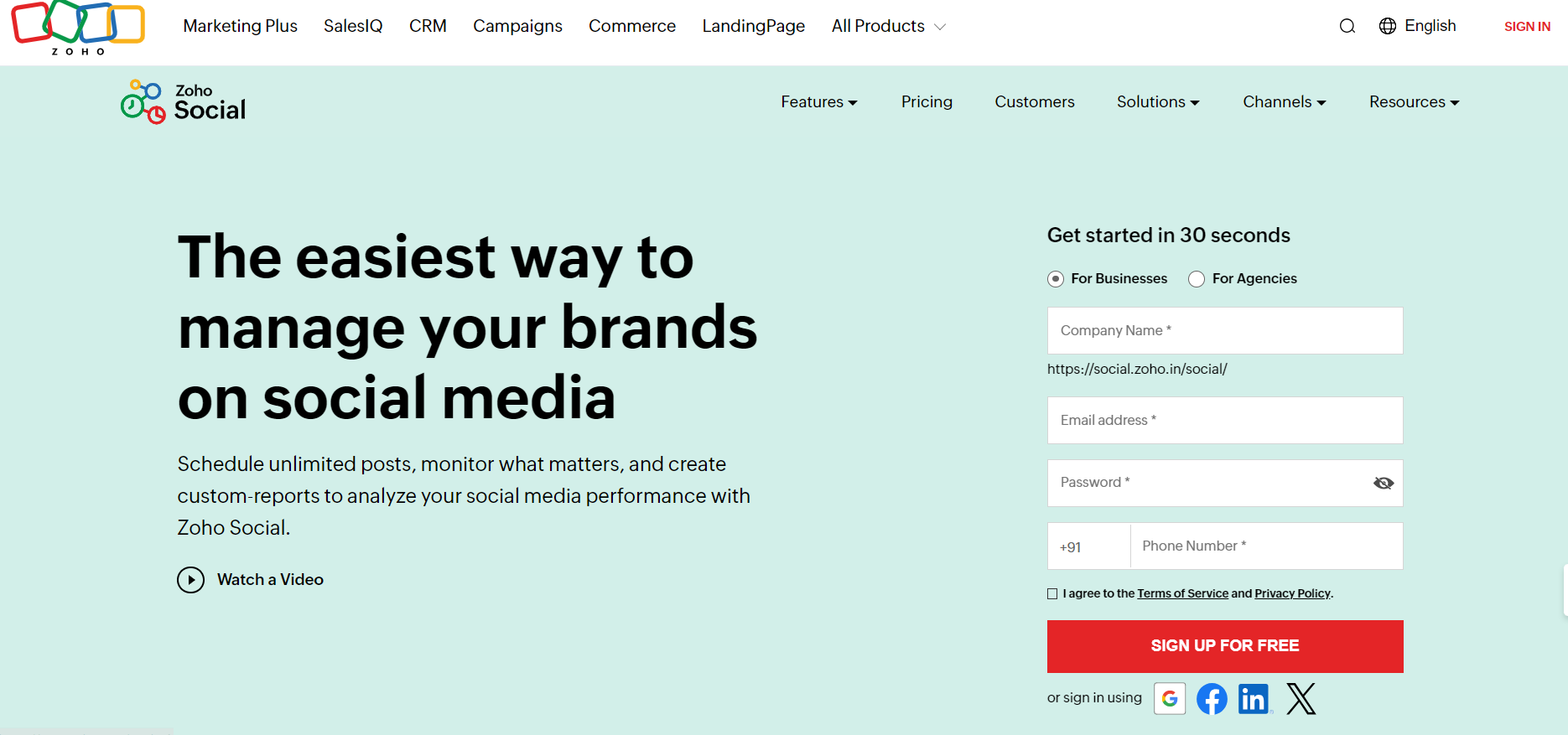
Zoho Social is part of the larger Zoho ecosystem, known for its suite of productivity and business tools. It’s designed to help businesses plan, monitor, and analyze their social media presence with efficiency. The platform is particularly suitable for small to mid-sized companies and agencies that manage multiple client accounts. Its integration with other Zoho apps, such as Zoho CRM, gives it an edge for businesses looking to align their social media and customer relationship management efforts.
Key Features:
- Multi-Platform Scheduling: Schedule and publish posts across Facebook, Twitter, LinkedIn, Instagram, YouTube, and more.
- Monitoring Dashboard: Track mentions, keywords, and reviews in real-time to stay updated on brand activity.
- Analytics & Reporting: Generate detailed reports to understand audience engagement and content performance.
- Collaboration Tools: Assign roles, share drafts, and manage approvals for team members.
- CRM Integration: Seamlessly connect with Zoho CRM to manage leads and track social interactions.
- Custom Queues: Organize and schedule content in multiple time slots to maintain consistent posting.
Pricing:
- Free Trial: Yes
- Paid Plan: Starts at $7/month
Pros:
- Excellent integration with Zoho’s business suite.
- Suitable for both in-house teams and agencies.
- Affordable pricing structure with flexible plans.
- Easy-to-use dashboard with real-time updates.
Cons:
- Integration outside the Zoho ecosystem is limited.
- Interface can feel outdated compared to newer competitors.
- Some advanced analytics tools are only available in higher plans.
Bonus: 100+ New Gen Z Slang Words: Meanings and How to Use Them
Agorapulse – Best For Measuring business impact and social performance
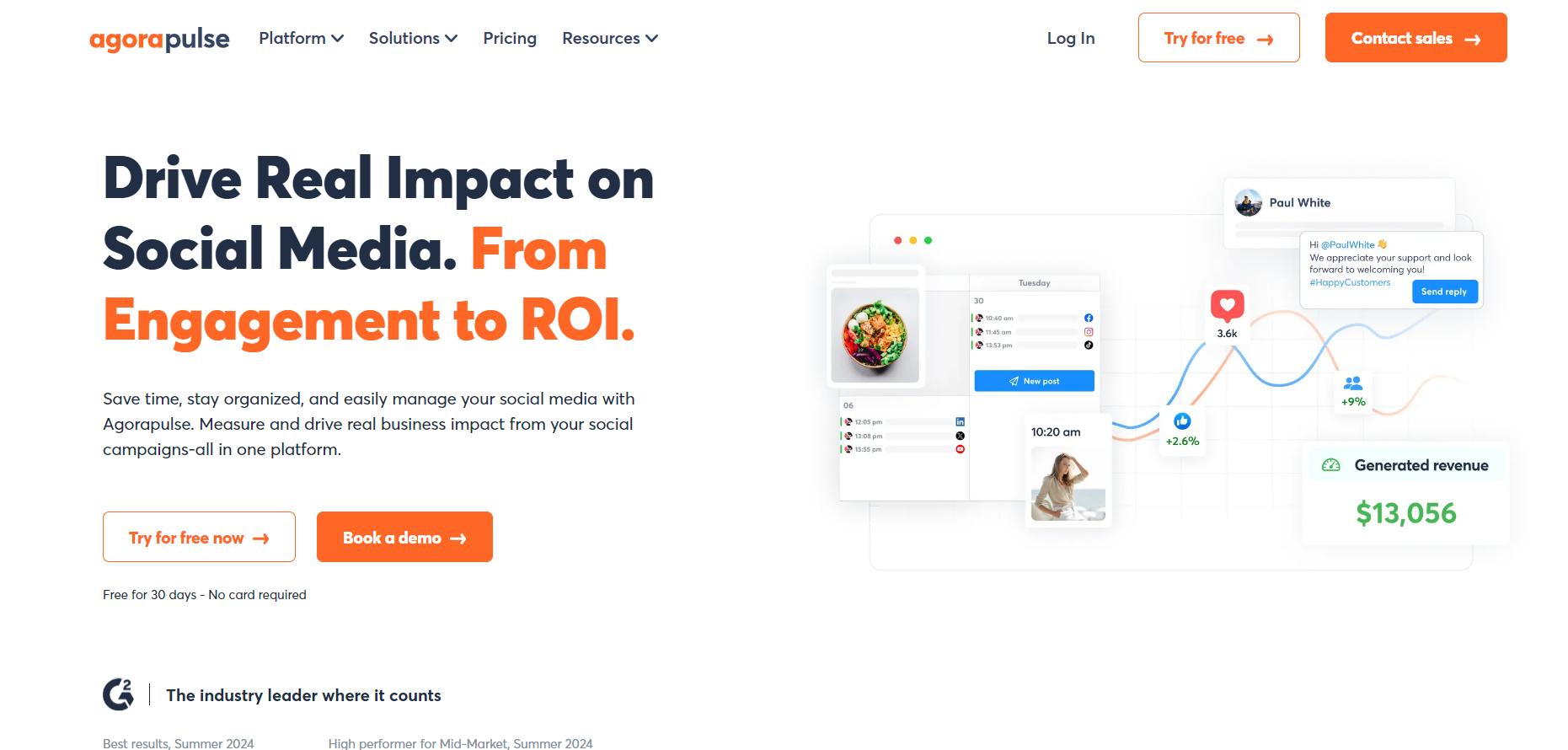
Agorapulse is a social media management platform focused on helping businesses track performance, manage conversations, and measure the impact of social media efforts. Founded in 2011, it’s widely used by small to medium-sized businesses and marketing teams that want an intuitive platform for scheduling, monitoring, and reporting.
Key Features:
- Post Scheduling: Plan, queue, and publish content across Facebook, Twitter, Instagram, LinkedIn, and YouTube.
- Social Inbox: Centralized inbox to manage comments, messages, and mentions efficiently.
- Analytics & Reporting: Track engagement, audience growth, content performance, and ROI.
- Social Listening: Monitor brand mentions, hashtags, and competitor activity.
- Team Collaboration: Assign tasks, manage approvals, and track team performance.
- Content Library: Store and organize images, videos, and post templates for easy access.
Pricing:
- Free Trial: Yes
- Paid Plan: Starts at $79/month – Suitable for small teams managing multiple accounts.
Pros:
- Strong focus on measuring social media ROI.
- User-friendly interface for managing posts and conversations.
- Detailed analytics and reporting for informed decision-making.
- Efficient team collaboration tools.
Cons:
- Pricing can be high for very small businesses.
- Limited AI-powered content creation compared to some competitors.
- Advanced features require higher-tier plans.
Bonus Articles:
– Top Social Media Scheduling Tools to Boost Your Marketing Strategy
– 12 Best Agorapulse Alternatives and Competitors for Social Media Management
Key Features to Consider for the Best Social Media Management Platforms
When selecting a social media management platform, it’s important to focus on features that directly impact your workflow, efficiency, and results. Here are the key aspects to consider:
Scheduling & Posting:
The core function of any social media management platform is the ability to schedule and post content across multiple platforms. Look for tools that allow you to plan content in advance, set up recurring posts, and queue posts for optimal engagement times.
Analytics & Reporting:
Understanding how your content performs is crucial. A platform with robust analytics and reporting tools helps track engagement, follower growth, click-through rates, and other key metrics. Reports should be easy to generate and visually clear so you can make informed decisions about your social media strategy.
Content Creation Tools:
Some platforms offer built-in design and content creation tools, including image editors, video makers, and caption generators. AI-powered content tools can save time by suggesting captions, hashtags, or content ideas, making it easier to maintain a consistent brand voice.
Team Collaboration:
For teams managing social media accounts, collaboration features are essential. Look for platforms that allow multiple users, assign tasks, manage approvals, and maintain a workflow for content creation and publishing. This ensures accountability and smooth coordination among team members.
Integration with Other Tools:
Integration with other tools such as CRM software, email marketing platforms, or analytics dashboards can make your social media management more efficient. It allows you to track campaigns holistically and connect social media activities to broader marketing and business objectives.
Considering these features will help you select the platform that fits your needs and budget.
Bottom Line
Finding the right social media management software goes beyond just scheduling posts—it’s about having a platform that supports your entire workflow. The best solutions help you plan content, track performance, create visuals, collaborate with your team, and integrate with other tools your business relies on.
By focusing on these key capabilities, you can reduce manual work, maintain consistency across multiple accounts, and make smarter decisions backed by analytics. Choosing the right platform ensures your social media efforts are organized, measurable, and aligned with your business goals, giving you more control over your online presence without wasting time or resources.