 By
By If you’re managing social media in 2026, you already know how much work it takes to stay consistent, creative, and ahead of the curve. Tools like Agorapulse have been a go-to for many teams, helping schedule posts, track engagement, and keep everything organized.
But let’s be real — no tool is perfect. Whether it’s because of pricing, feature limitations, or just needing something that better fits your workflow, you might find yourself thinking: “Hmm… maybe it’s time to try something else?”
In this blog, we’re diving into 12 of the best Agorapulse alternatives you can check out this year. Whether you’re looking for something more budget-friendly, more powerful, or just different, you’ll find plenty of options here.
Why Consider Agorapulse Alternatives?
Agorapulse has a loyal following — and for good reason. It’s simple to use, reliable, and helps social media managers stay organized. But if you’ve been using it for a while, you might have noticed a few areas where it doesn’t quite keep up with your growing needs.
Let’s talk about what users often point out in reviews (like those on Gartner):
- It can get pricey as you scale. If your team or client list grows, the cost of adding more users and profiles can add up fast.
- Reporting feels a bit basic. For smaller businesses, the analytics are fine, but enterprise-level teams often need more detailed, customizable reports.
- Limited integrations. Some users find it tricky to connect Agorapulse with all their other favorite tools or CRMs.
- Fewer AI features. As newer platforms roll out smarter, AI-driven suggestions and automations, Agorapulse can feel a little behind.
So, when might you start looking elsewhere?
- If your budget is tight, and you need a more affordable option.
- If you need deeper analytics, influencer management, or advanced listening tools.
- If your business is growing and you need better scalability or more customization to fit your workflow.
If any of that sounds familiar, don’t worry — there are plenty of solid alternatives out there, and we’ll cover the best ones next.
The 12 Best Agorapulse Alternatives (Expert Picks for 2026)
Now lets begin with the top 12 Agorapulse alternatives you can explore for social media management:
1. Simplified
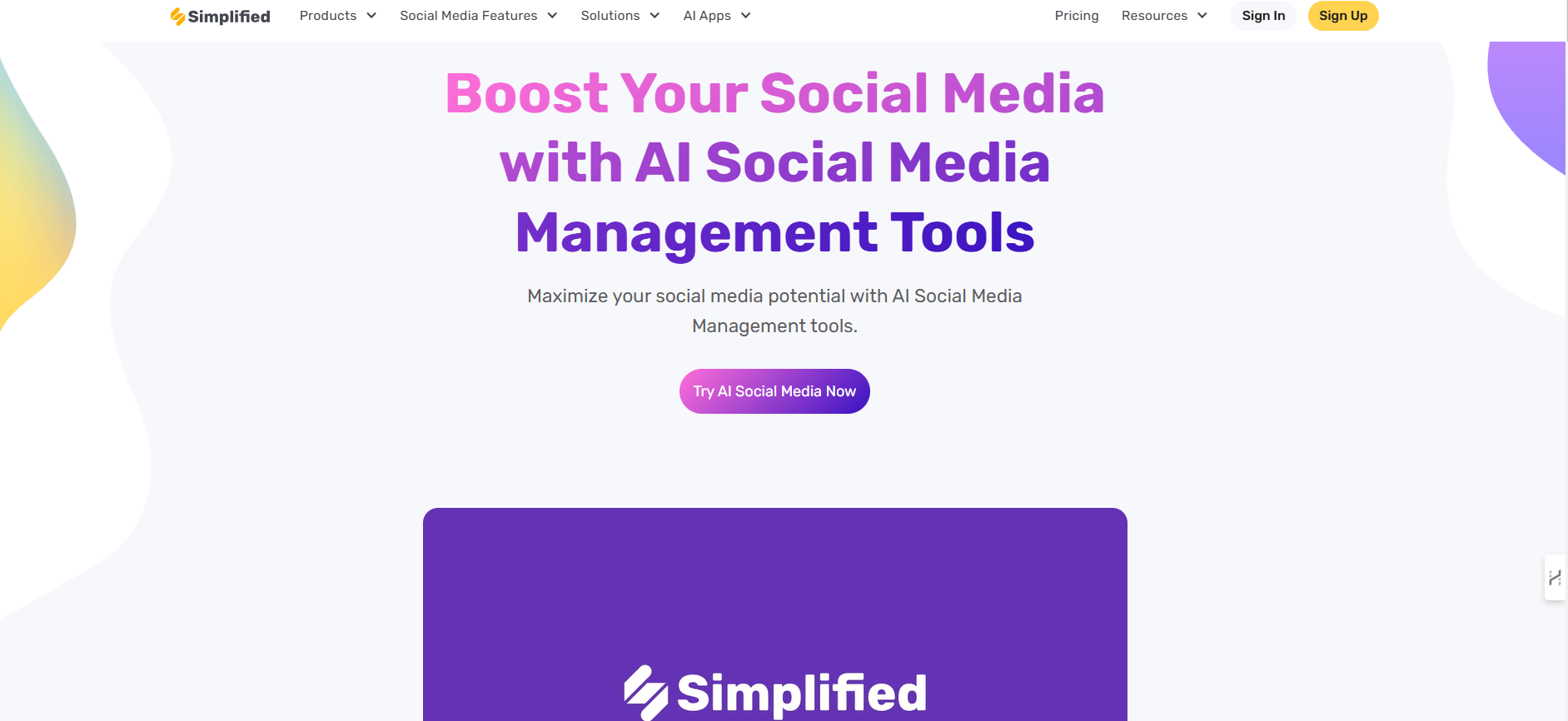
If you’re tired of juggling between Canva for design, ChatGPT for copy, and another app for scheduling — Simplified combines all of that under one roof. It’s not just a social media scheduler; it’s an entire creative and publishing suite designed for modern marketers.
Why choose Simplified?
Because you don’t just need to post — you need to create engaging content, get feedback from your team or clients, and then publish it efficiently. Simplified lets you do all of this without switching tools or tabs.
Key features:
- AI-powered writing: Generate social captions, blog posts, ad copy, and more in seconds.
- Designing of visuals: Design and create posts, videos, and graphics on various platforms through an inbuilt design editor which comprises templates, fonts, stock images, and all.
- Bulk scheduling: This feature allows scheduling of big posts across various sites at once and saves time used by agencies where there are many clients.
- Social Inbox: Handle all the incoming messages and comments on different platforms in a single place to conveniently interact with them,
- Link in Bio: Link in bio is a customizable landing page that can collect all the important links, which can be used to drive traffic to certain content.
- Collaboration: Able to involve teams and clients to collaborate on drafts, make comment and approve the content before it can be published easily reducing time on the approval process.
- Social media scheduler: Schedule posts on platforms like Instagram, Facebook, LinkedIn, TikTok, and more — all from a single calendar.
- Reports and analytics: Provides analytics and reports on post-performance, audience engagement, and trends, that can be made, to suite client preferences.
- Media library: They hold the media items that were used, such as pre-formed templates, and topic listings.
- Hashtag management: Sort and save hashtags based on various clients and campaigns so that you can use it routinely and in a similar manner.
- Automatic caption and post idea generator: Use AI to automatically create captions and ideas to be posted to the social posts, and save time creating it.
- Cross-platform publishing: You can use your content to publish across channels simultaneously, which means you spend less time posting manually via social media platforms.
- Compatible With Apps: Facebook, Instagram, Twitter (X), LinkedIn, Youtube, Pinterest, Tik Tok and others, constantly updated
✅ Pros:
- All-in-one platform: eliminates the need for separate tools for writing, designing, and posting.
- Extremely affordable, even for small businesses and freelancers.
- User-friendly interface — easy to pick up even if you’re not a designer or tech-savvy.
❌ Cons:
- Analytics are more basic compared to high-end enterprise platforms like Sprout Social or Hootsuite.
- Doesn’t have influencer discovery or outreach features.
2. Hootsuite
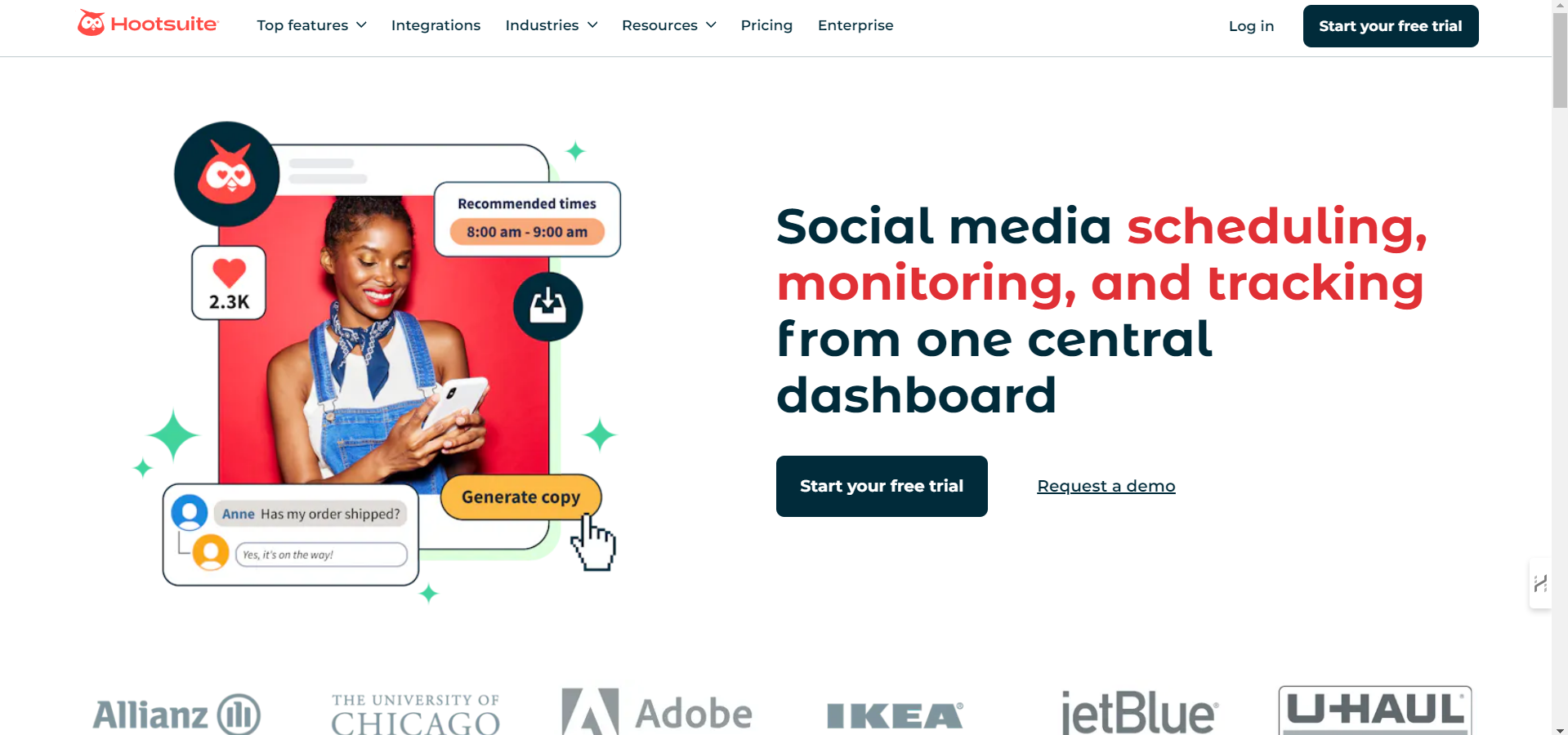
For big teams that need reliability and strong integrations, Hootsuite remains a top contender.
Why choose Hootsuite?
You get proven performance, robust features, and it’s trusted by some of the world’s biggest brands.
Key features:
- Advanced social monitoring & listening tools.
- In-depth analytics and customizable dashboards.
- Supports a wide range of networks & apps.
- Collaboration workflows with role-based access & approvals.
✅ Pros:
- Scales well for large, complex organizations.
- Supports hundreds of integrations and apps.
❌Cons:
- Pricing can rise steeply as you add more users/accounts.
- The user interface feels a bit outdated compared to newer platforms.
3. Sprout Social
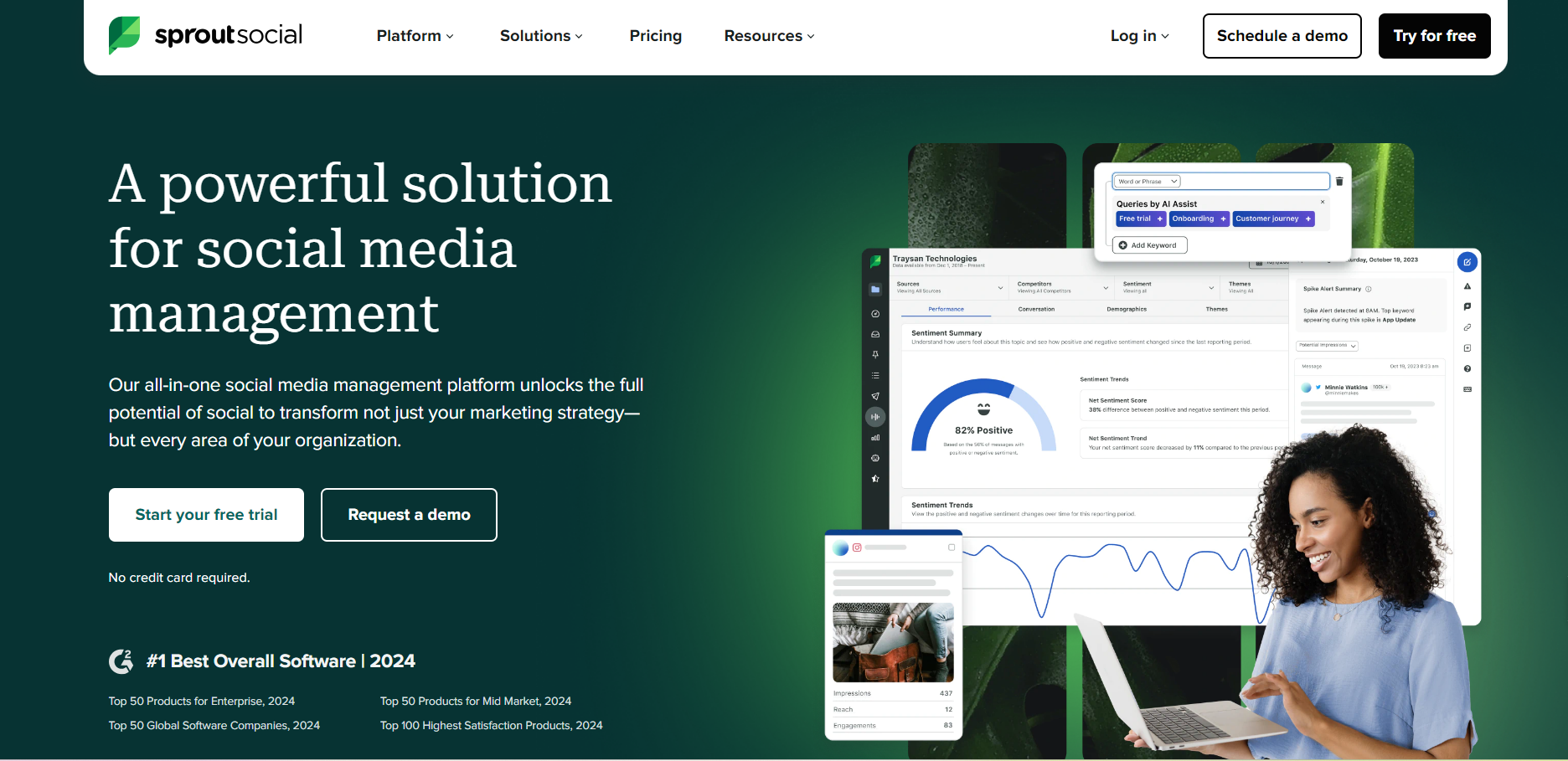
If you need more than just scheduling — like detailed analytics, customer engagement tools, and CRM-like features — Sprout Social is a fantastic choice. It’s designed to help you not only post content but also truly understand and serve your audience.
Key features:
- Track engagement and ROI with customizable analytics dashboards.
- Manage all messages, mentions, and comments in one unified inbox.
- Build customer profiles to personalize interactions.
- Plan and schedule content with a shared calendar.
- Assign tasks and approve posts with team-friendly workflows.
✅ Pros:
- Excellent analytics & reporting, perfect for measuring campaigns.
- Integrated customer care tools make it easy to respond to your audience effectively.
❌ Cons:
- One of the pricier options, especially for smaller teams.
- Takes some time to set up and learn all the advanced features.
4. Planable
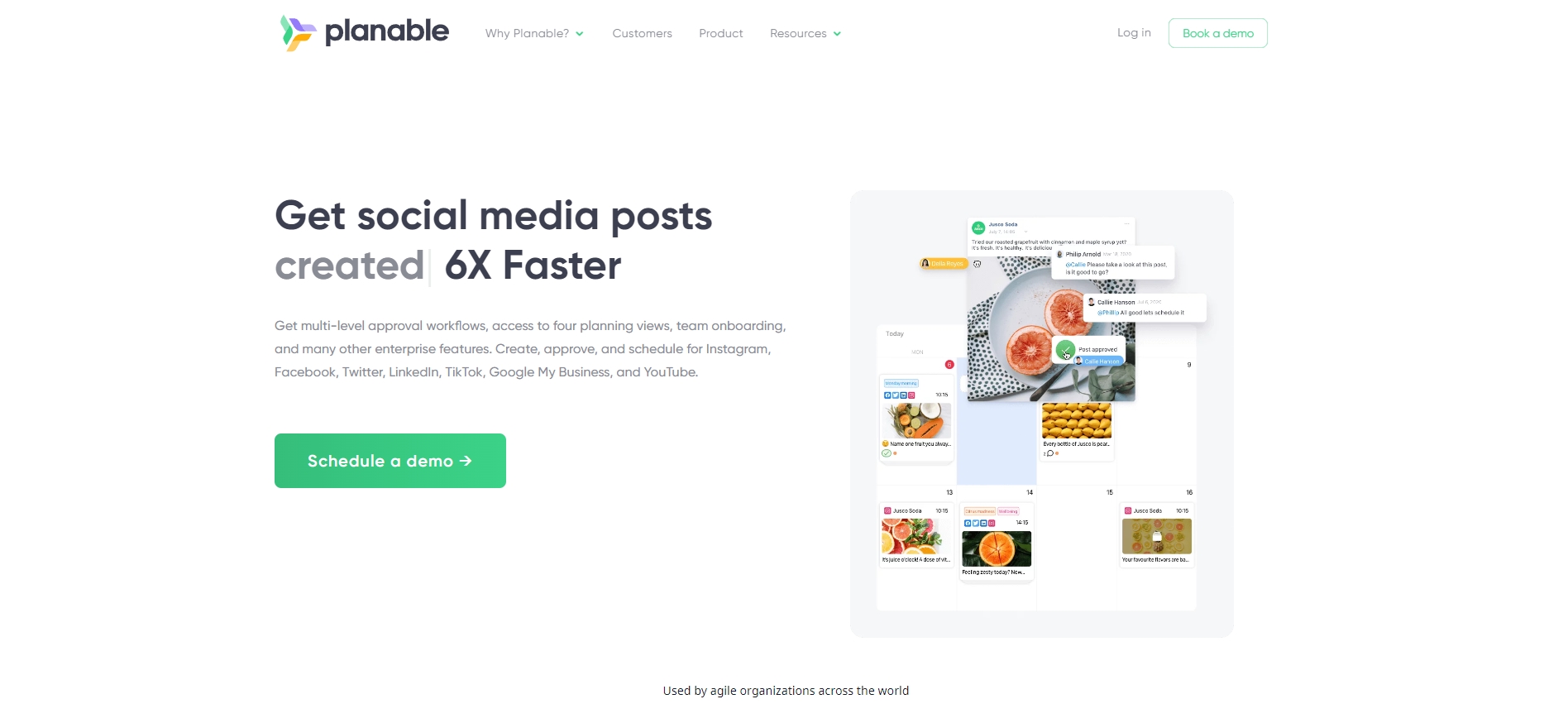
If your workflow involves multiple people — especially if you need clients or managers to review and approve content — Planable makes collaboration feel easy and organized.
Key features:
- Preview posts exactly as they appear on platforms.
- Comment directly on posts for team feedback.
- Approve posts with one click for faster workflows.
- View all scheduled content in a shared calendar.
- Control access for team members and clients.
✅ Pros:
- Extremely user-friendly and great for collaborative workflows.
- Makes content approvals fast and transparent for everyone involved.
❌ Cons:
- Not as strong in analytics or reporting features.
- Limited AI or automation tools compared to other platforms.
5. Statusbrew:

If you want more than a scheduling tool, in-depth reporting, automated comment management, and client-ready workflows, Statusbrew is a substantial Agorapulse alternative worth considering. It’s designed for teams that need to manage multiple brands, stay on top of all conversations, and track performance with precision.
Key features:
- Track performance using 250+ KPIs in customizable reports
- Manage comments, DMs, ad replies, and reviews in a modern unified inbox
- Use smart labels and filters to categorize posts and messages
- Plan content with a shared calendar and multi-step approvals
- Automate replies, tagging, and message routing with 60+ rules
✅ Pros:
- Advanced automation helps teams prioritize and respond faster
- Flexible approvals and labeling make collaboration and reporting easy
❌ Cons:
- Not built for brands needing advanced social listening across the web
- Slight learning curve for first-time users due to feature depth
6. Sendible
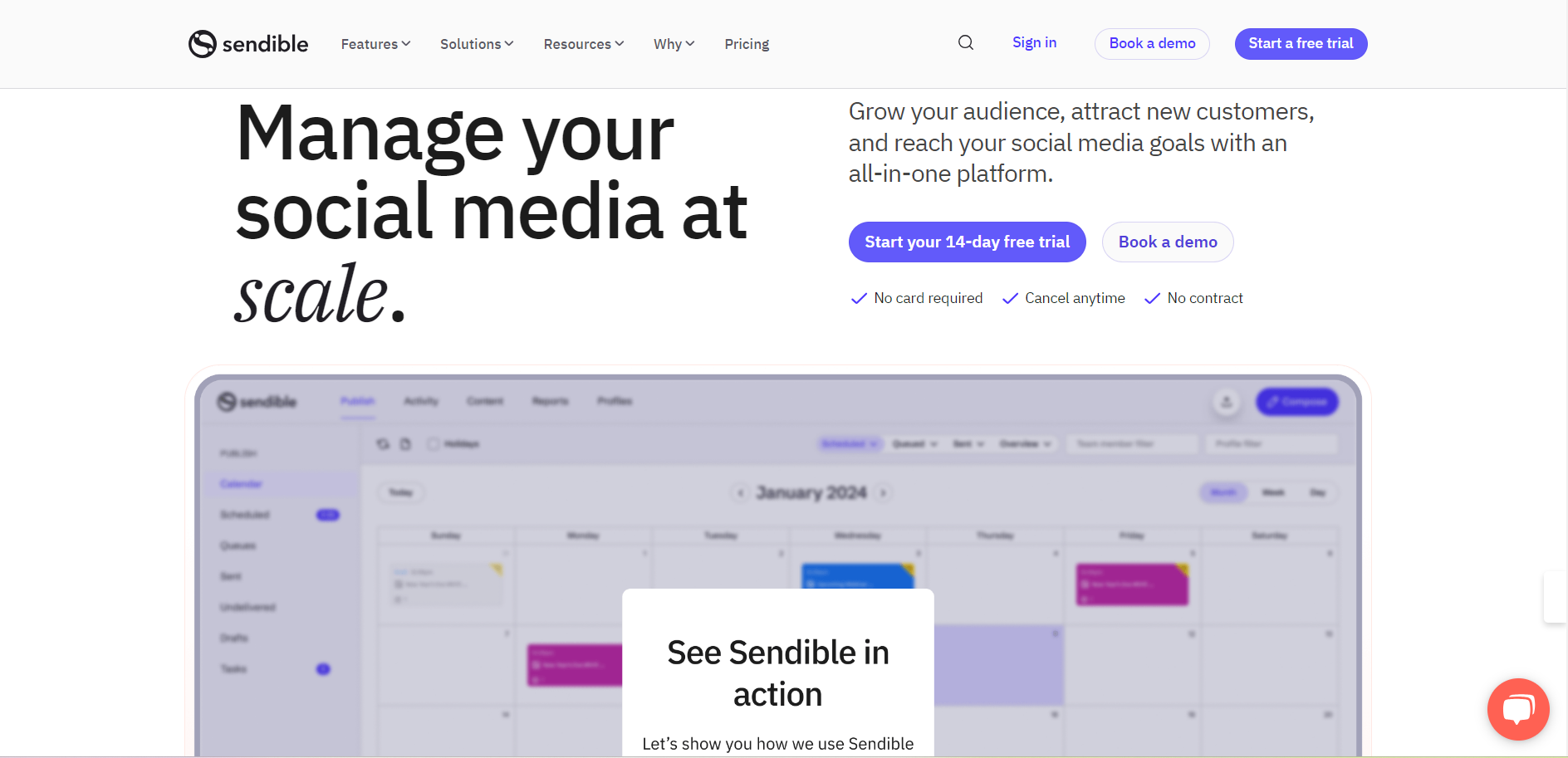
If you juggle several client accounts and need a dashboard that helps you schedule posts, generate reports, and even customize your interface for each client, Sendible is a great choice.
Key features:
- Schedule posts across multiple platforms from one place.
- Monitor brand mentions and engage with your audience.
- Generate detailed, branded reports for clients.
- Customize dashboards and workflows for each client.
- Access a built-in image editor and content suggestions.
✅ Pros:
- Highly customizable and agency-friendly.
- Comes with white-label options and strong reporting capabilities.
❌ Cons:
- Can feel overwhelming for beginners due to its many options.
- Some users report the interface feels a bit dated.
7. Buffer
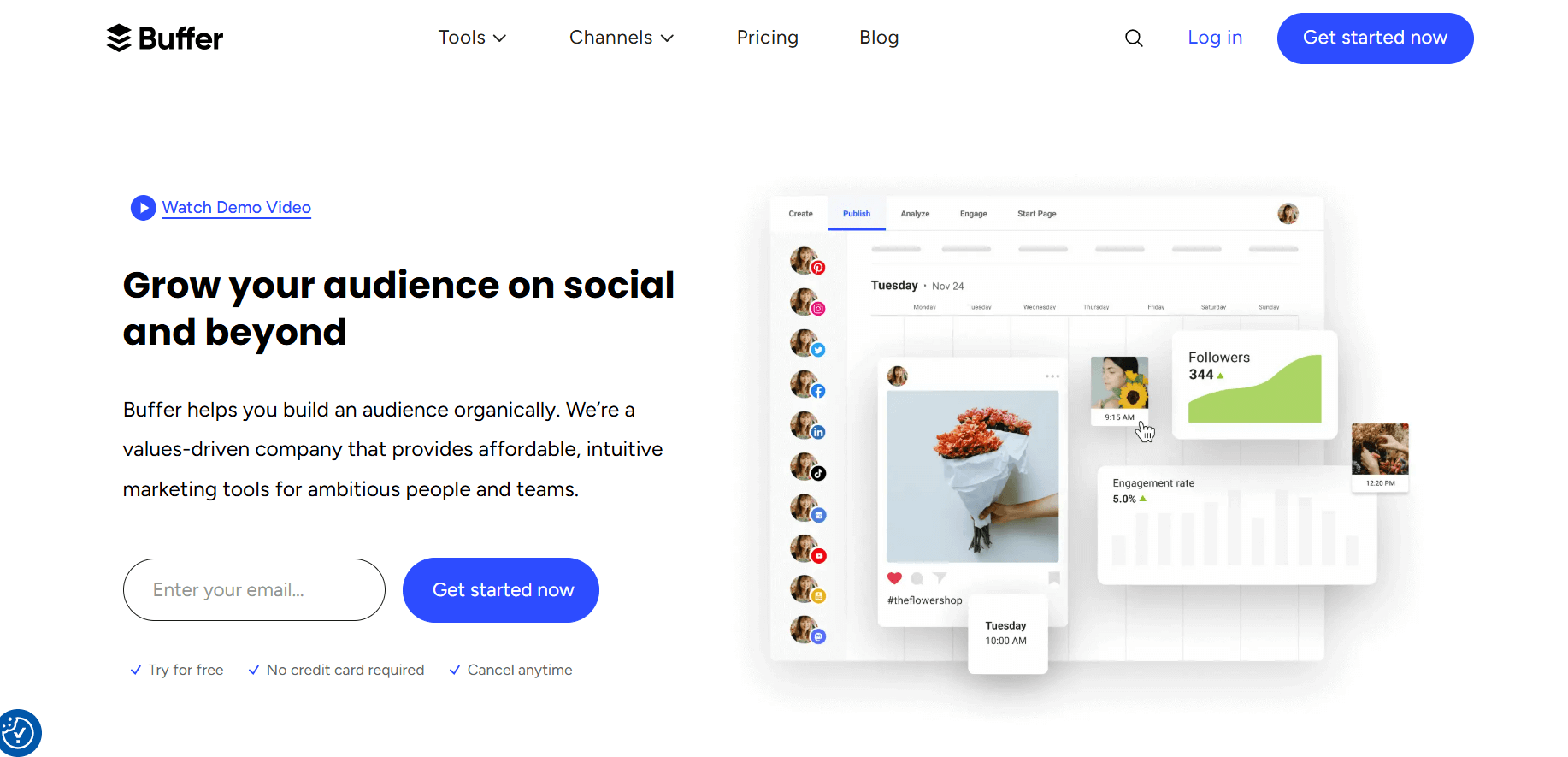
If you want an easy-to-use tool that focuses on scheduling and publishing without unnecessary complexity, Buffer is a reliable choice — especially for budget-conscious users.
Key features:
- Plan and schedule posts for all major social networks.
- Analyze engagement and performance with basic analytics.
- Collaborate with team members on post planning.
- Use a browser extension to quickly add content to your queue.
- Respond to comments and messages with Buffer’s engagement tools.
✅ Pros:
- Very simple and beginner-friendly interface.
- Affordable, with a solid free plan and scalable paid plans.
❌ Cons:
- Limited advanced analytics compared to other platforms.
- No native influencer or advanced campaign management tools.
8. Zoho Social
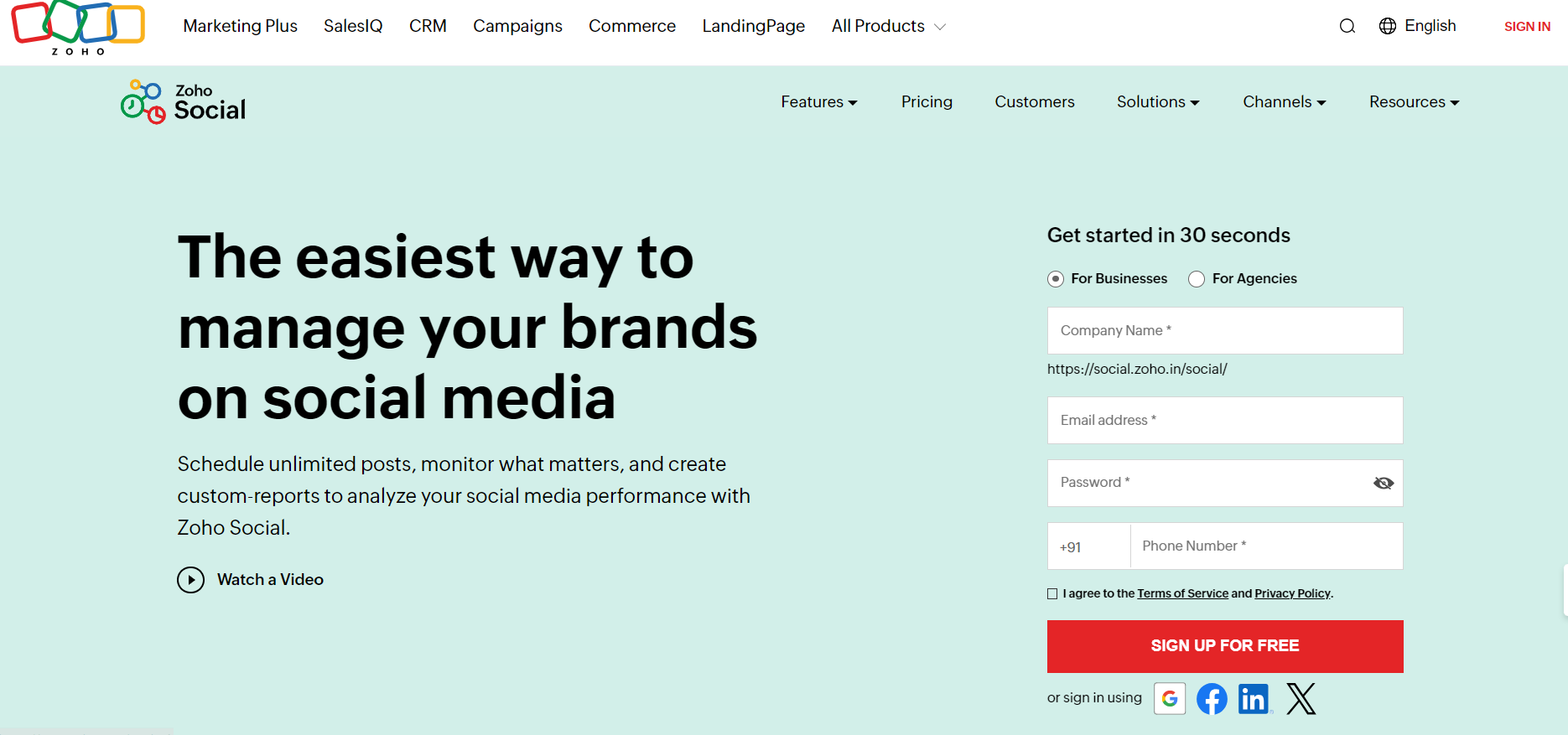
If you’re already a Zoho user, Zoho Social integrates beautifully with other Zoho apps and provides a cost-effective way to manage your social presence.
Key features:
- Schedule posts and track their performance easily.
- Monitor mentions, keywords, and hashtags in real-time.
- Collaborate with team members with built-in workflows.
- Generate detailed reports with customizable metrics.
- Integrate seamlessly with Zoho CRM to track social leads.
✅ Pros:
Excellent value for money, especially for Zoho users.
Solid monitoring and CRM integration features.
❌ Cons:
- Interface can feel clunky compared to newer platforms.
- Limited features if you’re not part of the Zoho ecosystem.
9. Later
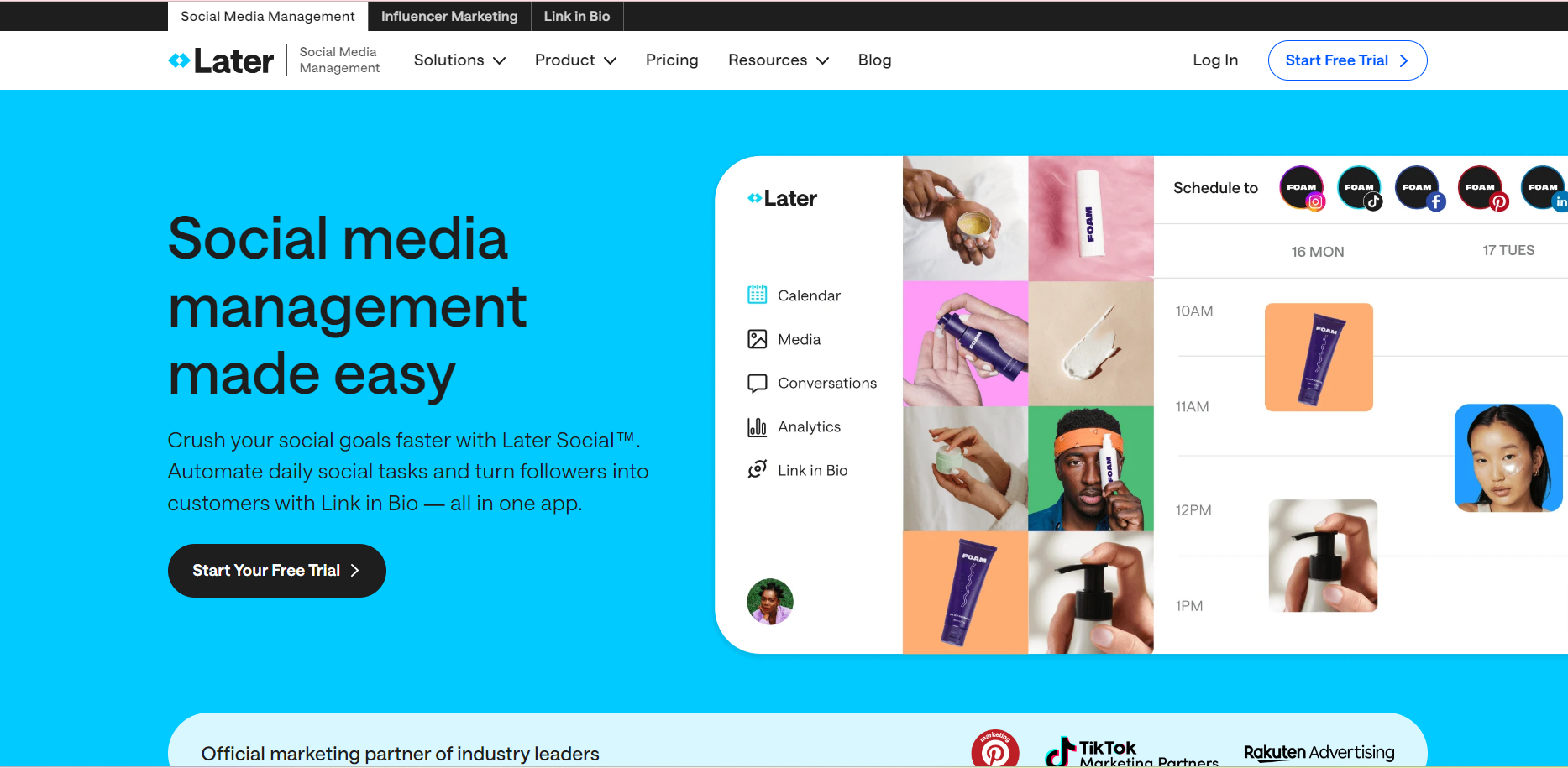
If your strategy is all about visual content — especially on Instagram, TikTok, and Pinterest — Later is a great choice thanks to its visual planner and media library.
Key features:
- Drag-and-drop visual planner for Instagram grids.
- Schedule posts and stories across visual-first platforms.
- Organize your media library with labels and notes.
- Access hashtag suggestions and analytics to improve reach.
- Link in Bio tool to drive traffic from Instagram.
✅ Pros:
- Excellent for visual content planning and presentation.
- Affordable plans and intuitive interface for creators.
❌ Cons:
- Not ideal if your focus is on LinkedIn or Twitter/X.
- Limited advanced analytics compared to enterprise tools.
10. CoSchedule
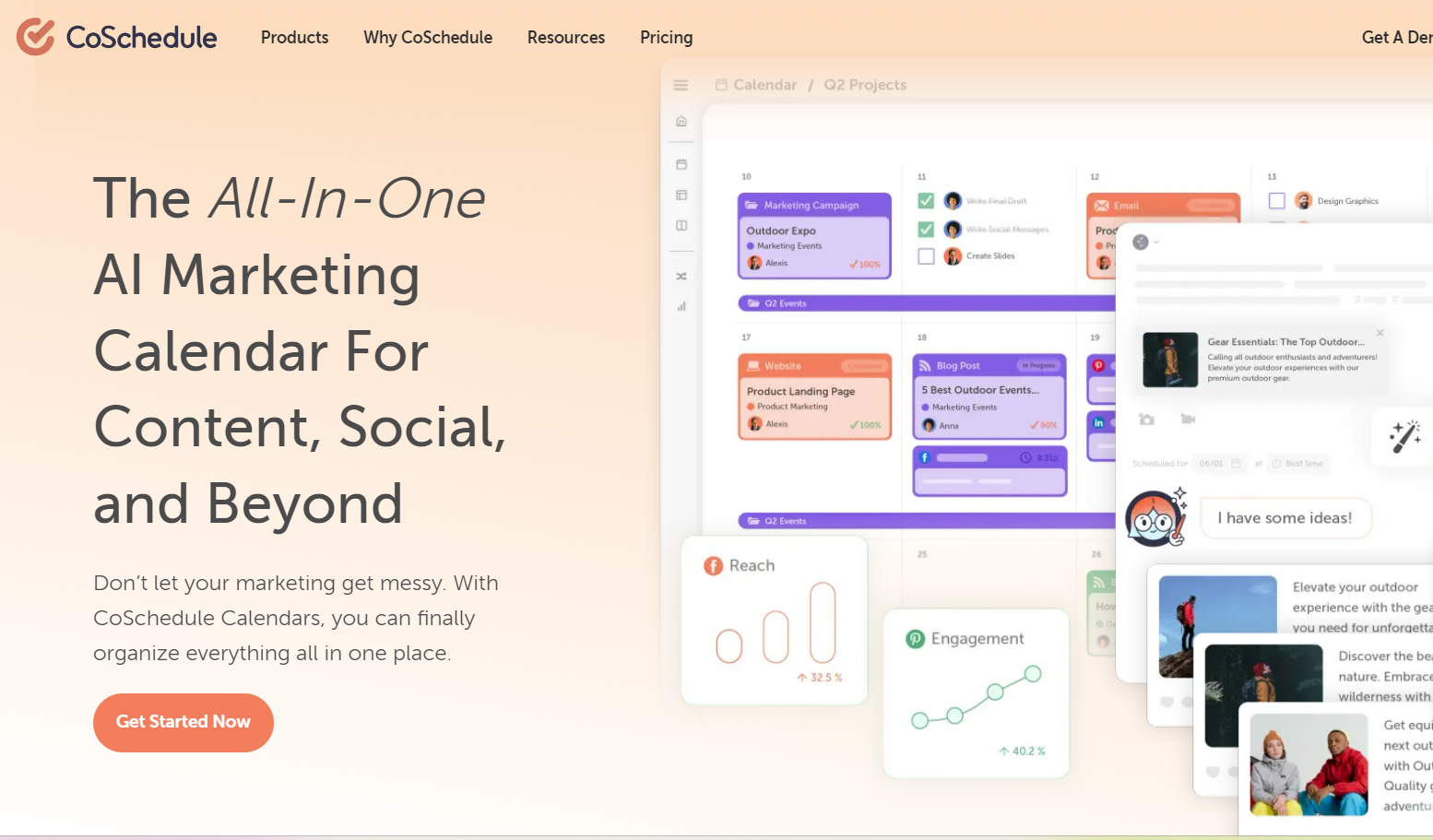
If your team manages a broader content marketing strategy — not just social media — CoSchedule brings everything together into a single editorial calendar. It’s ideal for content-heavy teams needing structured planning.
Key features:
- Organize social, blog, and email content in one marketing calendar.
- Use ReQueue to automatically fill gaps with evergreen content.
- Collaborate with team members on campaigns and approvals.
- Track performance across channels in a unified dashboard.
- Integrate with WordPress, HubSpot, and other major tools.
✅ Pros:
- Great for holistic content marketing workflows.
- ReQueue saves time by recycling evergreen content automatically.
❌ Cons:
- Pricing can get expensive as you add users or features.
- Not as focused on real-time engagement or monitoring.
11. SocialBee
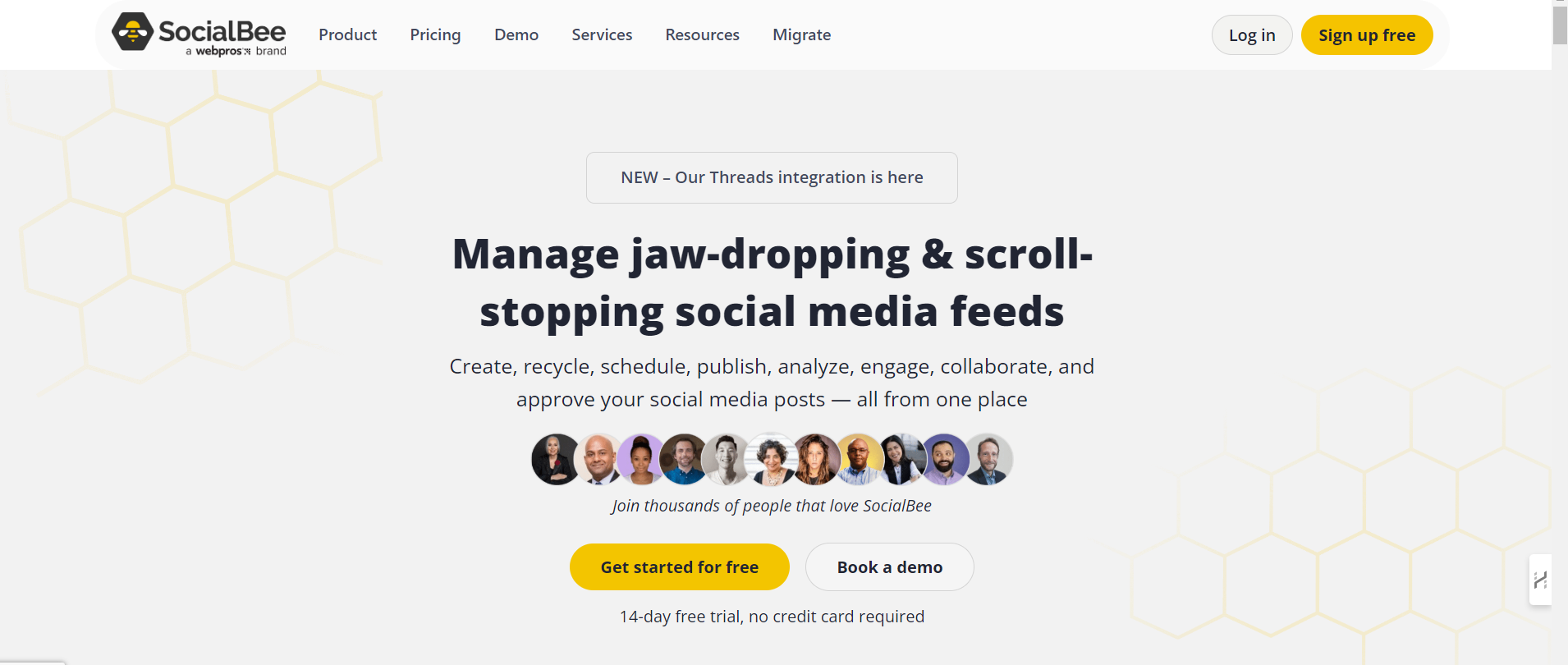
If you need more control over how content is grouped and shared — like separating educational from promotional posts — SocialBee’s category-based scheduling gives you flexibility without a steep learning curve.
Key features:
- Organize content into categories to maintain content balance.
- Set posting schedules per category and platform.
- Import posts via RSS feeds, CSVs, or integrations.
- Track performance with analytics dashboards.
- Collaborate with team members and clients.
✅ Pros:
- Flexible content categorization keeps feeds consistent.
- Affordable pricing plans suitable for solopreneurs and small teams.
❌ Cons:
- Interface feels a bit outdated compared to competitors.
- Limited engagement features (e.g., no inbox management).
12. Loomly
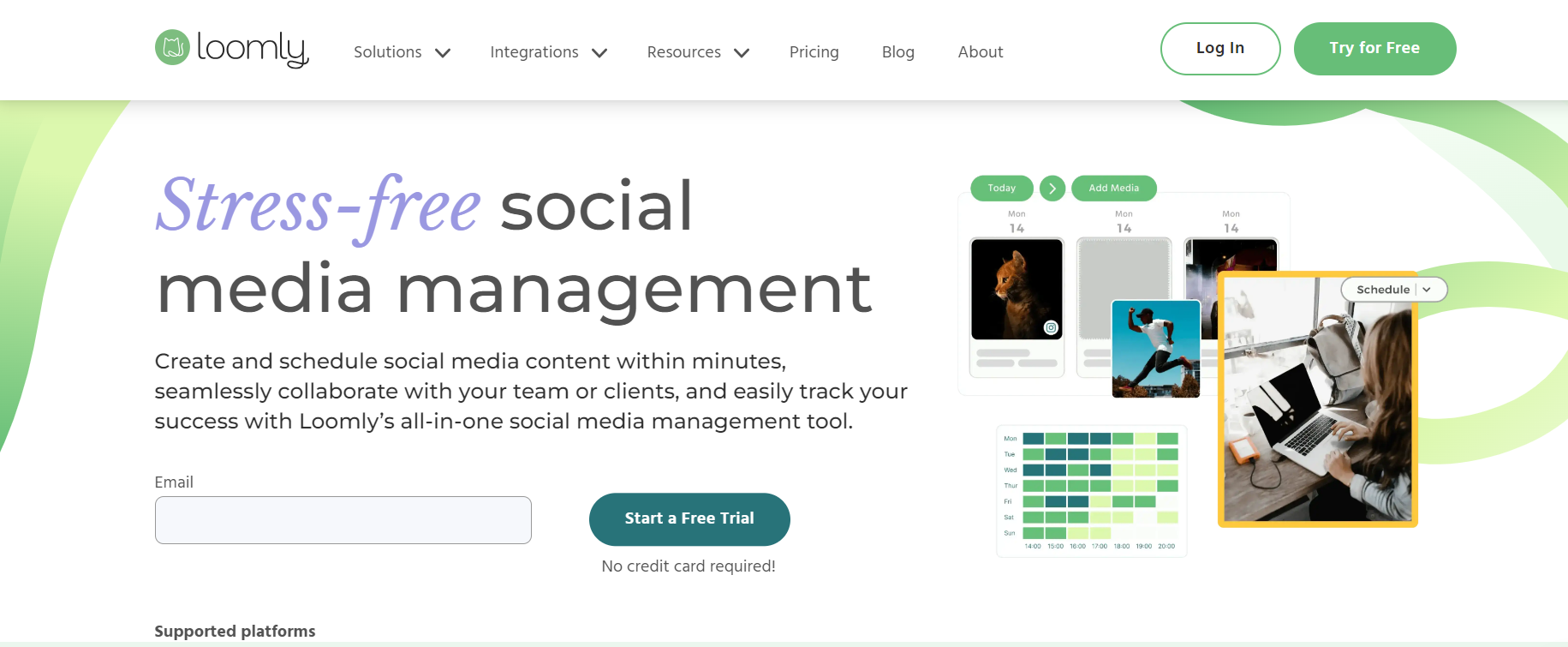
If you love working visually and need a clear overview of your content — with collaboration and optimization tools built in — Loomly is a great fit, particularly for creative teams.
Key features:
- Visual content calendar with drag-and-drop functionality.
- Post ideas and inspiration delivered automatically.
- Built-in collaboration and approval workflows.
- Basic analytics to track post performance.
- Optimize posts with previews and suggestions for each platform.
✅ Pros:
- Super intuitive and great for visual planners.
- Provides content ideas, which is helpful when you’re stuck.
❌ Cons:
- Analytics and reporting are on the basic side.
- Fewer advanced automation or AI features compared to others.
If you want a quick overview of these tools, here are the details in short with there pricing :
| Tool | Key Features | Pros | Cons | Pricing |
|---|---|---|---|---|
| Simplified | AI writing, design editor, bulk scheduling, social inbox, link-in-bio, collaboration, analytics, media library, hashtag management, cross-platform publishing | Affordable, replaces multiple tools, easy UI | Basic analytics, no influencer tools | Starts around $15.21/month |
| Hootsuite | Social listening, advanced analytics, wide integrations, role-based workflows | Scales well, supports many apps | Expensive as you scale, dated UI | Starts around $22.23/month |
| Sprout Social | Engagement/ROI tracking, unified inbox, CRM-style profiles, shared calendar, task workflows | Excellent analytics & engagement tools | Pricey, steeper learning curve | Starts around $199/month |
| Planable | Visual previews, threaded comments, one-click approvals, shared calendar, access control | Very user-friendly; ideal for collaboration | Limited analytics, minimal automation | Starts around $33/month |
| Statusbrew | 250+ KPI reporting, unified inbox, labels & filters, shared calendar, automation rules | Powerful automation and flexible workflows | Lacks deep social listening; some learning curve | Starts around $69 |
| Sendible | Multi-platform scheduling, brand monitoring, white-label reporting, custom dashboards, image editor | Highly customizable; agency-friendly | Overwhelming for beginners, dated interface | Starts around $29/month |
| Buffer | Scheduling, basic analytics, team planning, browser extension, engagement tools | Simple, affordable, beginner-friendly | Limited analytics; no influencer tools | Starts around $5/month |
| Zoho Social | Scheduling, real-time monitoring, team workflows, detailed reports, CRM integration | Great value, excellent for Zoho ecosystem | Clunky interface; limited outside Zoho | Starts around $6.97/month |
| Later | Drag-and-drop visual planner, media library, hashtag suggestions, link-in-bio, analytics, AI tools | Ideal for visual content; intuitive | Less strong on LinkedIn/X; analytics moderate | Starts around $16.67/month |
| CoSchedule | Unified editorial calendar (social/blog/email), ReQueue automation, collaboration, performance tracking, integrations | Great for holistic content strategy; automates evergreen posts | Can get pricey; not focused on real-time engagement | Starts around $19/month |
| SocialBee | Category-based scheduling, import via RSS/CSV, analytics, collaboration | Flexible content categorization; affordable | Outdated UI; limited engagement features | Starts around $24/month |
| Loomly | Visual calendar with previews, collaborative workflows, post ideas, basic analytics, optimization recommendations | Intuitive; content inspiration built-in | Basic analytics; limited automation | Starts around $26/month |
Bottom Line
Choosing the right Agorapulse alternative depends on your team’s specific needs — whether it’s better collaboration (like Simplified or Planable), affordability (like Buffer), or seamless integration (like Zoho Social). Each of these tools brings its own strengths, so consider your budget, workflow, and growth plans before deciding. The good news? There’s a great fit out there for everyone.