 By
By How about this: what would you say to being able to take your ordinary text prompt such as: a cat wearing sunglasses on the beach and rendering it into a beautiful ready-to-use picture within five or six seconds? It is what AI image generators are magic.
These are instruments which produce original images on whatever you describe using artificial intelligence. No designing skills? No problem. AI image generators are the key to unlocking endless possibilities whether you are a marketer creating the visuals of the advertisement, a designer who wants to play with the ideas or simply someone who loves working with the creative tools.
Now why are they gaining popularity? One, they save time–you do not have to take hours in designing or editing. They also facilitate in reducing the expenses, as there will be no need to spend money on purchasing an expensive software application, or paying a professional designer to create quality images. And it is very easy to do, especially for those who want to appear special whether in social media, in a presentation, or just because they want to.
The guide can be used by everyone, who wonders how to produce impressive illustrations using AI, including marketing specialists, designers, hobbyists, and even total newbies.
We have tried and studied the most effective AI image generators in accordance with the quality of their output, usability, cost, and advantages. What are some tools that can enable you to create your ideas? Let us find out!
Best AI Image Generators in 2026
There are so many AI image generators in the market that it might be a troublesome task to find the best. We will take you through this decision making by giving you an in-depth analysis of the best AI image generators of 2026. We shall look at their characteristics, user friendliness, cost effective nature and the quality of photos they give.
Be with us as we learn more about the innovative world of AI visual production so that you can become acquainted with the finest AI image creator that your case requires. No matter what you need, a free AI image generator, a premium or something in the middle, the article will equip you with ideas to make an informed decision.
1. Simplified — Best all-in-one AI design and content platform for teams
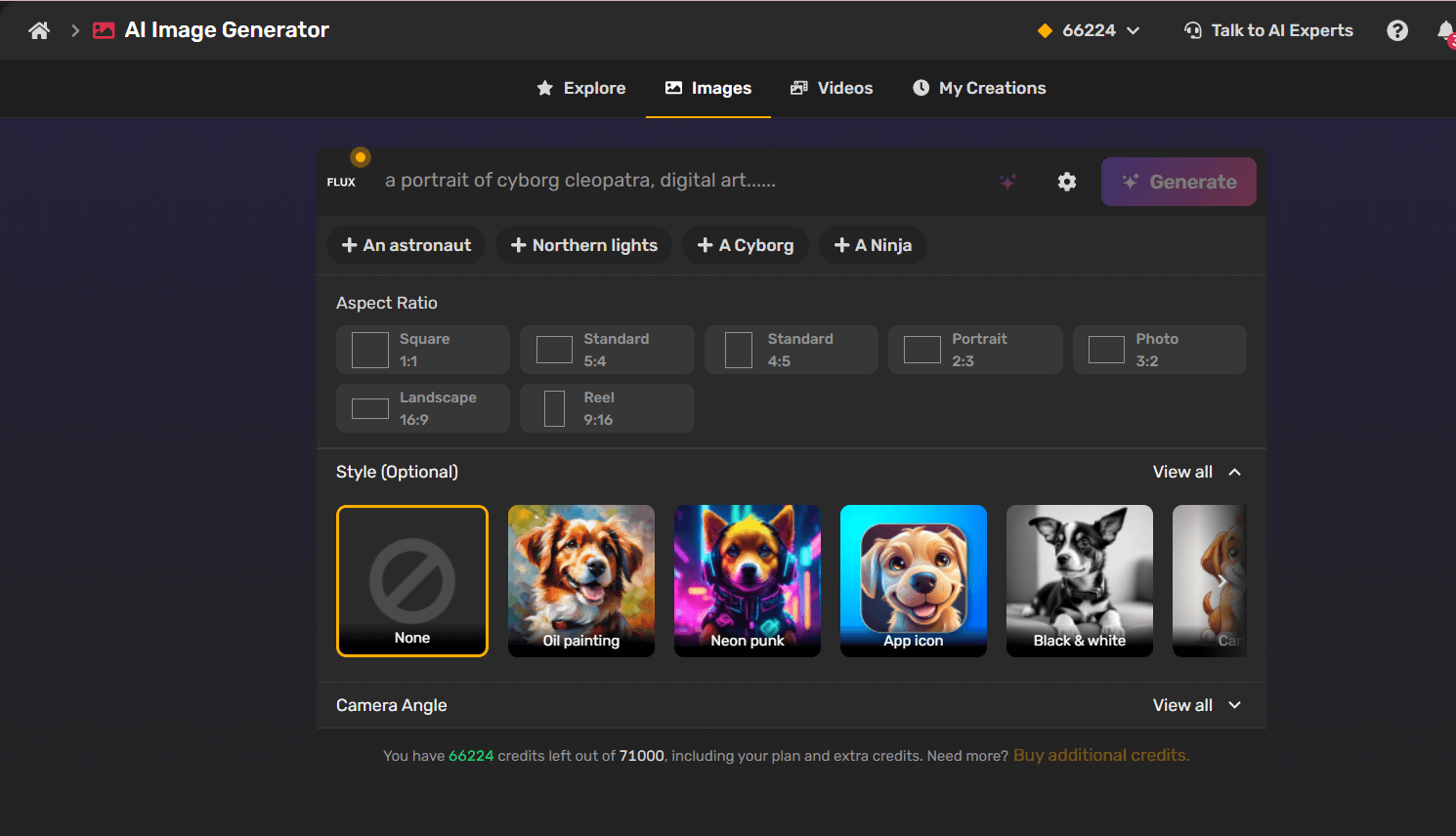
Simplified is an all-in-one design platform that includes an AI image generator alongside tools for social media, video editing, and content creation. Perfect if you want visuals plus everything else you need for marketing in one place.
Key Features and Functionalities
- Text-to-Image Generation: Users can input text descriptions to generate AI-crafted visuals in various artistic styles.
- Predefined Templates: Offers a library of templates that help users create professional-quality designs quickly.
- Multiple Art Styles: Supports various artistic styles, from photorealistic to abstract, ensuring versatility.
- Easy Editing: Includes built-in tools to modify AI-generated images, such as color adjustments, cropping, and overlays.
- One-Click Background Removal: Allows users to remove backgrounds from images for seamless integration into different designs.
- Collaboration Tools: Enables teams to work on designs together in real time.
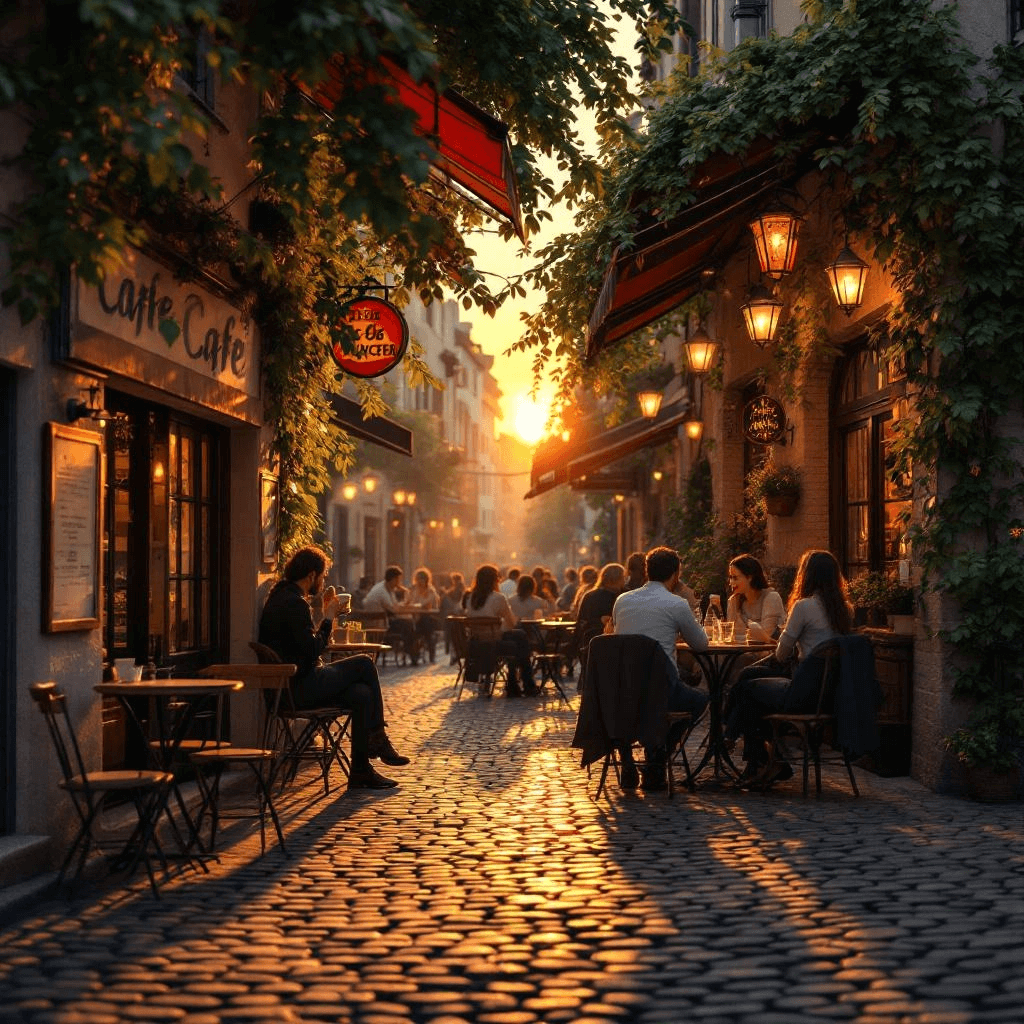
We have tested the Simplified AI image generator to evaluate how well this tool performs.
Prompt we used to test Simplified AI Image Generator Tool
“A cozy street café at sunset, with warm golden light reflecting on cobblestone pavement, people enjoying coffee, soft shadows, lush green vines on the walls, realistic style, high detail, cinematic atmosphere.”


Multiple AI Models on Simplified
At Simplified, you can choose from a variety of AI models to create the perfect image for your needs — whether you want something fast, realistic, or highly customizable.
Auto Mode
Automatically selects the most suitable model for your prompt, so you don’t have to choose manually.
Google Models
- Google Imagen — Creates ultra-realistic images with strong photorealistic detail and accurate prompt understanding.
- Google Imagen Fast — A faster Imagen variant designed for quick generation while maintaining quality.
- Google (Nano-Banana) — Supports multi-image blending with character consistency and natural-language image edits.
- Google (Nano-Banana Pro) — Advanced Gemini-powered model for complex prompts, detailed control, and higher image quality.
Flux Series
- Flux Fast — The fastest Flux model, built for quick drafts and high-volume image generation.
- Flux — A balanced model with strong prompt accuracy for creative and practical use cases.
- Flux Realism — Designed for photorealistic images with lifelike textures and natural lighting.
- Flux Kontext Pro — Enables precise image editing, transformations, and creative experimentation.
- Flux Kontext Max — Offers stronger prompt adherence and typography with consistent, fast edits.
- Flux Pro One Ultra — Delivers top-tier image quality with advanced prompt understanding.
- Flux 2 Pro — A next-generation Flux model with improved image quality and creative depth.
Other AI Models
- Recraft — Best for vector graphics, icons, logos, and flat design styles.
- Ideogram — Ideal for images that include readable text and typography.
- Stable Diffusion — Offers flexible styling and customization for creative workflows.
- OpenAI — A dependable choice for general image generation with strong prompt understanding.
- Qwen — Works well for clean illustrations and structured visuals.
- ByteDance — Optimized for modern, social-media-ready visuals and creative layouts.
- ByteDance Seedream 4.5 — An advanced Seedream model offering improved image quality and more capable generation.
No matter what you’re creating—quick drafts, realistic images, text-based designs, or detailed edits—Simplified gives you the right AI model to match your needs.
Pros and Cons
Pros:
✔️ Integrated with design and publishing tools
✔️ Great for collaborative teams
✔️ Beginner-friendly
Cons:
❌ Limited generation credits on the free plan.
❌ Some advanced styles and editing features require a premium subscription.
Best for:
Marketers, social media managers, and teams who want to create and publish content quickly.
Pricing:
Free plan available; paid plans start around $15.18/month.
Bonus: Top 10 Free Video Mergers Without Watermark
2. Deep Dream Generator – Best for Surreal, dreamlike, psychedelic visuals
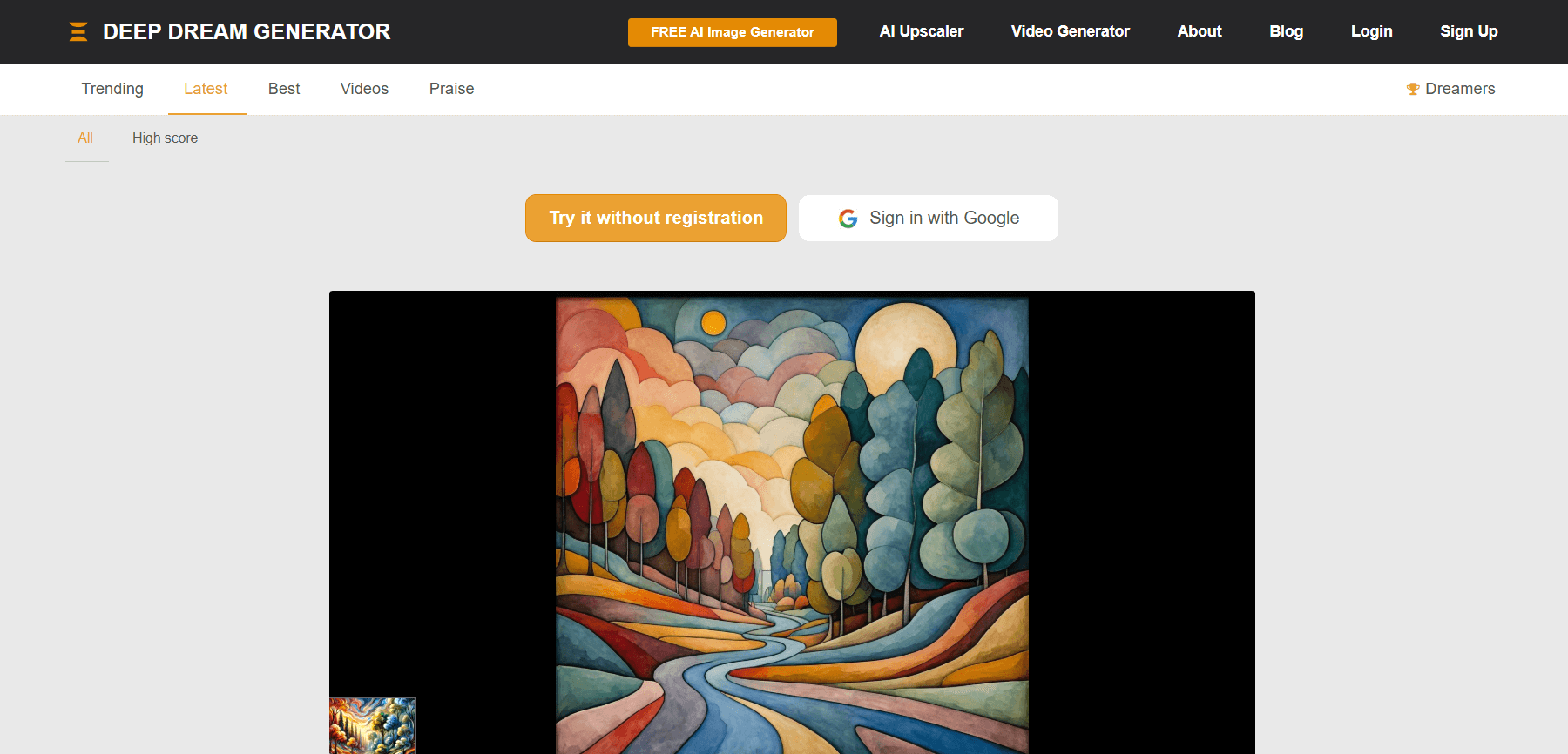
Deep Dream Generator is one of the earliest AI art tools, known for its unique, psychedelic, and dreamlike images. It uses deep neural networks to create abstract and often strange results, perfect for creative experimentation.
Pros and Cons
Pros:
- Produces very distinct, artistic results
- Easy to use with a web interface
- Free to get started
Cons:
- Not suitable for realistic or professional use-cases
- Limited control over output details
Best for:
Artists, hobbyists, and anyone exploring creative, otherworldly designs.
Pricing:
Free plan available; paid options for higher resolution and faster processing.
Bonus: Is Bing AI Image Generator Falling Behind? A Look at Its Drawbacks and Smarter Alternatives
3. Runway ML – Best for Video, animation & creative professionals
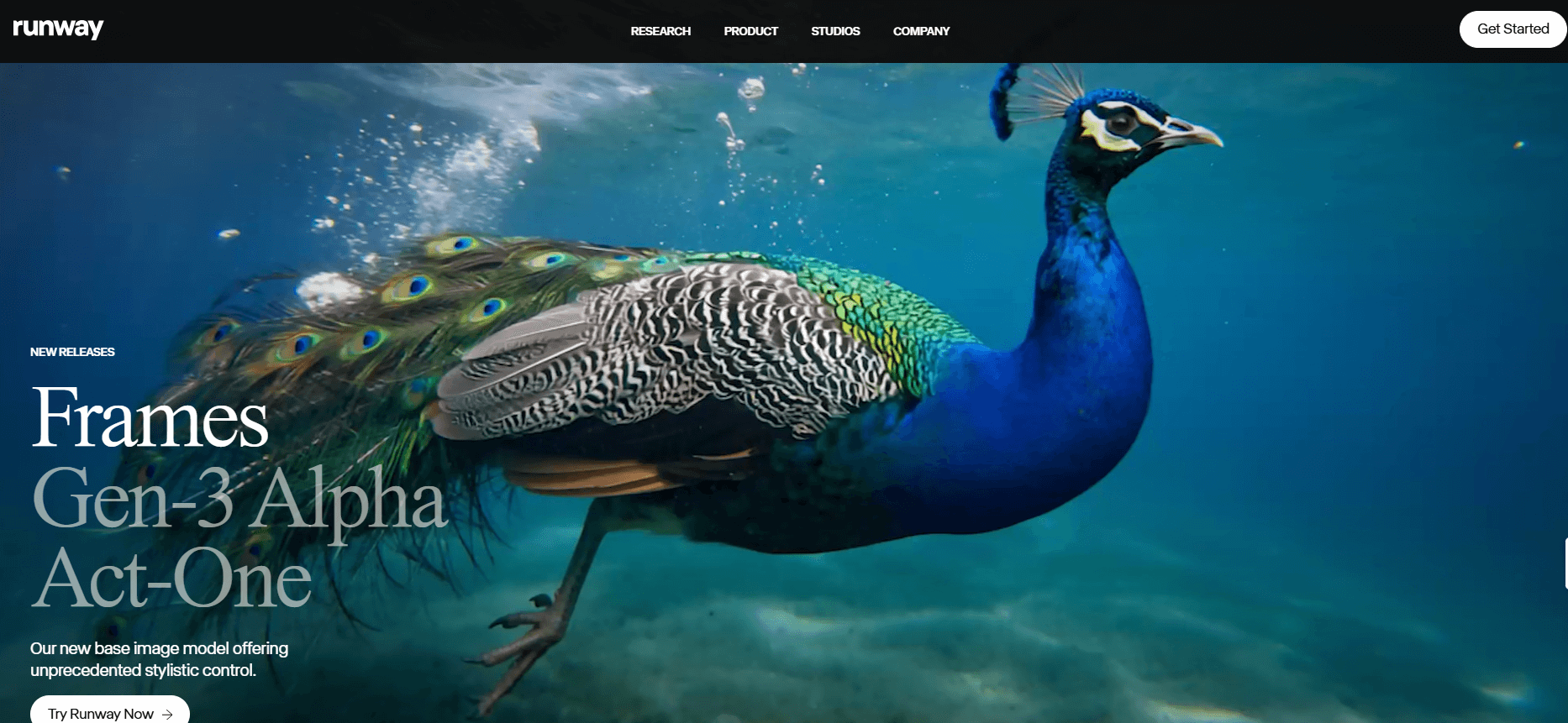
Runway ML is more than just an image generator — it’s a full creative suite for video, animation, and AI-powered visual effects. Perfect if you want to go beyond still images and experiment with motion and storytelling.
Pros and Cons
Pros:
- Supports both images and videos
- Great for creative projects and prototyping
- Collaboration-friendly for teams
Cons:
- Can feel complex for beginners
- Some advanced features require a paid plan
Best for:
Designers, filmmakers, and creative teams exploring AI in motion graphics.
Pricing:
Free plan available; paid plans for premium features.
4. Freepik – Best for Quick, versatile designs and visuals
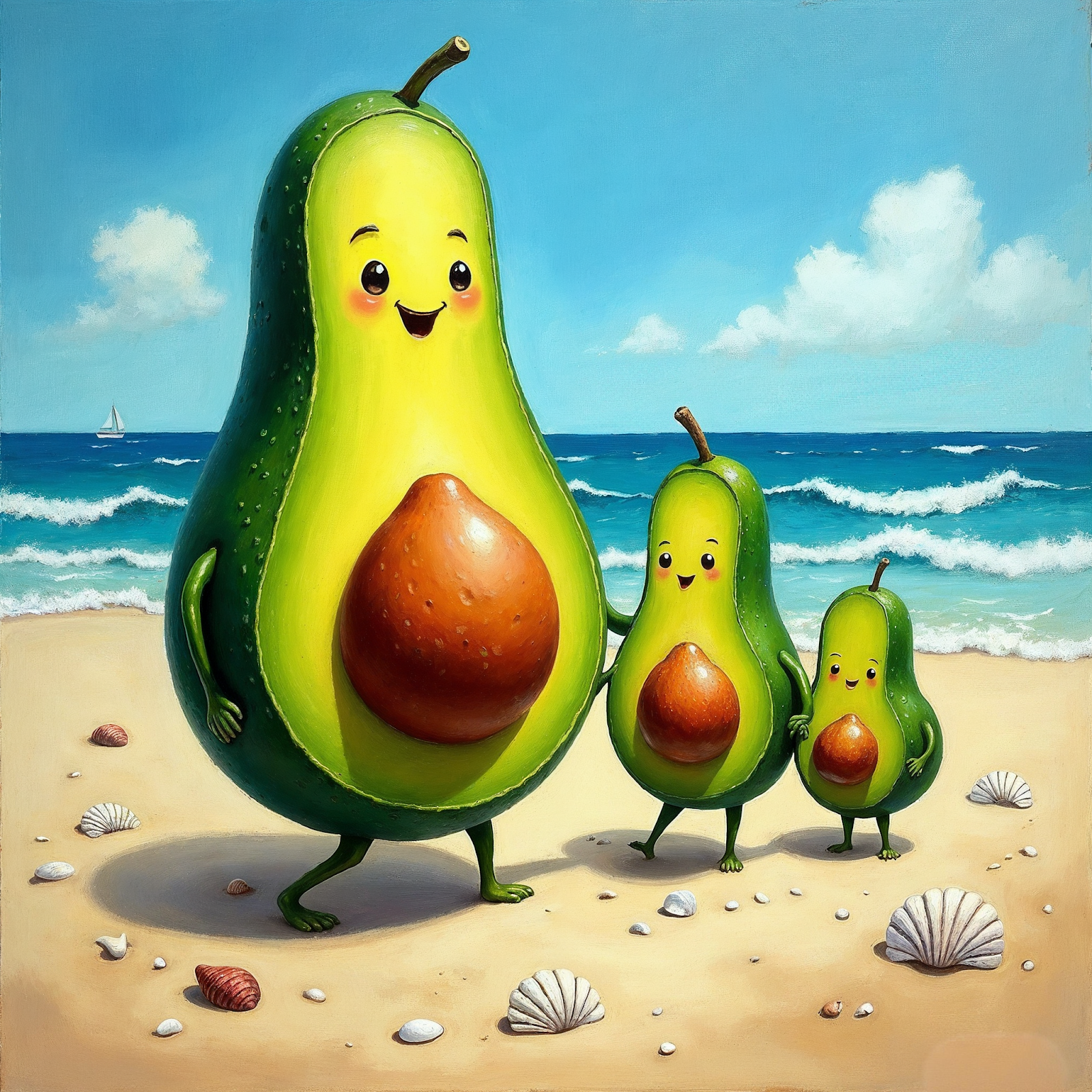
Freepik AI Image Generator transforms simple text prompts into professional-quality visuals in seconds. Integrated with Freepik’s vast library of stock assets, it’s ideal for marketers, freelancers, and designers needing quick, customizable images for social media, ads, blogs, and branding—without advanced design skills.
Cons and Pros
Pros:
- Fast and beginner-friendly tool
- Integrated with Freepik’s design resources
- Great for social media, ads, and brand visuals
Cons:
- Outputs can feel generic without precise prompts
- Premium subscription required for advanced features
Best for:
Freelancers, marketers, and small businesses that need quick, on-brand visuals without advanced design skills.
Pricing:
Free plan with limited access; premium plans start at around €12/month for unlimited downloads and advanced AI features.
Whether you’re looking for AI photo generators, discover more tools and insights on Simplified.
5. MidJourney – Best for Stunning, highly detailed, cinematic art

MidJourney is known for its breathtaking, detailed, and artistic images — often looking like concept art straight out of a movie or video game. It runs through Discord, making it a bit different from typical web apps.
Cons and Pros
Pros:
- Gorgeous, richly detailed outputs
- Excellent for creative and professional projects
- Wide variety of styles
Cons:
- Requires using Discord, which can feel clunky
- No free plan after trial; subscription needed
Best for:
Artists, designers, and creatives who want high-quality, dramatic visuals.
Pricing:
Paid plans start around $10/month after a free trial.
Bonus: Top 10 Best Image to Video AI Tools
6. DALL-E 3 – Best for Creative, versatile, idea-driven visuals
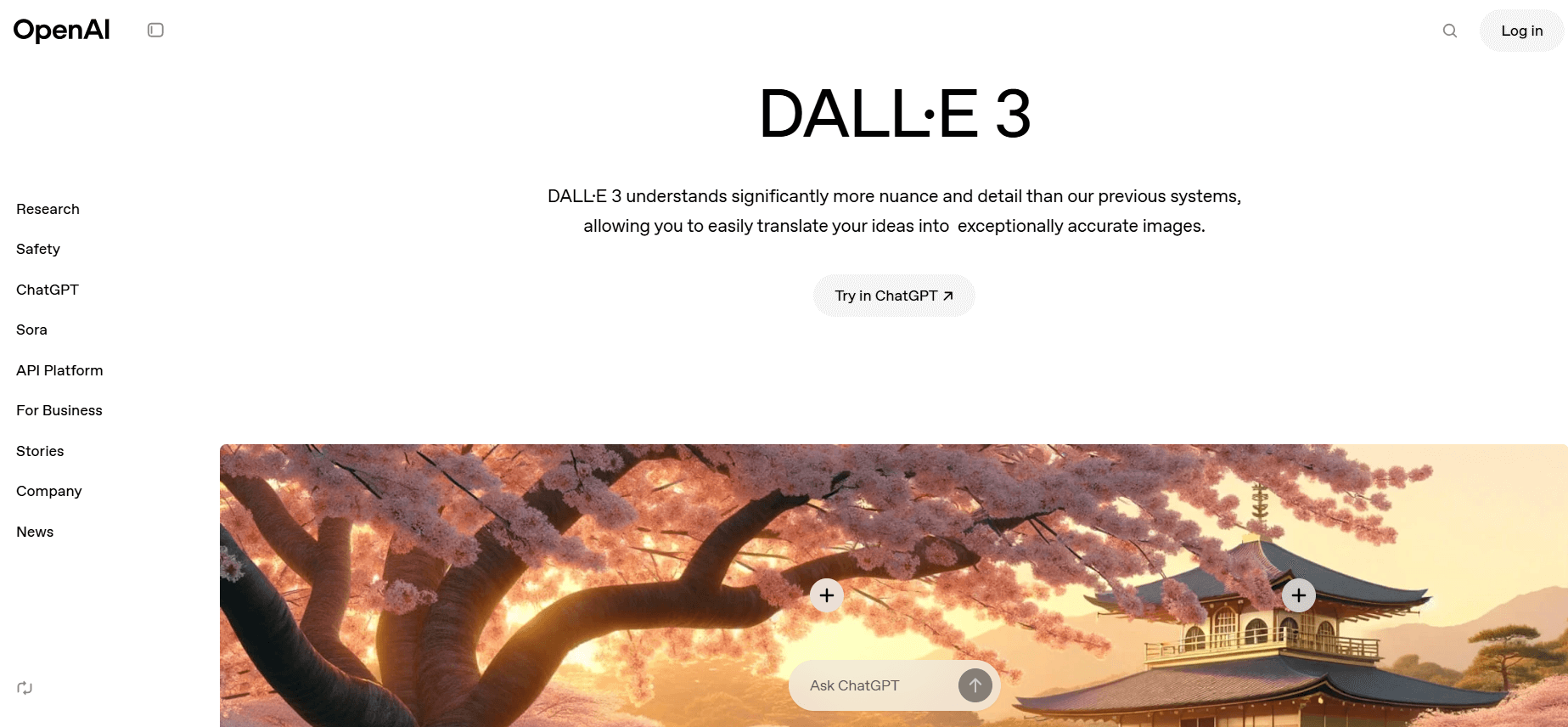
DALL·E 3, developed by OpenAI, is a powerful AI tool that turns text prompts into imaginative and often surprising visuals. It’s great at understanding detailed instructions and creating playful, surreal, or realistic images.
Pros and Cons
Pros:
- Strong prompt understanding, even with complex requests
- Can edit or extend existing images (inpainting)
- Integrated with ChatGPT for guided prompts
Cons:
- Sometimes struggles with fine details like hands or text
- Requires an OpenAI account
Best for:
Marketers, creatives, and anyone looking for flexible, idea-driven visuals.
Pricing:
Free credits to start; paid plans available.
7. Depositphotos — Best for Commercially‑safe, high‑res images

The Depositphotos AI Image Generator is a text‑to‑image tool integrated into the Depositphotos platform (300+ million stock assets), built in collaboration with Bria.ai. It generates 4 unique images per prompt, all licensed under a Standard (commercial‑safe) license. Outputs are never added to the public library—you retain exclusivity and full usage rights
Pros and Cons
Pros:
- Commercially licensed images safe for business use
- Exclusive rights — your generated images are not shared or reused
- High-resolution output with built-in upscaling
- Easy to use — no design skills needed
- Integrated with Depositphotos stock library and creative tools
Cons:
- Requires a subscription or credits
- Limited to 4 image variations per prompt
- No advanced prompt controls or settings
- Occasional variation in image quality
Best For
Marketing teams, content creators, designers, and e‑commerce professionals needing safe, exclusive, high‑resolution visuals with minimal effort and legal risk.
Pricing
Accessible via a credit‑based or subscription plan, with starter tiers around $10–11/month, scaling up depending on usage and enterprise options
8. DeeVid AI – Best for image generation and powerful editing
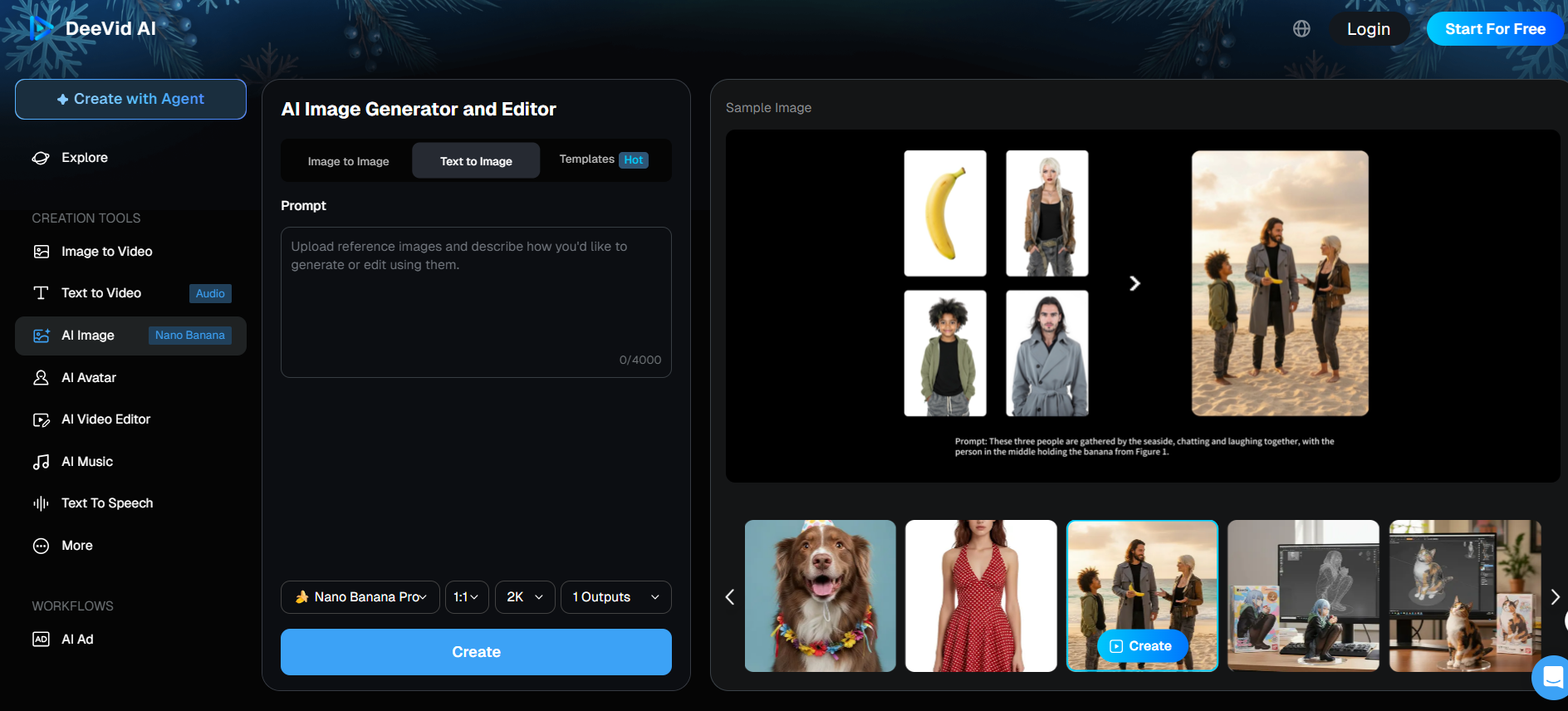
DeeVid AI’s Image Generator combines text-to-image, image-to-image, and powerful editing tools in a single workflow, so you can go from idea to polished visual without hopping between apps. It runs on top-tier models like Nano Banana Pro and Seedream 4.5 for fast, high-quality renders, and layers in practical tools—background remover, object remove/add, old photo fix, and upscaling—designed for marketers, product teams, and everyday creators who need clean, ready-to-use images.
Pros and Cons
Pros:
- Generate, edit, color-correct, remove backgrounds, and upscale in the same interface—no app-switching.
- Access modern image models like Nano Banana and Seedream 4.0 for detailed, fast, 2K-level outputs.
- Optimized for everyday tasks such as product shots, social visuals, and campaign assets, not just “for fun” generations.
Cons:
- Requires creating an account and managing credit-based usage, which may feel less straightforward than fully unlimited tools.
- The rich set of editing and model options can be a bit overkill for very casual users who just want a quick meme or one-off image (inference based on its pro-oriented feature set).
Best for:
Marketers, e-commerce sellers, designers, and creators who want idea → image → final edit all in one place.
Pricing:
DeeVid AI offers free trial credits access to core tools, with paid tiers that starts from $10 per month.
9. Stable Diffusion — Best for open-source and customizable image generation

Stable Diffusion is a popular open-source AI image generator, giving users more control and flexibility. You can run it on your own machine or use online tools that support it, making it great for developers and advanced users who want to customize their outputs.
Pros and Cons
Pros:
- Fully open-source and highly customizable
- Lots of community-created models and styles
- Can be run locally for privacy
Cons:
- Requires some technical know-how to set up
- Not as beginner-friendly as other tools
Best for:
Developers, hobbyists, and creators who want full control over their images.
Bonus: Top Tools to Convert AVI to GIF: Everything You Need to Know
10. Craiyon – Best for Free, fun, experimental AI art

Formerly known as “DALL·E Mini,” Craiyon is a free and playful AI image generator. It’s simple to use, making it perfect for quick experiments and casual creativity — especially if you’re just exploring what AI art can do.
Pros and Cons
Pros:
- Completely free to use
- Fun and fast for casual users
- No signup required
Cons:
- Outputs are lower quality compared to premium tools
- Limited control and resolution
Best for:
Beginners, students, and anyone who wants to try AI art without committing to a paid plan.
Pricing:
Free.
Bonus: How to Create Videos from Images Using the Kling AI Video Model
11. NightCafe Creator – Best for Variety & community-driven art
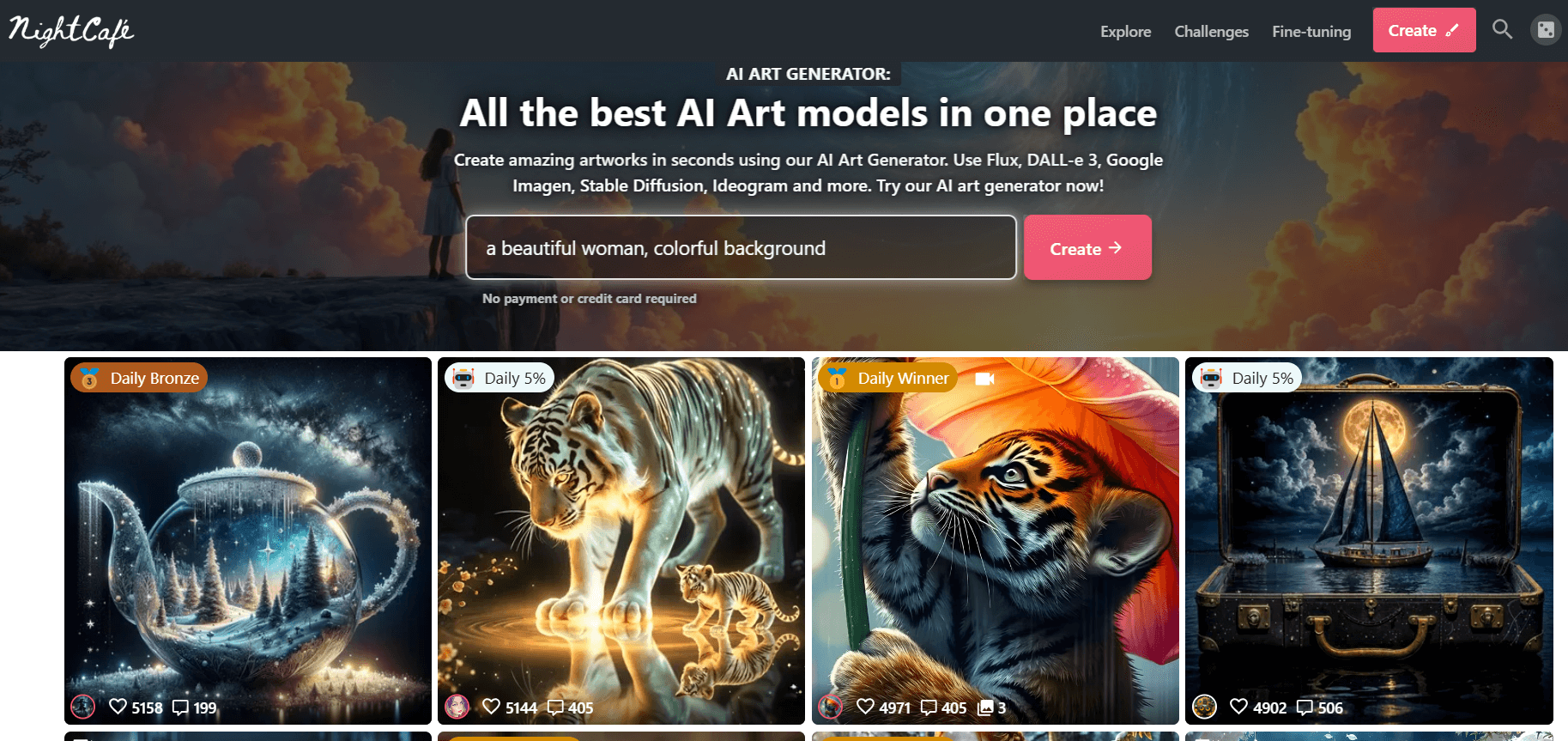
NightCafe Creator is a flexible AI art generator offering a wide range of styles, from realistic to abstract. It’s known for its active community and credit-based system, making it easy to experiment without a subscription.
Pros and Cons
Pros:
- Supports multiple AI models and styles
- Active, supportive user community
- Beginner-friendly with tutorials and guides
Cons:
- Credits can run out quickly on free tier
- Outputs sometimes feel less polished than premium tools
Best for:
Hobbyists, beginners, and anyone who enjoys experimenting and sharing with others.
Pricing:
Free credits daily; additional credits can be purchased.
Bonus: How to Use Surrealism in Digital Design – A Complete Guide
12. Photosonic – Best for Quick, realistic & creative visuals
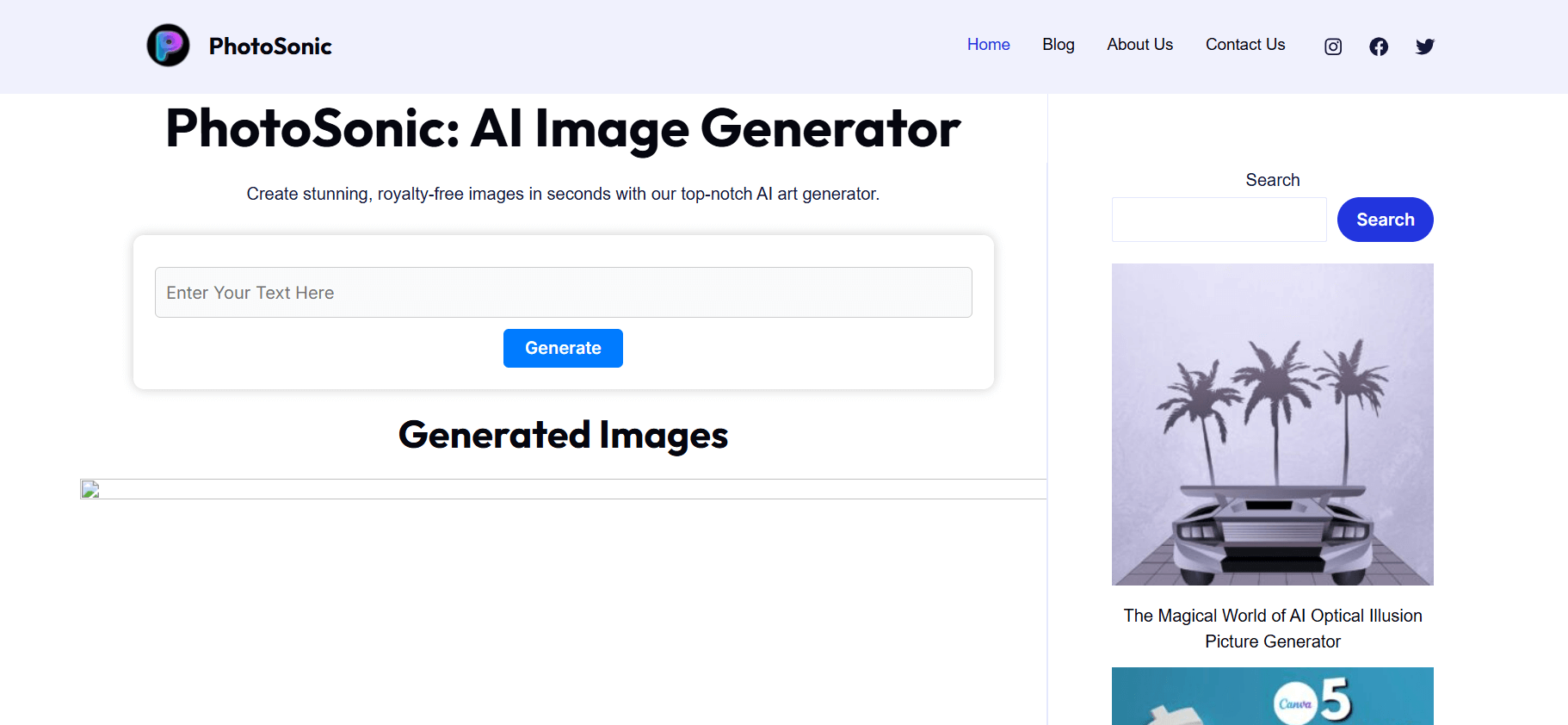
Photosonic, built by Writesonic, is an easy-to-use AI image generator that creates both realistic and imaginative visuals from text prompts. It’s great for marketers, bloggers, and anyone who wants fast results without much fuss.
Pros and Cons
Pros:
- User-friendly and web-based
- Generates realistic and artistic styles
- Works well alongside content creation tools
Cons:
- Limited customization compared to advanced tools
- Free credits are limited
Best for:
Marketers, bloggers, and creators looking for quick visuals to complement their content.
Pricing:
Free trial available; paid plans start around $10/month.
Here we have generated a clean, concise tabular summary of all the tools listed above for a quick comparison,
| Tool | Best For | Key Features / Highlights | Pricing |
|---|---|---|---|
| Simplified | All-in-one AI design & content platform for teams | Text-to-image, templates, editing, background removal, collaboration, multiple AI models (OpenAI, Stable Diffusion, Flux) | Free plan; Paid from ~$15/mo |
| Deep Dream Generator | Surreal, psychedelic visuals | Neural-network-based dreamlike art styles | Free plan; Paid for higher resolution |
| Runway ML | Video, animation & creative professionals | AI video editing, visual effects, prototyping, collaboration | Free plan; Paid plans available |
| MidJourney | Cinematic, highly detailed visuals | Discord-based image generation, wide range of artistic styles | From ~$10/mo |
| DALL·E 3 | Creative, idea-driven visuals | Detailed text-to-image, inpainting, ChatGPT integration | Free credits; Paid plans |
| Depositphotos | Commercially safe, licensed images | Bria.ai text-to-image, stock library, upscaling | From ~$10–11/mo |
| Freepik | Quick visuals for design & marketing | AI image generator plus stock assets for ads, blogs, social media | Free; Premium ~€12/mo |
| DeeVid AI | AI image generation and powerful editing | Text-to-Image, Image-to-Image, and powerful editing tools in a single workflow | Free plan available; Paid plans starts with $10 per month |
| Stable Diffusion | Open-source, customizable image generation | Local or cloud use, community models, privacy control | Free / low-cost via platforms |
| Craiyon | Free, experimental AI art | Simple prompt-based generation (formerly DALL·E Mini) | Free |
| NightCafe | Community-driven creativity | Multiple styles, daily free credits, tutorials | Free credits; Paid options |
| Photosonic | Fast, realistic visuals | Writesonic-powered generator with content-tool integration | Free trial; Paid from ~$10/mo |
Bottom Line
AI image generators continue to evolve, expanding creative possibilities across industries. After exploring the key features, benefits, and limitations of various AI image generators, it’s clear that these tools offer remarkable potential. They bring creativity, efficiency, and innovation to the forefront of digital imagery like never before.
Here are a few considerations to help guide your choice:
- Purpose: Define what you need the AI image generator for—professional projects, creative endeavors, social media content, or simply experimenting with digital art.
- Features: Look at the tool’s capabilities. Some generators are better suited for photorealistic images, while others excel at abstract or artistic designs.
- Cost: Consider your budget. There are both free and paid AI image generators available. If you’re starting out, you might want to experiment with a free AI image generator before committing to a premium version.
- User-Friendliness: Ensure the tool is easy to use and aligns with your technical expertise. Some AI image generators come with a steep learning curve, while others are more intuitive.