Merge Videos Online Easily and Quickly with AI
Merge video clips together with our simple and free online video merger. Perfect for creating slideshows and montages without any watermarks.
Merge Videos Online for Creators and Businesses
This AI powered video merger tool lets video editors, content creators, social media managers, and small business marketers merge videos online and produce professional-looking content with ease. No need to download software, codecs, or browser extensions. With a user-friendly interface, you can merge video clips together and create engaging montages. This online video merger supports formats like MP4, MOV, AVI, and more. Fully online and absolutely free, start merging your video files into one now.
Start merging for free →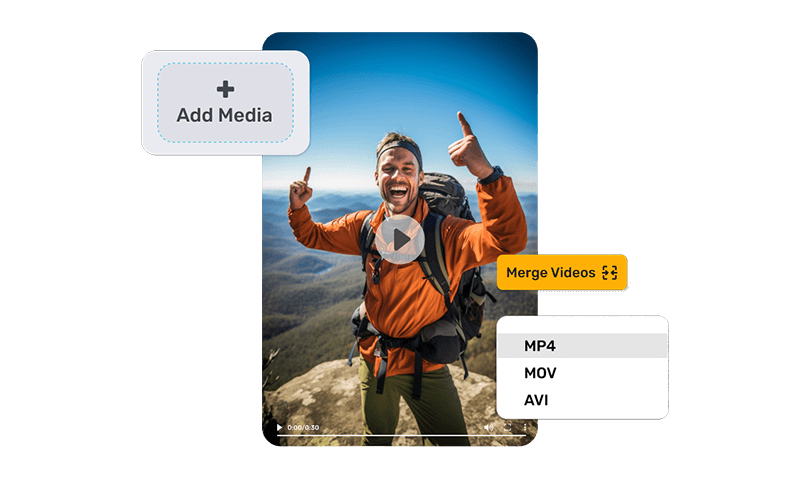
How to Use Video Merger
Quickly merge multiple video files into one online. Here's how to use it:
- 1 On the AI Video App, click on 'Quick Tools'
- 2 Select 'Merge Video' then upload your video, after that upload multiple video files
- 3 Click on 'Merge Videos' button and AI will analyze and merge the videos
Start with the best video merger tool and make clear professional videos.
Try Merge Videos Now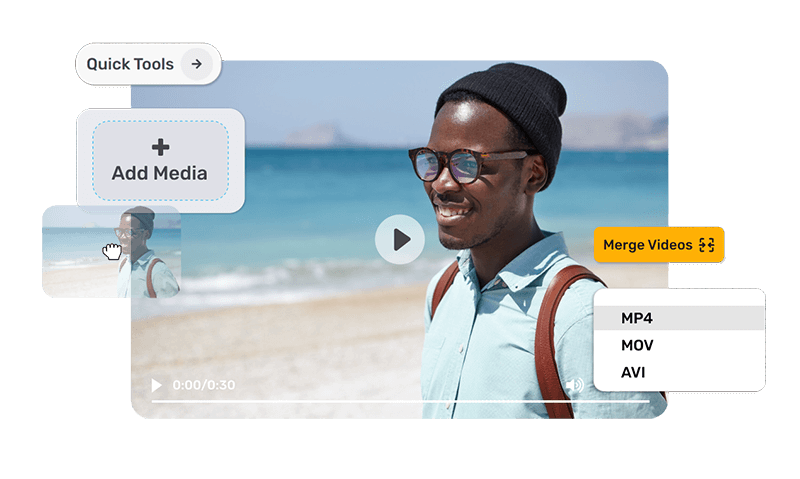
Create Stunning Videos with Our AI-Powered Video Merger
Combine videos online easily using our advanced video merger. As you work on joining your videos, make each frame better with cool effects and audio. Enjoy smooth transitions that make your video clips flow smoothly together. Add a touch of creativity by incorporating free and pre-licensed tracks in multiple layers. Our video combiner tool makes it easy to create high-definition videos with AI assistance. Try our video merger with no watermark and make your video projects better today.
Try video merger free →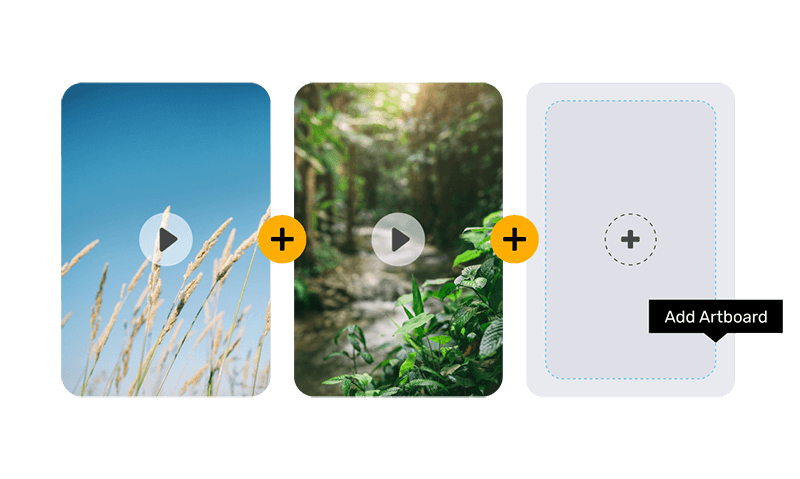
Merge Videos with AI: Simple, Fast, and Free
Increase your brand engagement by creating high-quality video ads, YouTube videos, or reels for Instagram and TikTok. Use our free online video combiner to join product videos and promotional content, making a great showcase for your customers. Enjoy features like video trimming, clip splitting, and speed adjustment to create the perfect video. Change the aspect ratio to fit any platform and apply filters to make your videos look special. Merge multiple video files into one, all without watermarks, quickly.
Try video merger free →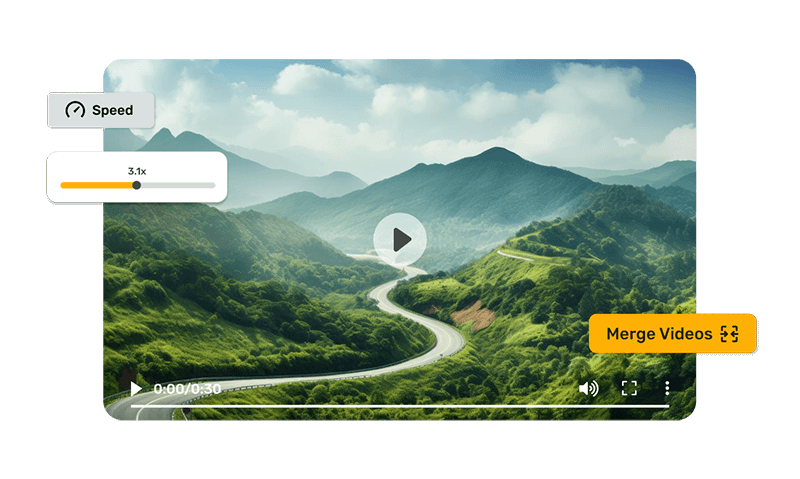
Merge Videos Online: Simple, Fast, and Collaborative
Turn your video clips into a stunning movie with our free video merger tool. Stitch together clips you captured or downloaded to convey your ideas and emotions to millions of users online. With a user-friendly interface and real-time editing, creating flawless videos is now a breeze. Perfect for individuals, teams, and businesses of all sizes, this tool allows you to merge video clips together quickly. Directly share your merged videos to social media without any hassle. Whether merging two video files or multiple into one, our video combiner delivers every time.
Try video merger free →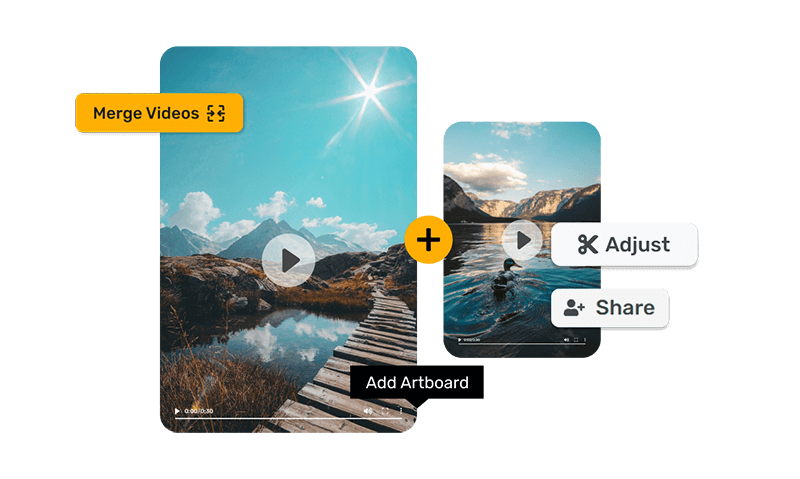



Video Merger FAQs
And some things you'd ask us.
How do you combine videos online?
You can combine videos online by using an online video merger tool. Simply upload your video files, arrange them in the desired order, and click to merge them into one seamless video. Many tools offer features like trimming, adding transitions, and applying filters to enhance your final video.
Can I merge videos of different formats?
Yes, you can merge videos of different formats. The online video merger tool will combine them into a single file, ensuring compatibility and smooth playback. This feature allows you to integrate different video clips seamlessly, regardless of their original format.
Does merging videos reduce the quality?
No, merging videos does not reduce the quality. The online video merger tool maintains the original quality of your videos, ensuring a high-quality final product. You can combine multiple clips without losing resolution or clarity, providing a professional result every time.
How do I join MP4 videos together?
Use an online video combiner tool. Upload your MP4 files, arrange them in order, and click merge. You can also add transitions, adjust video speed, and apply filters to enhance your final video.
What types of video files can I merge?
You can merge various video file types, including MP4, AVI, MOV, YouTube, and more. The tool supports most common video formats, allowing flexibility in your video merging projects. This versatility ensures that you can work with different file types without worrying about compatibility issues.
Can I merge two videos?
Yes, you can easily merge two videos using an online video merger tool. Simply upload both videos, place them in your desired sequence, and click merge. You can also edit and trim the clips before merging.
What is the easiest way to merge videos?
The easiest way is to use an online video merger tool. Just upload your videos, arrange them, and merge. This tool offers additional features like trimming, adding transitions, and applying filters to create a polished final product.
Can you merge videos of different resolutions or aspect ratios?
Yes, Simplified online video combiner tool allows you to merge videos with different resolutions or aspect ratios. You can adjust the aspect ratio settings and resolution to ensure a seamless final video.
Is the Simplified merge to video AI free?
Yes, you can try the merge to video AI tool for free. To use the advanced features, we suggest choosing one of our. They are more affordable than others. Check our pricing for more details.
Trusted by 10 million+ people. What our users say about Simplified Video Merger
Simplified website is most impressive and it is great for subtitle creation and images.

Professional Quality and User-Friendly Interface with Exceptional Customer Support
Professional quality and a user-friendly interface with exceptional customer support. Their support responds quickly and helpfully, which is essential for content creators working under pressure.

Simple but effective
Simple but effective. The video editor would cost me so much more time. I love the social media planner especially because it's so integrated into the entire Simplified system.

Simplified AI is awesome. The AI makes writing a breeze and it is any content creator's companion. It writes professional copy and saves time.

Terrific Video Maker
The tools are simple to use. The video maker is awesome. Talk about saving time! This AI program is a must-have for every video maker.

Great application for creating video content and Instagram reels
I love Simplified. I use it to create video reels and themes for Instagram and Facebook. It is fast, and the AI detection and accuracy are amazing.





Merge Multiple Video Files Into One Online
Merge your video clips into one smooth video with our online video merger.