By
By The best social media scheduling tools in 2026 are Simplified, Buffer, Hootsuite, Later, Sprout Social, Publer, Postiz, SocialBee, and Metricool. Simplified wins for teams who want to create and schedule in one place. Buffer is the simplest for solo creators. Hootsuite and Sprout fit bigger teams with deeper analytics. And if you need to schedule posts from a script or an AI agent, Simplified’s command-line tool is the one built for that.
Here’s the honest version: most scheduling tools do the same core job. They connect your accounts, hold a queue, and publish on a timetable. The differences come down to how you create the content, how many posts you can line up at once, and whether you can schedule without ever opening a dashboard.
This roundup focuses on one thing: scheduling and queueing. We’ll skip the marketing fluff and get into queues, bulk uploads, best-time features, pricing, and the trade-offs that actually matter when you’re picking a social media scheduler.
Key Takeaways
- Simplified is the best all-around pick because you create the post and schedule it in the same workspace, starting at $20/month.
- Buffer is the easiest free social media scheduler for solo creators; Later is strongest for visual Instagram planning.
- Hootsuite, Sprout Social, and Metricool lead on analytics and team workflows but cost $99/month or more.
- For programmatic scheduling,
simplified-cliqueues posts to 10 platforms from the command line or inside an AI agent.- Publer, Postiz, and SocialBee are solid value picks; Postiz is open-source and self-hostable.
Social media scheduling tools at a glance
Before the deep dives, here’s how the nine tools compare on the features that matter most for scheduling. For a head-to-head on the most-searched names, see our Hootsuite vs Buffer vs Simplified comparison.
| Tool | Best for | Queue / bulk | Best-time | Starting price |
|---|---|---|---|---|
| Simplified | Create + schedule in one place | Queue, bulk CSV, API | Yes | Free; $20/mo |
| Buffer | Solo creators, simplicity | Queue, basic bulk | Yes | Free; $6/channel |
| Hootsuite | Larger teams, analytics | Queue, bulk CSV | Yes | $99/mo |
| Later | Visual Instagram planning | Visual queue, bulk | Yes | $25/mo |
| Sprout Social | Enterprise teams | Queue, bulk | Yes | $199/seat/mo |
| Publer | Power schedulers on a budget | Queue, bulk, recycle | Yes | Free; $12/mo |
| Postiz | Open-source / self-hosting | Queue, bulk | Yes | Free; $29/mo |
| SocialBee | Category-based evergreen | Category queues | Yes | $29/mo |
| Metricool | Analytics + scheduling combo | Queue, bulk | Yes | Free; $22/mo |
Prices are per the published plans at the time of writing. Always check current pricing before you commit.
The 9 best tools to schedule social media posts
1. Simplified, best all-in-one scheduler
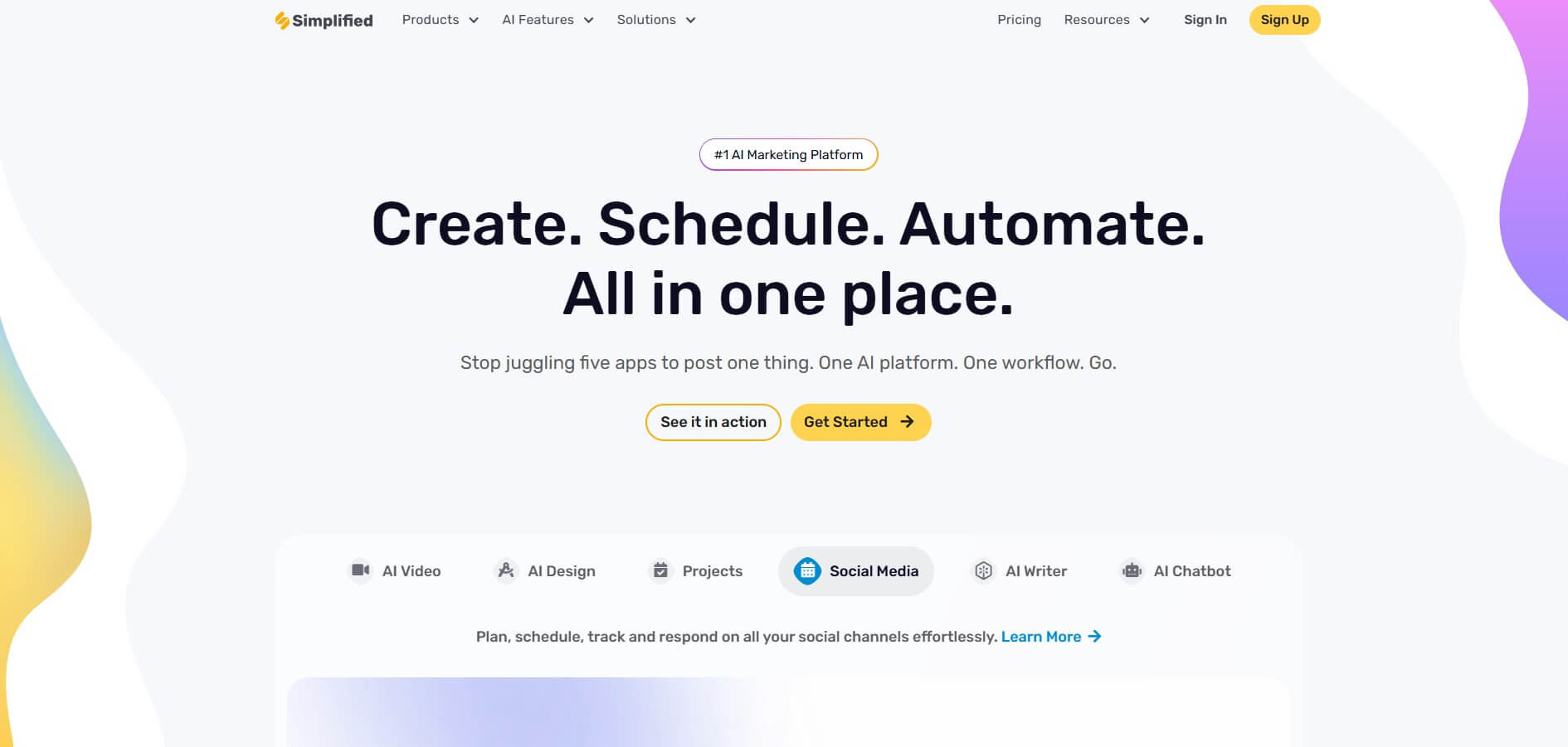
Best for: Creators and small teams who want to design, write, and schedule social media posts without switching tools.
Most social media schedulers assume you made the content somewhere else. Simplified flips that. You design the graphic, write the caption with AI, and drop it into the queue, all in one workspace. That’s the whole pitch: fewer tabs, one bill, content that’s ready to publish instead of stuck in an export-import loop.
On scheduling specifically, you get a content calendar, AI best-time-to-post suggestions, and bulk scheduling for up to 800 posts via CSV. You can queue across 10 platforms, including Instagram, TikTok, LinkedIn, Facebook, YouTube, and Pinterest with the social media scheduler. The free plan covers 10 scheduled posts; paid plans starting at $20/month unlock the full calendar, analytics, and inbox.
There’s also a command-line version, simplified-cli, which we cover in the API section below. No other tool here gives you both a GUI scheduler and an agent-native CLI.
Pros:
- Create and schedule in one place, no exporting between tools
- Queue to multiple accounts in a single action
- Generous free tier; paid plans replace Canva, Jasper, and a separate scheduler
Cons:
- Not a dedicated analytics platform like Sprout
- Power users may want deeper reporting on higher tiers
2. Buffer, best for solo creators
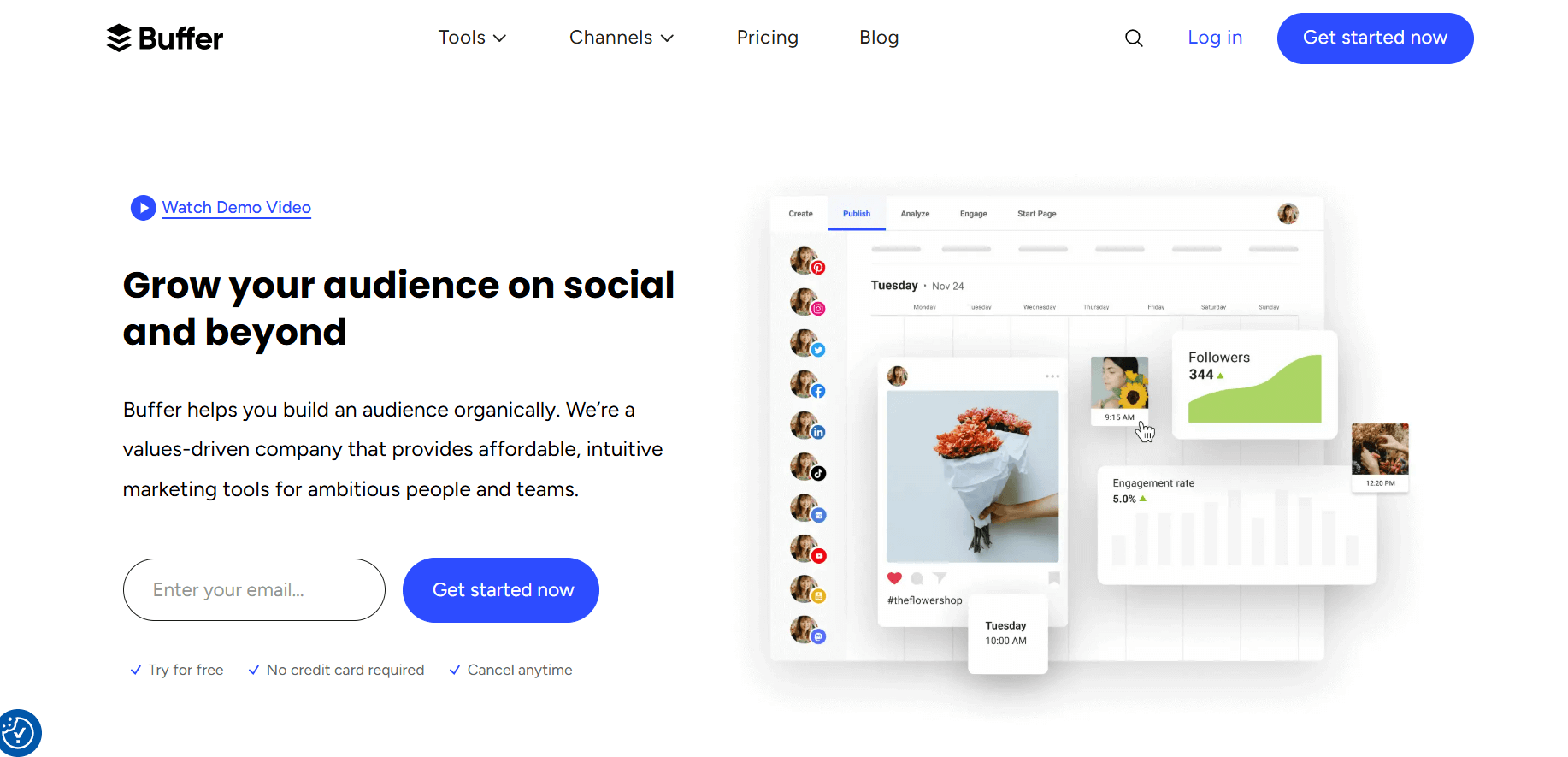
Best for: Freelancers and solopreneurs who want a clean, no-fuss social media scheduler.
Buffer built its reputation on simplicity, and it still delivers. You set a posting schedule per channel, then feed the queue. Buffer publishes the next post in line at your chosen times. No clutter, no steep learning curve.
The free plan covers three channels and 10 scheduled posts each, which is enough to test the waters. Paid plans run $6 per channel per month. Buffer added AI caption help and basic best-time suggestions, but it stays light on design and analytics.
Pros:
- Dead-simple queue setup
- Affordable per-channel pricing
- Reliable free tier for getting started
Cons:
- No built-in design tools
- Analytics are thin compared to bigger platforms
3. Hootsuite, best for established teams
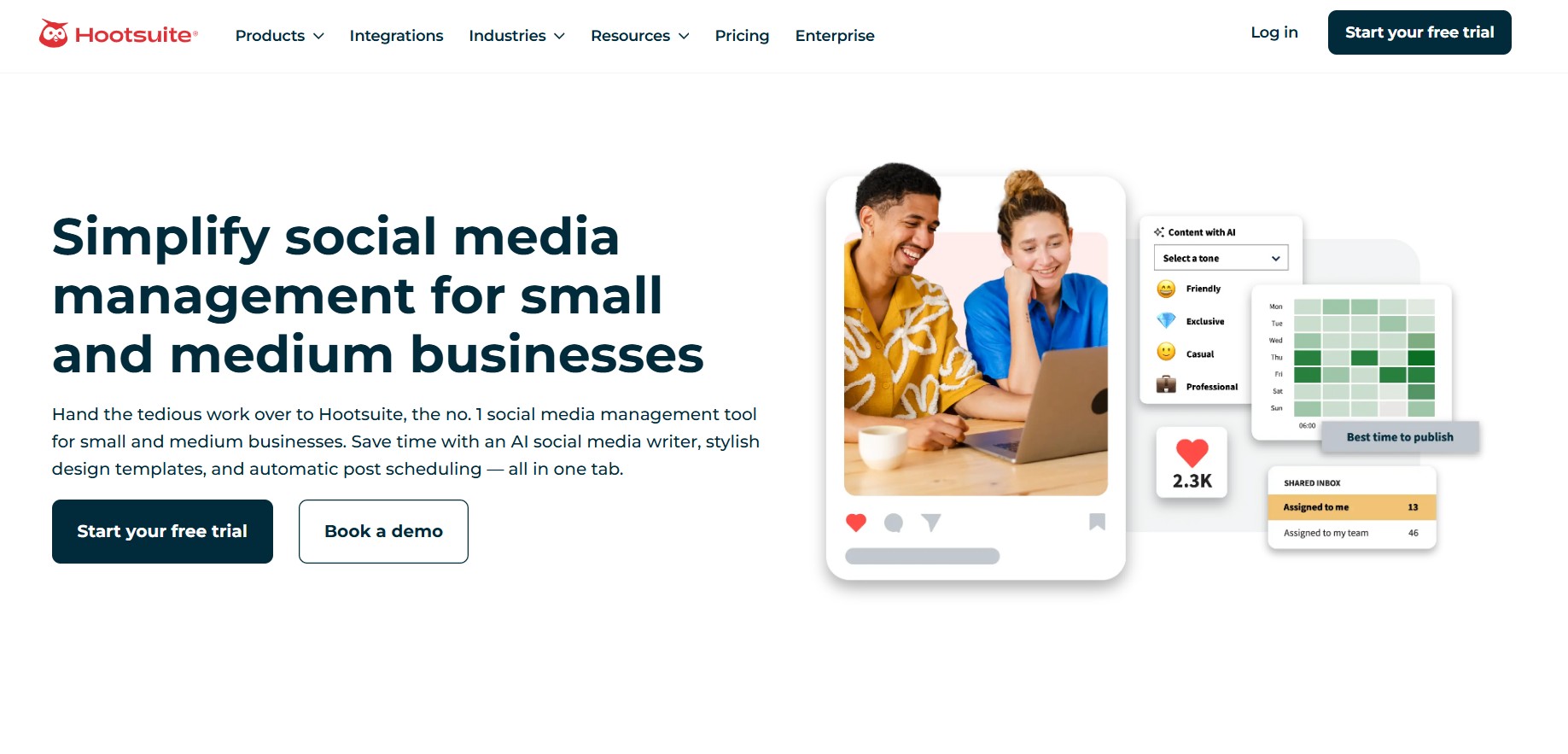
Best for: Marketing teams that need scheduling plus social listening and detailed reporting.
Hootsuite is the legacy name in social media management. Its scheduler handles queues, bulk CSV uploads, and best-time recommendations across every major network. The dashboard shows multiple streams side by side, which is handy for monitoring while you schedule.
The catch is price. Plans start at $99/month, and you’ll still need a separate design tool to create the posts. For a small business counting every $20, that adds up fast. Hootsuite earns its keep for teams that lean on its analytics and listening features.
Pros:
- Robust queue and bulk scheduling
- Strong analytics and social listening
- Multi-stream monitoring dashboard
Cons:
- Starts at $99/month
- No content creation, bring your own designs
4. Later, best for visual Instagram planning

Best for: Instagram-first creators who plan their feed visually.
Later started as an Instagram scheduler and still shines there. Its visual calendar lets you drag and drop posts to preview how your grid will look. You also get a media library, link-in-bio tool, and best-time-to-post data based on your own engagement.
Bulk scheduling and queues are solid, though Later leans toward visual platforms more than text-heavy ones like LinkedIn or X. Plans start at $25/month after the free trial.
Pros:
- Visual feed planner for Instagram
- Built-in link-in-bio and media library
- Engagement-based best-time suggestions
Cons:
- Strongest on visual platforms, lighter elsewhere
- Free plan is limited
5. Sprout Social, best for enterprise teams
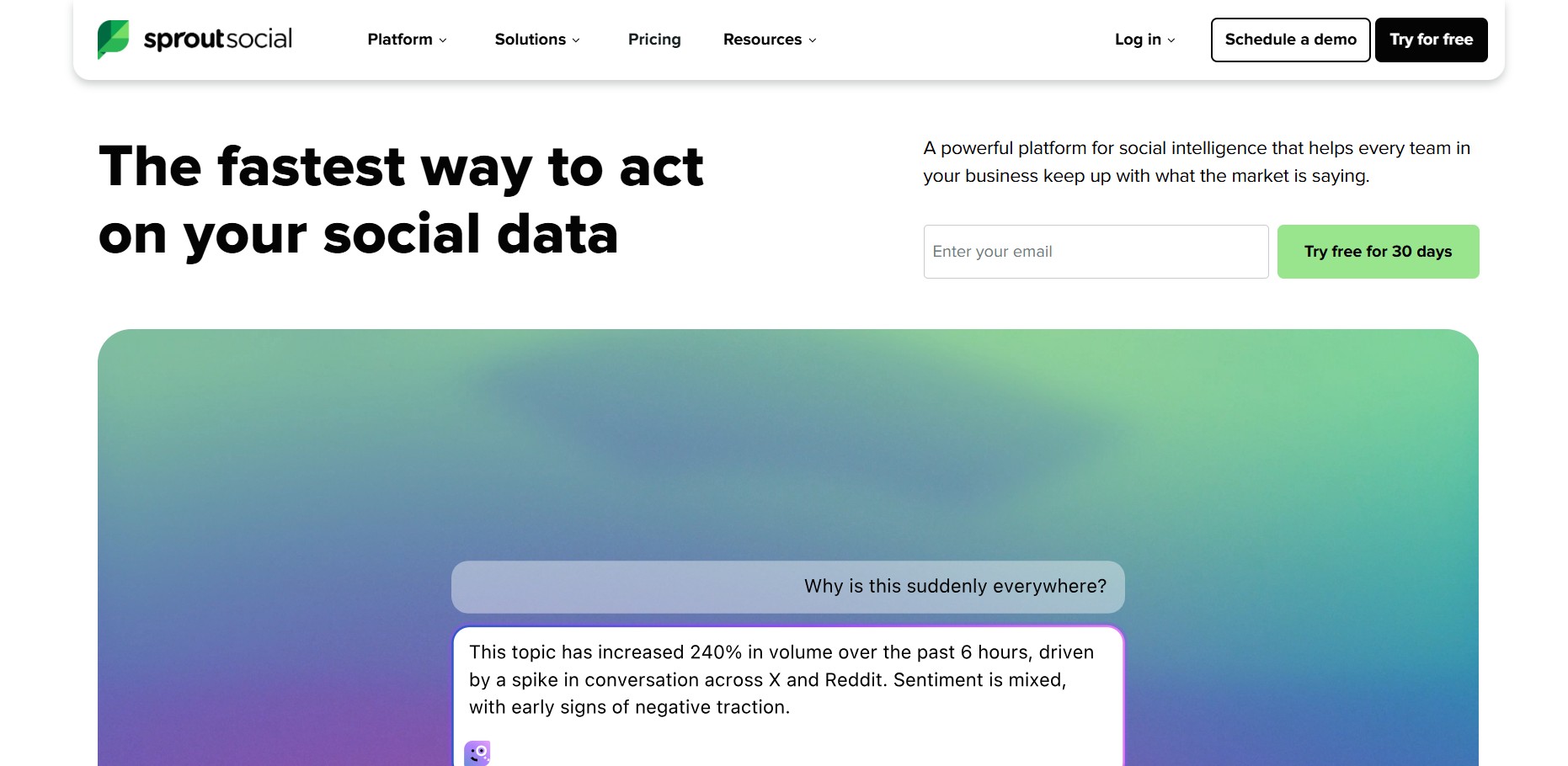
Best for: Larger organizations with the budget for premium social media management.
Sprout Social is the high-end option. Scheduling sits inside a broader suite covering analytics, social listening, customer care, and approval workflows. The queue, bulk scheduling, and best-time tools all work as you’d expect, with polished reporting on top.
What you pay for is depth and reliability at scale. Plans start around $199 per seat per month, which puts Sprout out of reach for most solo creators and small teams. If you’re a small business, the best social media automation tools list has friendlier picks.
Pros:
- Deep analytics and listening
- Strong approval and collaboration workflows
- Reliable at high volume
Cons:
- Expensive, $199+ per seat
- Overkill for individuals and small teams
6. Publer, best value for power schedulers
Best for: Heavy schedulers who want lots of features without a big bill.
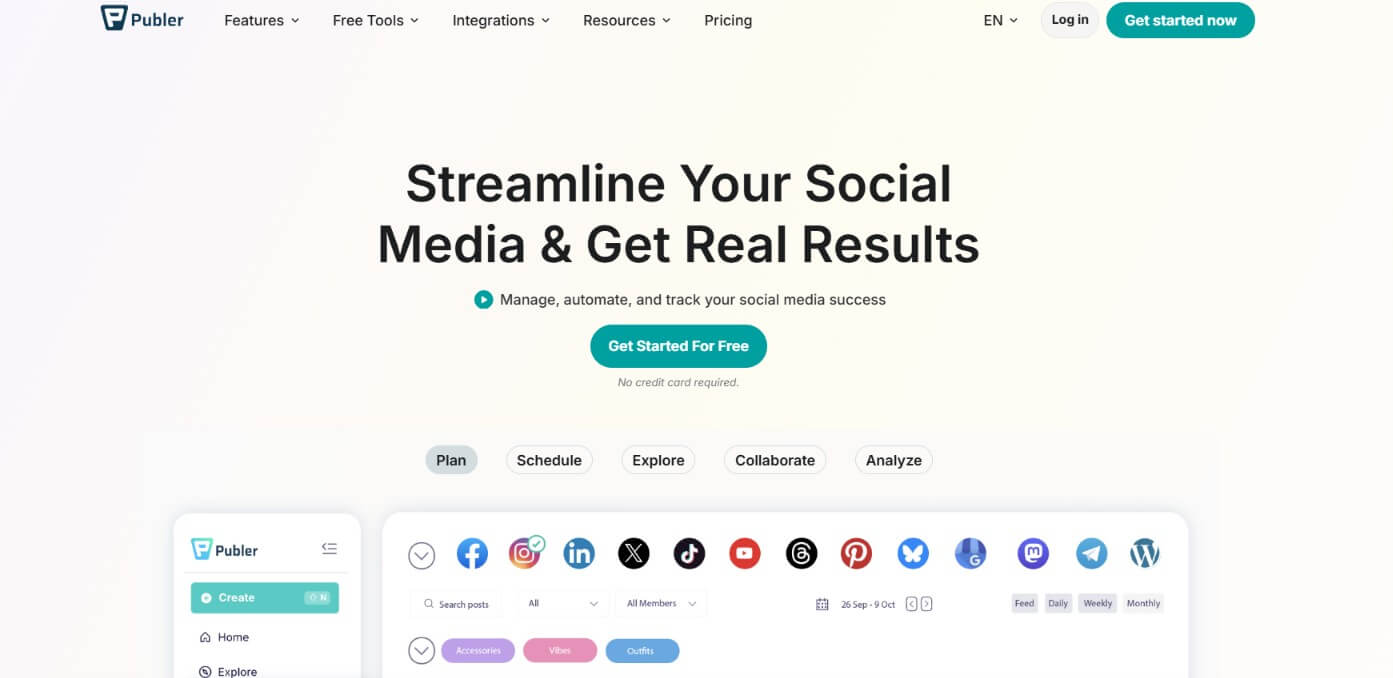
Publer punches above its weight. You get queues, bulk scheduling, post recycling (auto-reposting evergreen content), watermarks, and a media library. It’s the kind of tool that quietly does everything you need without charging Hootsuite prices.
The free plan supports three accounts and 10 scheduled posts each. Paid plans start around $12/month. For schedulers who post a lot and don’t need design tools baked in, Publer is a smart pick.
Pros:
- Post recycling for evergreen content
- Generous features at a low price
- Solid free tier
Cons:
- Interface can feel dense at first
- No real content creation suite
7. Postiz, best open-source option
Best for: Developers and privacy-minded teams who want to self-host their scheduler.
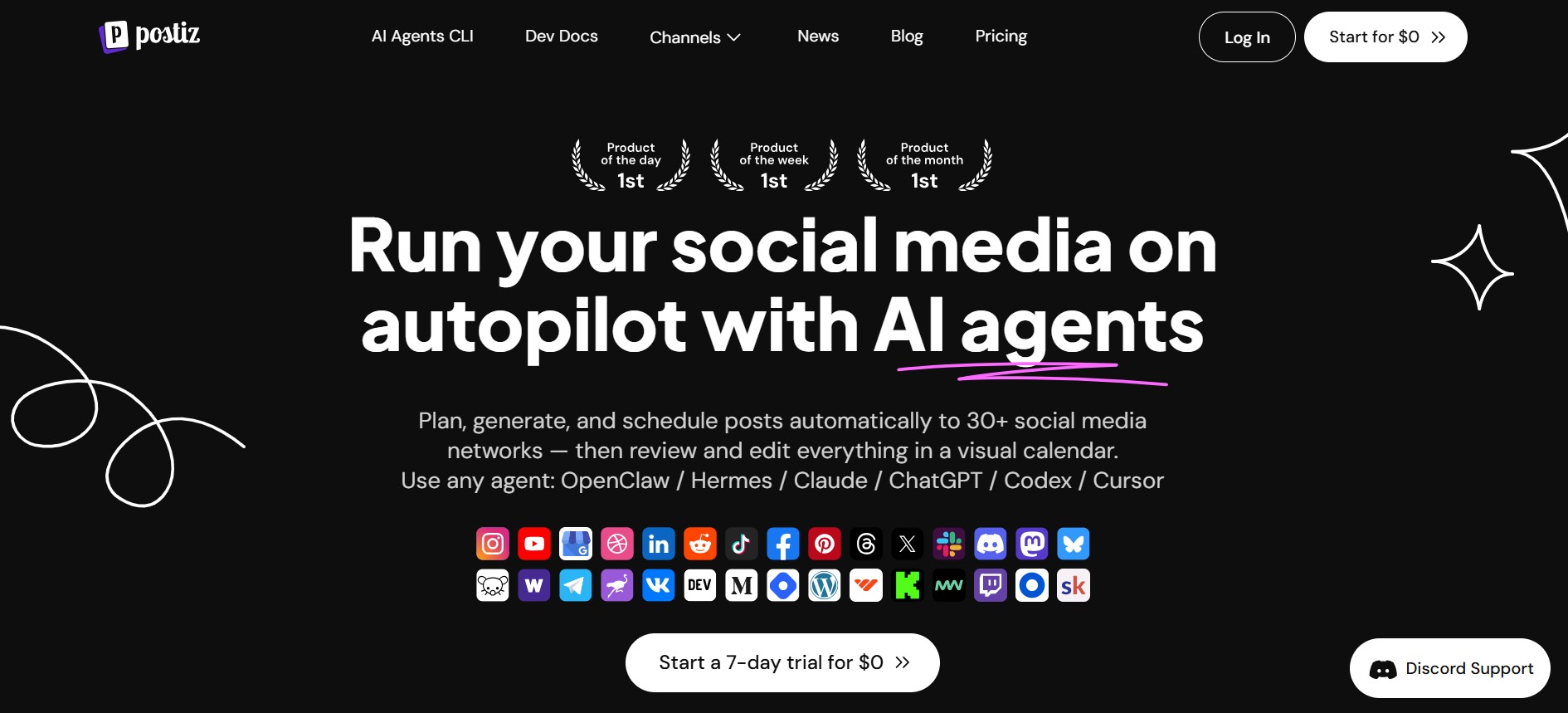
Postiz is the open-source entry on this list. You can self-host it for free or use the managed cloud version starting around $29/month. It covers queues, bulk scheduling, and a growing list of platforms, plus AI caption help.
Self-hosting means you control your data and avoid per-seat fees, appealing if you have the technical chops. The trade-off is that you’re responsible for setup and maintenance. For teams that want a hosted experience with similar flexibility, Simplified’s API covers a lot of the same ground without the server upkeep.
Pros:
- Open-source and self-hostable
- No per-seat lock-in if you host it yourself
- Active development and AI features
Cons:
- Self-hosting requires technical setup
- Smaller ecosystem than established players
8. SocialBee, best for evergreen content
Best for: Marketers who recycle content by category.
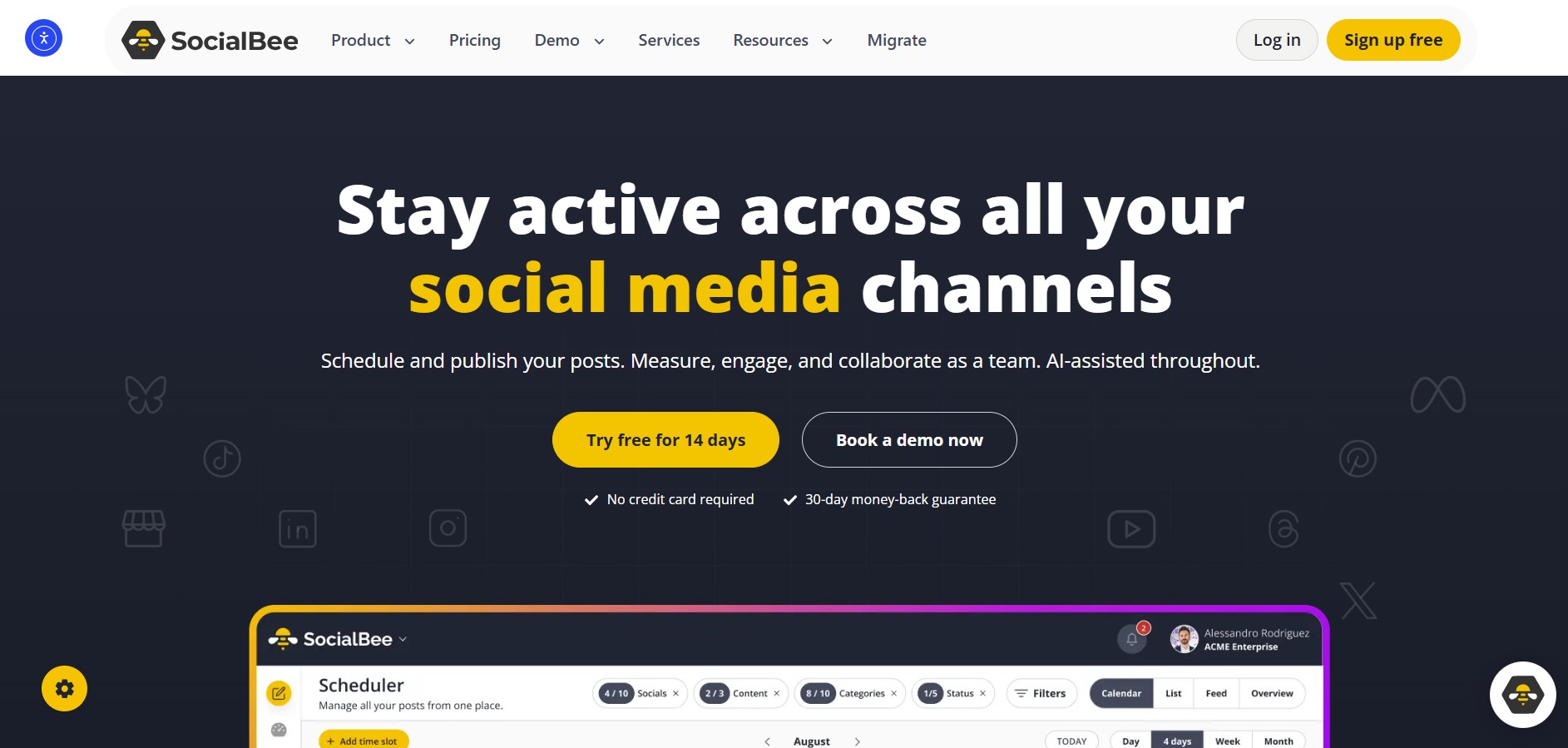
SocialBee’s signature feature is category-based queues. You sort posts into buckets, tips, promos, quotes, and SocialBee cycles through them on a schedule. It’s a clever way to keep an evergreen feed running without manually reloading the queue every week.
You also get bulk import, best-time suggestions, and AI content help. Plans start at $29/month. If your strategy leans on recycling a content library, SocialBee’s category system is hard to beat.
Pros:
- Category-based evergreen queues
- Content recycling done well
- Good for keeping a steady cadence
Cons:
- Category setup takes upfront effort
- No design tools
9. Metricool, best for analytics plus scheduling
Best for: Teams who want reporting and scheduling in one affordable tool.
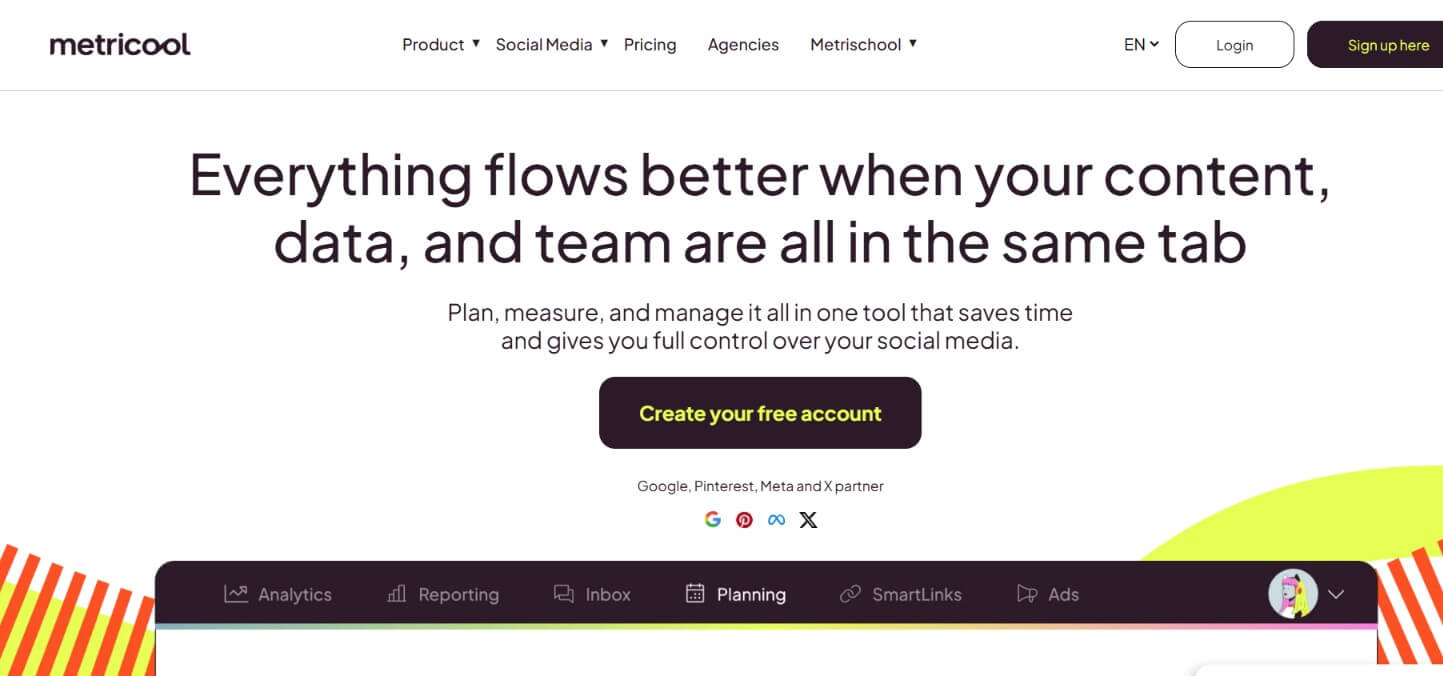
Metricool blends a social media scheduler with strong analytics and competitor tracking. You get a planning calendar, bulk scheduling, best-time data, and reports that go deeper than most mid-tier tools. It even covers ad analytics alongside organic posts.
There’s a free plan, and paid plans start around $22/month. For data-minded marketers who don’t want to pay Sprout prices, Metricool hits a sweet spot between scheduling and insight.
Pros:
- Analytics rival pricier tools
- Affordable paid plans
- Covers organic and ad performance
Cons:
- Design and AI writing are limited
- Calendar can feel busy
Programmatic scheduling: where simplified-cli stands apart
Buffer, Hootsuite, and Later are human GUI schedulers. You log in, click around, and set times by hand. That’s fine for most people. But if you’re automating content, running a script, building a workflow, or wiring a scheduler into an AI agent, clicking through a dashboard doesn’t scale.
That’s the gap simplified-cli fills. It’s an open-source, agent-native command-line tool that schedules social media posts straight from your terminal. Because it returns JSON, AI agents can read the output and act on it. You can install it from npm or add it as a Claude Code plugin with /plugin marketplace add celeryhq/simplified-cli.
Authentication is one environment variable. After that, you can list accounts, queue posts to multiple accounts in a single call, and manage your schedule programmatically. Here’s a realistic example that queues a post with media to several connected accounts:
# Authenticate
export SIMPLIFIED_API_KEY="your_api_key_here"

# See which accounts are connected
simplified accounts:list

# Queue a post with an image to multiple accounts at once
simplified posts:create \
 -c "New blog post is live: 9 best social media scheduling tools for 2026" \
 -a "acct_ig_123,acct_li_456,acct_x_789" \
 --action add_to_queue \
 --media "https://example.com/cover.png"

# Check what's scheduled
simplified posts:list --category scheduled
You can also update or remove queued posts with posts:update --post-id and posts:delete. The whole flow lives in a script, a cron job, or an agent’s tool belt, no dashboard required. This is the part Buffer, Later, and Hootsuite simply don’t offer.
For a deeper walkthrough of API-based publishing, see our guide on how to post to social media via API. And if scheduling is one piece of a bigger system, our social media automation guide covers how to tie it all together.
How to choose the right social media scheduler
Picking a scheduler comes down to a few honest questions. There’s no single best tool, there’s the best tool for how you work.
- Do you create content elsewhere? If you’re already in Canva and just need to queue posts, Buffer or Publer keep it cheap and simple. If you want to design and schedule in one place, Simplified saves you the tab-switching.
- How much do you post? Heavy schedulers benefit from bulk CSV upload and recycling, look at Publer, SocialBee, or Simplified’s 800-post bulk feature.
- Do you need deep analytics? Sprout, Hootsuite, and Metricool lead here. Just know you’ll pay more for the reporting. If you’re still mapping out a posting strategy, industry resources like Search Engine Journal cover the fundamentals.
- Are you automating? If posts come from scripts or AI agents, the social media scheduling API and
simplified-cliare the move. GUI-only tools can’t do this.
One more thing worth being honest about: a fancy scheduler won’t fix a thin content pipeline. If coming up with posts is the bottleneck, pairing your scheduler with an AI social media post generator does more for your output than any calendar feature.
Frequently asked questions
What is the best free social media scheduling tool?
Buffer and Simplified both offer strong free plans. Buffer’s free tier covers three channels with 10 scheduled posts each, ideal for solo creators. Simplified’s free plan includes 10 scheduled posts plus AI writing and design tools, so you can create and schedule without paying. Publer and Metricool also have usable free tiers.
Can I schedule social media posts to multiple accounts at once?
Yes. Most tools on this list let you queue one post to several accounts in a single action. Simplified does this in both its dashboard and its CLI, one posts:create command can add a post to your Instagram, LinkedIn, and X accounts at the same time. This saves real time when you’re posting the same update across platforms.
Is there a social media scheduling API for developers?
Yes. Simplified offers an API and an open-source command-line tool, simplified-cli, that schedules posts programmatically and returns JSON for AI agents. You install it via npm or as a Claude Code plugin. Postiz, being open-source, can also be self-hosted and scripted. Most GUI-only tools like Buffer and Later don’t expose this.
How many social media platforms can these tools schedule to?
It varies. Simplified schedules to 10 platforms, including Instagram, TikTok, LinkedIn, Facebook, X, YouTube, Pinterest, and Google Business. Buffer, Hootsuite, and the others cover the major networks too, though exact platform support differs, check that your specific networks are supported before you commit.
Do I need a separate tool to create posts before scheduling?
It depends on the scheduler. Buffer, Hootsuite, Later, and Sprout assume you create content elsewhere, so you’ll likely pair them with a design tool. Simplified includes AI writing and design in the same workspace, so you can go from idea to scheduled post without a second subscription.
Bottom line
The best social media scheduling tools in 2026 each win for a specific person. Buffer keeps it simple for solo creators. Hootsuite, Sprout, and Metricool serve teams that live in their analytics. Publer, Postiz, and SocialBee deliver value and flexibility for power schedulers.
But if you want one tool that lets you create, schedule, and even automate your posts, without juggling three subscriptions, Simplified is the pick. Design the post, write the caption with AI, drop it in the queue, and let the calendar handle the rest. Need to schedule from a script or an AI agent? simplified-cli does that too.
Start free, no credit card required, and see if it fits how you work.