AI storyboard generator: see every shot before you film.
Describe the film or paste the script. Studio writes the shot list, designs the cast once, and draws a frame for every shot with the same faces throughout. Then it can make the film.
See a real storyboardOr storyboard one of these
A real storyboard, twelve shots.
From one sentence: the plan, the cast and world, then a frame for every shot in three scenes. This is The Wrong Passport.
The Wrong Passport: a courier discovers the passport he carries belongs to a missing man, and every safe house expects him to be that man.
Here is the plan. Nothing is made until you approve it.
A courier carries a missing man's passport. Every safe house expects him to be that man.
- Story
- 48s
- 16:9
- 12 shots in 3 scenes
Look Anamorphic 40mm, desaturated teal, one passport-red accent, 35mm grain
- 1
- 2
- 3
- 4
- 5
- 6
- 7
- 8
- 9
- 10
- 11
- 12
Plan approved
Casting David, Miriam and Eliav once, with the places and props. Every shot is built from these references.
Shooting 12 shots across 3 scenes. Same faces, same look.
I checked every take. Dialogue and score are on. Your cut is ready.
-
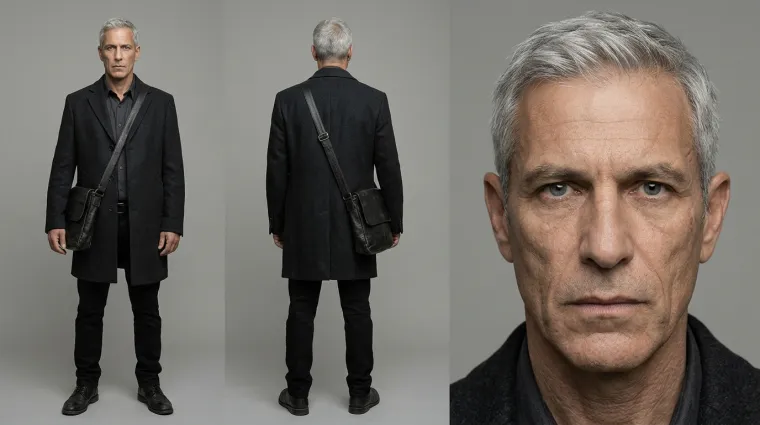
 David Character
-
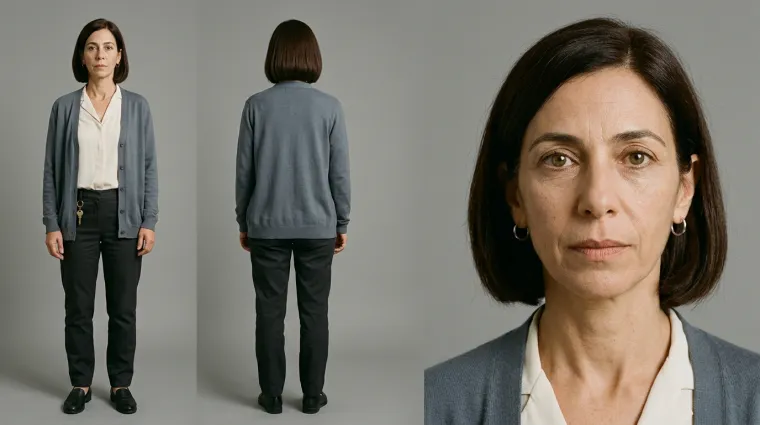
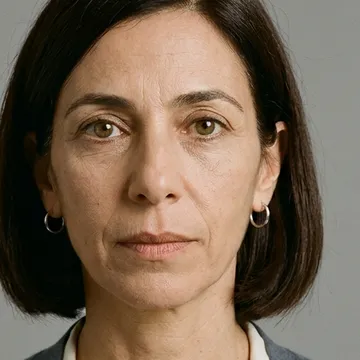 Miriam Character
-
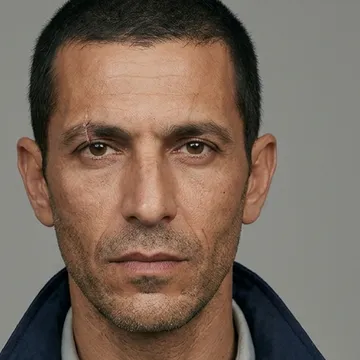 Eliav Character
-
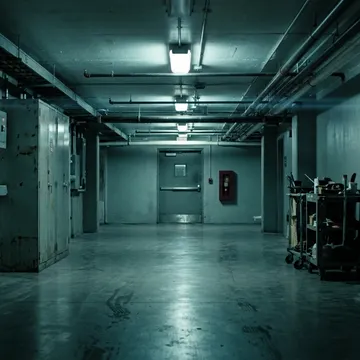 The corridor Location
-
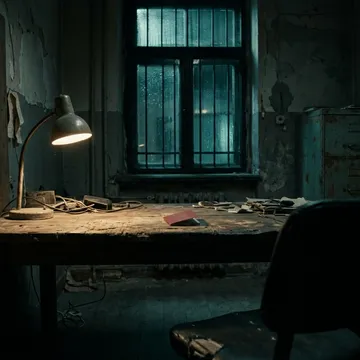 The back room Location
-
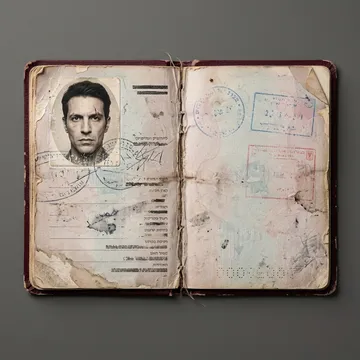 The passport Prop
-
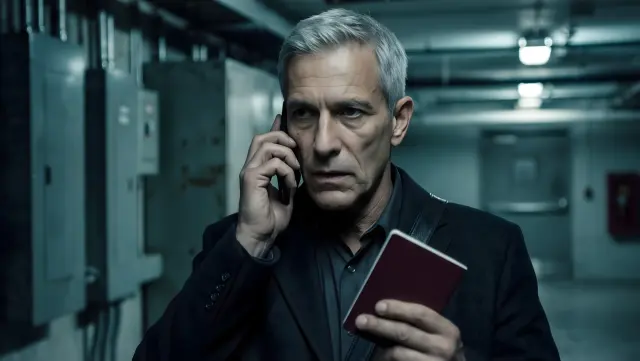 1 David
-
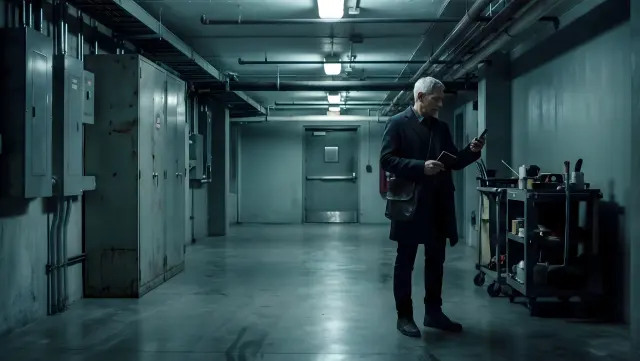 2 David
-
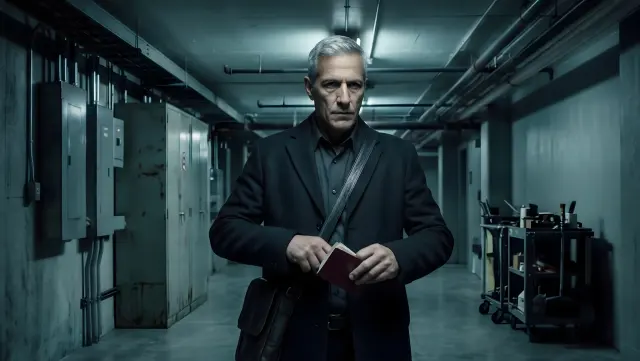 3 David
-
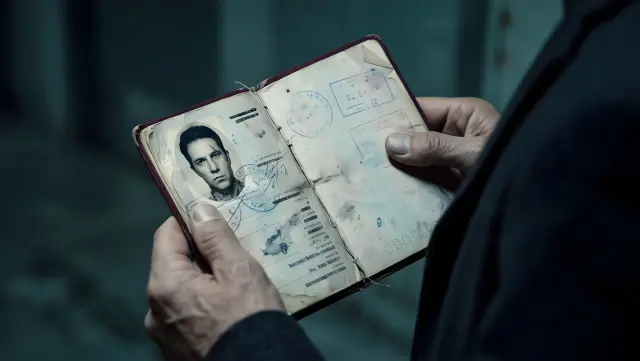 4 The passport
-
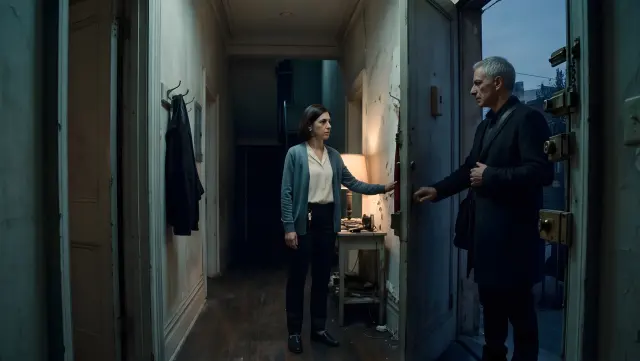 5 Miriam and David
-
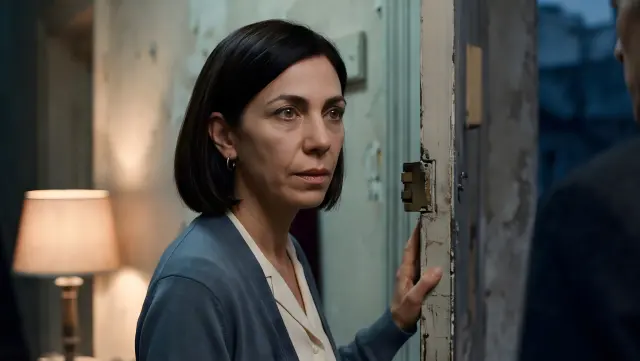 6 Miriam
-
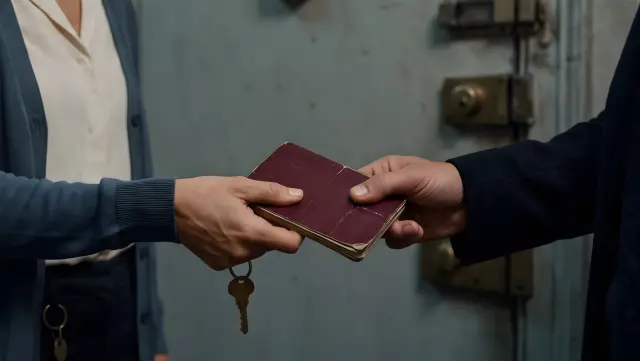 7 The handover
-
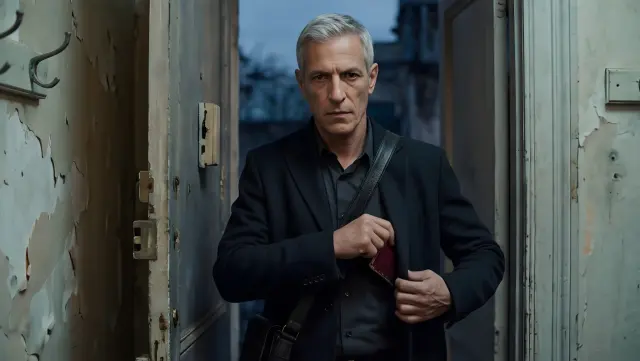 8 David
-
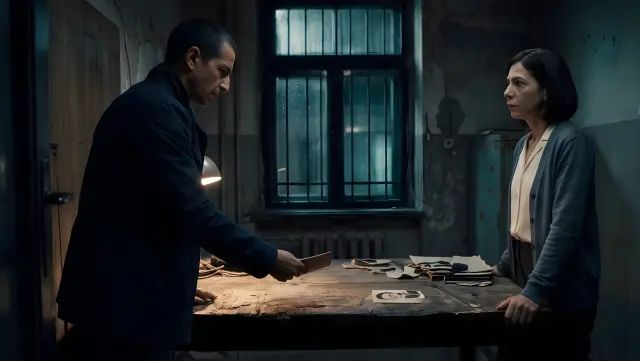 9 David and Miriam
-
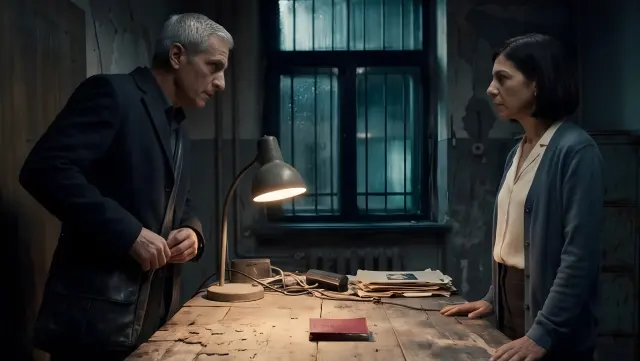 10 David and Miriam
-
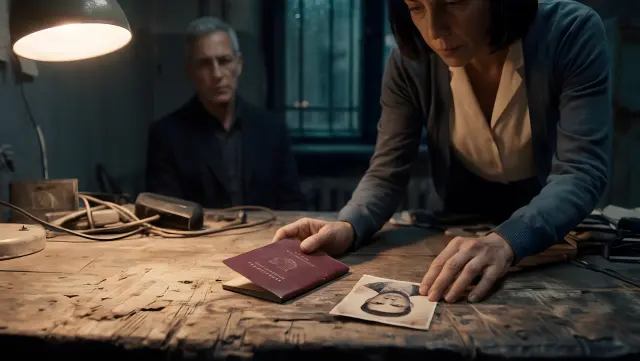 11 Miriam and David
-
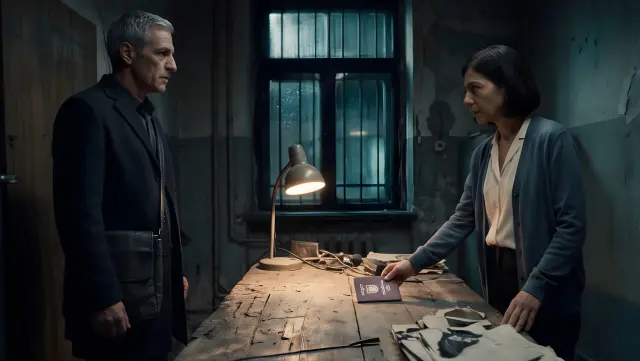 12 David and Miriam
A real Studio production. Every frame on this board came out of Studio.
One contact sheet per scene.
Four frames side by side, so you can check a scene's look and continuity at a glance.
-
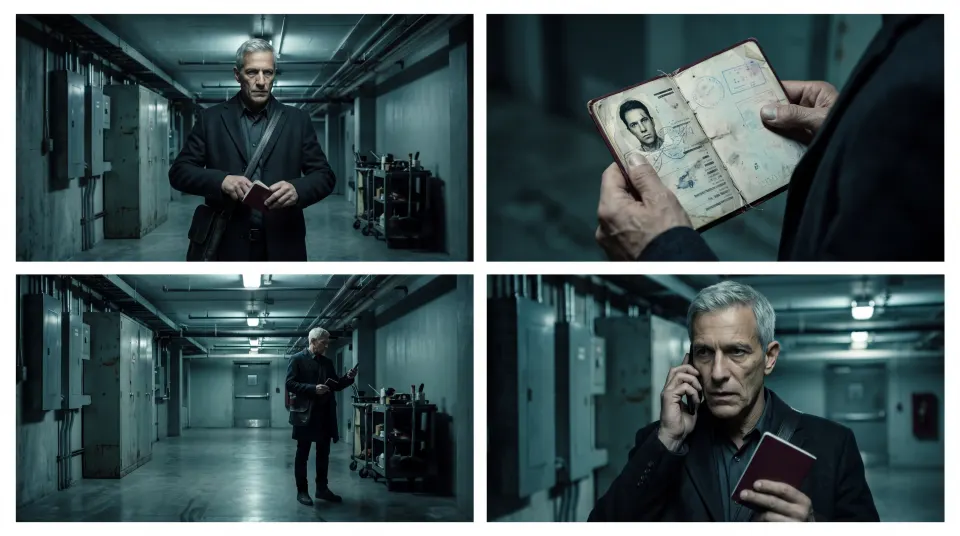
Scene oneThe airport corridor -
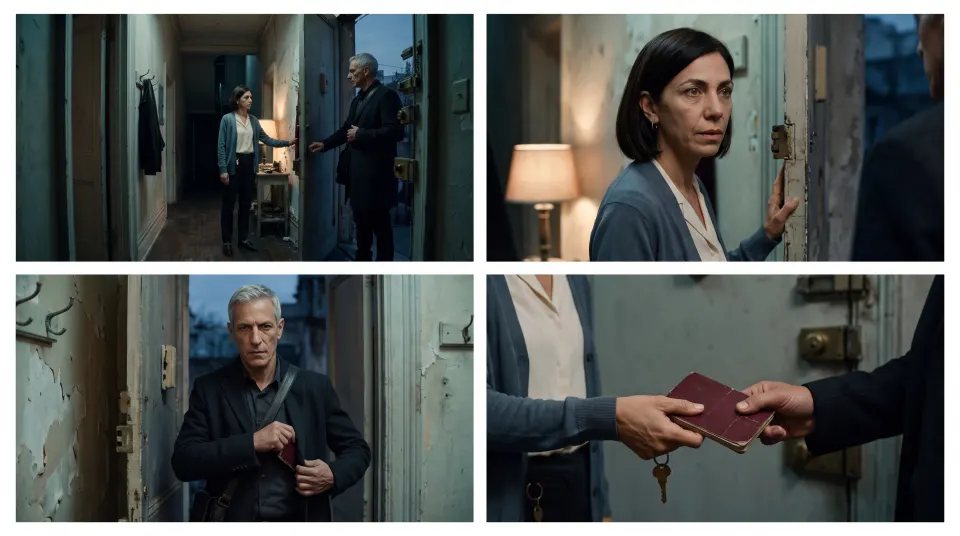
Scene twoThe safe-house door -
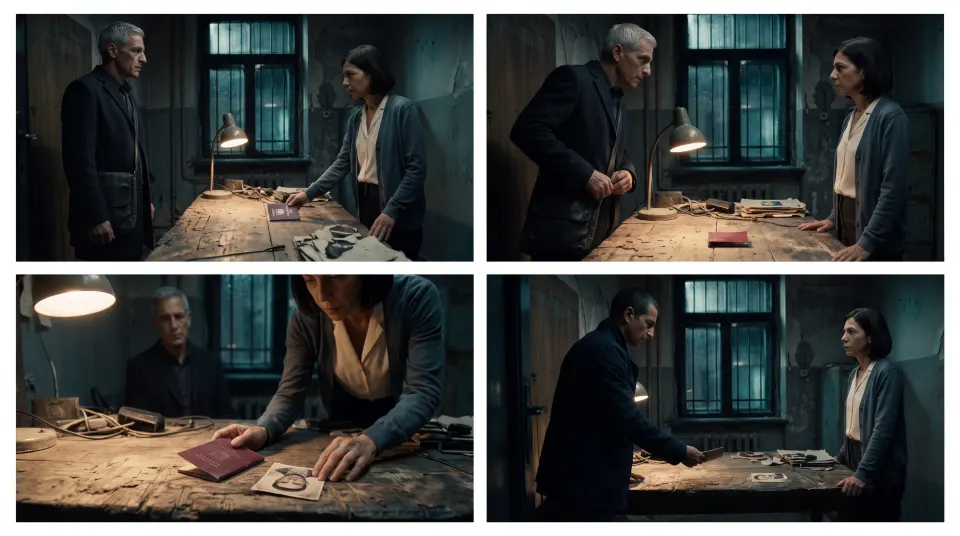
Scene threeThe back room
The same faces in frame one and frame twelve.
Storyboards drawn frame by frame with ordinary AI drift: the lead looks different in every panel. Studio builds each frame from one reference sheet per character. Compare them.
- Shot 1
- Shot 3
- Shot 8
- Shot 10
- Shot 5
- Shot 6
- Shot 11
- Shot 12
- References firstCast, locations and props are designed before any frame, and every frame is built from them.
- One lookLens, palette and lighting are fixed in the plan, so the board reads as one film.
- Frames become shotsEach approved frame is the first image of its clip, so the film matches the board.
Idea, board, film.
You approve each layer before the next one is made.
Describe the film.
One sentence, or a script you already have. Studio breaks it into scenes and shots and shows you the plan, with the pacing laid out shot by shot.
Approve the cast, then the frames.
Characters and locations are designed first. Then every shot gets a storyboard frame built from them. You sign off layer by layer.
Turn the board into a film.
Each approved frame becomes the opening image of its clip. Voices, music and the cut follow. Or stop at the board and take it to your own shoot.
Have a script and no pictures?
Paste it in and read the shot list before a single frame is drawn.
Anyone who needs to see it before they shoot it.
Filmmakers and directors
See the whole film as frames before a second of video is made. Fix the shot list while it is still cheap to change.
Agencies and marketers
Show a client the ad as a board they can react to, with the same actors and products in every frame.
Animators and comic artists
Block out a sequence with consistent characters, then draw over it or hand it to your team.
Teachers and students
Plan a class film or a presentation scene by scene, and learn how a story turns into shots.
Keep building
More from Studio
Related tools
AI storyboard generator, answered
What people ask before they board their first film.
What is an AI storyboard generator?
It is a tool that turns a script or an idea into a storyboard: one drawn frame for each shot, in order. This one writes the shot list for you, keeps the same characters in every frame, and can go on to make the film from the board.
Do the characters stay consistent from frame to frame?
Yes. Studio designs each character and each location once, as a reference, and every storyboard frame is generated from those references. That is why the faces on this page match from the first frame to the last.
Can I start from my own script?
Yes. Paste the script in Script mode and Studio breaks it into scenes and shots as written. If you only have an idea, it writes the script first and you approve it.
What is a contact sheet?
A single image that shows several frames from one scene side by side. Studio makes one per scene so you can check the look and the continuity of a scene at a glance.
Can I change a frame I do not like?
Yes. Review the frames before any clip is made, say which one to redo and how, and only that frame is made again.
Can I turn the storyboard into a video?
Yes. Once the frames are approved, Studio generates a clip that opens on each frame, adds voices and music, and assembles the cut. You can also stop at the storyboard.
What aspect ratios can I use?
Widescreen 16:9 for film and YouTube, or vertical 9:16 for phones and short-form feeds. You set it in the plan.
How does pricing work?
Studio is pay as you go. You add funds and pay for what you make, and you see an estimate before anything is generated.
Every shot, before you film it.
Describe the film, approve the cast, read the board.