Simplified Studio

Kannada AI video generator: turn your script into a finished video.

Paste a script in Kannada or pitch an idea. Studio plans the video and makes every scene, sized for Reels, Shorts or YouTube. Kannada is not on Studio's language list yet, so you choose Other.

Opens in Studio with your idea filled in. Choose Other under Language there. Pay as you go. 0/500
See the settings

Five settings before you start.

Language, voice, captions, size and length are all settings in the film maker. Choose them before you start.

A sketch of the film maker's settings. Language is under More settings. Its list has 31 languages and an Other option, which is the one for Kannada.

How Studio makes a video.

The plan comes first, then the cast, then every shot, then the cut. This production is in English. One in Kannada goes through the same steps.

The Wrong Passport
  1. Planning
  2. Building
  3. Review

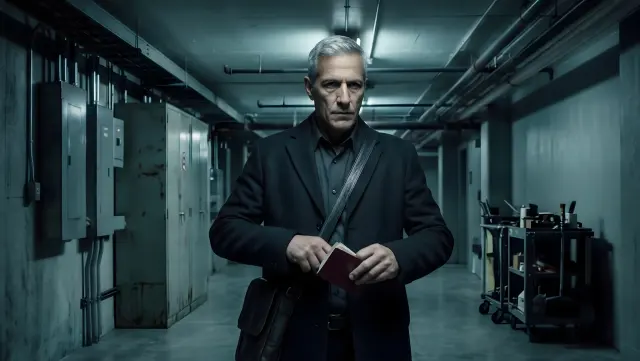
The Wrong Passport: a courier discovers the passport he carries belongs to a missing man, and every safe house expects him to be that man.

Here is the plan. Nothing is made until you approve it.

A courier carries a missing man's passport. Every safe house expects him to be that man.

  • Story
  • 48s
  • 16:9
  • 12 shots in 3 scenes

Look Anamorphic 40mm, desaturated teal, one passport-red accent, 35mm grain

  1. 1
  2. 2
  3. 3
  4. 4
  5. 5
  6. 6
  7. 7
  8. 8
  9. 9
  10. 10
  11. 11
  12. 12

Plan approved

Casting David, Miriam and Eliav once, with the places and props. Every shot is built from these references.

Shooting 12 shots across 3 scenes. Same faces, same look.

I checked every take. Dialogue and score are on. Your cut is ready.

Cast and world Made once, reused in every shot and every episode
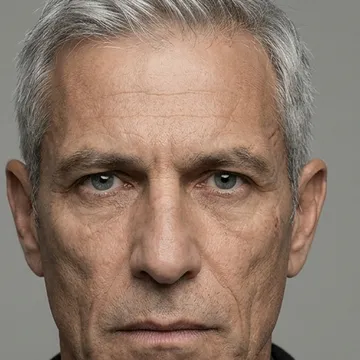
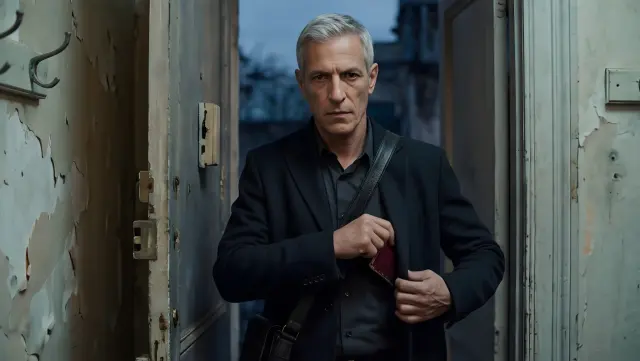
  • Reference for David Halevi, a grey-haired courier David Character
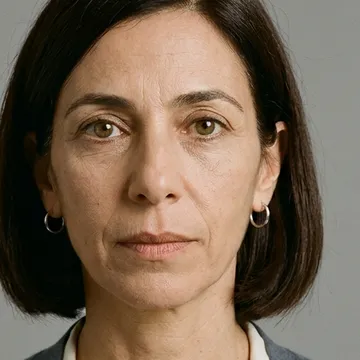
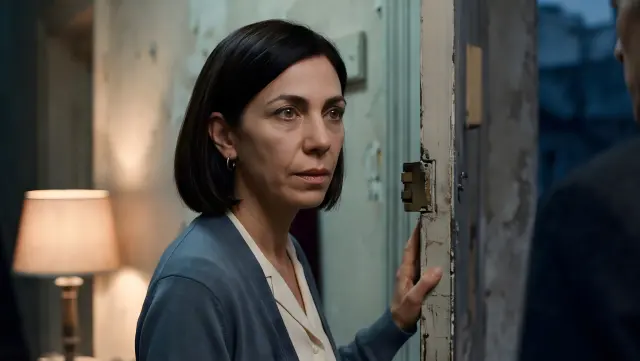
  • Reference for Miriam Sadeh, who runs the safe house Miriam Character
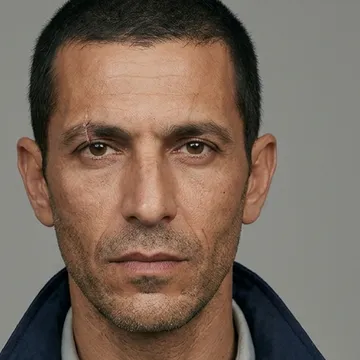
  • Reference for Eliav Ben-Ami, the missing man Eliav Character
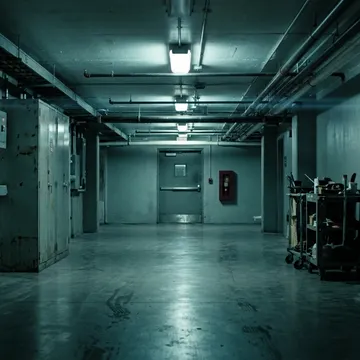
  • Location reference: an airport service corridor The corridor Location
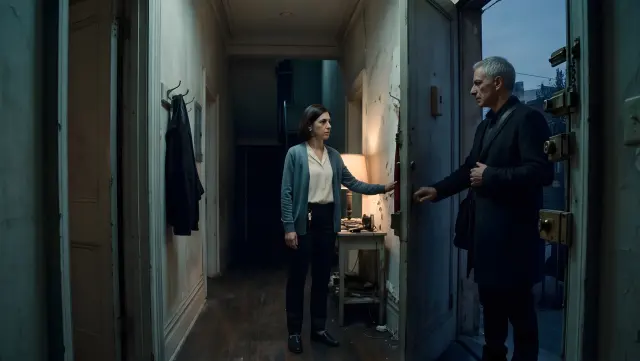
  • Location reference: the back room of the safe house The back room Location
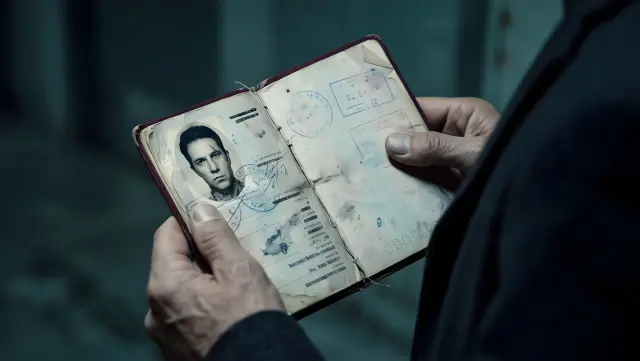
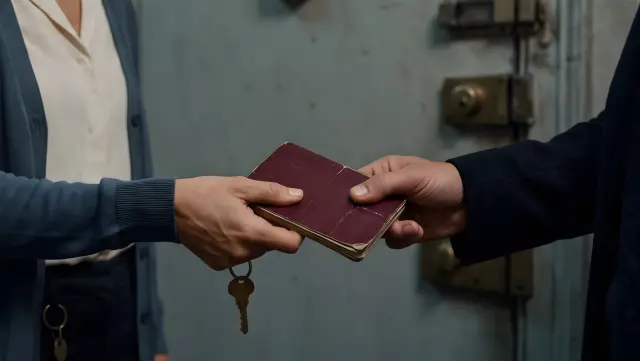
  • Prop reference: a worn passport The passport Prop
Shots Each one starts from the references above
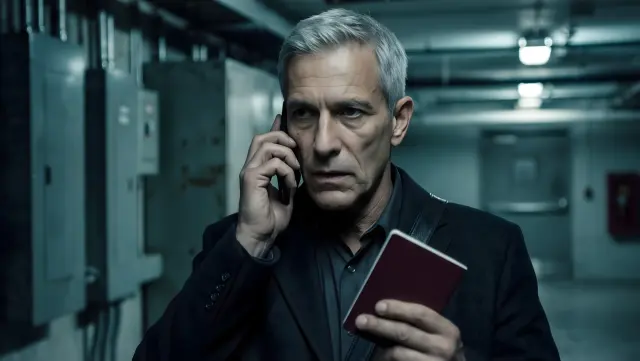
  1. David on the phone in a service corridor, holding a passport 1 David
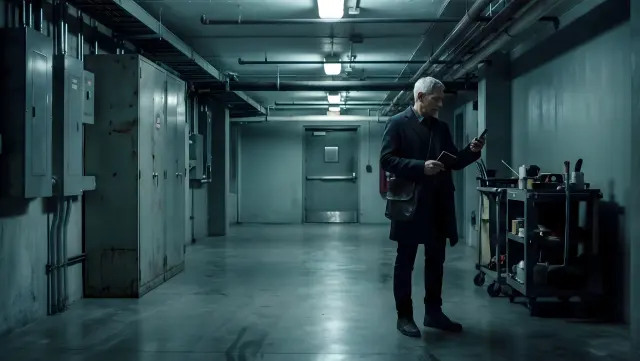
  2. David alone at the far end of the corridor 2 David
  3. David walks down the corridor with the passport in his hands 3 David
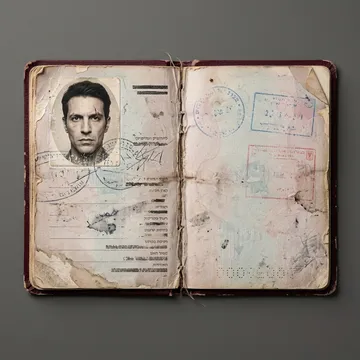
  4. Close-up of the passport, open to another man's photo 4 The passport
  5. Miriam opens the safe-house door to David 5 Miriam and David
  6. Miriam at the door, studying the man in front of her 6 Miriam
  7. The passport passes from one hand to another 7 The handover
  8. David in the doorway, tucking the passport into his coat 8 David
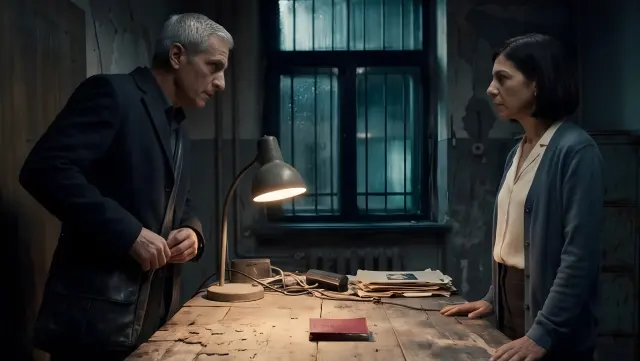
  9. David and Miriam in the back room, the passport on the table 9 David and Miriam
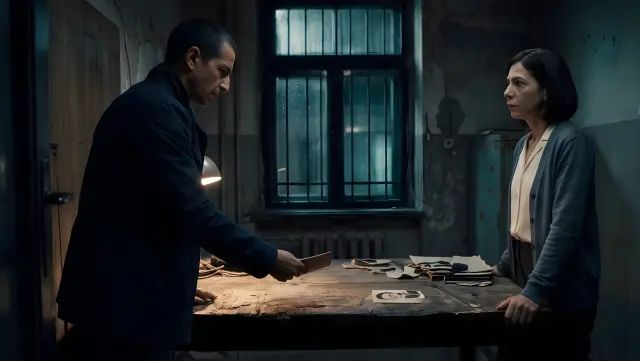
  10. David and Miriam face each other across the table 10 David and Miriam
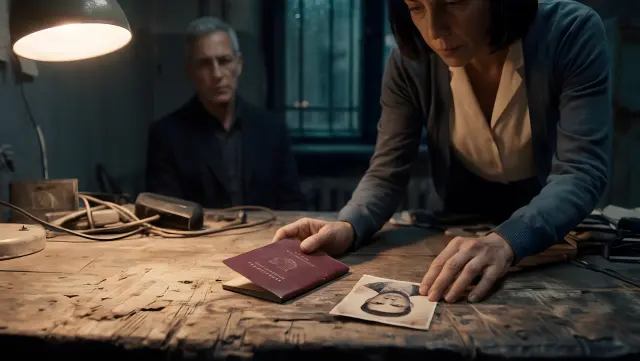
  11. Miriam leans over the table while David watches from the shadows 11 Miriam and David
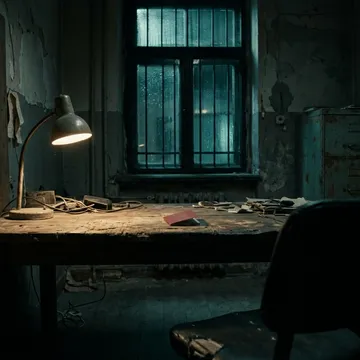
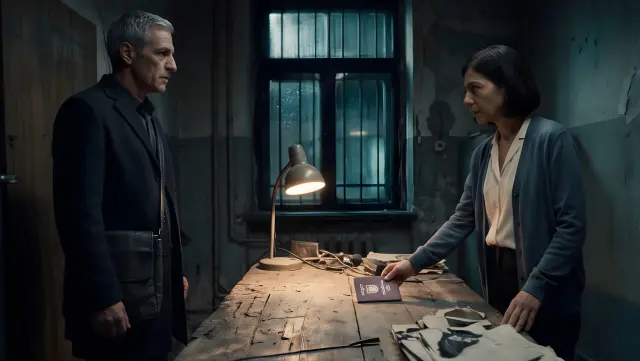
  12. David and Miriam at the table under a single lamp 12 David and Miriam

A real Studio production, The Wrong Passport. Every frame on this board came out of Studio.

How it works

Kannada text to video in three steps.

You bring the words. Studio handles the scenes, the voice and the cut.

1

Paste your script.

Switch to Script mode and paste your script in Kannada, and Studio follows your words. No script yet? Type the idea and it writes one for you to approve.

2

Choose Other under Language.

Open the settings and choose Other, since Kannada is not on the list yet. Then pick the voice, the size and the length. Studio shows you the plan before anything is made.

3

Watch the cut.

Approve each layer as it is made, or use auto mode. If a scene is off, send it back and only that part is made again.

Have a script ready?

Paste it in and read the plan before anything gets made.

Create my video

What you choose for a video in Kannada

Six things you decide. The scenes, the voice and the cut are made for you.

Kannada through Other

The Language menu lists 31 languages and has an Other option. Kannada is not on the list yet, so choose Other, and listen to the result before you publish.

A narrator, or people who speak

Pick a narrator voiceover that reads your script over the visuals, dialogue spoken inside the clips themselves, or no voice at all.

Captions on or off

Captions are one switch. Leave them on for the many viewers who watch with the sound off.

Sized for Reels, Shorts and YouTube

9:16 for Shorts, Reels and TikTok, 16:9 for YouTube, 1:1 for feed posts, or 4:3. From 15 seconds to 5 minutes.

AI clips or a slideshow

Fill the scenes with AI video clips, or keep it simple with an image slideshow. Choose a look such as cinematic, anime or watercolor.

The same people in every scene

Each character is designed once and reused in every shot, so a face does not change halfway through your story.

How to write a script in Kannada that sounds right

In Script mode with a narrator voiceover, the voice reads what you wrote. A few habits separate narration that sounds read out from narration that sounds like a person talking.

  • Write the way you speak. Everyday spoken Kannada works better than formal, written-style Kannada. If you would say it out loud to a friend, write that.
  • Keep sentences short. One idea per sentence. Short lines give the voice room to pause and keep each caption small enough to read on a phone.
  • Punctuate for breath. End each sentence clearly and add a comma where you would pause. Punctuation is how you set the pace.
  • Spell out the numbers that matter. If a price or a date has to be said a certain way, write it in words.
  • Decide how borrowed words should sound. Brand names and English words are normal in everyday speech. If a name has to be said a particular way, write it the way it sounds and listen to the result.
  • Open with the point. The first line decides whether someone keeps watching. Say what the viewer gets, then explain.

Draft it, read the plan, and cut the lines that drag before you approve it.

Kannada AI video generator FAQs

Quick answers on scripts, voices, captions, sizes and length.

What is a Kannada AI video generator?

It is a tool that turns a script in Kannada or an idea into a finished video. Simplified Studio plans the video, makes each scene, adds the voice and the music, and assembles the cut. You do not need a camera or editing software.

Is Kannada on Studio's language list?

Not yet. The Language setting lists 31 languages and has an Other option, which is what you choose for Kannada. A language outside the list has had less testing, so check the voice and the captions before you publish.

How do I make a video in Kannada from text?

Paste your script in Script mode, or type an idea. Open the settings and choose Other under Language, then choose the voice, the size and the length. Read the plan, approve it, and watch the cut when it is done.

Can I paste my own script?

Yes. In Script mode Studio follows your words instead of writing its own. If you only have a topic, start in Idea mode and it drafts the script for you to approve.

What voice options are there?

Three. A narrator voiceover reads your script over the visuals. In-video audio puts dialogue, narration and sound effects inside the clips themselves. Or you can have no voice and let the visuals and the music carry it.

Does it add captions to the video?

Yes. Captions are a switch in the settings, on or off. If you already have a video and only need subtitles for it, use the subtitle generator.

Go to the subtitle generator

Can I make Reels and YouTube Shorts with it?

Yes. Choose 9:16 for Reels, Shorts and TikTok, 16:9 for a regular YouTube video, 1:1 for a square feed post, or 4:3. Pick the size before you start.

How long can the video be?

You choose the length: 15 seconds, 30 seconds, 60 seconds, 2 minutes, 3 minutes or 5 minutes.

What kinds of video can I make?

Explainers, mini dramas, stories, slideshows, UGC-style ads, and videos built around a piece of music or a song. You also choose the look, such as cinematic, photoreal, anime, watercolor or 3D.

Is Studio itself in Kannada?

Right now the Studio interface is in English. Language is a setting for the video, not for the menus.

How does pricing work?

Studio is pay as you go. You add funds and pay for what you make, and you see an estimate before anything is generated.

Turn your script into a video.

Paste the script, choose your settings, and read the plan.