

 By
By AI agents are having their moment.
OpenClaw hit 157,000 GitHub stars in three weeks. ChatGPT launched advertising to 800 million users. Every major tech company is racing to ship AI that doesn’t just answer questions but actually takes action.
For small businesses watching from the sidelines, the noise is deafening. But underneath the hype is something genuinely useful: AI that can handle repetitive tasks, coordinate complex workflows, and free up your time for work that actually requires a human.
This guide cuts through the buzz. Here’s what AI agents actually are, what they can do for small businesses today, and how to start using them without a computer science degree.
What Are AI Agents?

An AI agent is software that can take actions on your behalf, not just generate text or answer questions.
Traditional AI tools like ChatGPT are reactive. You ask a question, you get an answer. You copy that answer somewhere else. You manually do the next step.
AI agents are proactive. You give them a goal, and they figure out the steps to achieve it. They can:
- Execute multi-step tasks without constant input
- Connect to other tools and systems
- Make decisions within parameters you set
- Learn from feedback and improve over time
- Coordinate with other AI agents to complete complex work
Think of the difference this way: ChatGPT is like having a research assistant who hands you information. An AI agent is like having an employee who takes the information and does something with it.
The Anatomy of an AI Agent
Every AI agent has three core components:
1. Perception: How the agent understands its environment
- Reading data from connected systems
- Processing incoming messages or triggers
- Monitoring conditions you’ve defined
2. Reasoning: How the agent decides what to do
- Evaluating options against your goals
- Breaking complex tasks into steps
- Handling unexpected situations
3. Action: How the agent affects the real world
- Sending emails or messages
- Updating databases or CRM records
- Creating content or scheduling posts
- Triggering other systems or workflows
The magic happens when these components work together. An agent perceives a new lead in your CRM, reasons that they match your ideal customer profile, and takes action by sending a personalized follow-up email and scheduling a task for your sales team.
Why AI Agents Matter for Small Businesses
Here’s the honest truth: most AI agent capabilities were enterprise-only technology until recently. The tools existed, but they cost six figures and required dedicated technical teams.
That’s changing fast.
2026 is the year AI agents became accessible to small businesses. The reasons:
1. No-code platforms emerged. You don’t need to write Python to build AI workflows anymore. Visual builders let you drag-and-drop your way to automation.
2. Costs dropped dramatically. API pricing for AI models decreased 90%+ over the past year. Running an AI agent costs pennies, not dollars.
3. Integration ecosystems matured. Agents can now connect to the tools small businesses actually use: Notion, Slack, HubSpot, Shopify, social platforms, and hundreds more.
4. The capability gap narrowed. Small business agents can now do 80% of what enterprise agents do at 1% of the cost.
The ROI for Small Teams
For a small marketing team, AI agents can handle:
- Repurposing one piece of content across multiple formats
- Scheduling and publishing social content
- Responding to common customer questions
- Researching competitors and market trends
- Generating reports on marketing performance
- Nurturing leads through automated sequences
McKinsey estimates that 30% of hours worked could be automated with current AI technology. For a small business owner working 60-hour weeks, that’s 18 hours back.
The question isn’t whether AI agents will matter for your business. It’s whether you’ll adopt them before your competitors do.
Types of AI Agents for Business
AI agents come in different flavors, each suited to different tasks. There are several types of AI agents, each designed to handle different types of tasks. Understanding these types can help businesses choose the most suitable AI agent for their needs:
1. Task Agents
What they do: Execute specific, well-defined tasks when triggered.
Examples:
- Send a welcome email when someone signs up
- Create a task in your project management tool when an email arrives
- Post to social media at scheduled times
- Update your CRM when a deal closes
Best for: Automating repetitive, predictable workflows.
Complexity: Low. These are the easiest agents to set up and manage.
2. Conversational Agents
What they do: Interact with humans through natural language, handling questions and completing requests.
Examples:
- Customer support chatbots trained on your knowledge base
- Internal assistants that help employees find information
- Sales chatbots that qualify leads and book meetings
- FAQ bots that handle common questions 24/7
Best for: Customer service, lead qualification, internal knowledge management.
Complexity: Medium. Requires training on your specific content and use cases.
Platforms like Simplified AI Chatbot let you train conversational agents on your PDFs, documents, and website content, then deploy them across WhatsApp, Facebook Messenger, Slack, and your website.
3. Workflow Agents
What they do: Coordinate multiple steps across different systems to complete complex processes.
Examples:
- Content repurposing: Take a blog post, generate social snippets, create graphics, schedule across platforms
- Lead nurturing: Score new leads, segment by interest, send personalized sequences, alert sales for hot leads
- Reporting: Pull data from multiple sources, analyze trends, generate reports, distribute to stakeholders
Best for: Complex, multi-step processes that currently require manual coordination.
Complexity: Medium to high. Requires thoughtful workflow design and integration setup.
4. Autonomous Agents
What they do: Work independently toward broader goals with minimal human oversight.
Examples:
- Research agents that continuously monitor competitors and market trends
- Content agents that identify trending topics and draft articles
- Analysis agents that look for patterns in your business data
Best for: Ongoing work that benefits from AI’s ability to process information continuously.
Complexity: High. Requires careful guardrails and monitoring.
5. Multi-Agent Systems
What they do: Multiple AI agents that communicate and coordinate with each other.
Examples:
- A content team of agents: one researches, one writes, one edits, one schedules
- A sales pipeline: one qualifies leads, one schedules demos, one follows up
- A marketing workflow: one creates, one reviews, one publishes, one analyzes
Best for: Complex operations that benefit from specialization and coordination.
Complexity: Highest. This is cutting-edge technology, but platforms are making it accessible
AI workflow automation tools now offer visual builders for creating multi-agent systems without code. You define what each agent does and how they pass work to each other.
Real-World AI Agent Use Cases for Small Business
Theory is nice. Here’s what AI agents actually look like in practice.
Marketing Automation
The manual way: You write a blog post. Then you open Canva to make graphics. Then you open your scheduler to plan posts. Then you write captions for each platform. Then you copy-paste everything into place. Then you remember you forgot LinkedIn.
The agent way: You publish a blog post. An AI agent automatically extracts key points, generates platform-specific captions, creates graphics using your brand kit, and schedules posts across all your social channels. You review and approve in one place.
Time saved: 2-3 hours per blog post.
Tools that enable this: Social media scheduling with bulk automation, all-in-one platforms that connect content creation to publishing.
Customer Support
The manual way: Every customer email lands in your inbox. You read it, figure out what they need, look up the answer, write a response. Repeat 50 times per day.
The agent way: A conversational agent handles 70% of inquiries instantly by pulling from your knowledge base. For complex issues, it collects relevant information and creates a ticket for your team with context already attached.
Time saved: 20+ hours per week for a business handling 50+ daily inquiries.
Tools that enable this: AI chatbots trained on your documentation, helpdesk integrations.
Lead Qualification
The manual way: Leads come in. Someone reviews each one, scores them somehow, routes them to the right salesperson, sets up follow-up tasks. Half get lost in the shuffle.
The agent way: An AI agent evaluates each lead against your ideal customer criteria, enriches their profile with available data, assigns a score, routes to the appropriate salesperson, and schedules follow-up tasks automatically. No leads fall through cracks.
Time saved: 1-2 hours per day for sales teams.
Tools that enable this: CRM integrations, workflow automation platforms, lead scoring models.
Content Repurposing
The manual way: You record a podcast. Then you manually create show notes, pull quotes for social, design audiograms, write a blog post, and create an email. By the time you’re done, the podcast is old news.
The agent way: You upload the podcast. An AI agent transcribes it, extracts quotable moments, generates show notes, creates a blog post draft, designs social graphics, and queues everything for review. Same day turnaround.
Time saved: 4-6 hours per episode.
Tools that enable this: AI transcription, content generation, AI video and audio tools, multi-step workflow automation.
Market Research
The manual way: You occasionally remember to check what competitors are doing. You browse their websites, maybe check their social media. It’s always out of date.
The agent way: An AI agent continuously monitors competitor websites, social channels, review sites, and job postings. It surfaces relevant changes in a weekly digest with analysis of what the changes might mean.
Time saved: 5+ hours per week of reactive research replaced with proactive intelligence.
Tools that enable this: Web scraping agents, analysis workflows, automated reporting.
How to Get Started with AI Agents
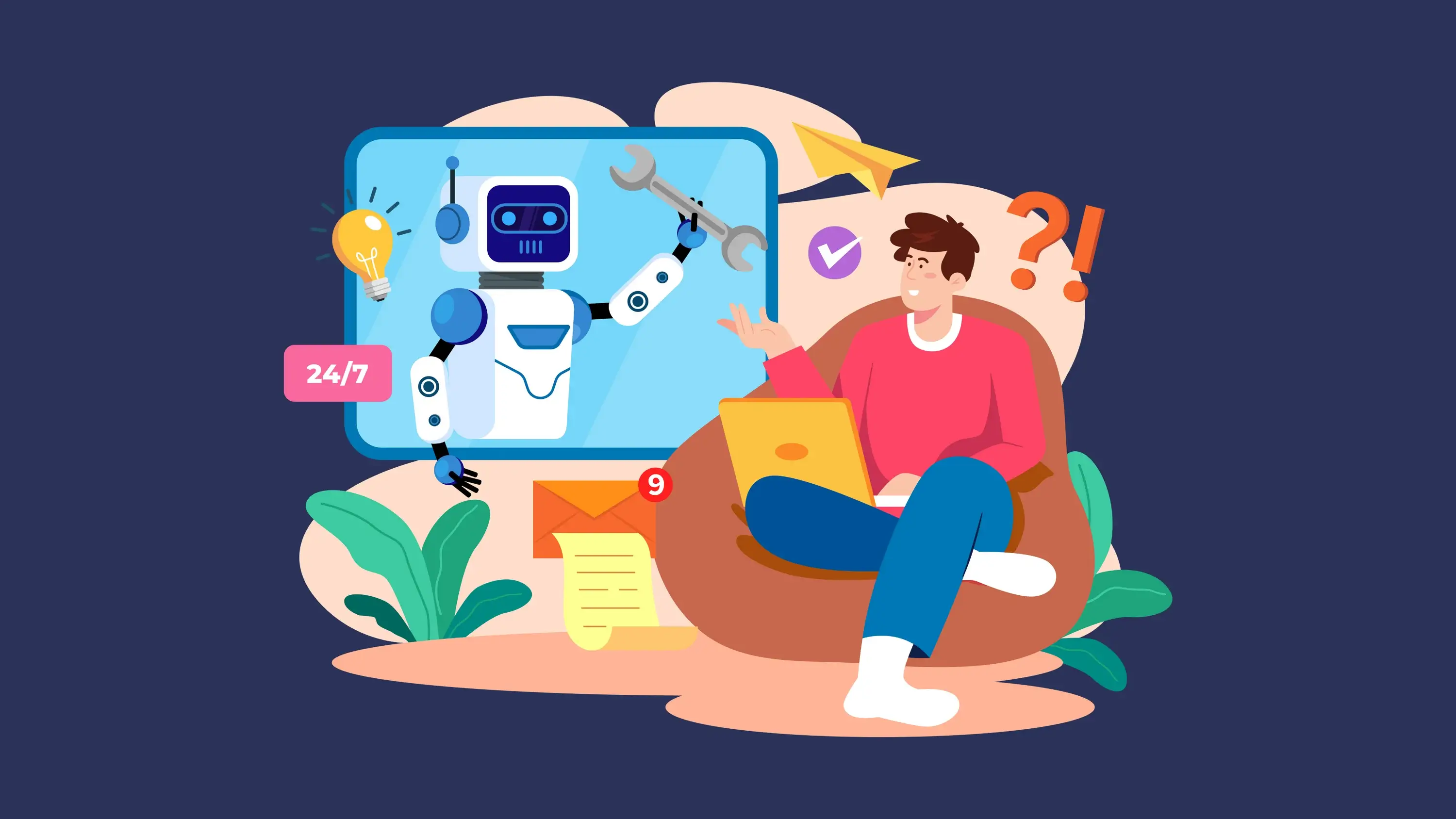
You don’t need to jump into the deep end. Here’s a practical path from zero to productive AI agent usage.
Step 1: Identify Repetitive Workflows
Start by auditing your week. What tasks do you do repeatedly that follow a predictable pattern?
Good candidates for AI agents:
- Tasks with clear inputs and outputs
- Processes that follow consistent rules
- Work that involves moving information between systems
- Responses that draw from existing documentation
- Scheduling and coordination tasks
Bad candidates for AI agents:
- Highly creative work requiring novel thinking
- Sensitive decisions needing human judgment
- Tasks where mistakes have severe consequences
- Work requiring physical presence
Step 2: Start with Task Agents
Don’t try to build a sophisticated multi-agent system on day one. Start with simple task automation:
- When X happens, do Y
- At this time, do this thing
- When this condition is met, notify this person
Most marketing automation platforms offer these capabilities without requiring you to understand AI at all.
Step 3: Add Conversational Agents
Once you’re comfortable with task automation, add a conversational agent for customer-facing or internal use:
- Deploy a FAQ bot on your website
- Create an internal knowledge assistant for your team
- Set up a lead qualification chatbot
Train the agent on your existing documentation. Start with a narrow scope and expand as you see what works.
Step 4: Build Workflow Agents
Now you’re ready for multi-step automation:
- Map out a complete workflow from trigger to outcome
- Identify which steps can be automated vs. need human review
- Build the workflow with human-in-the-loop checkpoints
- Test thoroughly before going live
- Monitor and refine based on results
Visual workflow builders make this accessible. Platforms like Simplified AI Workflows offer drag-and-drop interfaces with 500+ integrations to the tools you already use.
Step 5: Introduce Human-in-the-Loop
The most effective AI agent implementations include human checkpoints at critical moments:
- AI drafts, human approves
- AI suggests, human decides
- AI executes, human reviews
This catches errors before they affect customers, builds your trust in t
How to Build AI Agents for Your Business
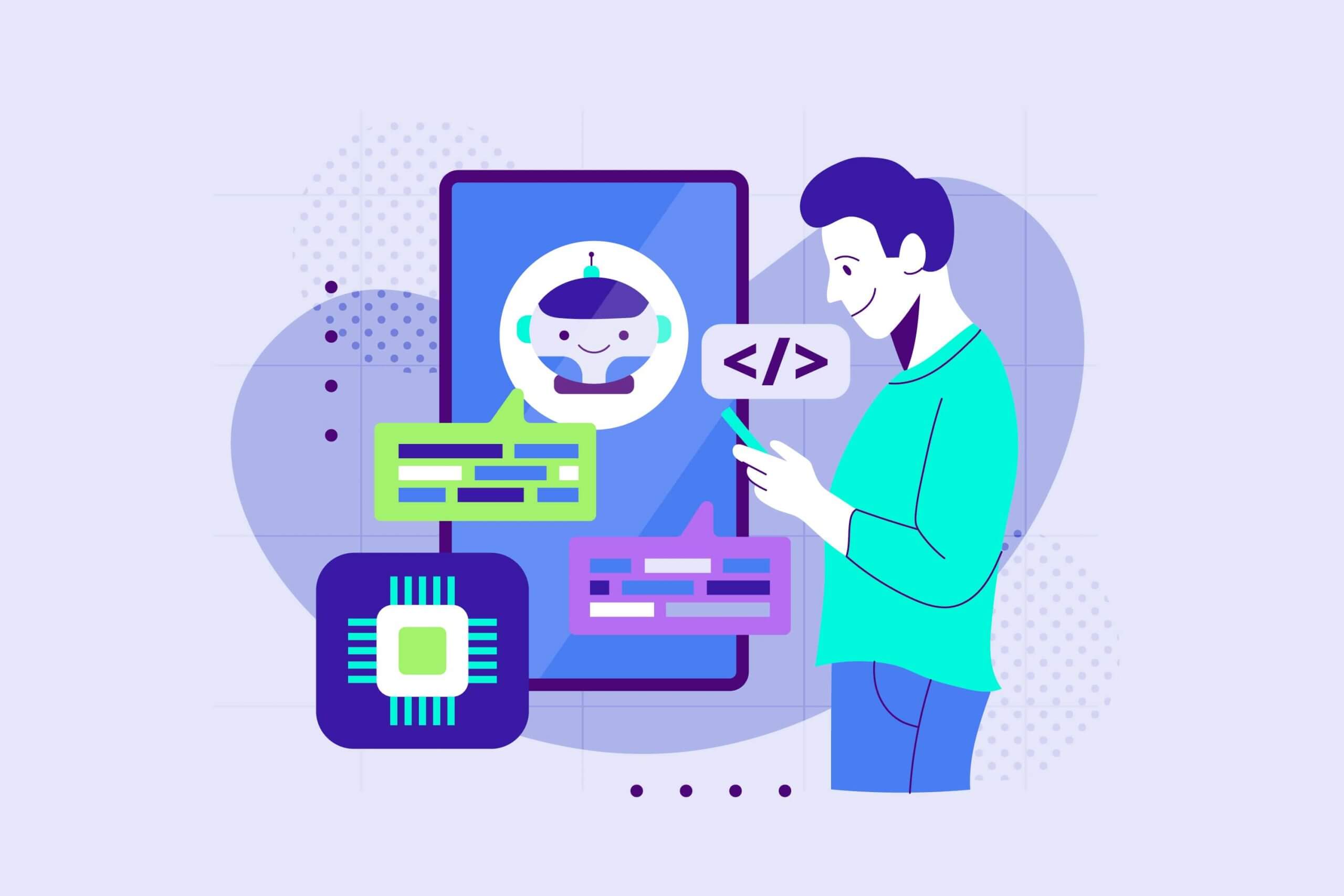
Building an AI agent tailored to your business’s needs can greatly increase productivity. Here’s how to get started:
1. Identify the Problem
The first step in building an AI agent is to define the problem you want to solve. Whether it’s automating customer support or improving sales forecasting, clarity on the problem will help you select the right tools and technology.
2. Choose the Right Platforms
There are several frameworks and platforms available for building AI agents. Tools like Simplified, Microsoft Azure, and IBM Watson provide powerful environments for designing and deploying custom AI solutions. These platforms offer a range of pre-built tools and frameworks that can make the development process more efficient.
3. Gather and Process Data
AI agents learn by analyzing data, so it’s important to collect relevant and high-quality data from your business. Ensure that your data is clean and well-organized, as this will directly impact the performance of the AI agent.
4. Develop and Train the Agent
Using machine learning algorithms, train your AI agent on the collected data. Depending on the complexity of the task, this could involve supervised learning (where the agent learns from labeled data) or unsupervised learning (where the agent identifies patterns on its own).
5. Test and Deploy
After building your AI agent, it’s important to test it in real-world scenarios to ensure it functions as expected. Once tested, deploy the agent and monitor its performance. Continuously gather feedback to make adjustments and improve the system.
Choosing the Right AI Agent Platform
The platform you choose matters. Here’s what to evaluate:
Ease of Use
Can non-technical team members build and modify workflows? Look for:
- Visual, drag-and-drop interfaces
- Pre-built templates for common use cases
- Clear documentation and tutorials
- Responsive support
Integration Ecosystem
Does it connect to your existing tools? Key integrations:
- Your CRM (Salesforce, HubSpot, Pipedrive)
- Your communication tools (Slack, Teams, email)
- Your marketing platforms (social media, email marketing)
- Your content tools (Google Workspace, Notion)
- Your e-commerce platform (Shopify, WooCommerce)
AI Capabilities
What can the AI actually do?
- Content generation quality
- Language understanding accuracy
- Image and video capabilities
- Custom training on your data
Human-in-the-Loop Features
How does it handle human oversight?
- Approval workflows
- Review queues
- Edit capabilities before publishing
- Alert and escalation options
Pricing Transparency
What will it actually cost?
- Clear per-action or per-month pricing
- No surprise overage charges
- Free tier to test capabilities
- Scalable pricing as you grow
For small business AI tools, look for all-in-one platforms that bundle capabilities rather than charging separately for each feature.
AI Agent Security and Best Practices

Power comes with responsibility. AI agents that can take action can also take wrong action.
Start Narrow, Expand Slowly
Begin with low-stakes automations. Sending internal notifications is lower risk than sending customer emails. Drafting content is lower risk than publishing it.
Build trust incrementally as you verify the agent performs as expected.
Always Include Human Checkpoints
For anything customer-facing or high-stakes:
- Require human approval before execution
- Build in review queues
- Create escalation paths for edge cases
- Log everything for audit trails
Secure Your Credentials
AI agents often need API keys and passwords to connect to your systems:
- Use environment variables, not hardcoded credentials
- Limit permissions to only what’s needed
- Rotate keys regularly
- Monitor for unusual activity
Test Before Going Live
Every workflow should be tested with:
- Expected inputs
- Edge cases
- Unexpected inputs
- Error conditions
Document what the agent should do in each scenario and verify it actually does it.
Monitor Continuously
AI agents aren’t set-and-forget:
- Review outputs regularly
- Track error rates and edge cases
- Gather feedback from affected teams
- Iterate and improve based on learnings
Best AI Agents for Modern Businesses
Several AI agents stand out for their functionality and impact on business operations. Here are some of the best AI agents available today:
1. Simplified

Simplified AI Agents are brand-aware software teammates you can build and deploy in just 5 minutes without any coding. These agents work 24/7 across multiple platforms—including your website, WhatsApp, Instagram, Facebook Messenger, and Slack—handling customer support, qualifying leads, booking meetings, and creating content. Every conversation is visible from your central inbox, giving you complete transparency and control. When complex issues arise, agents seamlessly escalate to human team members with full context, ensuring customers never have to repeat themselves while maintaining your brand’s tone and messaging guidelines.
2. Zendesk AI
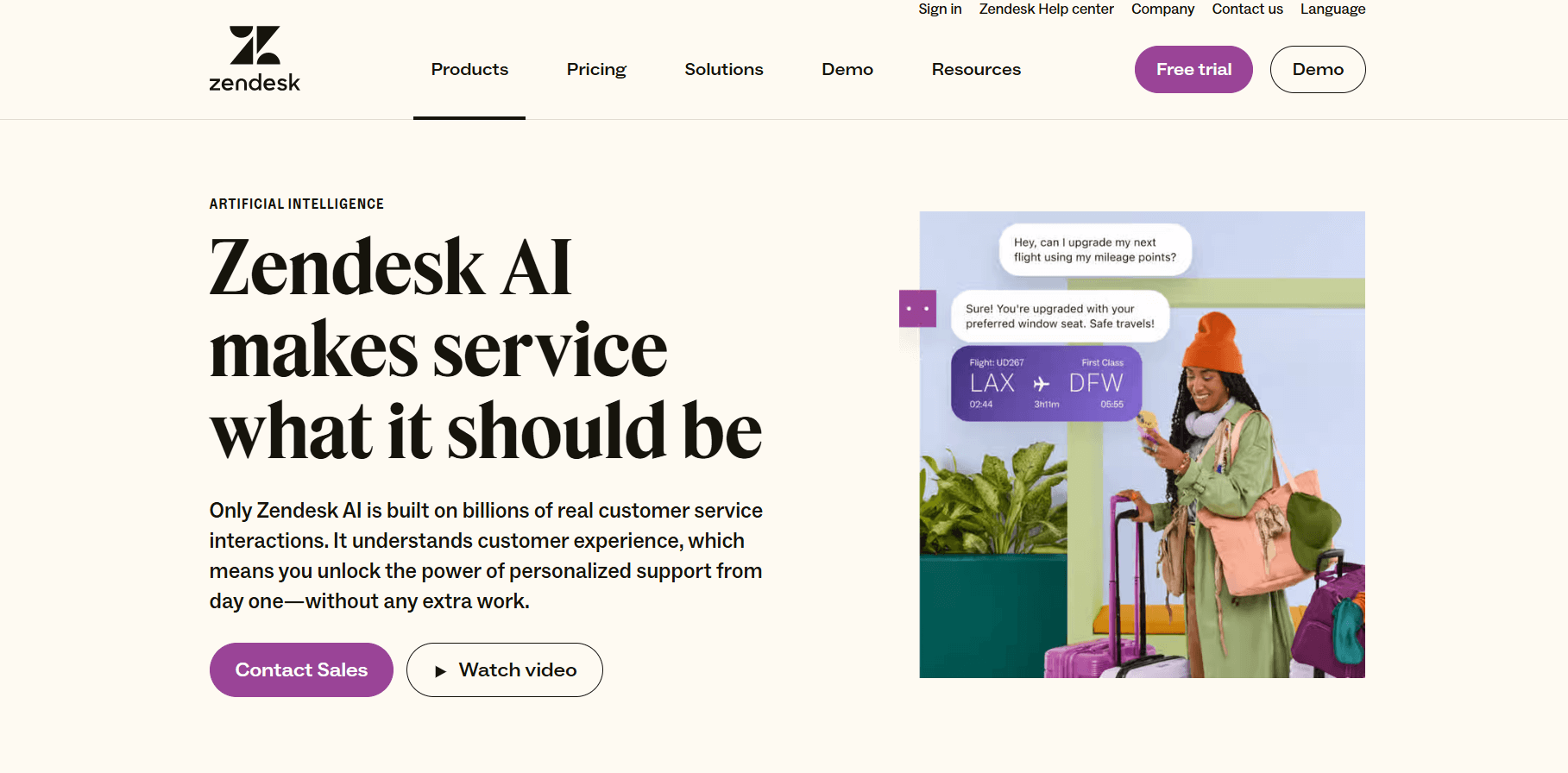
Zendesk AI focuses on automating customer support. With smart chatbots and automated ticketing systems, Zendesk AI improves response times and helps businesses deliver better customer service.
3. HubSpot AI Sales Tools
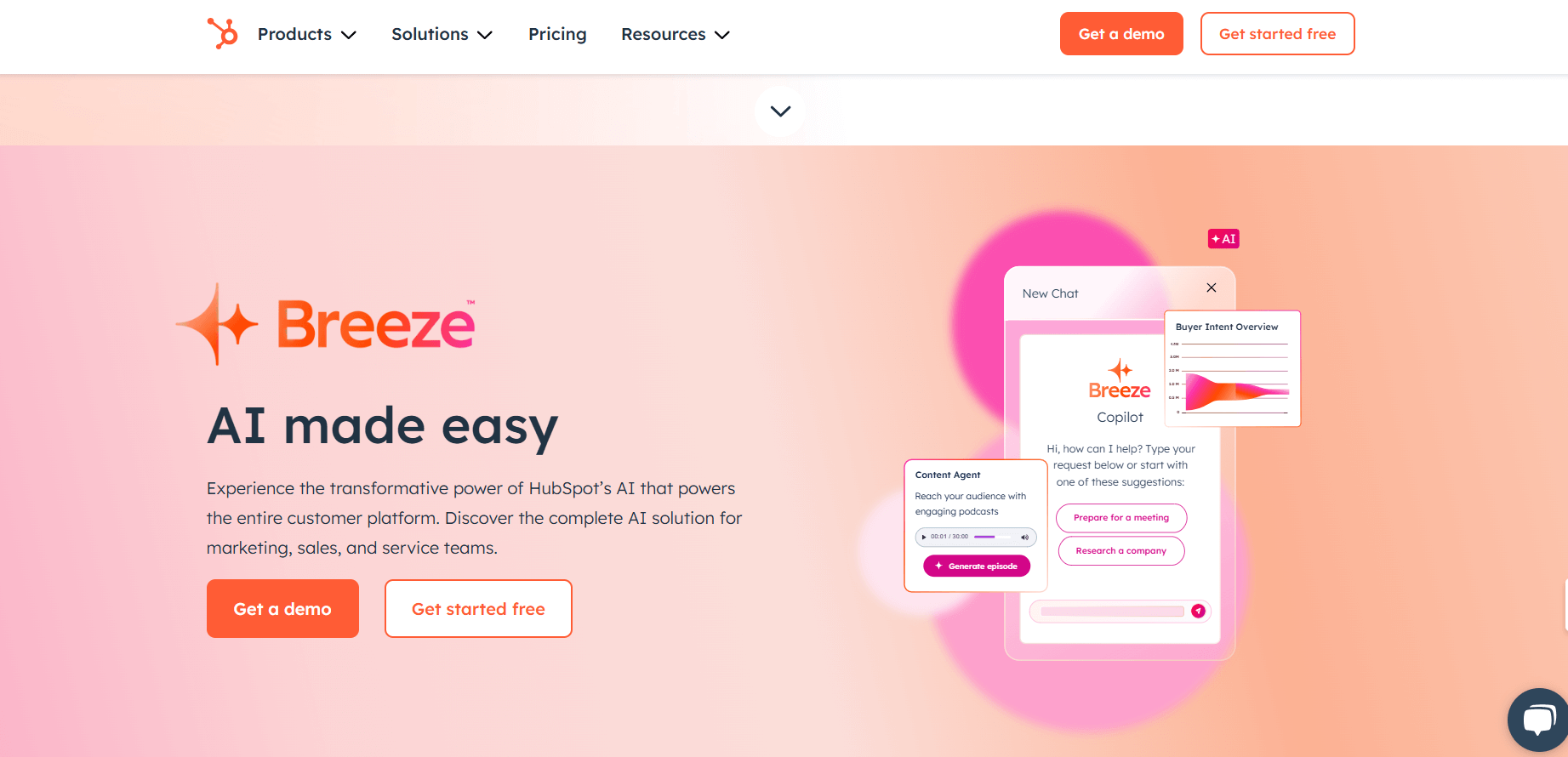
HubSpot’s AI-powered tools are designed to assist sales teams by automating lead management and follow-up processes. These tools track interactions and prioritize leads, enabling sales teams to focus on high-conversion opportunities.
4. Trello AI
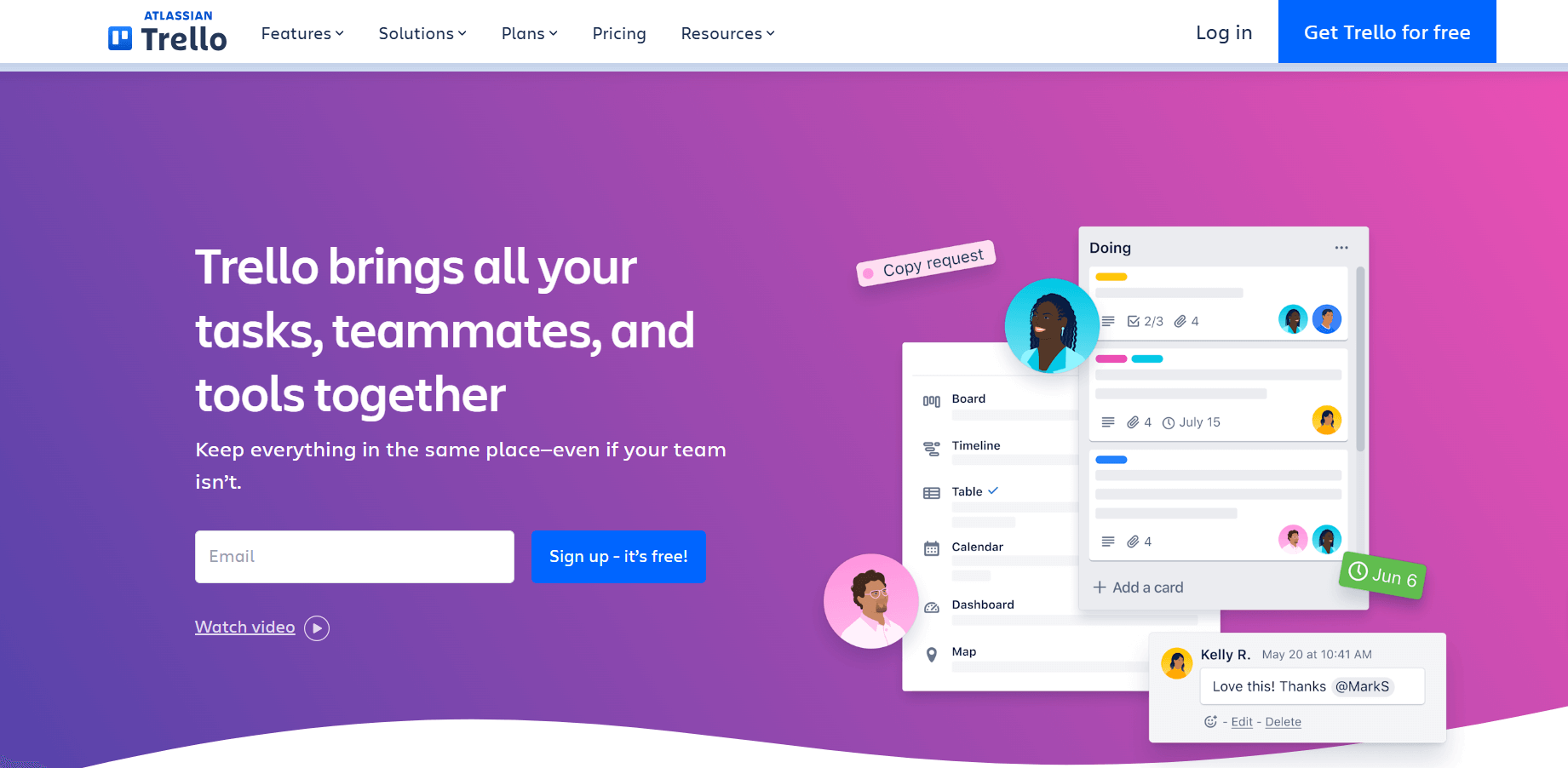
Trello AI functionalities enhance project management by automatically updating task statuses, assigning tasks, and sending reminders. This AI agent helps teams stay on track with deadlines and workflows.
Challenges in Implementing AI Agents
Despite the clear benefits, integrating AI agents into business operations comes with certain challenges:
- Integration: AI agents must integrate smoothly with existing systems. Compatibility issues may arise, and additional resources might be required for system adjustments.
- Data Privacy: Since AI agents handle sensitive data, businesses must ensure proper data security measures are in place to protect customer information and comply with regulations.
- Employee Adaptation: Introducing AI agents requires businesses to train employees on new technologies. Clear communication and ongoing support will help ensure a smooth transition.
- Ongoing Maintenance: Like any software, AI agents need regular updates and maintenance to keep them performing at their best.
The Future of AI Agents
We’re in the early days. Here’s where things are heading.
2026-2027: The Consolidation Phase
Expect the current explosion of AI agent tools to consolidate. Winners will emerge in each category. Integration will become table stakes. Prices will continue dropping.
For small businesses: This is the time to experiment and learn. The skills you build now will compound.
2028-2029: The Ambient AI Phase
AI agents will fade into the background of your tools. You won’t “set up a workflow.” Your tools will simply understand what you’re trying to do and offer to handle it.
For small businesses: Expect your existing tools to become dramatically more capable without requiring new subscriptions.
2030 and Beyond: The Autonomous Business Phase
Gartner predicts that by 2028, 33% of enterprise software applications will include agentic AI capabilities. For small businesses, this means:
- Routine operations running with minimal human oversight
- AI handling most customer interactions
- Human work shifting to strategy, creativity, and relationship-building
- Competitive advantage coming from how well you deploy AI, not whether you deploy it
Practical Takeaways
If you’re just getting started:
- Pick one repetitive task and automate it this week
- Start with task agents (if X, then Y)
- Use no-code platforms designed for non-technical users
- Keep humans in the loop for anything customer-facing
If you’ve automated basics:
- Map your end-to-end workflows
- Identify where AI can handle multi-step processes
- Build approval workflows for quality control
- Connect your key business systems
If you’re ready to go deeper:
- Experiment with multi-agent coordination
- Explore custom AI training on your business data
- Consider conversational agents for customer support
- Build competitive monitoring and research workflows
The businesses that figure out AI agents now will have compounding advantages over the next decade. The technology is ready. The platforms are accessible. The question is whether you’re ready to start.
Key Takeaways
AI agents take action, not just answer questions. They execute multi-step tasks, connect to your tools, and work toward goals you define.
2026 is the accessibility moment. No-code platforms, dropped prices, and mature integrations make AI agents practical for small businesses.
Start with task automation, expand to workflows. Begin with simple if-then automations. Graduate to multi-step processes as you build confidence.
Always include human checkpoints. AI should draft and suggest. Humans should approve and decide, especially for customer-facing work.
The ROI is real. 30% of work hours could be automated with current technology. That’s time back for work that requires human creativity and judgment.
Integration matters more than capabilities. An AI agent that connects to your existing tools beats a more powerful agent that exists in isolation.
Security isn’t optional. Agents that can take action can take wrong action. Start narrow, limit permissions, monitor continuously.
This is the beginning. AI agents will become invisible infrastructure over the next few years. The skills you build now will compound.







