

 By
By Workflow automation is no longer a nice-to-have — it’s part of how teams get work done. Microsoft Power Automate is a major player: it offers deep integration with Microsoft 365, a visual flow builder, and enterprise-grade governance. That makes it a natural choice for many organizations already invested in the Microsoft stack.
Still, not every team finds Power Automate the best fit. Differences in pricing, flexibility, integrations, developer experience, and AI capabilities mean other platforms can better match a team’s needs. This article compares top Microsoft Power Automate alternatives and competitors for teams and businesses so you can pick a tool that fits your workflows, budget, and technical profile.
We’ll cover each tool with a short overview, standout features, pros and cons, and who it’s best for. You’ll also find a quick comparison table and guidance on which platform to try based on team size, use case, or AI workflow automation needs.
Why Look for Microsoft Power Automate Alternatives?
Even though Power Automate works well for many scenarios, there are legitimate reasons teams consider alternatives. Here are the most common:
1. Cost and licensing complexity
Power Automate’s licensing can be hard to predict for mixed environments. Some competitors offer simpler pricing tiers or lower entry costs for small teams and startups.
2. Vendor lock-in and ecosystem fit
Power Automate is strongest inside Microsoft’s ecosystem. Teams that use many non-Microsoft tools may find other platforms offer broader or simpler integrations.
3. Learning curve for non-technical users
While Power Automate provides a visual designer, advanced flows often require knowledge of expressions, connectors, or Azure services. Tools with more guided builders or prebuilt templates can be easier for non-technical teams.
4. Integration coverage and connector quality
Some platforms have more or newer connectors for niche SaaS apps, marketing tools, or AI services, which matters if your stack includes specialized tools.
5. Scalability and enterprise features
Large organizations may need different scaling, monitoring, or governance models than what Power Automate provides. Enterprise-focused competitors may offer stronger capabilities for complex, high-volume automation.
6. Flexibility for custom logic and developer workflows
Teams that prefer code-first or self-hosted automation (for security or customization) might favor open-source or developer-friendly platforms.
7. AI workflow automation and advanced automation needs
If your workflows rely heavily on model-driven tasks, intelligent routing, or multi-agent automation, some alternatives emphasize AI-first features or easier integration with external AI services.
10 Best Microsoft Power Automate Alternatives/Competitors
1. Simplified

Simplified is an all-in-one creative and marketing platform that now includes no-code AI workflow automation features alongside content creation (design, copy, video) and publishing tools. It pitches itself for teams that want content + automation in one place. Simplified+
Standout features
1. No-code AI workflow builder (multi-agent)
Build and launch advanced multi-agent workflows without any coding. Simply drag, drop, and connect actions to design even the most complex automation.
2. AI agents collaboration (reason, delegate)
AI agents can reason, share context, and assign tasks among themselves. They function like a team, coordinating steps and reducing the need for manual oversight.
3. Pre-built app integrations (> 500 apps)
Easily connect with more than 500 widely used apps and services. No need for custom APIs or extra connectors to get started.
4. Human-in-the-loop / approval flow
Insert human review points in workflows for sensitive or compliance-heavy tasks. This ensures quality control while keeping automation in place.
5. One-click deployment (No DevOps)
Launch workflows instantly without worrying about infrastructure or servers. It eliminates the DevOps overhead and speeds up deployment.
6. Team collaboration & version control
Collaborate with teammates on the same workflows in real-time. Track edits, revert changes, and prevent conflicts with version history.
7. Real-time testing & previews
Test and preview workflows instantly as you build them. View live data outputs before making your automation live.
8. Context/memory-aware evolving workflows
AI agents retain memory of past runs to improve decision-making. Over time, this helps create more accurate and adaptive workflows.
9. Analytics, logging, tracing
Gain full visibility into workflow performance with analytics and logs. Debug and fix issues quickly with detailed tracing tools.
10. Multi-model AI support (ChatGPT, Claude, Gemini)
Use multiple AI models within the same workflow. Pick the most suitable one for each task to get the best results.
11. Brand-trained agents / memory-trained agents
Train agents on your company’s tone, policies, and guidelines. This keeps all automated actions aligned with your brand.

12. Bulk/workflow-scale execution
Execute large-scale or batch processes in one go. Ideal for high-volume needs such as marketing campaigns and data tasks.
13. Supports workflows from solo to enterprise-scale
Flexible enough for individuals, startups, or big enterprises. Adapts to your team size and workload as you grow.
14. Content & Marketing Automation
Create, plan, and schedule content across different channels. Includes tools for social media, email campaigns, and marketing workflows.
Pros & Cons
- Pros: All-in-one marketing + automation (reduces tool sprawl); user-friendly UI; focused AI workflow templates for common marketing/sales tasks.
- Cons: Less of a pure-play iPaaS than specialist integrators (so for very complex enterprise integration scenarios you may need a dedicated integration platform); maturity/connector breadth for niche enterprise systems may be smaller than long-established competitors.
Best for
Marketing teams, content creators, and small-to-mid teams that want lightweight AI-driven automations bundled with content creation and publishing capabilities.
Customer Rating (G2)
Simplified has an active G2 presence and user reviews highlighting content and collaboration strengths; see current ratings and reviews on G2.
Customer Reviews:
“I finally feel like I’m directing AI instead of being directed by it. The agents actually understand what I’m trying to accomplish.” – Sarah M., Growth Marketing Manager
Why Simplified is a Best Microsoft Power Automate Alternative? Check out this side by side comparison table
| Feature | Simplified | Power Automate |
|---|---|---|
| No-code AI workflow builder (multi-agent) | ✅ | ✅ |
| AI agents collaboration (reason, delegate) | ✅ | ✅ |
| Pre-built app integrations (> 500 apps) | ✅ (500+) | ✅ (Microsoft stack + connectors) |
| Human-in-the-loop / approval flow | ✅ | ✅ |
| One-click deployment (No DevOps) | ✅ | ❌ |
| Team collaboration & version control | ✅ | ✅ |
| Real-time testing & previews | ✅ | ✅ |
| Context/memory-aware evolving workflows | ✅ | ❌ |
| Analytics, logging, tracing | ✅ | ✅ |
| Multi-model AI support (ChatGPT, Claude, Gemini) | ✅ | ❌ (limited to Azure OpenAI / Copilot) |
| Brand-trained agents / memory-trained agents | ✅ | ❌ |
| Bulk/workflow-scale execution | ✅ | ✅ |
| Evolving/adaptive workflows (agents learn over time) | ✅ | ❌ |
| Supports workflows from solo to enterprise-scale | ✅ | ✅ |
| AI agents that reason, communicate & self-organize | ✅ | ✅ (via Copilot, limited scope) |
2. Make (formerly Integromat)
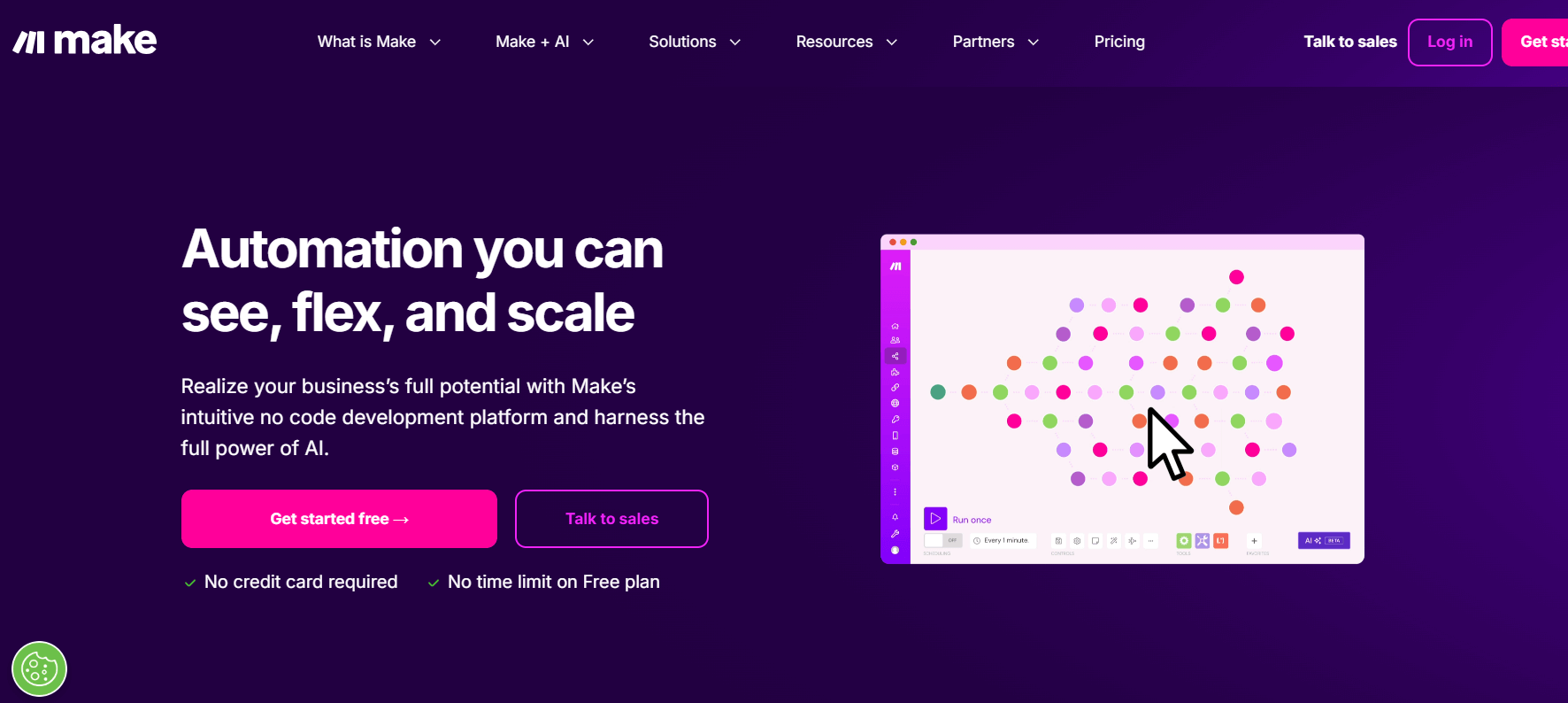
Make is a visual automation platform that helps teams design complex workflows using a drag-and-drop builder. It supports advanced data manipulation, routing, and AI agent integrations, making it suitable for technical users and businesses needing detailed process automation.
Standout Features
- Visual scenario builder with routers, iterators, and data mapping.
- Extensive app connectors with multi-step conditional logic.
- AI integrations and “Make AI Agents” for reasoning and decision workflows.
Pros & Cons
- Pros: Excellent for complex automations, strong data transformation, detailed run history and debugging.
- Cons: Learning curve for beginners, usage-based pricing can be costly at scale.
Best For
Mid-sized to large teams that need powerful, customizable workflows with advanced automation logic.
Customer Rating (G2)
Typically rated 4.6+ on G2, with users praising flexibility and customization.
3. Workato
Workato is an enterprise automation platform that combines integration, workflow automation, and AI-driven orchestration. It’s built for companies that need secure, large-scale automation across cloud and on-prem systems. With strong governance and AI agent support, it suits IT and business teams alike.
Standout features
- 1,000+ prebuilt connectors and “recipes”
- AI Agents for automation with reasoning
- Enterprise governance and monitoring
Pros & Cons
- Pros: Robust for enterprises, AI-ready, scalable
- Cons: Expensive for small businesses, steep learning curve
Best for
Mid-to-large enterprises with complex workflows and strong compliance needs.
Customer Rating (G2)
Rated 4.7/5 on G2.
4. UiPath

UiPath is a leader in Robotic Process Automation (RPA), specializing in automating repetitive desktop and enterprise processes. It offers tools for both attended and unattended bots along with orchestration and AI integrations. UiPath is widely used in industries like finance, HR, and operations.
Standout Features
- RPA bots for desktop and back-office tasks
- UiPath Studio and Orchestrator for workflow design and management
- AI-powered document processing
Pros & Cons
- Pros: Great for legacy system automation, enterprise-grade governance
- Cons: High cost, requires technical expertise
Best for
Large organizations with repetitive processes and compliance-driven workflows.
Customer Rating (G2)
Rated 4.5/5 on G2.
5. n8n
n8n is an open-source automation tool that allows self-hosting or cloud deployment. It appeals to developers and businesses that want flexibility, control, and customization in their workflows. With its open architecture, it supports both no-code and code-based logic.
Standout features
- Open-source with self-hosting option
- 350+ integrations and custom nodes
- Hybrid no-code and code approach
Pros & Cons
- Pros: Highly flexible, developer-friendly, cost-efficient
- Cons: Setup and maintenance can be technical, fewer enterprise connectors
Best for
Tech-savvy teams that need customizable and secure workflow automation.
Customer Rating (G2)
Rated 4.8/5 on G2.
6. Zapier
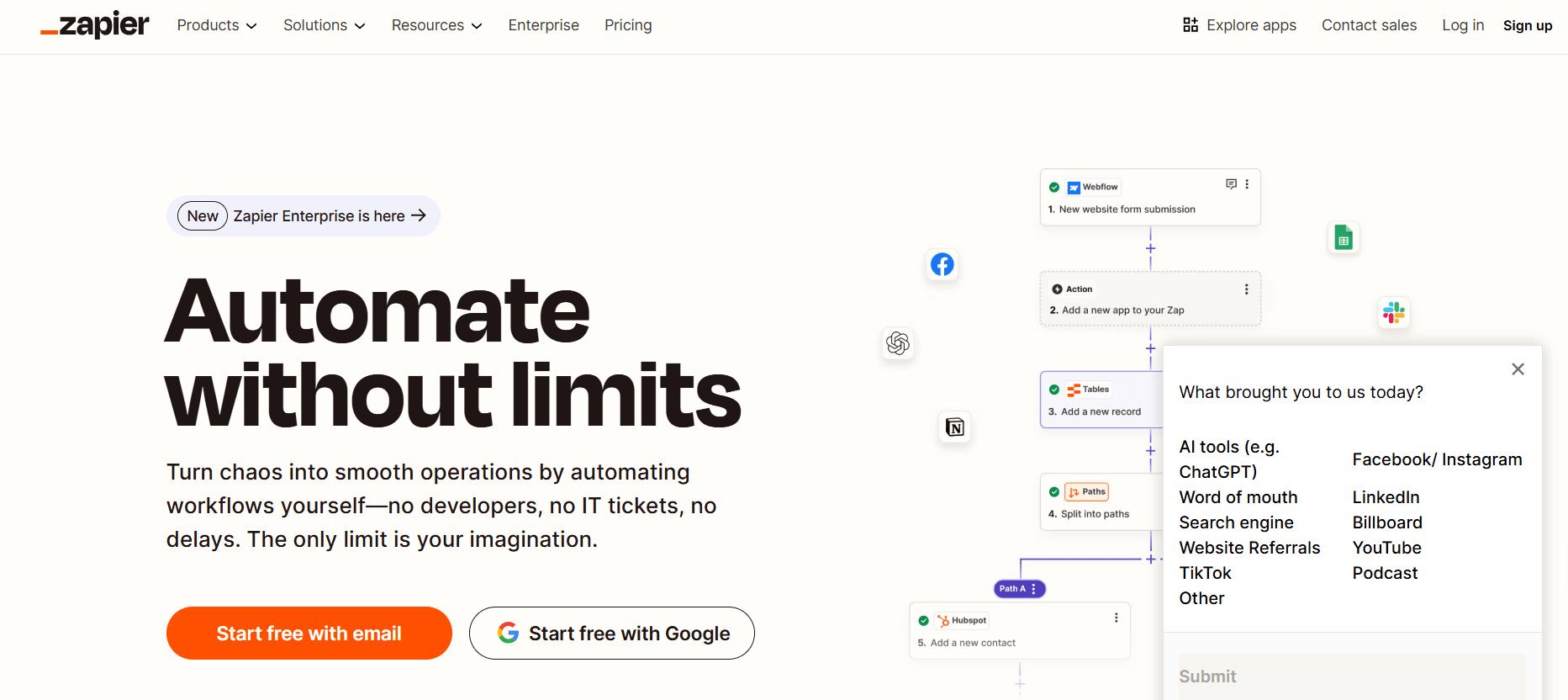
Zapier is one of the most widely used no-code automation tools, best for connecting thousands of SaaS apps quickly. It’s built for small to medium teams that want simple workflows without developer involvement. With its vast library, it’s often the first automation platform teams adopt.
Standout features
- 6,000+ app integrations
- No-code drag-and-drop workflow builder
- Prebuilt templates for common automations
Pros & Cons
- Pros: Easy to use, excellent app coverage, fast setup
- Cons: Limited advanced logic, usage-based pricing can add up
Best for
Small teams and businesses looking for quick, no-code automation.
Customer Rating (G2)
Rated 4.5/5 on G2.
7. IFTTT
IFTTT (If This Then That) is a lightweight automation tool designed for simple triggers and actions across apps, devices, and IoT systems. It’s popular among individuals and small teams needing basic automations.
Standout features
- Simple “if-this-then-that” logic
- Strong IoT and smart device integrations
- Ready-to-use applets
Pros & Cons
- Pros: Very easy to use, great for personal/small-scale automations
- Cons: Limited for complex business workflows
Best for
Individuals and small teams needing quick, straightforward automations.
Customer Rating (G2)
Generally rated around 4.0+ for simplicity and ease of use.
8. Kissflow

Kissflow is a digital workplace platform that combines workflow automation, project management, and process governance in one tool. It’s built for teams looking to manage structured and unstructured workflows together.
Standout features
- Low-code process builder
- Built-in project and case management
- Role-based access controls
Pros & Cons
- Pros: Unified platform for projects and workflows, strong governance
- Cons: Pricing may be high for small businesses
Best for
Businesses needing process management plus workflow automation in a single tool.
Customer Rating (G2)
Typically scores around 4.0+ with praise for usability and governance.
9. Nintex

Nintex is an enterprise automation platform focused on process management, workflow automation, and document generation. It’s designed for large organizations with complex compliance needs.
Standout features
- Process mapping and automation
- Document generation and e-signatures
- Enterprise-grade governance
Pros & Cons
- Pros: Strong compliance support, good for complex enterprise workflows
- Cons: Higher cost, less suited for small businesses
Best for
Enterprises needing structured process automation and compliance-driven workflows.
Customer Rating (G2)
Generally rated around 4.0+ for process automation strength.
10. CloudEagle.ai

CloudEagle.ai focuses on SaaS management and procurement automation, helping businesses control costs, manage licenses, and negotiate vendor contracts.
Standout features
- Automated SaaS license tracking
- Vendor management and cost optimization
- AI-driven procurement workflows
Pros & Cons
- Pros: Great for cost savings and SaaS visibility
- Cons: Limited to SaaS/procurement-related workflows, not general automation
Best for
Companies managing large SaaS stacks who want automation for spend and vendor management.
Customer Rating (G2)
Emerging but highly rated (around 4.5+) for SaaS spend management.
When comparing these tools, consider how each platform’s pricing model aligns with your need to optimize cloud spend over time.
Final Thoughts
At the end of the day, there’s no one-size-fits-all automation tool—it really depends on your team’s size, workflow needs, and budget. Power Automate is great if you live in the Microsoft world, but if you’re looking for more flexible AI features and an easier setup, alternatives like Simplified can be a better fit. We always recommend testing a few with free trials to see what clicks for you—because the right tool should make your work feel lighter, not harder.
FAQs
What is the cheapest alternative to Power Automate?
Simplified, IFTTT and n8n are among the most affordable options, especially for small teams or individuals who want basic automation without a steep learning curve.
Which Power Automate competitor is best for small businesses?
Simplified and Zapier are strong options for small businesses due to their ease of use, wide integration support, and flexible pricing.
Can Simplified replace Microsoft Power Automate?
Yes. Simplified offers AI-powered workflow orchestration, app integrations, and multi-agent collaboration, making it a viable replacement for Power Automate in many scenarios.
Do Power Automate alternatives support AI workflow automation?
Yes. Tools like Simplified, UiPath, and Workato provide AI-driven automation, with features such as multi-agent reasoning, adaptive workflows, and human-in-the-loop approvals.










