

 By
By n8n is a well-known open-source automation tool valued by those who prefer flexibility, self-hosting options, and the ability to design advanced workflows. It’s a strong choice for developers and technical teams who are comfortable working with complex setups.
That said, n8n isn’t the right fit for everyone. Some users want platforms with larger integration libraries, a shorter learning curve, or additional features like AI-powered content creation and built-in scheduling tools. Others may prefer a ready-to-use cloud solution rather than setting up and managing their own hosting.
This article covers the top n8n alternatives in 2026—both free and paid—so you can compare their features, strengths, and limitations. Whether your priority is ease of use, creative capabilities, or technical flexibility, you’ll find an option here that aligns with your needs.
Why People Look for an n8n Alternative?
I’ve seen it happen plenty of times — someone sets up a couple of automations in n8n and feels good… until things start breaking. Suddenly there are too many nodes, too much troubleshooting, and a workflow that looks more like spaghetti than a process map.
And let’s be honest — self-hosting sounds “in control,” but in reality? You’re spending weekends on server updates, worrying about uptime, and manually patching issues that should just… work. Not to mention, missing integrations mean you’re cobbling things together instead of actually moving forward.
That’s why so many people move toward platforms that do more heavy lifting for them — AI agents that remember previous actions, visual workflow builders that don’t require coding, built-in creative tools, social media scheduling, and reporting all in one spot. Less patchwork, more actual progress.
Best n8n Alternatives in 2026
If you’ve outgrown n8n, you’re not alone. The good news? There’s no shortage of automation platforms that let you skip the constant server babysitting and dive straight into building workflows that actually deliver results.
Below, I’ve rounded up the top picks for 2026 — both free and paid — so you can find the one that fits your workflow without the constant tinkering.
1. Simplified (Free and Paid) — Creative and AI Workflow Automation Tool

Simplified is a no-code platform that combines AI workflow automation, creative production, and project management. It’s designed for marketers, content creators, and teams that need automation alongside content creation.
Key Features
- AI Agents – Adapt to your brand, remember past actions, and assist with tasks.
- No-Code Workflow Builder – Visual workflow creation without coding.
- 500+ App Integrations – Works with Slack, Notion, Salesforce, and more.
- Creative Tools – AI writing, graphic design, and video editing.
- Social Media Scheduling – Plan, schedule, and post across multiple platforms.
- Collaboration Tools – Role-based permissions, approvals, and shared editing.
- Analytics & Reporting – Track results and adjust workflows.
Why It Stands Out
Most automation tools stop at moving data from Point A to Point B. This one goes further — letting you create the content, approve it with your team, schedule it, and then automate the follow-ups without switching tabs. It’s a rare combination that’s particularly helpful if your work blends creative production with operational workflows.
Strengths
- Combines automation, AI, and creative tools in one platform.
- Designed for marketing and creative teams.
- Free and paid plans with substantial features.
Limitations
- May feel over-featured for users who only need basic app connections.
2. Zapier (Free and Paid)
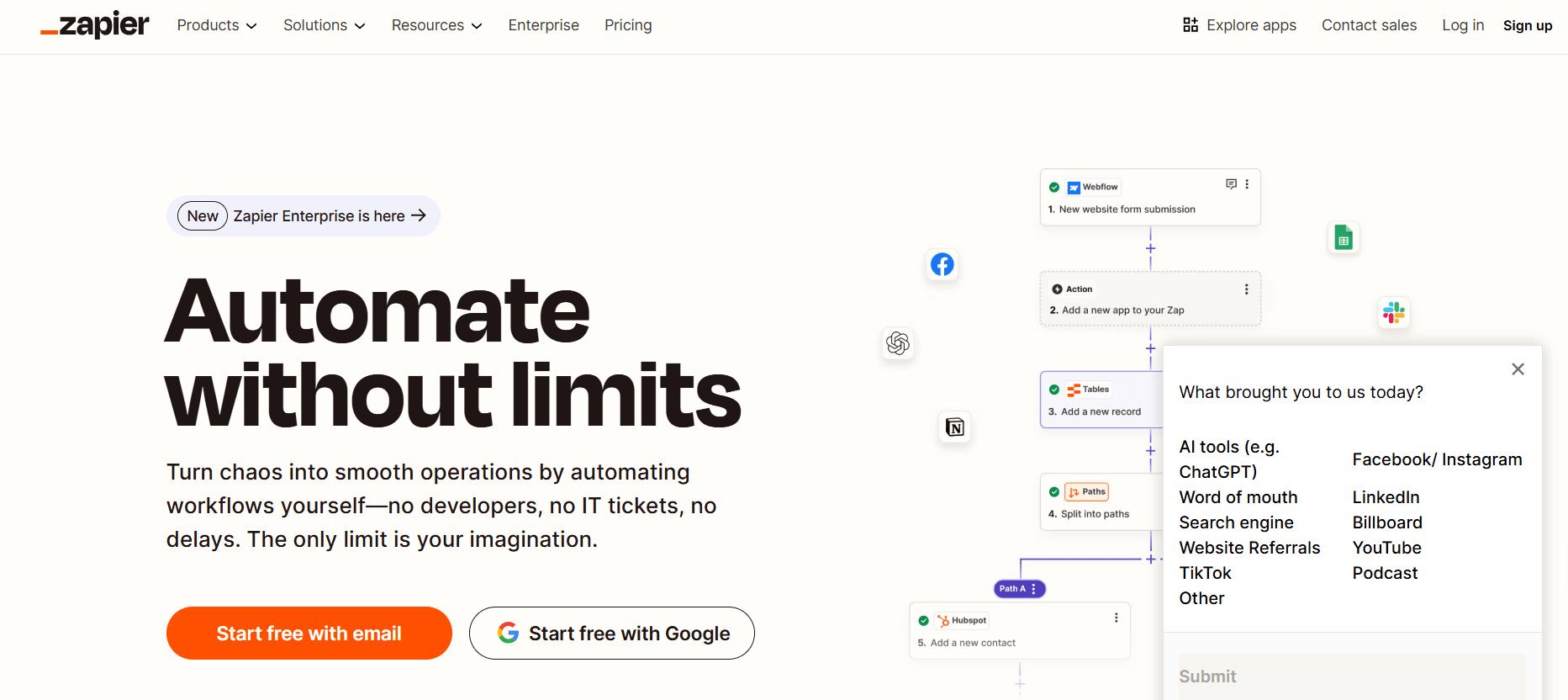
Zapier is one of the most recognized no-code automation tools, widely used by individuals and businesses for connecting apps and setting up automated workflows without programming knowledge. It’s especially known for speed in setup and its massive integration ecosystem.
Key Features
- 6,000+ app integrations covering everything from CRM to social media.
- Multi-step workflows with branching paths and conditions.
- Built-in filters, delays, and formatters to control when and how actions are executed.
Strengths
- Beginner-friendly setup with guided workflow creation.
- Reliable uptime and automation execution.
- Broad compatibility with both mainstream and niche tools.
Limitations
- Lacks the flexibility of self-hosted or developer-focused platforms.
- Complex logic can become harder to manage as workflows grow.
3. Make (formerly Integromat) (Free and Paid)
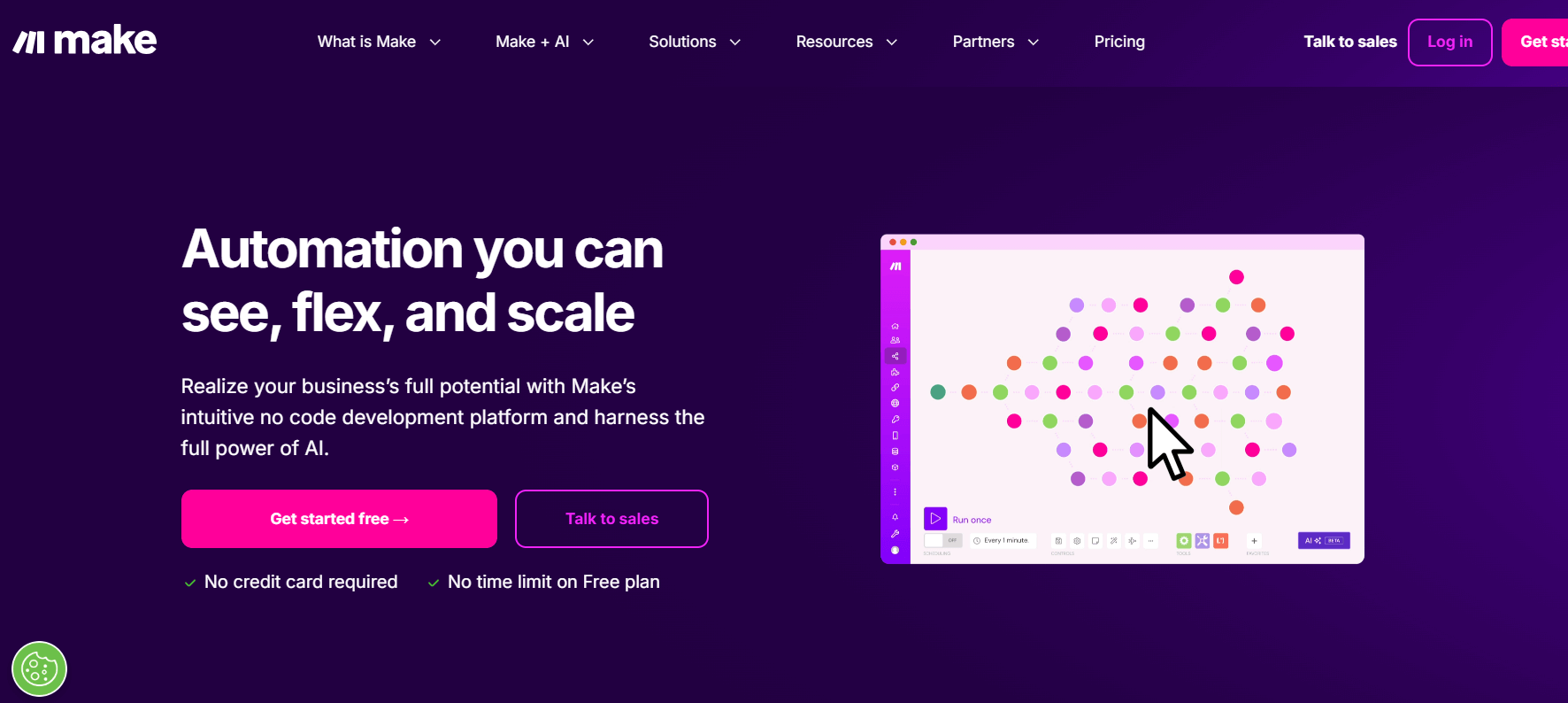
Make offers a visual-first approach to automation, letting users drag and connect app modules in detailed scenarios. It’s popular with users who need complex workflows that involve data processing, multiple branches, and advanced scheduling.
Key Features
- Drag-and-drop scenario builder with real-time execution visualization.
- Parallel execution and routers for handling multiple paths simultaneously.
- Advanced scheduling and data transformation for precise task timing and formatting.
Strengths
- Excellent for technical users who want granular control.
- Can handle data-heavy, multi-step workflows without losing speed.
Limitations
- Learning curve for those new to automation.
- May feel overcomplicated for simple connections.
4. Pipedream (Free and Paid)

Pipedream is a hybrid automation platform designed for developers and tech-savvy teams. It combines no-code triggers with the ability to write and run custom JavaScript, Python, and other code directly within workflows.
Key Features
- Event-driven triggers for real-time automation.
- Built-in code editor supporting multiple programming languages.
- Native API and webhook support for deep integration.
Strengths
- Ideal for teams who need flexibility beyond no-code.
- Supports rapid prototyping of custom integrations.
- Offers both free and paid plans with generous execution limits.
Limitations
- Not as friendly for beginners with no coding experience.
- Smaller prebuilt integration library compared to Zapier.
5. IFTTT (Free and Paid)
IFTTT (If This Then That) focuses on straightforward automations, especially for personal productivity and smart home applications. It uses a simple trigger-action logic, making it easy to get started in minutes.
Key Features
- Applets for quick trigger-action workflows.
- Smart home device integrations with brands like Philips Hue, Ring, and Google Home.
- Mobile app for creating and managing automations on the go.
Strengths
- Extremely user-friendly for non-technical users.
- Great for everyday personal and IoT tasks.
Limitations
- Fewer customization options compared to advanced platforms.
- Too limited for complex, business-grade workflows.
If all the details above feel like a lot to digest, here’s a quick side-by-side comparison so you can see each tool’s strengths and trade-offs at a glance:
| Tool | Best For | Key Features | Strengths | Limitations |
|---|---|---|---|---|
| Simplified (AI Workflows) | All-in-one AI-powered workflow automation for marketing, content, and multi-platform tasks | – AI-powered workflow builder – Social media scheduling & publishing – Content generation & editing – Multi-step automation with triggers, delays, conditions | Combines automation, AI, and creative tools in one space; strong for marketing and content teams | May feel feature-rich for users needing only basic automation |
| Zapier | Quick setup and broad app integrations | – 6,000+ integrations – Multi-step workflows – Filters, delays, and formatters | Beginner-friendly with a massive app library | Limited customization for advanced technical needs |
| Make | Visual, data-heavy, and advanced workflows | – Drag-and-drop scenario builder – Parallel execution & routers – Advanced scheduling & data transformation | Highly customizable for complex, logic-heavy automations | Steeper learning curve for new users |
| Pipedream | Developer-focused automations with custom code | – Code editor (JavaScript, Python, etc.) – API & webhook integrations – Event-driven triggers | Very flexible for coders and API-based projects | Smaller prebuilt integration library |
| IFTTT | Simple personal productivity and IoT tasks | – Trigger-action “applets” – Smart home integrations – Mobile app automation | Extremely easy to use for beginners | Too basic for complex business workflows |
Final Thoughts
At the end of the day, the “best” n8n alternative is the one that actually works the way you think. Some tools focus on deep customization, others on speed, and some—like those with AI workflow automation—go beyond just linking apps to help you get real work done faster. Pick the one that fits your style… and saves you from another all-nighter fixing workflows.
Frequently Asked Questions
1. Why are people looking for alternatives to n8n?
Some users find n8n’s self-hosting and technical setup challenging, especially if they just want ready-to-use automation. Others look for platforms that combine AI workflows, creative tools, and automation in one place—like Simplified, which offers automation alongside content creation.
2. Which platforms are commonly considered n8n alternatives?
Popular choices in 2026 include Simplified, Zapier, Make (formerly Integromat), Pipedream, and IFTTT. These vary from creative-focused AI workflow tools to purely integration-driven automation platforms.
3. Are there open-source or self-hosted alternatives to n8n?
Yes—options like Huginn, Node-RED, Activepieces, StackStorm, or Windmill are open-source and support self-hosting for full control. These suit developers, while cloud-based platforms like Simplified cater to teams wanting no-code AI workflows without server maintenance.
4. Which tool is the easiest for a beginner?
If you’re just starting out, Zapier, IFTTT, or Simplified can be easier picks. Simplified stands out for beginners who also want AI-assisted workflow automation and built-in creative tools without juggling multiple platforms.
5. How do AI-powered alternatives compare to traditional ones?
AI-powered tools like Simplified go beyond basic automation by generating content, recommending workflow improvements, and automating creative tasks. Traditional platforms like Make or Zapier focus more on data and app connections rather than creative production.










