

 By
By Workflow automation platforms help teams automate repetitive tasks, increase accuracy, and keep operations running smoothly. Workato is well-regarded for connecting applications, data, and workflows to improve productivity.
However, no single platform fits every organization’s needs. While Workato offers a robust feature set, it may present limitations in areas such as pricing, customization, or scalability for certain use cases. This is why many businesses in 2026 are exploring Workato alternatives that offer different strengths—whether it’s more flexible automation options, AI workflows, or cost-effective plans suitable to specific needs.
In this guide, we’ll explore the 12 best Workato alternatives available in 2026 to help you find the right fit for your AI workflow automation goals.
Why Look for Workato Alternatives in 2026? (Workato Limitations)
Workato is a capable automation platform, but it may not meet every organization’s needs—especially as AI-driven workflows become more advanced in 2026. Some common limitations include:
- High Pricing for Growing Teams – Costs can escalate quickly as you add more workflows, premium connectors, or team members.
- Complex Setup for Advanced Use Cases – Building sophisticated automations often requires technical expertise, which can be a barrier for smaller teams without dedicated developers.
- No Context/Memory-Aware Evolving Workflows – Workato’s automations don’t adapt over time or remember past interactions to refine future actions.
- Lack of Multi-Model AI Support – Doesn’t natively integrate multiple AI models like ChatGPT, Claude, or Gemini for varied task handling.
- No Brand-Trained or Memory-Trained Agents – Lacks AI agents that can be trained on a brand’s style, tone, and historical data for more personalized execution.
- No Adaptive Learning in Workflows – Automations don’t improve or evolve based on repeated interactions or changing business rules.
- Scalability Concerns for Niche Needs – Businesses with highly specialized workflows may find Workato’s structure restrictive when scaling.
- Learning Curve for New Users – The platform’s interface and extensive configuration options can be overwhelming for beginners.
These limitations lead many businesses in 2026 to explore Workato alternatives that provide adaptive AI workflows, brand-trained agents, multi-model AI integration, and more flexible pricing models—making them better suited for evolving automation needs.
The 12 Best Workato Alternatives List
1. Simplified
Simplified is more than just an automation platform — it’s an all-in-one hub for AI workflows, marketing automation, and creative tools.

Designed for both solo users and enterprise-scale teams, it allows you to build complex, AI-powered workflows without coding.
Standout Features:
1. No-code AI workflow builder (multi-agent)
Design and launch multi-agent workflows without coding. Drag, drop, and connect actions for complex automation.
2. AI agents collaboration (reason, delegate)
AI Agents can reason, share context, and delegate tasks between each other. This enables smoother multi-step processes. Agents work like a coordinated team, deciding who does what. Reduces manual orchestration.
3. Pre-built app integrations (> 500 apps)
Instantly connect with over 500 popular tools and services. No extra connectors or custom API setup needed.
4. Human-in-the-loop / approval flow
Add checkpoints for human review in automated processes. Perfect for compliance, QA, or sensitive tasks.
5. One-click deployment (No DevOps)
Deploy workflows instantly without managing servers. Saves time and removes infrastructure overhead.
6. Team collaboration & version control
Work on the same workflows with teammates. Track changes, revert versions, and avoid conflicts.
7. Real-time testing & previews
Test workflows instantly as you build them. See live data outputs before going live.
8. Context/memory-aware evolving workflows
Agents remember past interactions to make better decisions. This improves accuracy over repeated runs.
9. Analytics, logging, tracing
Get clear visibility into workflow performance and errors. Debug issues quickly with full logs and traces.
10. Multi-model AI support (ChatGPT, Claude, Gemini)
Use different AI models in the same workflow. Choose the right one for each specific task.
11. Brand-trained agents / memory-trained agents
Train AI agents on your brand’s tone, policies, and data. Maintain consistency across all automated actions.

12. Bulk/workflow-scale execution
Run large batches of tasks or high-volume workflows at once. Great for marketing campaigns or data processing.
13. Supports workflows from solo to enterprise-scale
Suitable for individuals, startups, and large enterprises. Scales with your team and workload.
14. Content & Marketing Automation
Plan, create, and schedule content across channels. Includes social posting, email campaigns, and more.
Simplified vs Workato Side by Side Comparison
| Feature | Simplified | Workato |
|---|---|---|
| No-code AI workflow builder (multi-agent) | ✅ | ✅ |
| AI agents collaboration (reason, delegate) | ✅ | ❌ |
| Pre-built app integrations | ✅ (500+) | ✅ (600+) |
| Human-in-the-loop / approval flow | ✅ | ✅ |
| One-click deployment (No DevOps) | ✅ | ❌ |
| Team collaboration & version control | ✅ | ✅ |
| Real-time testing & previews | ✅ | ✅ |
| Context/memory-aware evolving workflows | ✅ | ❌ |
| Analytics, logging, tracing | ✅ | ✅ |
| Multi-model AI support (ChatGPT, Claude, Gemini) | ✅ | ❌ |
| Brand-trained agents / memory-trained agents | ✅ | ❌ |
| Bulk/workflow-scale execution | ✅ | ✅ |
| Evolving/adaptive workflows (agents learn over time) | ✅ | ❌ |
| Supports workflows from solo to enterprise-scale | ✅ | ✅ |
| AI agents that reason, communicate & self-organize | ✅ | ❌ |
| Content & marketing automation | ✅ | ❌ |
| All-in-one hub | ✅ | ❌ |
Pros & Cons
Pros
- Build and launch complex, multi-agent AI workflows without writing a single line of code.
- Combines content creation (design, video, copy), scheduling, and automation with built-in collaboration tools—no need for multiple apps.
- AI agents retain brand voice and past interactions, reason, delegate tasks, and evolve their behavior over time for smarter automation.
Cons
- While AI simplifies content creation, outputs sometimes need human refinement to ensure tone, accuracy, or brand alignment
- Some users report that costs grow quickly as team size or usage expands, especially when pushing beyond budget tiers.
Customer Rating
⭐ G2 Rating: 4.6 out of 5 (based on nearly 5,000 reviews)
2. n8n
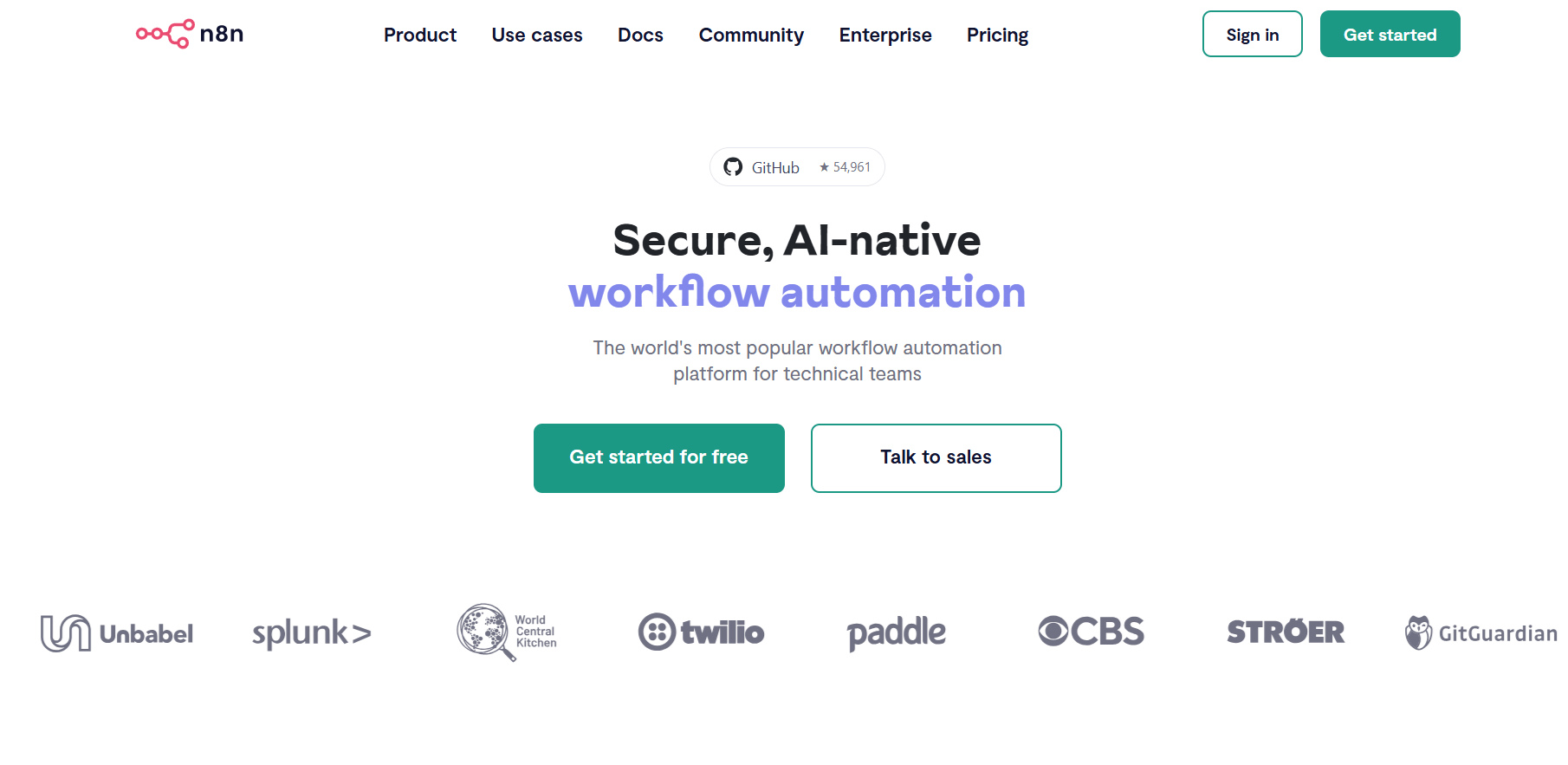
n8n is an open-core automation platform that blends visual workflow design with code-level flexibility. It supports self-hosting as well as a cloud option, making it appealing for both technical and non-technical users. Popular for its extensibility and affordability in handling complex workflows.
Standout Features
- Visual, low-code workflow builder with powerful coding nodes (JavaScript) and hundreds of integrations.
- Self-hosting support for full control, compliance, and cost predictability.
- Active community and open ecosystem, with templates and self-hosting flexibility.
Pros & Cons
Pros:
• Low-cost execution model and ability to self-host bring significant savings and control.
• Extremely flexible—mix visual nodes with code for custom logic.
Cons:
• Steep learning curve for business users unfamiliar with logic or code.
• Self-hosting demands maintenance (e.g. Docker, backups) and can be tricky for non-technical teams.
G2 Rating: Not currently fetched; G2 pros/cons suggest strong versatility but some UI complexity.
3. Zapier
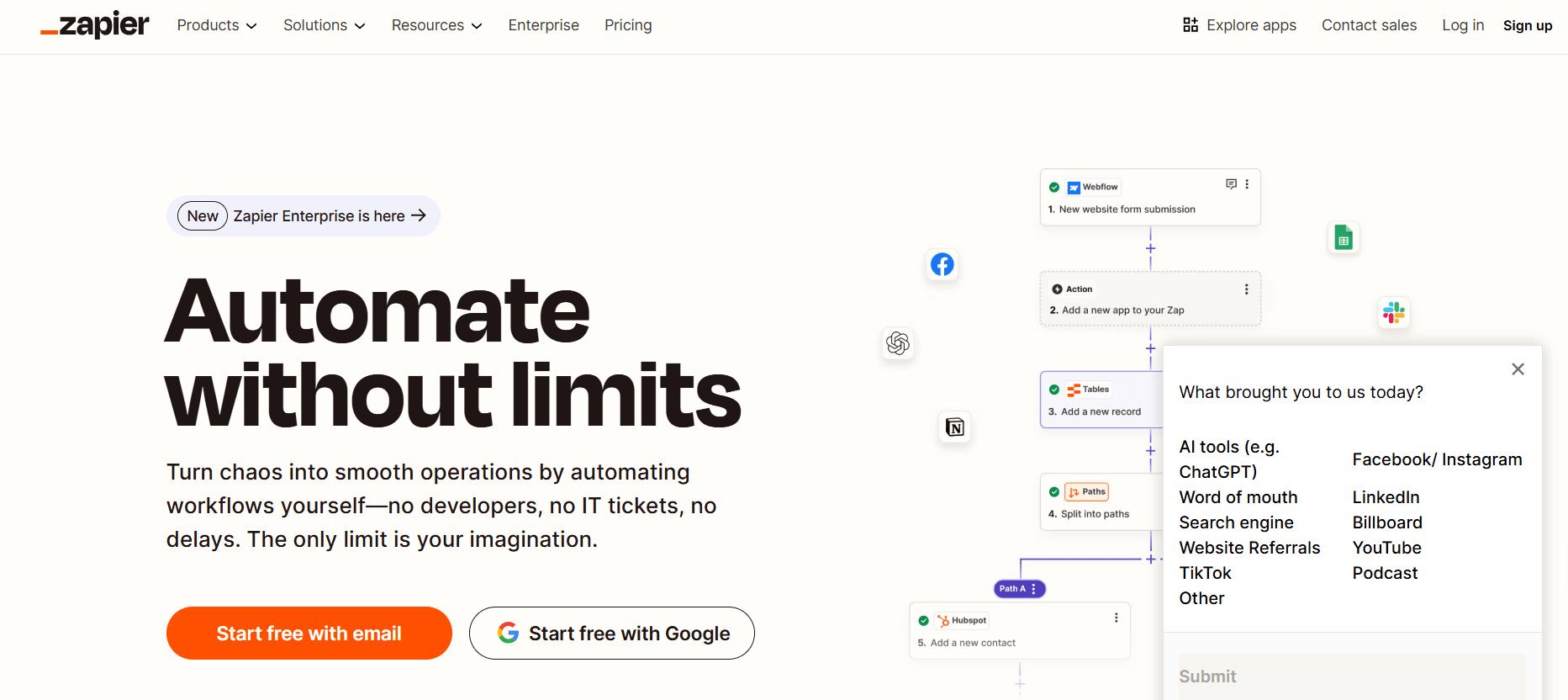
Zapier is a pioneer in no-code automation, ideal for business users looking to connect apps without writing code. With a massive integration directory (~8,000 apps), it’s ubiquitous in SMBs for quick task automation. Recently, it’s evolved to include AI-powered workflows and agentic AI tools.
Standout Features
- Vast app ecosystem: supports thousands of integrations and continues to grow (e.g., Zapier MCP for AI access).
- Exceptionally intuitive UI; ideal for fast deployment of simple workflows.
- Includes AI workflow components and new diagramming tools (Zapier Canvas) for visual planning.
Pros & Cons
Pros:
• Extremely easy to use—great for non-technical users implementing automations quickly.
• Reliable and consistent execution with a large template library and support.
Cons:
• Pricing escalates quickly as automation needs grow, especially for multi-step Zaps.
• Limited for complex workflows—advanced branching or data handling can be cumbersome.
G2 Rating: ~4.5 out of 5 based on hundreds of reviews.
4. Make (formerly Integromat)
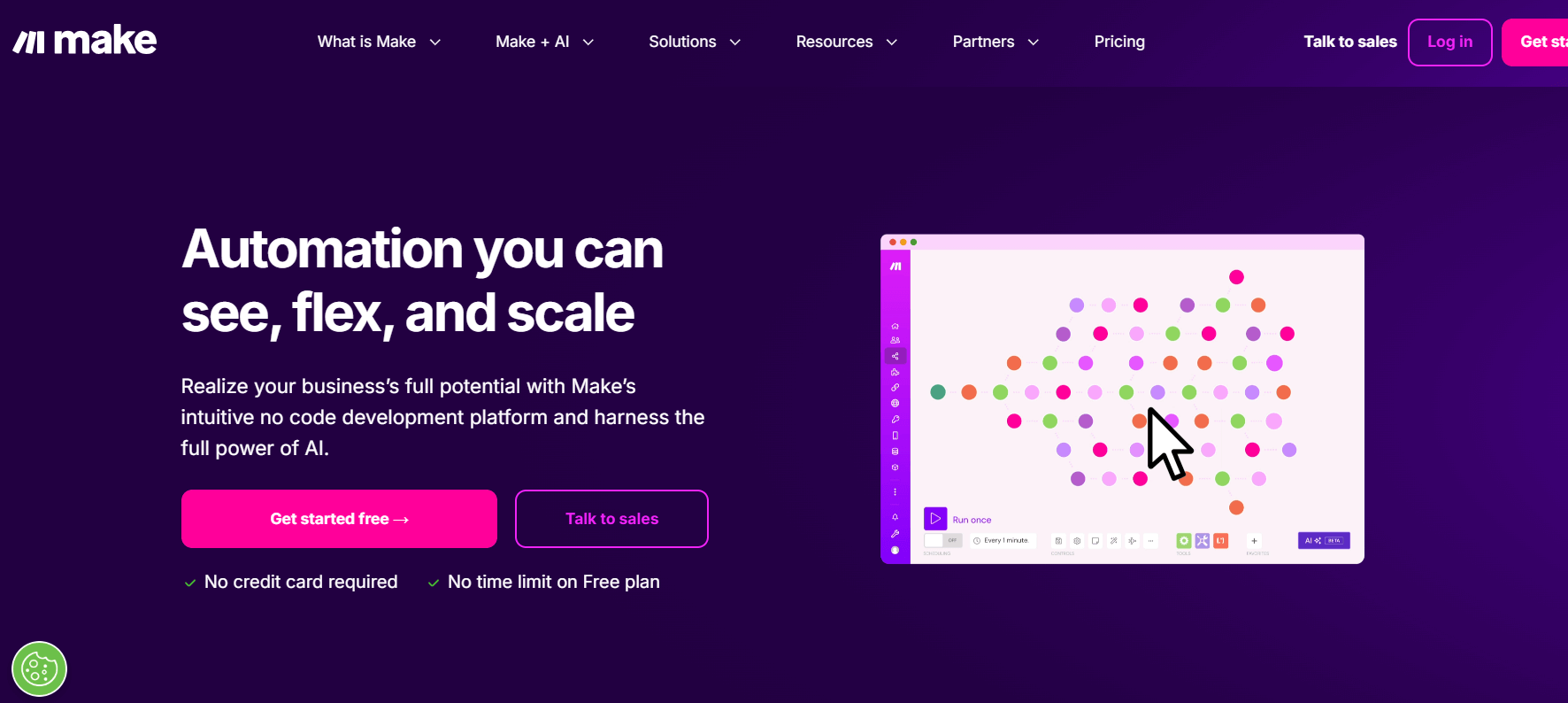
Make (Integromat) offers a visually rich, scenario-based automation builder popular among SMBs and ops teams. It combines visual precision with advanced logic (routers, iterators, error handling), making it powerful for complex workflows.
Standout Features
- Beautiful, drag-and-drop visual canvas with routing, aggregation, and detailed control paths.
- Supports advanced data operations like iterators, array handling, and error branching for nuanced workflows.
- Pro-level logic at mid-tier pricing, with generous free-tier and transparent plans.
Pros & Cons
Pros:
• Granular control and logic at a relatively affordable price compared to enterprise iPaaS.
• Strong visual debugging and step-by-step testing.
Cons:
• Can get visually complex (“spaghetti scenarios”) without governance.
• Slightly steeper learning curve than Zapier for full logic mastery.
G2 Rating: ~4.7 out of 5 (based on comparative data with Zapier).
Bonus: n8n vs Zapier vs Make: A Detailed Comparison of Top Automation Platforms
5. Workflow AI

Workflow AI brings AI agents to workflow automation, enabling natural-language orchestration and dynamic task execution. It’s aimed at teams wanting AI-first automation that can think, decide, and act. Designed for rapid automation of content review, support triage, and multi-step decision flows.
Standout Features
- LLM-native workflows: define tasks in plain language and let agents interpret, execute, and evolve them.
- Human-in-the-loop checkpoints and guardrails to keep control over automated decisions.
Pros & Cons
Pros:
- Fast to set up AI-led automations—ideal for non-technical users.
- Flexible natural-language interfaces make define-and-forget workflows easy.
Cons:
- Still maturing—connector depth may not match enterprise-first tools.
- Requires feedback loops to maintain reliability.
G2 Rating: Not publicly listed, as the platform is emerging.
6. Microsoft Power Automate

Power Automate is Microsoft’s integration and RPA platform for automating workflows across Microsoft 365, Dynamics 365, and a large ecosystem of additional apps. It excels for organizations already invested in Microsoft infrastructure, offering both cloud flows and desktop automation
Standout Features
- Seamless integration with M365, Teams, SharePoint, Dynamics, and Dataverse.
- Built-in RPA for UI-level automation of legacy or unsupported systems.
Pros & Cons
Pros:
- Strong governance and admin controls for enterprise deployment.
- Familiar UX for Microsoft-centric teams, boosting adoption.
Cons:
- Licensing structure is complex and can get expensive with RPA or premium connectors.
- Connector breadth outside the Microsoft ecosystem can lag other platforms.
G2 Rating: 4.4 out of 5.
7. SnapLogic

SnapLogic is an enterprise-focused iPaaS designed to handle complex data and application integration scenarios. It leverages a visual pipeline builder, reusable components (“Snaps”), and strong governance structures—popular in mid-to-large enterprises for hybrid environments.
Standout Features
- Library of Snaps for complex integrations including ETL, B2B, API management, and more.
- Lifecycle management with dev/test/prod promotion, access control, and audit logging.
Pros & Cons
Pros:
- Enterprise-grade scalability and deep connector capabilities.
- Robust governance and deployment workflows for high-compliance environments.
Cons:
- Overkill for small teams or simple automations.
- Typically requires a dedicated integration team to manage.
G2 Rating: ~4.2 out of 5.
Bonus: AI Workflows vs AI Agents — A Quick Guide for No-Code Builders
8. Relevance AI

Relevance AI focuses on AI-powered agents for customer operations, support, and analytics workflows. It enables agents to classify, summarize, respond, and decision-route using brand-trained models over your data. Perfect for enhancing support ticket triage, analytics tagging, and content summarization.
Standout Features
- Agent-based workflows for tagging, summarizing, and routing customer communications.
- Memory-trained models that adapt over time to your company’s tone and patterns.
Pros & Cons
Pros:
- Rapid ROI for support and ops teams needing smart automation.
- Brand-specific tuning for consistent response quality.
Cons:
- Might not support broader business workflows like CRM or finance.
- Requires clean, well-structured data to perform reliably.
G2 Rating: Not publicly listed—recently emerged in the AI operations category.
9. CloudEagle.ai

CloudEagle.ai is a niche solution focused on automating SaaS procurement, renewals, and usage tracking workflows. It helps finance or IT teams monitor SaaS contracts, alerts on renewals, and automate approval workflows—built to reduce SaaS waste and optimize licensing.
Standout Features
- Central dashboard for all SaaS contracts with renewal alerts and approval automation.
- Usage analytics to identify waste and manage budget proactively.
Pros & Cons
Pros:
- Domain-specific automation for a high-value, high-friction enterprise problem.
- Alerts and playbooks save time and cut renewal surprises.
Cons:
- Not a generalized automation platform—best as a complementary tool.
- ROI depends on SaaS spend scale and contract complexity.
G2 Rating: Not widely rated yet; being a specialized tool, it may have limited public reviews.
10. Lindy AI

Lindy AI offers personalizable, task-oriented AI agents that users can train to handle workflows like outreach, meeting preparation, or email triage. It’s designed for founders, SDRs, and knowledge workers who want to offload routine tasks to smart assistants.
Standout Features
- Train agents with your own documents, tone, or workflows—like having a personal digital assistant.
- Agents that act autonomously, following task schedules or recurring to-dos.
Pros & Cons
Pros:
- High ROI for individual users—agents learn and get more helpful over time.
- Easy setup and ideal for repetitive or admin-heavy tasks.
Cons:
- Limited integrations; best for personal workflows, not enterprise-wide processes.
- Needs data prep to train agents effectively—may require time upfront.
G2 Rating: No public rating yet—new entrant into AI-assistant tools.
Bonus: Agentic AI is Gaining Traction in Enterprises— Here’s Why
11. Taskade

Taskade merges project collaboration, documentation, and lightweight automation in a single workspace. Teams can take notes, build task flows, brainstorm with AI, and automate simple reminders or notifications—all within the same interface.
Standout Features
- Integrated AI-powered note-taking, mind maps, and task flows.
- Simple automations like recurring reminders, Slack/email notifications, and workflow triggers within documents.
Pros & Cons
Pros:
- Great for remote or creative teams—notes, tasks, and automation together.
- User-friendly and quick to set up for team operations or content workflows.
Cons:
- Not a full-featured iPaaS — lacks deep CRM, IT, or data automation connectors.
- Automation logic is basic—best for lightweight workflows.
G2 Rating: ~4.7 out of 5.
12. Nintex

Nintex is an enterprise process automation suite offering workflow, forms, RPA, and process intelligence for mapping and managing complex business processes.
Standout Features
- End-to-end workflow automation with visual designer.
- Built-in RPA and document automation.
- AI-assisted process mapping and analytics.
Pros & Cons
Pros:
• Comprehensive enterprise feature set.
• Strong integrations with major enterprise platforms.
• Solid support for large deployments.
Cons:
• Steeper learning curve for casual users.
• Higher cost for smaller teams.
G2 Rating: ~4.2/5 (1,300+ reviews).
FAQs
What Are AI Workflow Automation Tools Used For?
AI workflow automation tools are platforms that combine artificial intelligence with automation to handle repetitive tasks, analyze data, and make rule-based decisions within workflows. They help businesses execute processes faster, reduce errors, and adapt workflows based on real-time insights.
What Are the Best Workato Alternatives?
Some of the best alternatives to Workato include Simplified AI Workflows, Zapier, Make (formerly Integromat), Nintex, and Tray.io. These platforms offer varying strengths—Simplified AI Workflows, for example, combines automation with AI agents, content creation tools, and social media scheduling, making it ideal for teams that want more than just integration.
How Do AI Workflow Automation Tools Benefit Businesses?
These tools save time, cut operational costs, and improve accuracy by automating tasks that would otherwise require human intervention. They also enable more complex, cross-department processes to run with minimal oversight, freeing up teams for higher-value work.
Are AI Workflow Automation Tools Only for Large Enterprises?
No. While many enterprise platforms exist, there are AI workflow automation tools designed for small and medium-sized businesses, offering scalability and pricing models that fit smaller teams without compromising on functionality.










