By
By InVideo built its reputation on speed. Paste a script, pick a template, export a video. For high-volume social content, that workflow is genuinely useful. However, the moment you need precise control over layouts, transitions, or timing — InVideo starts saying no.
And that is before mentioning what InVideo does not do at all. No social scheduler. No graphic design tools. Even no reliable AI writing assistant. Furthermore, teams creating polished, brand-consistent content consistently hit InVideo’s customization ceiling within the first few weeks.
In 2026, marketers are expected to produce video, design graphics, write captions, and publish across multiple platforms simultaneously. Consequently, a tool that handles only one of those jobs is not a complete solution — it is the beginning of a very expensive stack.
The best InVideo alternatives in 2026 include Simplified, Synthesia, Pictory, VEED, HeyGen, and others — each solving specific gaps InVideo leaves open. This article reviews all 10 honestly, by features, pricing, and real use case fit.
Why Marketers Are Actively Searching for an InVideo Alternative
The main reasons marketers switch from InVideo are its restrictive editing interface, lack of social scheduling, absence of graphic design tools, and limited brand governance — making it a single-purpose tool in a market that now demands significantly more.
InVideo is not broken. It is just narrow. Here is exactly where that narrowness shows up:
| Feature | InVideo |
|---|---|
| Text-to-video creation | ✅ Yes |
| Social media scheduling | ❌ No |
| Graphic design tools | ❌ No |
| AI writing assistant | ⚡ Limited |
| Brand governance tools | ❌ No |
| AI avatars | ⚡ Limited |
| Team collaboration | ⚡ Limited |
| Layout and timing control | ⚡ Restrictive |
And here is what InVideo actually costs:
| Plan | Monthly Cost | Key Limitation |
|---|---|---|
| Free | $0 | Watermark on exports |
| Business | $15/month | Limited customization |
| Unlimited | $30/month | Still no scheduling or design |
At $30/month, InVideo still cannot schedule a single post or design a single graphic. Consequently, most InVideo users end up paying for InVideo plus Canva, Buffer, and Jasper separately — turning one subscription into four and one workflow into eight steps.
Furthermore, the market has moved significantly. Tools like Simplified now offer video creation, graphic design, AI writing, social scheduling, and workflow automation from $20/month — for less than InVideo’s unlimited plan. Therefore, the question in 2026 is no longer “which video tool should I use?”
It is “why is my video tool making my workflow more complicated?”
The 10 InVideo alternatives reviewed below answer that directly.
10 Best InVideo alternatives in 2026
1. Simplified ⭐ Best Overall InVideo Alternative
Available on: Web, iOS, Android, Chrome Extension
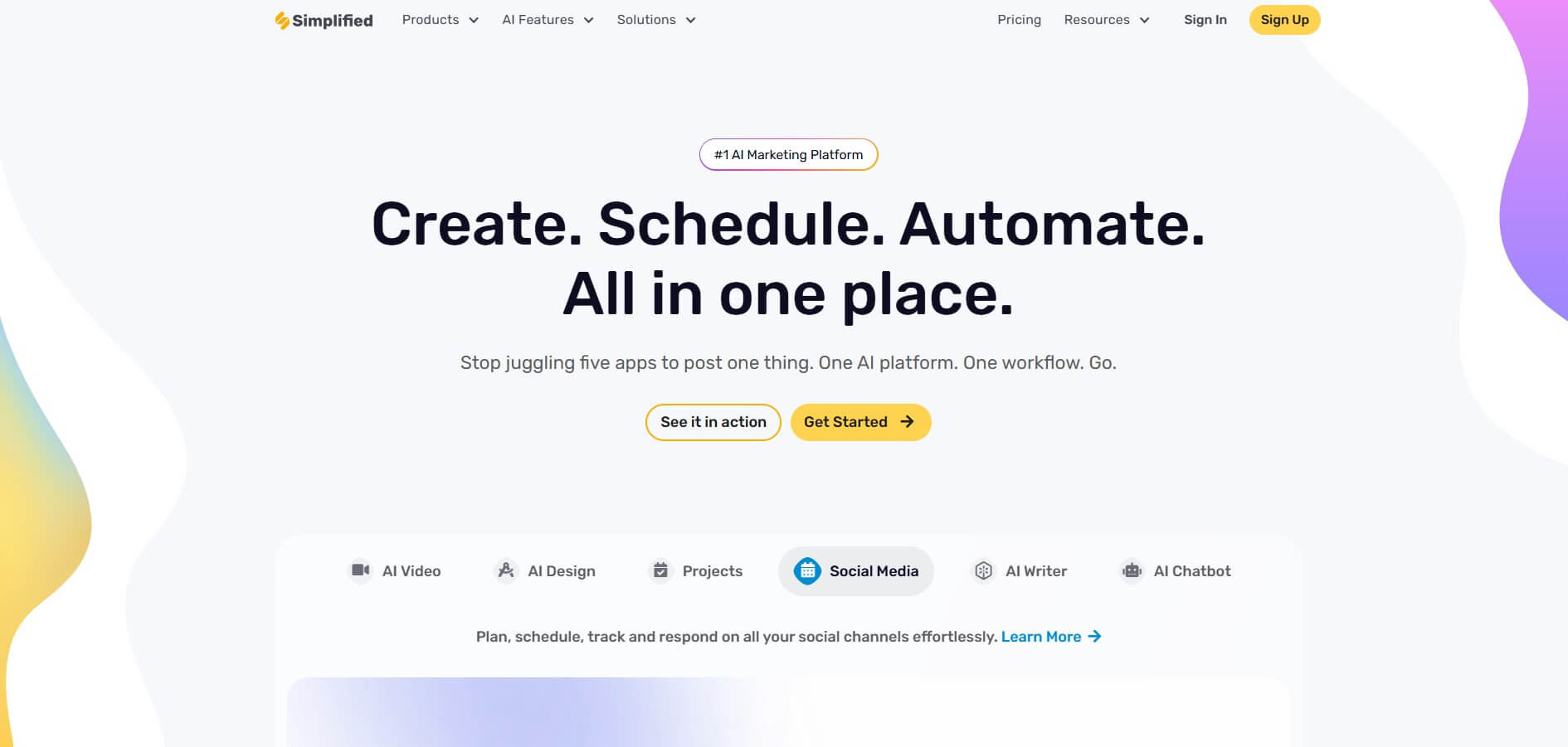
Simplified is the most complete InVideo alternative on this list — and the numbers make that case before you even open the platform.
InVideo vs Simplified: The Core Comparison
| Feature | InVideo | Simplified |
|---|---|---|
| Text-to-video | ✅ | ✅ |
| Social media scheduling | ❌ | ✅ |
| Graphic design tools | ❌ | ✅ |
| AI writing assistant | ⚡ Limited | ✅ |
| AI workflow automation | ❌ | ✅ |
| Brand kit management | ⚡ Limited | ✅ |
| AI avatars | ⚡ Limited | ✅ |
| Team collaboration | ⚡ Limited | ✅ |
| Social inbox | ❌ | ✅ |
| Free plan | ✅ Watermark | ✅ No watermark |
| Starting price | $15/mo | $20/mo |
The difference is not subtle. InVideo gives you one tool — video. Simplified gives you an entire content workflow. Furthermore, InVideo’s editing interface becomes restrictive the moment you need precise control over layouts, timing, or transitions. Simplified’s no-code editor, consequently, removes that ceiling entirely.
For $4 more per month, Simplified replaces not just InVideo — but also the separate Canva, Buffer, and Jasper subscriptions most InVideo users are already running alongside it.
What it is: An all-in-one AI platform combining video creation, graphic design, AI writing, social scheduling, and workflow automation in a single platform
Best for: Marketers who have hit InVideo’s creative ceiling and need a complete content workflow without managing multiple tools
Key features:
🎥 Video — AI script-to-video, avatar creator, short clip generator with virality scoring, background remover, animation maker and many more video related tools
🎨 Design — No-code editor, 1000s of templates, AI image generator (DALL-E, Stable Diffusion, Flux), brand kit management, carousel and meme generator
✍️ AI writer — GPT-4 powered writer, 50+ marketing templates, brand voice training, 20+ languages, WordPress and Shopify publishing
📅 Social Media — Bulk scheduler, social inbox, analytics, content planner, link in bio tool
🤖 AI workflows — No-code drag-and-drop workflow builder, multi-agent AI orchestration, 500+ integrations (Slack, HubSpot, Salesforce, Notion), connects to ChatGPT, Claude, Gemini and Veo
👥 Collaboration — Real-time editing, approval workflows, client workspaces, project management
Pricing: Free plan available; paid plans from $20/month (visit Simplified’s pricing page for current details)
Platforms supported: Instagram, TikTok, YouTube, Facebook, LinkedIn, Pinterest
Pros:
- Replaces InVideo plus 3–4 tools; stronger creative control
- AI workflows unique on this list
- no watermark on free plan
Cons:
- Video not as deep as dedicated professional editors
- Analytics basic vs enterprise platforms
Who should skip it: Video production teams needing frame-by-frame precision or enterprise-grade analytics
Bottom line: If you are using InVideo and still opening Canva, Buffer, and Jasper in separate tabs — Simplified closes all of them for $4 more per month.
2. Synthesia
Available on: Web
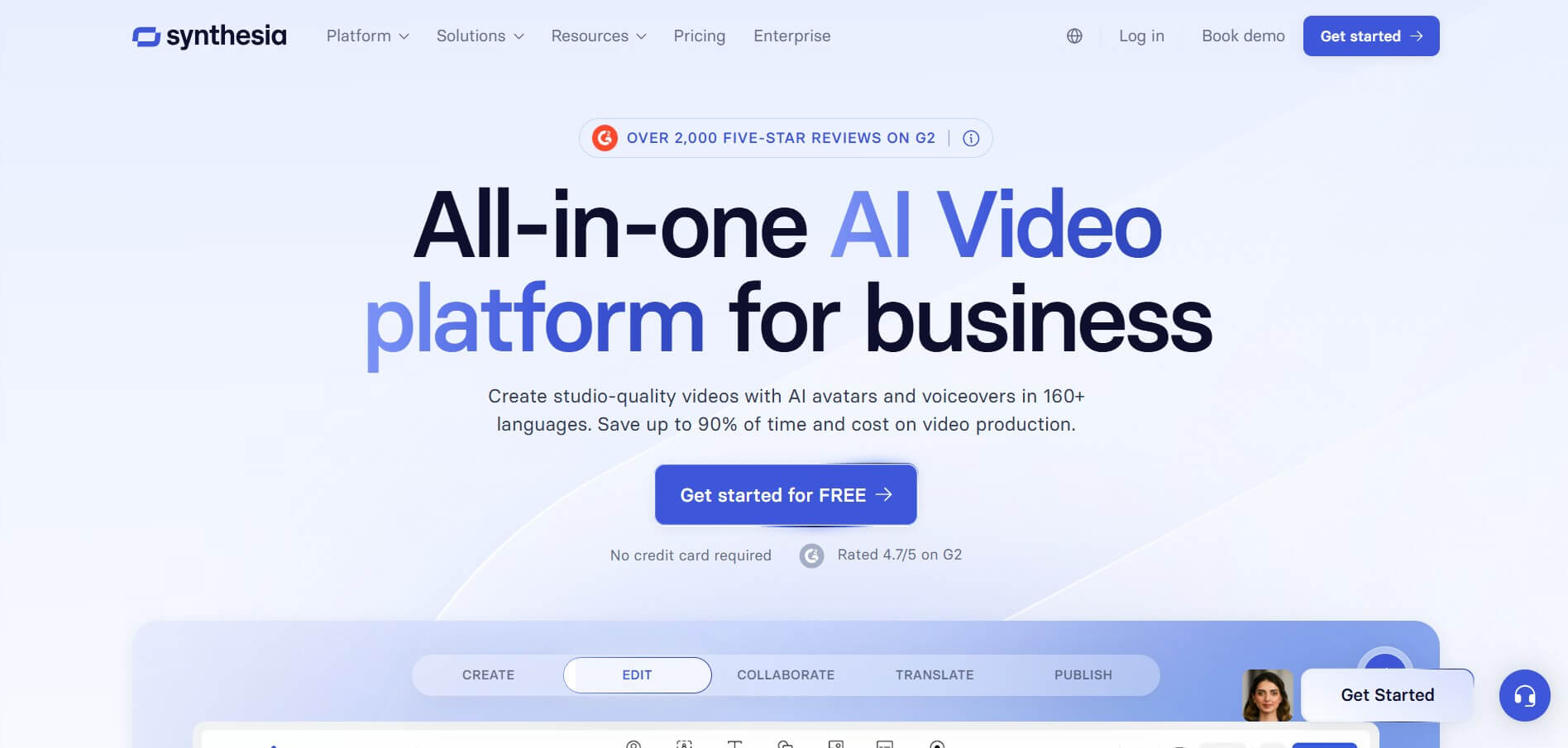
Synthesia is the go-to InVideo alternative for enterprise teams who need professional, presenter-led video at scale — without a camera, a studio, or a production budget.
Key features:
- 230+ diverse AI avatars with emotion and gesture responses
- 140+ languages and accents
- Enterprise-grade security and compliance
- LMS export capabilities
- Real-time team collaboration
- Type script → choose avatar → instant video workflow
Pricing: Free plan available; Starter at $18/month; Creator at $64/month; Enterprise custom
Platforms supported: Export to all major platforms and LMS systems
Pros:
- Best avatar quality on this list
- Used by 90%+ of Fortune 100 companies
- Unmatched multilingual support
- Rated 4.4/5 on G2
- Professional presentation quality
Cons:
- Avatar-only focus — not built for social media volume
- Expensive at scale for small teams
- Learning curve for advanced features
Who should skip it: Small businesses and social media managers — Synthesia is built for enterprise scale, not daily social posting
Bottom line: Best InVideo alternative for enterprise training, onboarding, and corporate communications where avatar quality and professionalism matter most.
3. HeyGen
Available on: Web
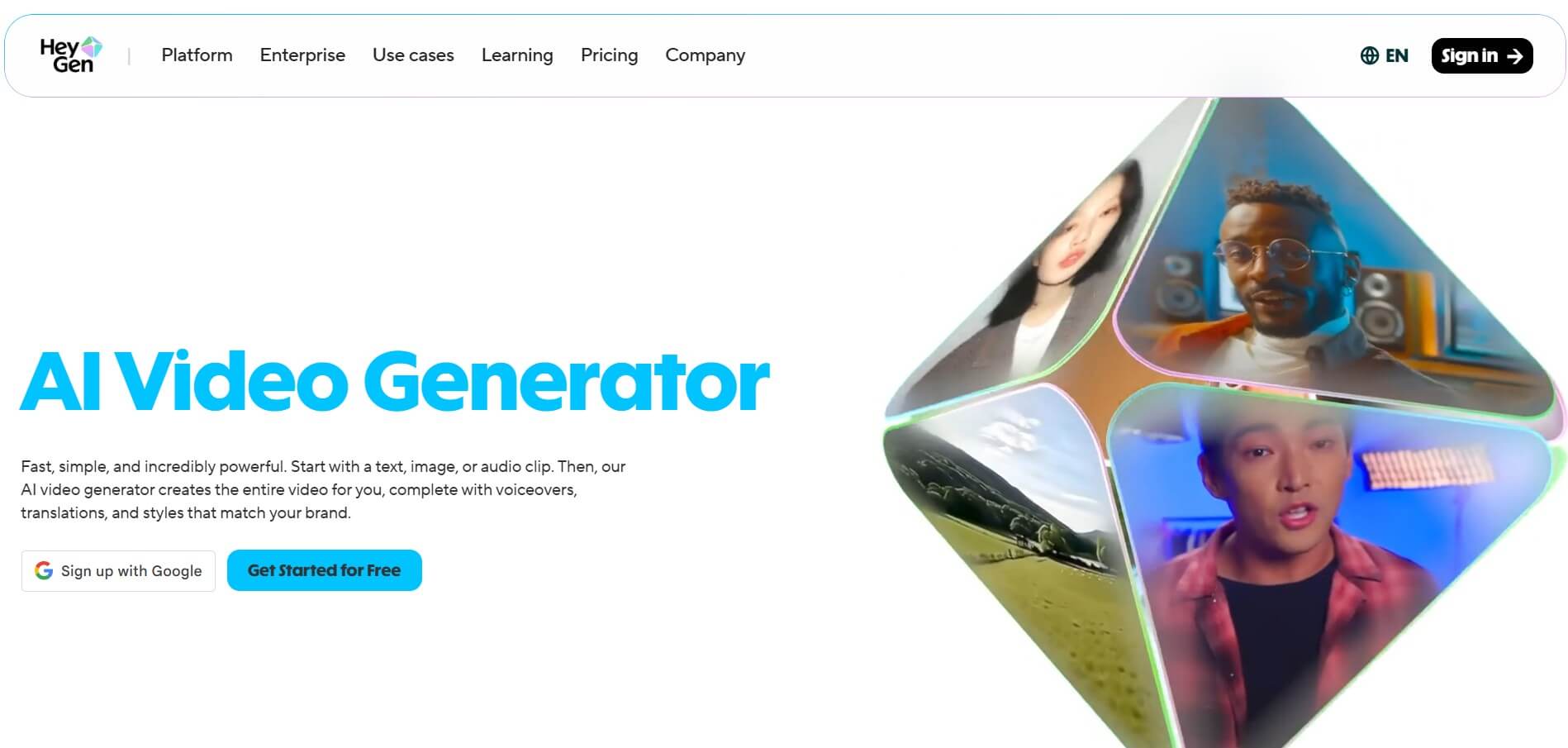
HeyGen takes avatar-based video further than almost any tool on this list — and its personalization capabilities make it the top choice for sales teams specifically.
Key features:
- 300+ pre-made avatars — largest library on this list
- Custom avatar creation from your own image
- Video translation and dubbing in 30+ languages
- High-quality voice synthesis
- Personalized video outreach tools
- Studio-quality output
Pricing: $89–$399/month
Platforms supported: Export to all major social and business platforms
Pros:
- Largest pre-made avatar library on this list
- Rated G2’s top InVideo alternative
- Excellent for personalized video outreach
- Strong multilingual dubbing capabilities
- Professional studio-quality output
Cons:
- Higher pricing tier rules out most small teams
- Avatar-focused only — limited versatility
- Not built for quick social media content
Who should skip it: Budget-conscious teams and social media managers — HeyGen’s pricing reflects its enterprise sales positioning
Bottom line: Best InVideo alternative for sales teams and enterprises needing personalized multilingual avatar video at scale.
4. Pictory

Available on: Web
Pictory solves a problem InVideo does not touch — turning written content that already exists into polished video, automatically and without any on-camera presence required.
Key features:
- Blog and article to video conversion
- Script-to-video automation
- 51 AI voices via ElevenLabs integration
- 10M+ royalty-free media library
- Auto-captions and subtitles
- 29 languages supported
- Brand kit management
Pricing: Starter at $20/month; Professional at $39/month; Team at $99/month; Enterprise at $975/month
Platforms supported: TikTok, Instagram, YouTube, Facebook, LinkedIn
Pros:
- Best content repurposing tool on this list
- Excellent voiceover quality via ElevenLabs
- Large royalty-free media library
- Strong automation saves significant production time
- Good value at entry level
Cons:
- Output can feel templated without customization
- Limited styling and layout control
- No scheduling or design tools included
Who should skip it: Teams needing design, scheduling, or AI writing alongside video — Pictory is video repurposing only
Bottom line: Best InVideo alternative for content marketers with an existing library of written content ready to be repurposed into video.
5. PlayPlay
Available on: Web
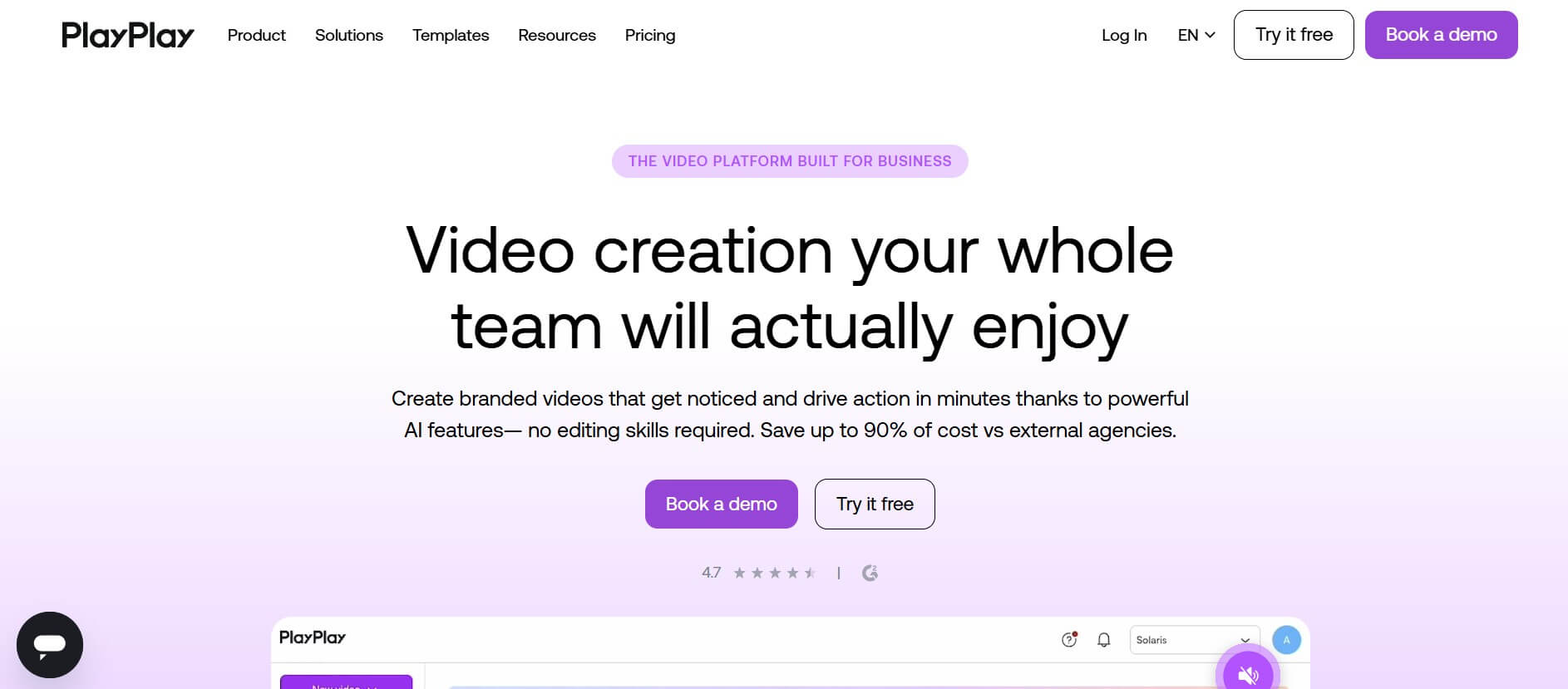
PlayPlay is the only tool on this list built specifically around brand governance — making it the strongest InVideo alternative for mid-to-large marketing teams where brand consistency across departments is non-negotiable.
Key features:
- Drag-and-drop slide-building style interface
- Locked brand colors, fonts, logos, and templates
- Multi-user workspaces with commenting
- Approval workflows built in
- Enterprise security features
- Non-editor friendly — anyone can create professional video
Pricing: Enterprise pricing — contact for quote
Platforms supported: Export to all major social and business platforms
Pros:
- Best brand governance tool on this list
- Non-editors can create professional videos instantly
- Excellent multi-stakeholder collaboration
- Maintains brand consistency at scale
- Strong approval and review workflows
Cons:
- Enterprise pricing rules out small teams
- Less focus on AI generation features
- Overkill for solo creators and small businesses
Who should skip it: Solo creators and small businesses — PlayPlay is purpose-built for teams with multiple stakeholders and strict brand requirements
Bottom line: Best InVideo alternative for enterprise marketing teams where brand control, approval workflows, and multi-department collaboration are the priority.
6. VEED
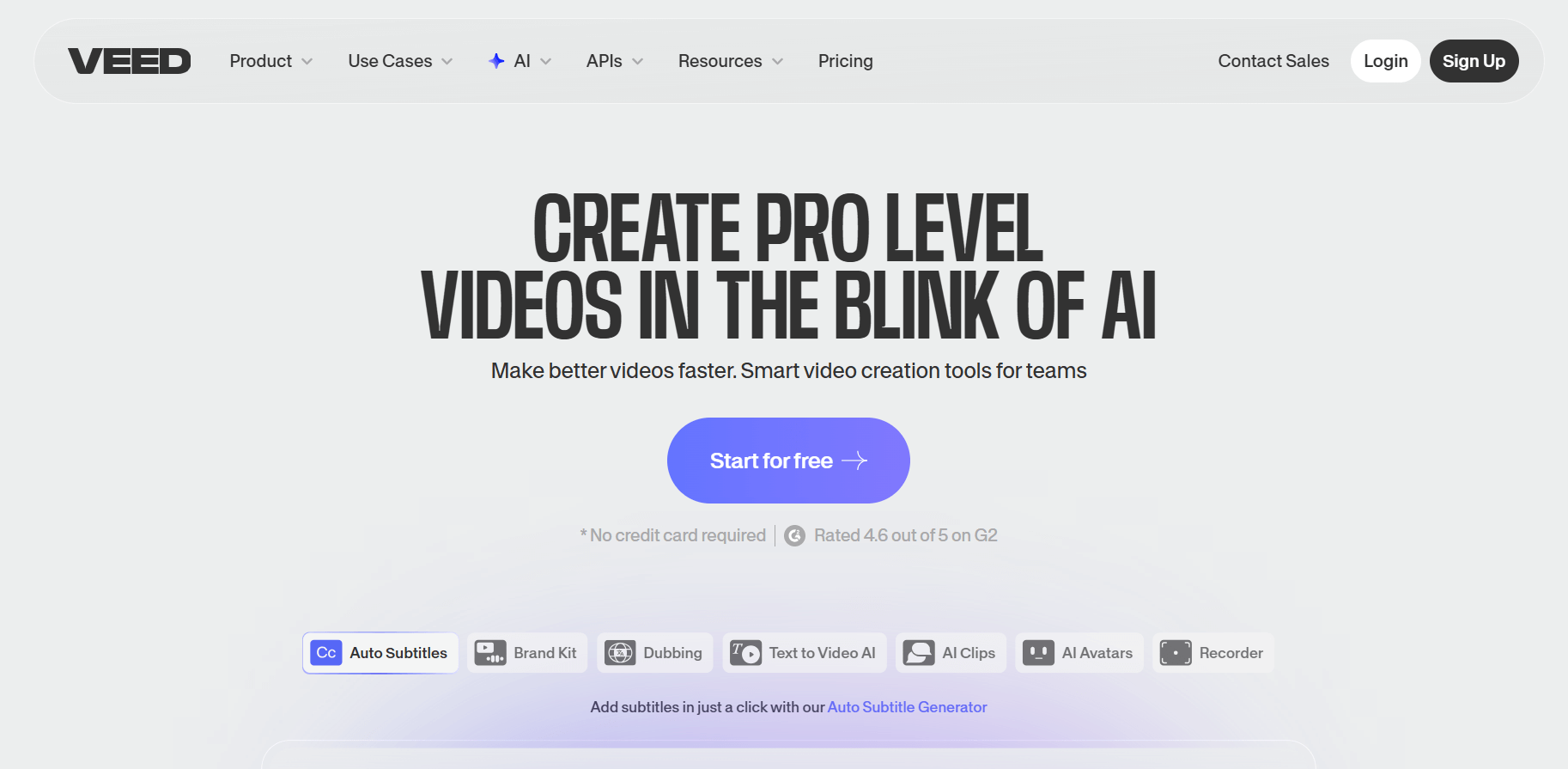
Available on: Web
VEED is often called the “Canva of video editing” — browser-based, beginner-friendly, and genuinely useful from the very first session without downloading a single piece of software.
Key features:
- Timeline editor with precise cutting and trimming
- One-click auto-subtitle generator
- Screen and webcam recorder built in
- Noise reduction and audio cleanup
- Custom branding and watermarks
- Team collaboration tools
- Compression and format conversion
Pricing: Free plan available; paid plans from $9/month
Platforms supported: Instagram, TikTok, YouTube, Facebook, LinkedIn
Pros:
- Most affordable paid plan on this list
- Excellent free tier with robust capabilities
- No software download required
- Strong collaboration features
- Versatile editing toolset
Cons:
- Less AI automation than InVideo
- Free plan has watermarks
- Can overwhelm beginners with feature volume
Who should skip it: Teams needing AI-first content generation — VEED is editing-first, not generation-first
Bottom line: Best budget InVideo alternative for marketing teams needing versatile browser-based video editing without the enterprise price tag.
7. Riverside
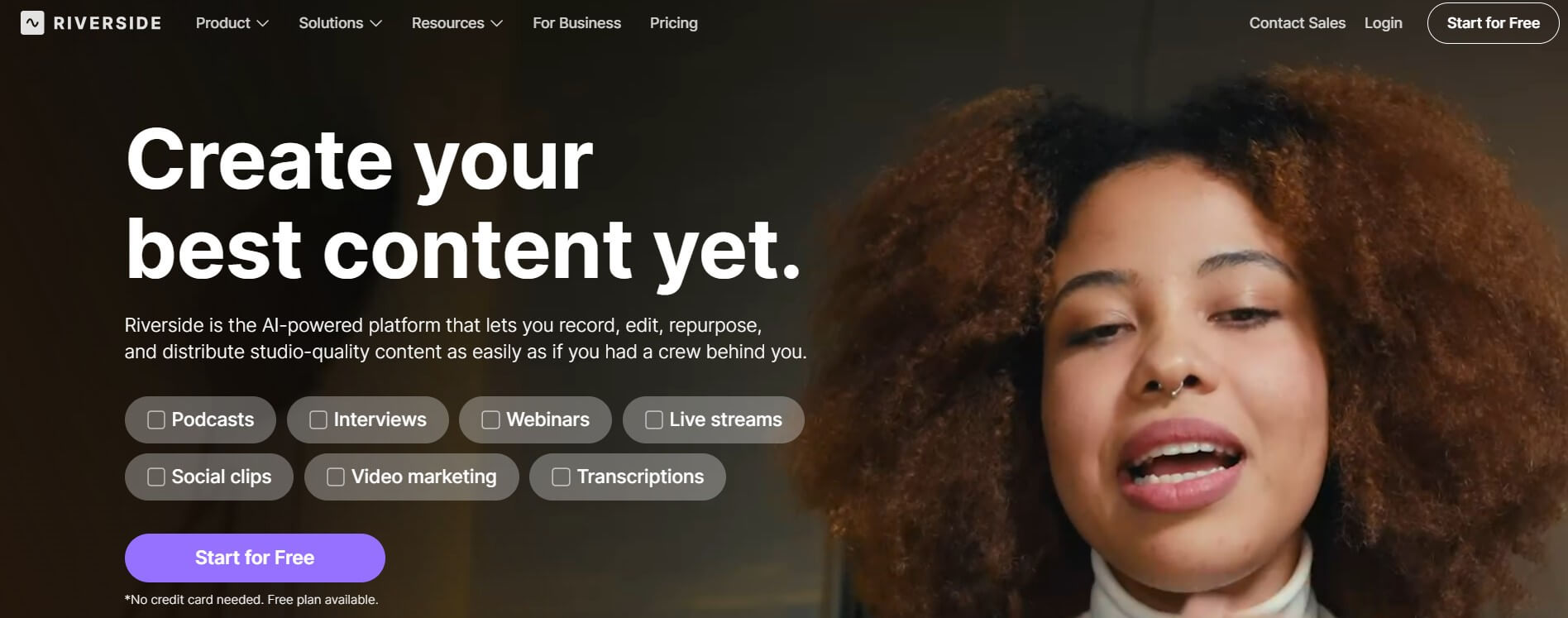
Available on: Web
Riverside solves a completely different problem than InVideo. Where InVideo starts with a script and a template, Riverside starts with a microphone and a camera — and then handles everything else automatically.
Key features:
- 4K recording directly on the platform
- Fully automated AI editing
- Auto-captions with high accuracy
- Audio enhancement and noise removal
- Filler word removal
- Social clip creation from recordings
Pricing: Free plan available; Standard at $15/month; Pro at $24/month
Platforms supported: TikTok, Instagram Reels, YouTube, LinkedIn, podcast platforms
Pros:
- Record in 4K quality at affordable price
- Excellent AI editing automation
- Filler word removal saves significant editing time
- Strong audio enhancement tools
Cons:
- Requires original recorded footage — not template-based
- Different workflow than InVideo users are accustomed to
- Less suitable for pure text-to-video creation
Who should skip it: Marketers needing template-based or AI-generated video — Riverside only works with recorded content
Bottom line: Best InVideo alternative for podcasters, interviewers, and educators who record original content and need automated editing alongside it.
8. Runway
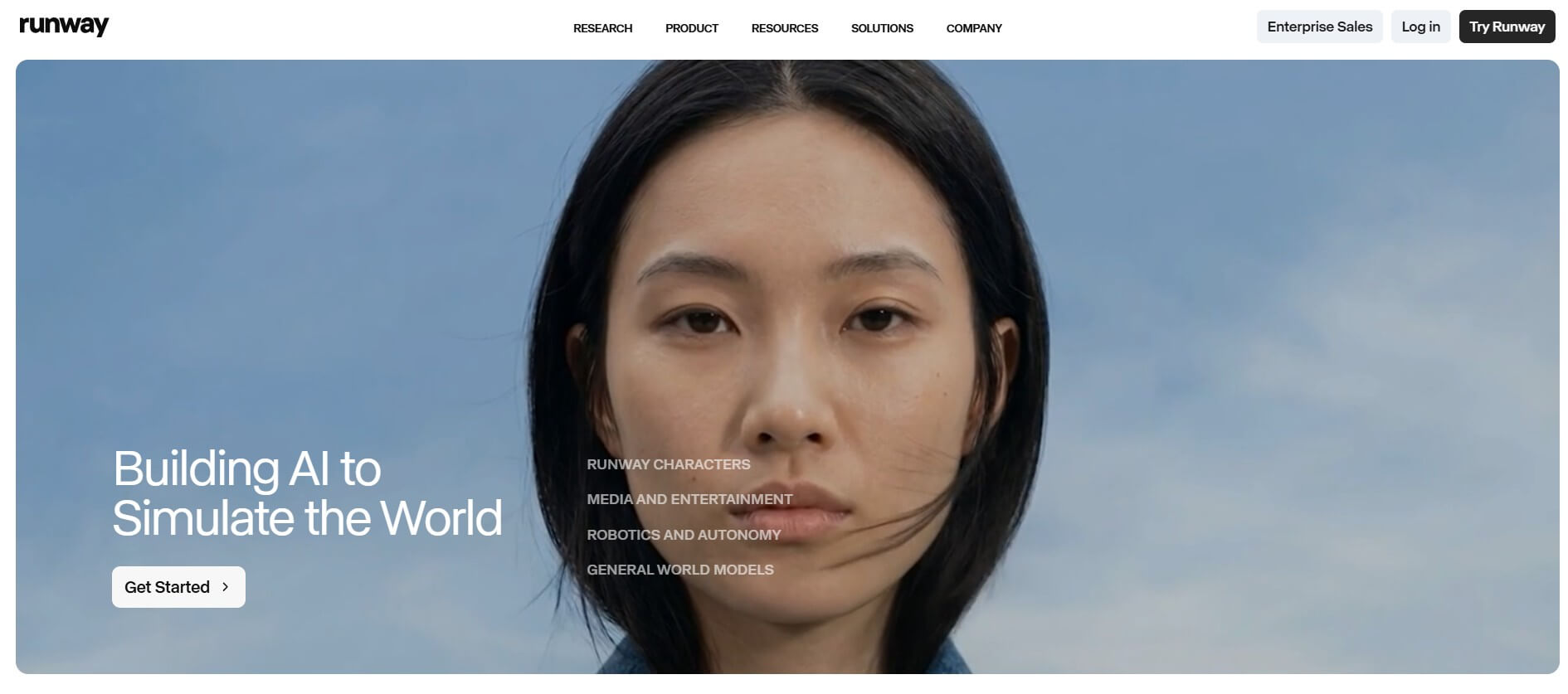
Available on: Web
Runway is the most technically advanced tool on this list — and consequently the most different from InVideo. Where InVideo automates templates, Runway generates entirely original video from text prompts using Gen-4 Turbo technology.
Key features:
- Prompt-to-video generation using Gen-4 Turbo
- Image-to-video conversion
- Access to all generative video models
- Cinematic quality AI output
- 100GB asset storage on paid tier
Pricing: Free plan with 125 one-time credits; paid plans with 625 monthly credits
Platforms supported: Export to all major social and video platforms
Pros:
- Most innovative AI generation on this list
- Cutting-edge cinematic output quality
- Minimal generation errors
- Access to latest AI video models
Cons:
- Credit-based system limits volume production
- Steeper learning curve for prompting
- Expensive for high-volume content needs
Who should skip it: Teams needing high-volume template-based content — Runway prioritizes quality and creativity over speed and volume
Bottom line: Best InVideo alternative for creative teams pushing the boundaries of AI video generation in 2026.
9. CapCut
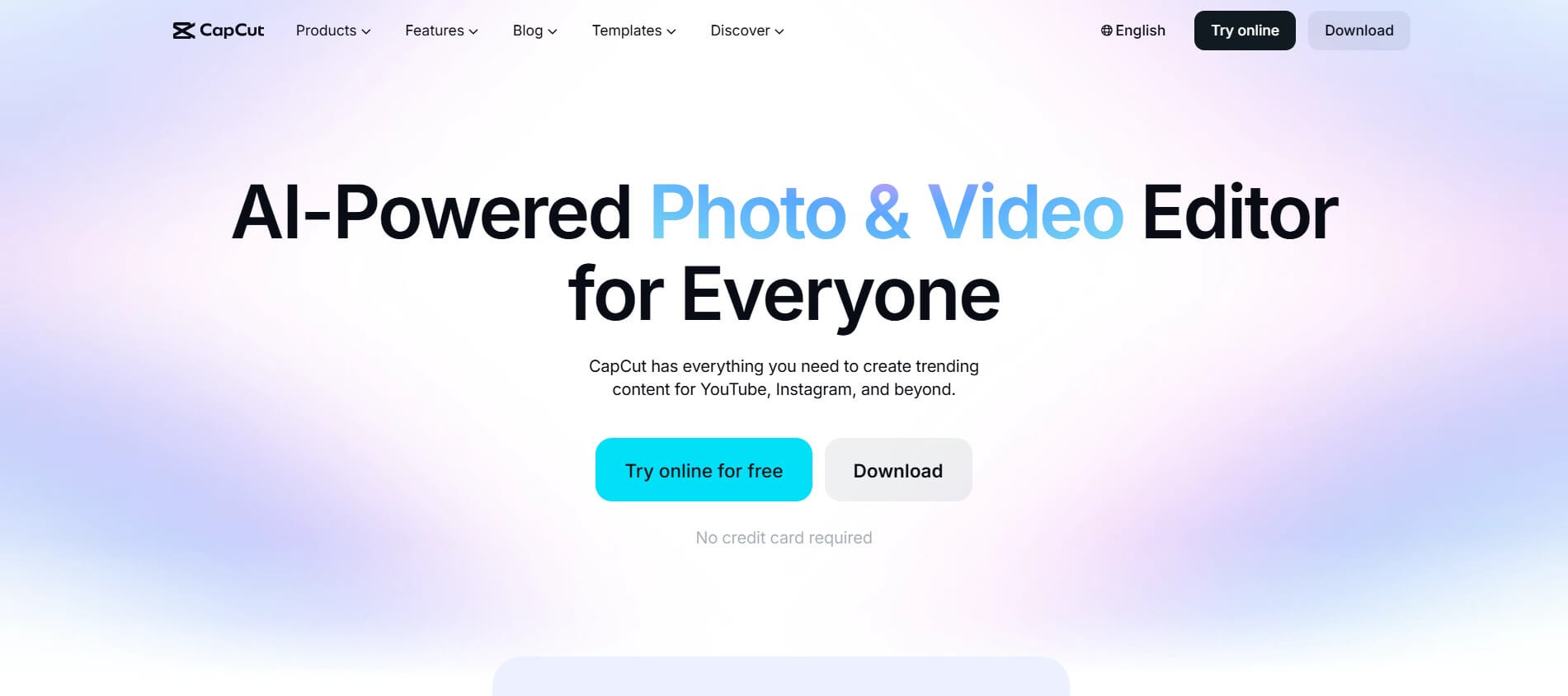
Available on: Web, iOS, Android, Desktop
CapCut is the most capable free video editor available in 2026 — and it is not particularly close. Furthermore, unlike most free tools, CapCut exports in 1080p without a watermark making it immediately usable for professional social content.
Key features:
- AI auto-captions with high accuracy
- Background removal tool
- Text-to-speech generation
- 1080p export on free tier
- TikTok-native integration
- Mobile and desktop versions
- Social media format optimization
Pricing: Free with robust features; paid plans for advanced capabilities
Platforms supported: TikTok, Instagram Reels, YouTube Shorts, Facebook, LinkedIn
Pros:
- Best free video editor on this list
- No watermarks on free exports
- 1080p quality at zero cost
- Cross-platform mobile and desktop
- TikTok-native integration
Cons:
- Owned by ByteDance — data privacy concern for some teams
- Less professional than paid tools
- Limited enterprise features
Who should skip it: Enterprise teams with strict data privacy or security policies — CapCut is owned by ByteDance, TikTok’s parent company
Bottom line: Best free InVideo alternative for social media creators producing high-volume short-form content on a zero budget.
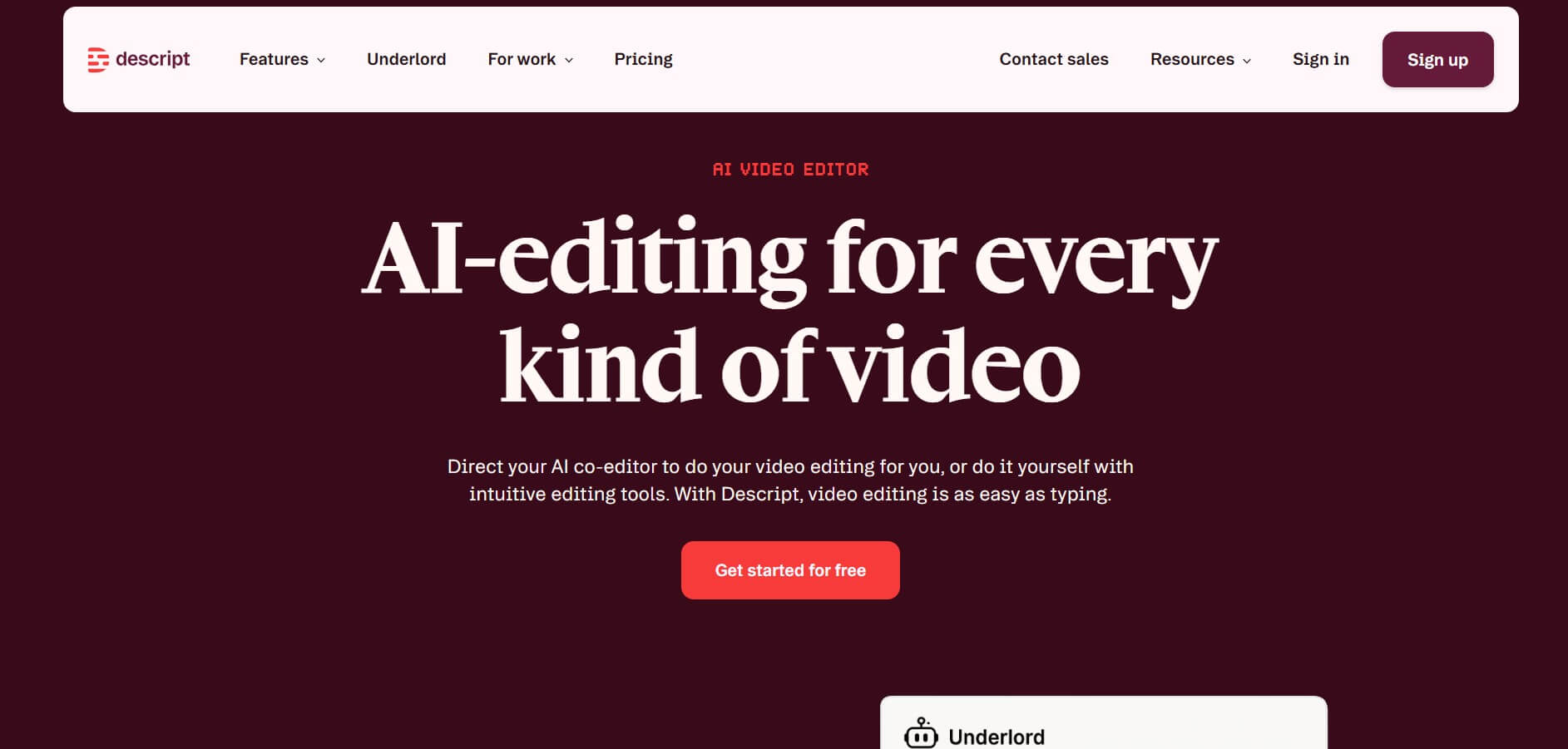
10. Descript
Available on: Web, Mac, Windows
Descript has the most unique editing workflow on this list — and consequently the steepest learning curve. However, for creators who produce spoken content regularly, that learning curve pays back in hours saved every single week.
Key features:
- Transcript-based video editing — edit video by editing text
- AI auto-captions with high accuracy
- Filler word removal
- Voice cloning technology
- Screen recording built in
- Audio and video combined editing
- 60 minutes free media per month
Pricing: Free plan with 60 minutes of media per month; paid plans for additional capacity
Platforms supported: YouTube, podcast platforms, TikTok, Instagram, LinkedIn
Pros:
- Most innovative editing workflow on this list
- Genuinely strong free tier
- Audio and video editing combined
- Filler word removal is immediately impressive
- Strong podcast and interview tools
Cons:
- Transcript-based paradigm requires adjustment period
- Less suitable for template-based social content
- Requires existing recorded footage to work with
Who should skip it: Marketers needing template-based or AI-generated video — Descript requires existing recorded footage or audio
Bottom line: Best free InVideo alternative for podcast creators and educators who want to edit spoken video content faster and smarter.
Full Feature Comparison — 10 Alternatives vs InVideo
The table below compares every InVideo alternative across seven core features — making it easy to identify which tool covers your specific workflow gaps at a glance.
| Tool | Video Creation | Scheduling | Design | AI Writing | Avatars | Collaboration | Free Plan | Price |
|---|---|---|---|---|---|---|---|---|
| Simplified | ✅ | ✅ | ✅ | ✅ | ✅ | ✅ | ✅ | $20/mo |
| InVideo | ✅ | ❌ | ❌ | ⚡ | ⚡ | ⚡ | ✅ | $15/mo |
| Synthesia | ✅ | ❌ | ❌ | ❌ | ✅ | ✅ | ✅ | $18/mo |
| HeyGen | ✅ | ❌ | ❌ | ❌ | ✅ | ⚡ | ❌ | $89/mo |
| Pictory | ✅ | ❌ | ❌ | ❌ | ❌ | ⚡ | ⚡ | $19/mo |
| PlayPlay | ✅ | ❌ | ⚡ | ❌ | ❌ | ✅ | ❌ | Enterprise |
| VEED | ✅ | ❌ | ⚡ | ❌ | ❌ | ✅ | ✅ | $9/mo |
| Riverside | ✅ | ❌ | ❌ | ❌ | ❌ | ✅ | ✅ | $15/mo |
| Runway | ✅ | ❌ | ❌ | ❌ | ❌ | ⚡ | ✅ | Credits |
| CapCut | ✅ | ❌ | ⚡ | ❌ | ❌ | ⚡ | ✅ | Free |
| Descript | ✅ | ❌ | ❌ | ❌ | ❌ | ✅ | ✅ | Free+ |
✅ = Available | ⚡ = Limited | ❌ = Not available
The pattern is impossible to ignore. InVideo has four consecutive ❌ marks across scheduling, design, AI writing, and avatars. Furthermore, Simplified is the only tool on this list — including InVideo — that covers all seven features without a single gap. Consequently, for marketers running a complete content workflow, the comparison makes itself.
Migration Guide — How to Switch From InVideo
Switching from InVideo takes less than one working day for most teams. The key is matching your current InVideo workflow to the right replacement before migrating — not after.
| If you use InVideo for… | Switch to… | Migration effort |
|---|---|---|
| Social media video creation | Simplified | Low — similar workflow, more features |
| Blog-to-video conversion | Pictory | Low — direct feature match |
| Corporate training videos | Synthesia | Medium — new avatar workflow |
| High-volume social clips | CapCut | Low — free, familiar interface |
| Podcast video editing | Descript or Riverside | Medium — new editing paradigm |
| Enterprise brand content | PlayPlay | High — new approval workflow setup |
| Creative AI generation | Runway | Medium — prompting learning curve |
| Budget-friendly editing | VEED | Low — intuitive browser-based editor |
3-Step Migration Process
Step 1 — Export Download all existing InVideo templates, assets, and brand kit files before cancelling your subscription. Furthermore, export any completed videos you may need to reference later.
Step 2 — Test Run your chosen alternative for one full week of content production before fully switching. Consequently, you will identify any workflow gaps before they become urgent problems.
Step 3 — Recreate Rebuild your top 5 most-used InVideo templates in the new platform before going live. Moreover, this process typically reveals features in the new tool that improve on what InVideo was doing.
How to Choose the Right InVideo Alternative
The right InVideo alternative comes down to one question answered honestly: what is the single biggest problem InVideo is causing your workflow right now?
| If your problem is… | Best tool | Starting price |
|---|---|---|
| InVideo is too restrictive overall | Simplified | $20/mo |
| Need better AI avatars | Synthesia | $18/mo |
| Need personalized sales video | HeyGen | $89/mo |
| Need to repurpose written content | Pictory | $19/mo |
| Need enterprise brand control | PlayPlay | Enterprise |
| Need budget-friendly editing | VEED | $9/mo |
| Need podcast and interview editing | Riverside | $15/mo |
| Need cutting-edge AI generation | Runway | Credits |
| Need completely free option | CapCut | Free |
| Need transcript-based editing | Descript | Free |
Furthermore, if your answer is “InVideo is too restrictive and I still need three other tools alongside it” — that is not an InVideo problem. That is a subscription sprawl problem. Consequently, Simplified is the only tool on this list that solves both simultaneously.
Start with your bottleneck. Match it to the tool. Test before committing. The right alternative pays for itself within the first week.
Frequently Asked Questions About InVideo Alternatives
What is the best InVideo alternative in 2026?
The best overall InVideo alternative in 2026 is Simplified because it replicates InVideo’s video creation capability while adding social scheduling, graphic design, AI writing, and workflow automation — all from $20/month.
Is Simplified better than InVideo?
Yes, for most marketers. Simplified does everything InVideo does plus graphic design, social scheduling, AI writing, and workflow automation. Furthermore, it costs only $4 more per month than InVideo’s unlimited plan while eliminating the need for 3–4 additional tools.
What are the main limitations of InVideo?
InVideo’s main limitations are its restrictive editing interface, lack of social scheduling, no graphic design tools, limited brand governance, and basic AI writing capabilities. Consequently, most InVideo users end up stacking additional tools alongside it to run a complete content workflow.
Which InVideo alternative is best for social media?
The best InVideo alternative for social media is Simplified because it combines video creation with social scheduling, graphic design, and AI caption writing — covering the full social media content workflow in one platform.
What is the best free InVideo alternative?
The best free InVideo alternatives are CapCut for short-form social video, Descript for podcast and interview editing, and Simplified’s free plan for an all-in-one solution covering video, design, writing, and scheduling at no cost.
Which InVideo alternative has the best AI avatars?
Synthesia has the best AI avatars on this list with 230+ options, emotion-based responses, and 140+ language support. However, HeyGen offers the largest pre-made avatar library with 300+ options and is rated G2’s top InVideo alternative overall.
What is the best InVideo alternative for enterprises?
The best InVideo alternatives for enterprises are Synthesia for training and communications content, PlayPlay for brand governance and team collaboration, and HeyGen for personalized multilingual video at scale.
Can Simplified replace InVideo completely?
Yes. Simplified replicates InVideo’s core text-to-video and template-based capabilities while adding social scheduling, graphic design, AI writing, workflow automation, and team collaboration. Consequently, it is the only tool on this list that fully replaces InVideo without requiring additional tools alongside it.
Which InVideo alternative is best for beginners?
The best InVideo alternatives for beginners are VEED for its intuitive browser-based interface, CapCut for mobile-first simplicity, and Simplified for its no-code editor that covers the full content workflow without a steep learning curve.
The Bottom Line
InVideo is a solid template-based video tool. For teams that only need high-volume social clips and nothing else, it works. But for everyone managing a full content workflow across multiple formats and platforms, the export-upload-schedule cycle between separate tools wastes real time and money.
The question isn’t “which tool makes the best videos?” It’s “which tool handles the most of your workflow without making you open another app?”
Here are the final verdicts:
| Use Case | Best Tool |
|---|---|
| Best overall | Simplified |
| Best enterprise | Synthesia |
| Best for avatars | HeyGen |
| Best for repurposing | Pictory |
| Best brand control | PlayPlay |
| Best budget | VEED |
| Best for podcasts | Descript or Riverside |
| Most innovative | Runway |
| Best free option | CapCut |
Test the free tiers. Run your actual workflow through each platform. Then pick the one that eliminates the most app-switching from your day.
Start creating with Simplified for free. Video, design, writing, and scheduling in one platform. No credit card required.